
Is your device ready for a new era of personal technology? Apple Intelligence marks the arrival of generative AI directly within your daily workflow, making your iPhone and Mac significantly faster and more intuitive. In this guide, we break down how the system works and everything you need to know to get started.
What is Apple Intelligence and What Can It Do?
Apple Intelligence is a personal intelligence system that leverages powerful generative models to streamline daily tasks. Unlike traditional cloud-based AI solutions, this system is integrated deep into the core of the operating system. This allows your device to understand your unique context—drawing from your emails, calendar events, and files—to provide assistance that is specifically relevant to you.
Privacy is the foundation of this system. Most data processing occurs on-device via the powerful Neural Engine within Apple Silicon. For more complex requests, Apple developed Private Cloud Compute (PCC), a unique server solution that processes data with end-to-end encryption. Data is never stored, and even Apple cannot access it, ensuring that AI convenience never comes at the expense of your security. You can read more about how Apple device privacy in 2026 is being reimagined.
Key Features on iPhone and Mac
Apple Intelligence is more than just a standalone app; it is a suite of tools woven throughout the entire user interface. One of the most practical additions is Writing Tools, which allows you to rewrite, proofread, or summarize text in nearly any app where you can type. Whether you need to strike a more professional tone in an email or extract key takeaways from a long note, it acts as your personal editor.
The Photos app now includes the Clean Up tool, enabling you to remove distracting background objects with a single tap while maintaining the original photo quality. Siri has also undergone a total transformation. The redesigned assistant is more natural, maintains better conversational context, and possesses “on-screen awareness,” allowing it to perform actions across different apps. For instance, Siri can now find flight details in an email and automatically add them to your calendar. Discover more details in our article on Siri updates in 2026.
Additionally, the system introduces Visual Intelligence, allowing the iPhone camera to interpret what is happening in front of the lens in real-time. This helps you identify objects, copy text from the physical world, or quickly gather information about your surroundings. These capabilities make the user experience significantly more dynamic, though they do require substantial hardware power, as discussed in Best features of iOS 26.
Which Devices Support Apple Intelligence?
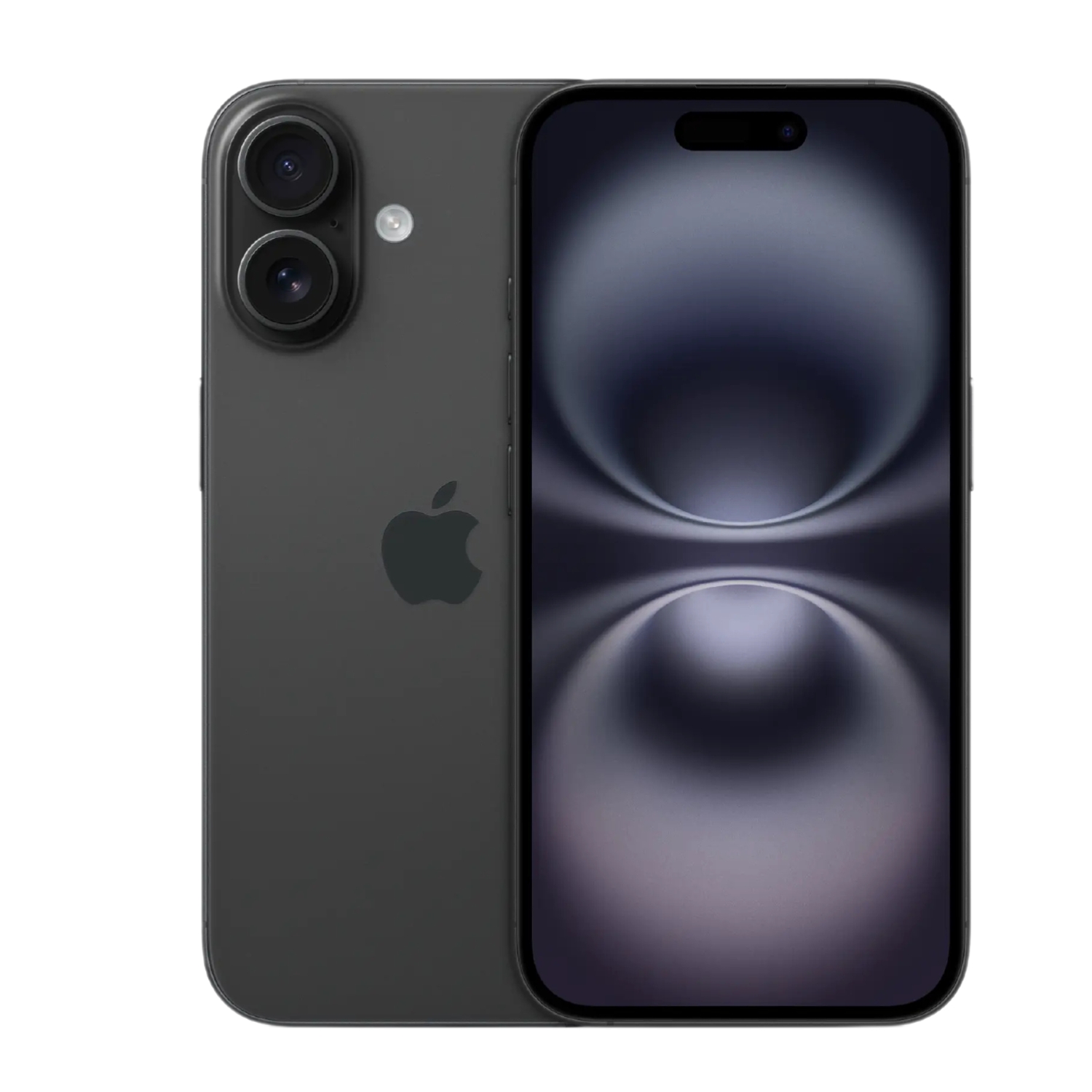
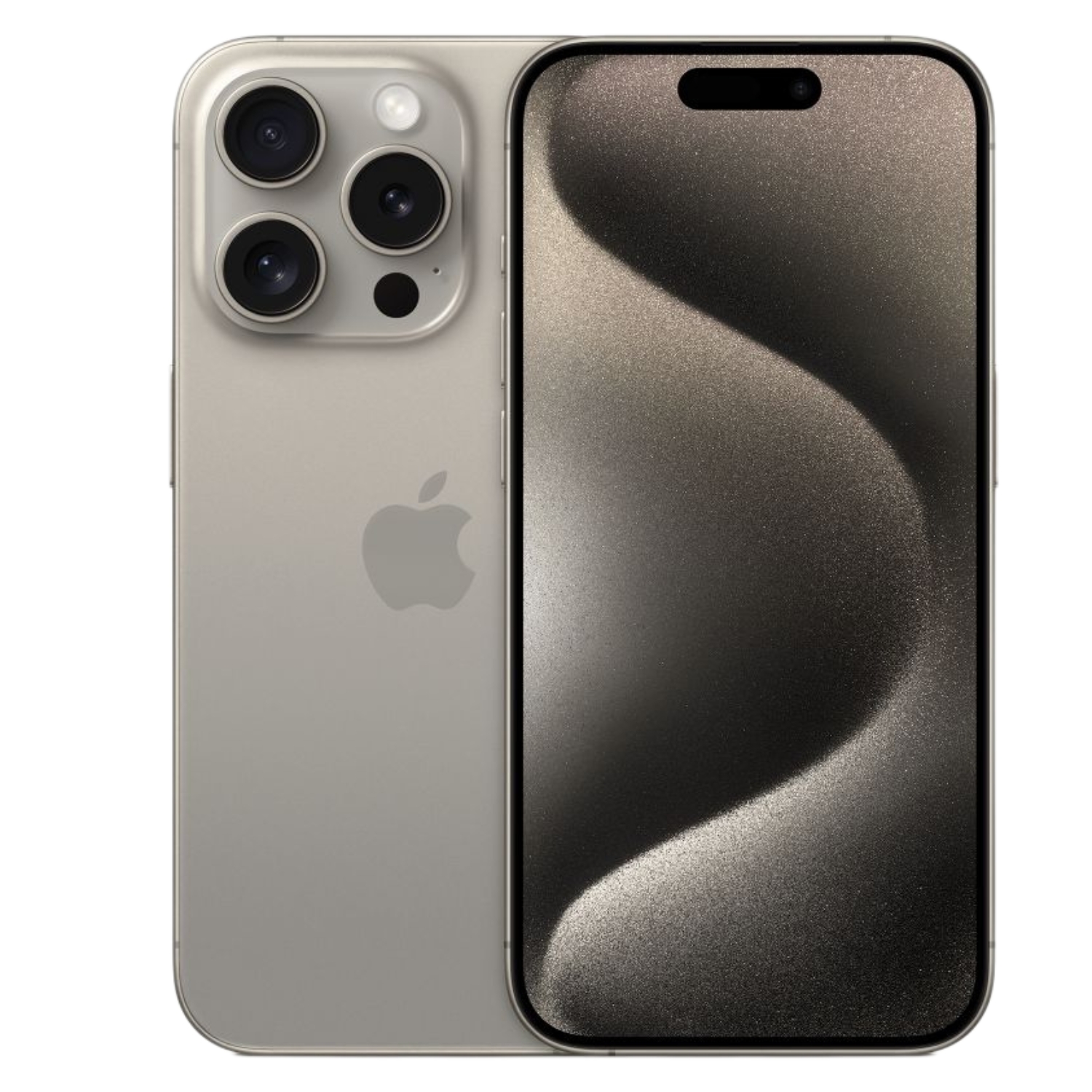
Because generative AI requires high computational power and at least 8 GB of RAM, these features are not available on older models. Apple Intelligence requires a modern chipset capable of managing complex machine-learning models in real-time.
Supported iPhone models:
- iPhone 15 Pro and iPhone 15 Pro Max (with A17 Pro chip)
- iPhone 16 series, including 16 Pro and Pro Max (with A18/A18 Pro chips)
- iPhone 16e and all subsequent models
Supported iPads and Macs:
- iPad Pro and iPad Air models with at least an M1 chip
- All Mac computers powered by M1, M2, M3, or M4 series chips
If your current device isn’t compatible, refurbished devices offer an excellent way to access this technology at a much lower price point. Our inventory includes certified devices that support all the latest features. Explore our selection of refurbished iPhones or browse our refurbished Mac offers.

How to Set Up and Use Apple Intelligence
To activate Apple Intelligence, your device must be running the latest software version. For users in Estonia, it is important to note that while the feature is technically available, functionality depends on your device and Siri language settings, as Estonian is not currently supported.
Follow these steps to activate it:
- Open Settings and select Apple Intelligence & Siri.
- Toggle Apple Intelligence on; your device will then begin downloading the necessary models over Wi-Fi.
- Ensure your device and Siri language are set to a supported language (such as English, French, or German).
- Note that downloading AI models requires at least 7 GB of free storage space.
If the models fail to download, it is often due to insufficient storage. In this case, our guide on how to free up iPhone storage space can help. Once the download begins, it is recommended to keep your device connected to power until the initial indexing is finished.
Privacy and ChatGPT Integration
Apple has also integrated ChatGPT support into its ecosystem, providing access to a broader global knowledge base. This integration is entirely optional and requires explicit user consent. If you wish to use ChatGPT for complex creative tasks or image generation, you can enable it within the same Apple Intelligence settings menu.
Security remains the priority: your IP address is masked, and OpenAI does not store your queries without your permission. This is part of a holistic focus on security that defines Apple’s latest solutions. For example, iPhone eSIM setup also enhances physical security by eliminating the risks of a physical SIM card. Apple Intelligence is built to be a powerful assistant that respects your privacy every step of the way.
Check out our blog for more tech insights and news. To stay updated on Upgreat campaigns, follow us on FB or Instagram.


