
Buying the wrong Apple Pencil can be an expensive mistake, as compatibility and features vary significantly between models. In this guide, we’ll break down the differences between the 1st and 2nd generation models, as well as the USB-C version, so you can choose the right stylus for your iPad from Upgreat’s affordable selection.

A Quick Overview of Apple Pencil Models
Before you buy, it is important to understand exactly what is on the market. Apple’s lineup currently features three main models, each catering to a specific audience and technical need. The right choice depends largely on whether you need a professional digital art tool or a simple stylus for note-taking.
The Apple Pencil (1st generation) is the classic choice that introduced pressure sensitivity and tilt support to the iPad. This cylindrical stylus charges via a Lightning connector hidden under the cap. It remains a popular option because it is compatible with many affordable and older iPads, offering an excellent drawing experience.
The Apple Pencil (2nd generation) is the undisputed favorite among professionals. It features a matte finish and a flat edge that snaps magnetically to the side of the iPad for charging. Beyond the convenience of wireless charging, it supports a double-tap feature to switch between tools. Offering superior comfort and precision, it is the ideal companion for newer Air and Pro models.
The Apple Pencil (USB-C) is a more budget-friendly alternative that is perfect for note-taking. However, it is important to note that this model lacks pressure sensitivity, making it less than ideal for artists who need to control line weight through pressure. That said, it is a durable and reliable option for students and office workers.
Compatibility: Which Pencil Works with Your iPad?
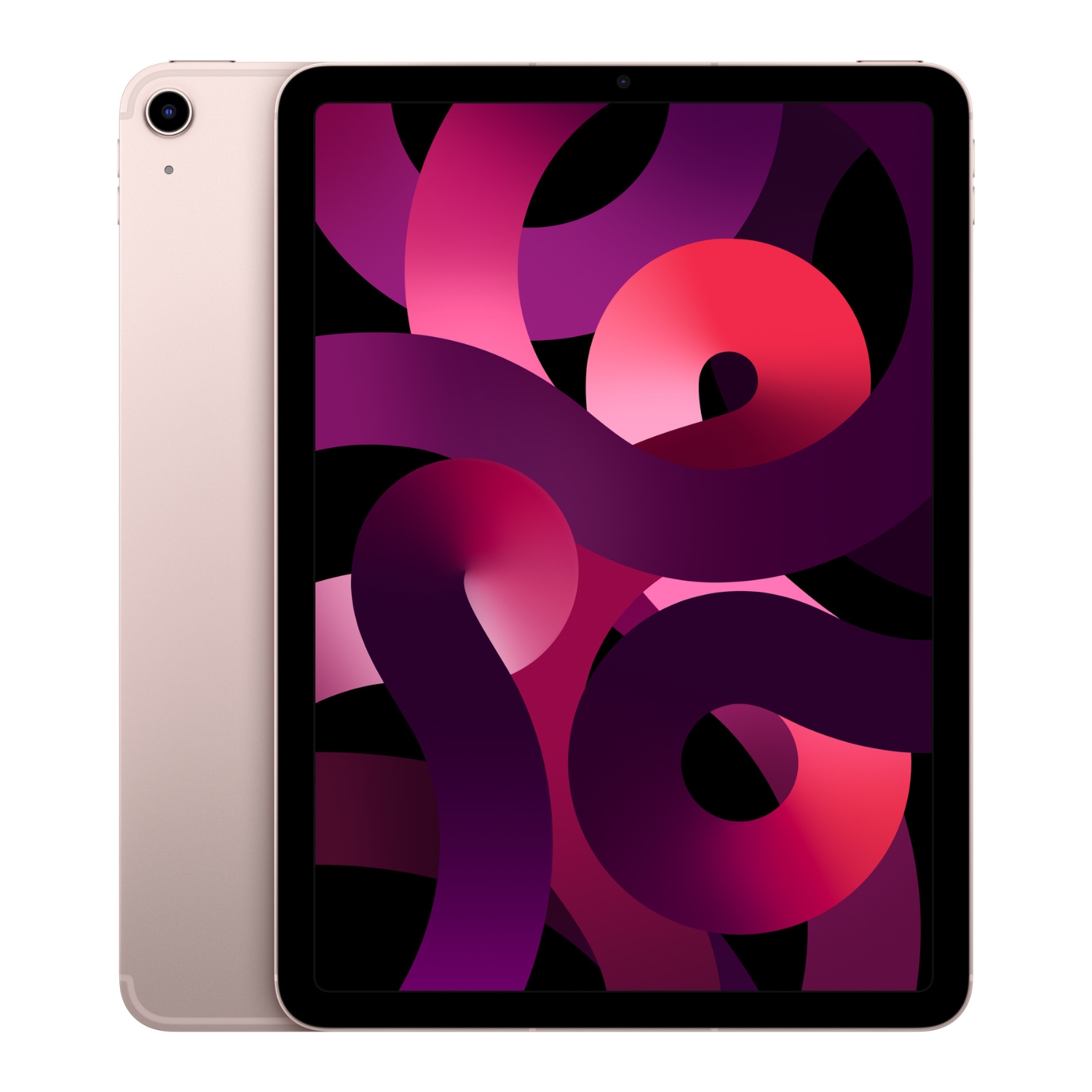
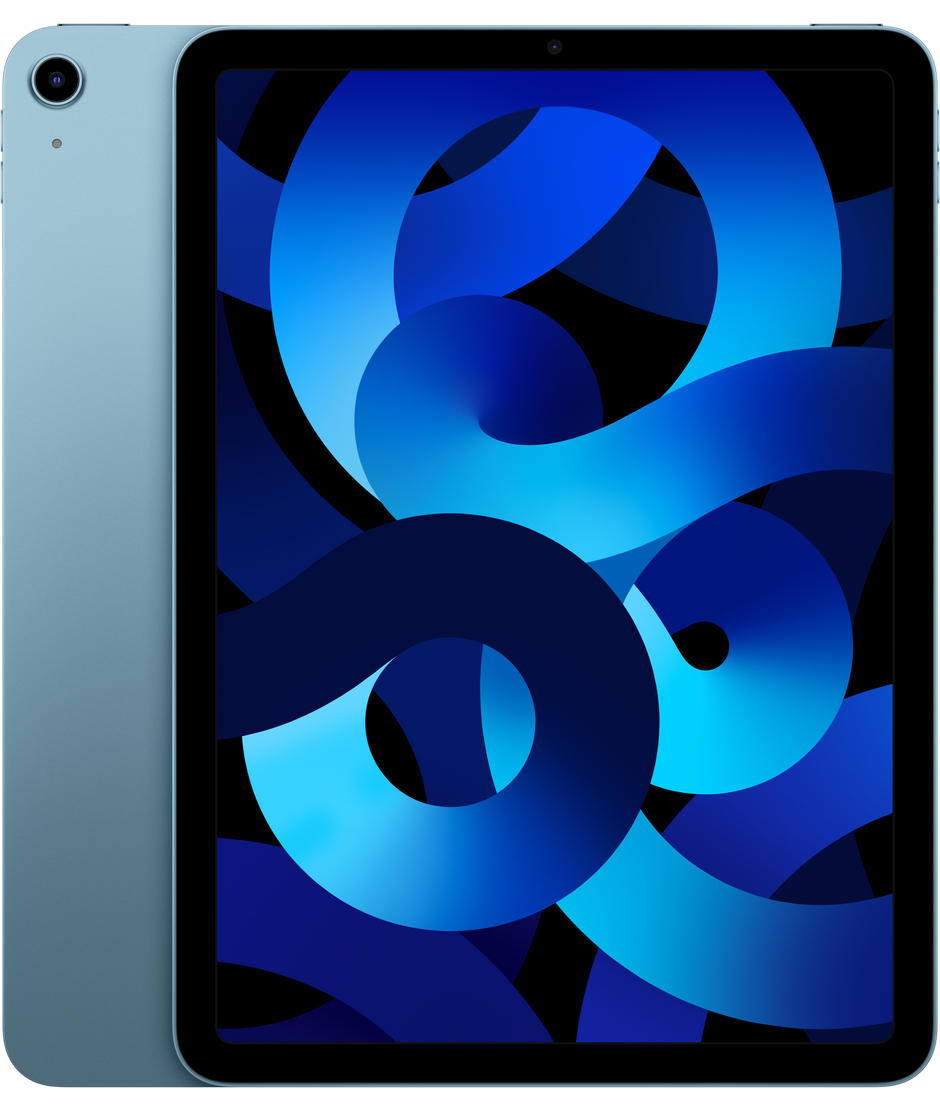
Compatibility is the most critical factor when making your choice, as the wrong pencil simply will not pair with your screen. The Apple Pencil (2nd generation) is designed for newer, more powerful devices. It works with iPad Air models (4th generation and later), all 11-inch iPad Pros, and 12.9-inch iPad Pro models (3rd generation and later). It is also the correct choice for the iPad mini (6th generation). If you have a modern iPad Pro or Air, the 2nd generation pencil is usually your best bet for comfort and performance.
In contrast, the Apple Pencil (1st generation) supports older and base-level models. It works with the iPad mini (5th generation), iPad Air (3rd generation), and standard iPads (6th through 9th generation). It also suits older Pro models, such as the 12.9-inch (1st and 2nd gen), 10.5-inch, and 9.7-inch iPad Pro. It is important to remember that using the 1st generation pencil with the 10th generation iPad requires a special USB-C adapter.
If you aren’t sure which tablet you own or which model best fits your needs, check out our iPad Pro vs iPad Air comparison to help make an informed decision.
Features and User Experience Compared
Once you have sorted out compatibility, it is worth looking at the specific features. Do you need the pencil for art or just for taking notes in meetings? Charging and storage are significantly more convenient with the 2nd generation model, as it magnetically attaches to the side of the iPad to charge wirelessly. The 1st generation pencil must be plugged into the iPad’s charging port, and without a magnetic attachment, it is easier to lose in your bag.
When it comes to drawing performance, the 1st and 2nd generation models are quite evenly matched, both offering excellent pressure sensitivity and tilt support. This means that pressing harder creates a thicker line, just like a real pencil on paper. The USB-C model lacks this feature, meaning the line usually stays a uniform thickness. For digital artists, we strongly recommend avoiding the USB-C model and choosing either the 1st or 2nd generation instead. Read more about the best iPad for drawing to find your ideal setup.
Why Buy a Refurbished Apple Pencil?
Apple accessories are famous for their durability and build quality, making them perfect candidates for the secondary market. By purchasing a refurbished Apple Pencil from Upgreat, you get a reliable device at a significantly lower price than buying brand new. It is a smart way to access top-tier technology without breaking the bank.
Our technicians thoroughly inspect every device, ensuring the battery life is healthy and the tip is not worn out. Additionally, we offer a 2-year warranty on all products, including accessories. This gives you peace of mind that you typically wouldn’t get when buying from a private seller. It is also an eco-friendly choice, as every refurbished product helps reduce electronic waste. If you are looking for other gear to go with your pencil, check out our selection of iPads to complete your set.
Complete Your Setup with the Right Accessories
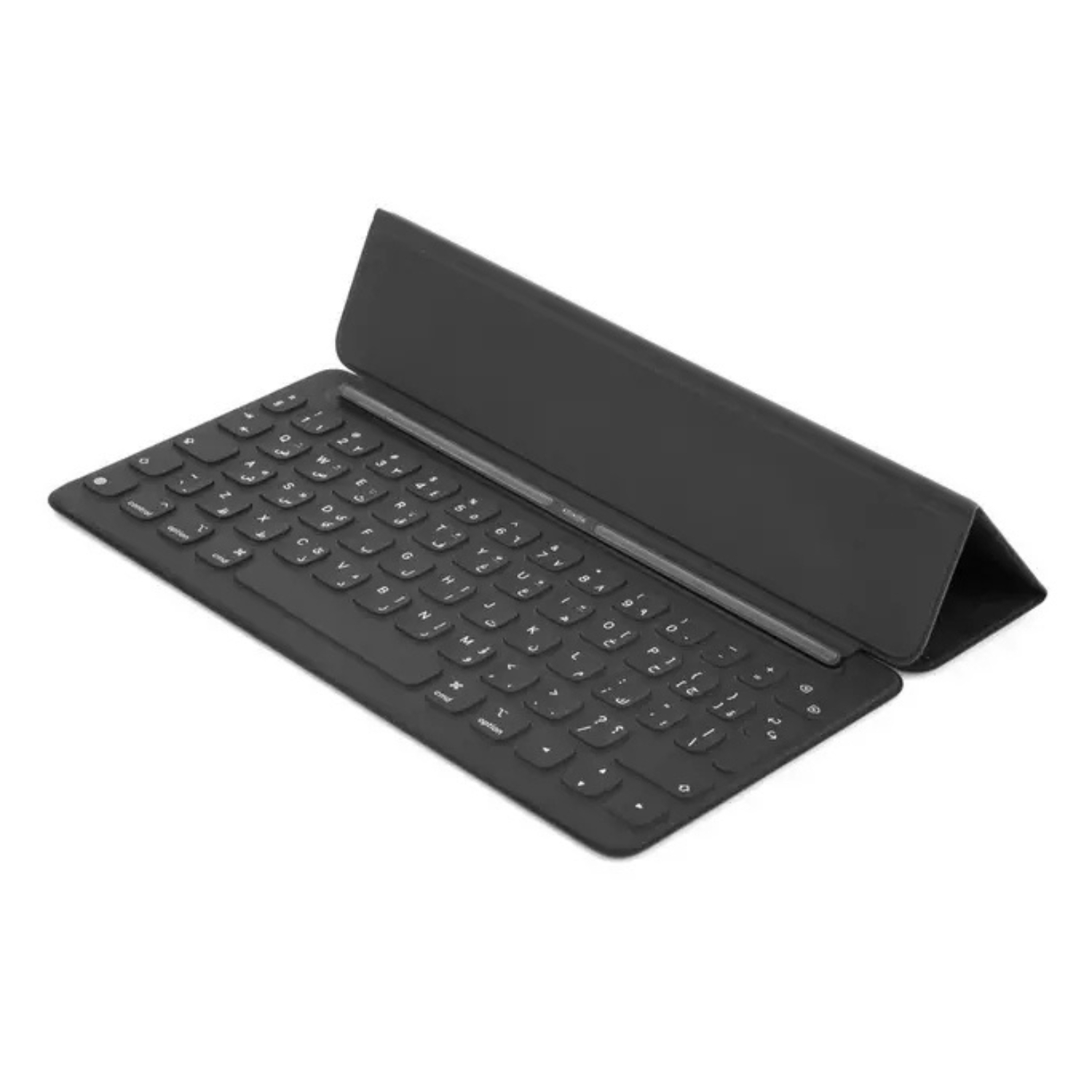
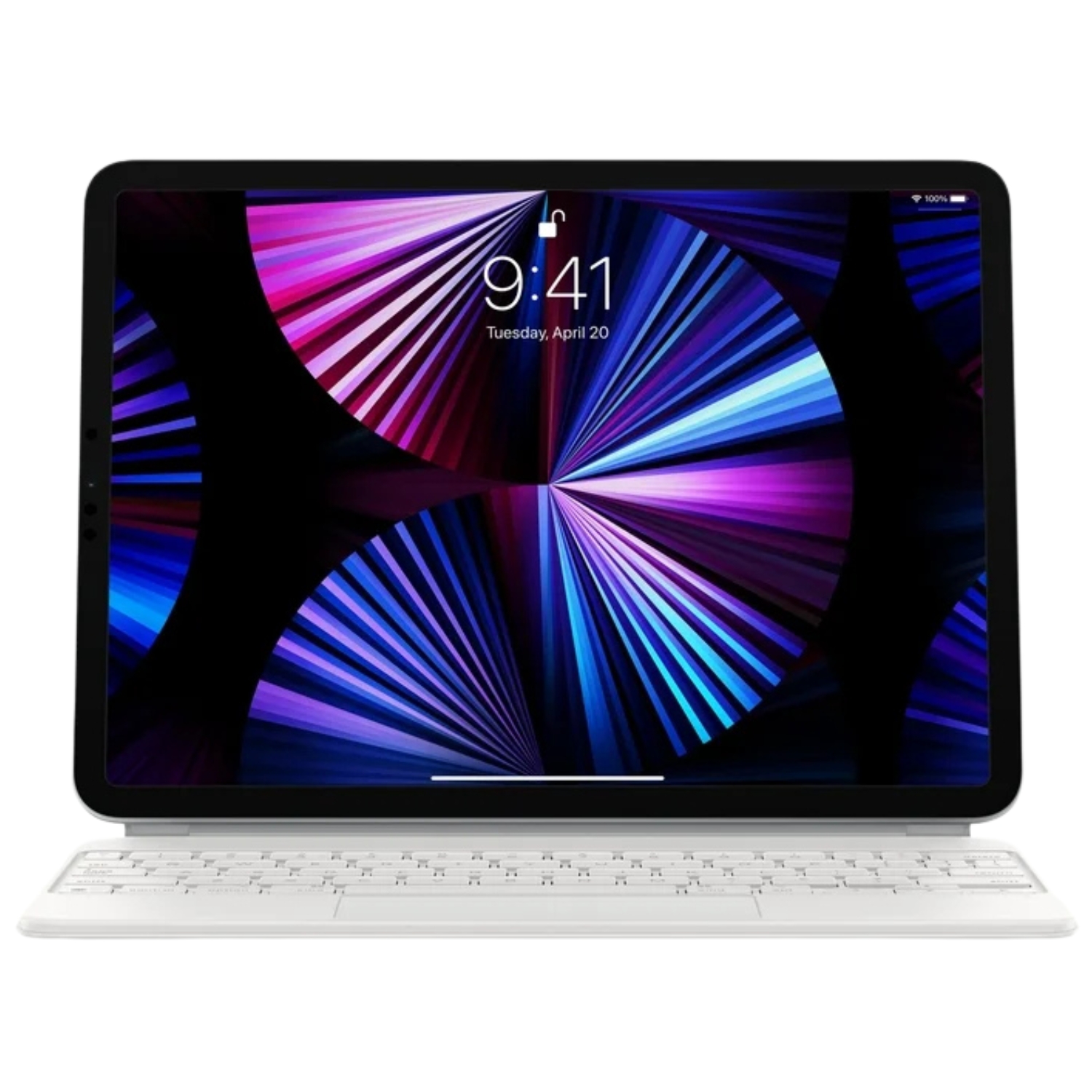
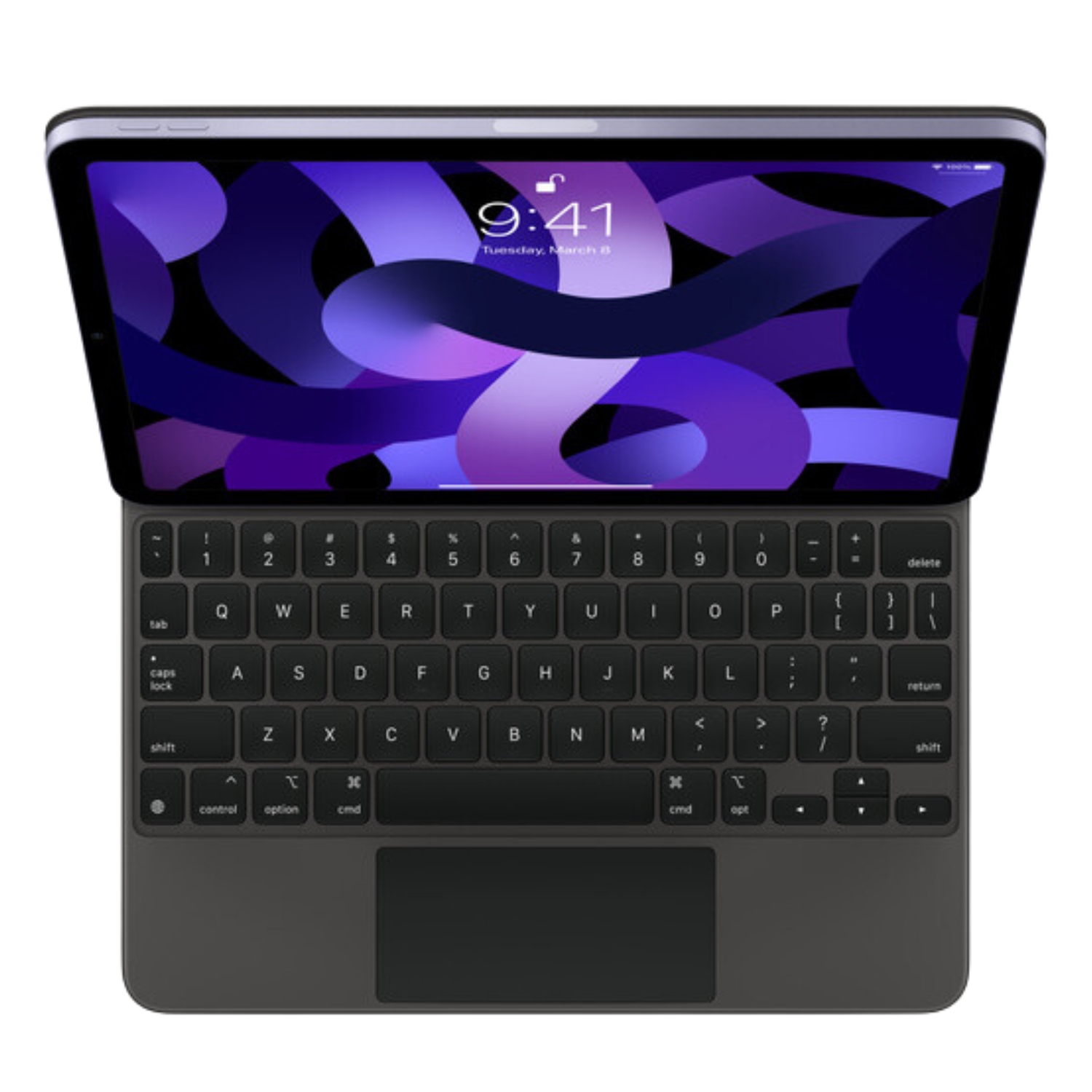
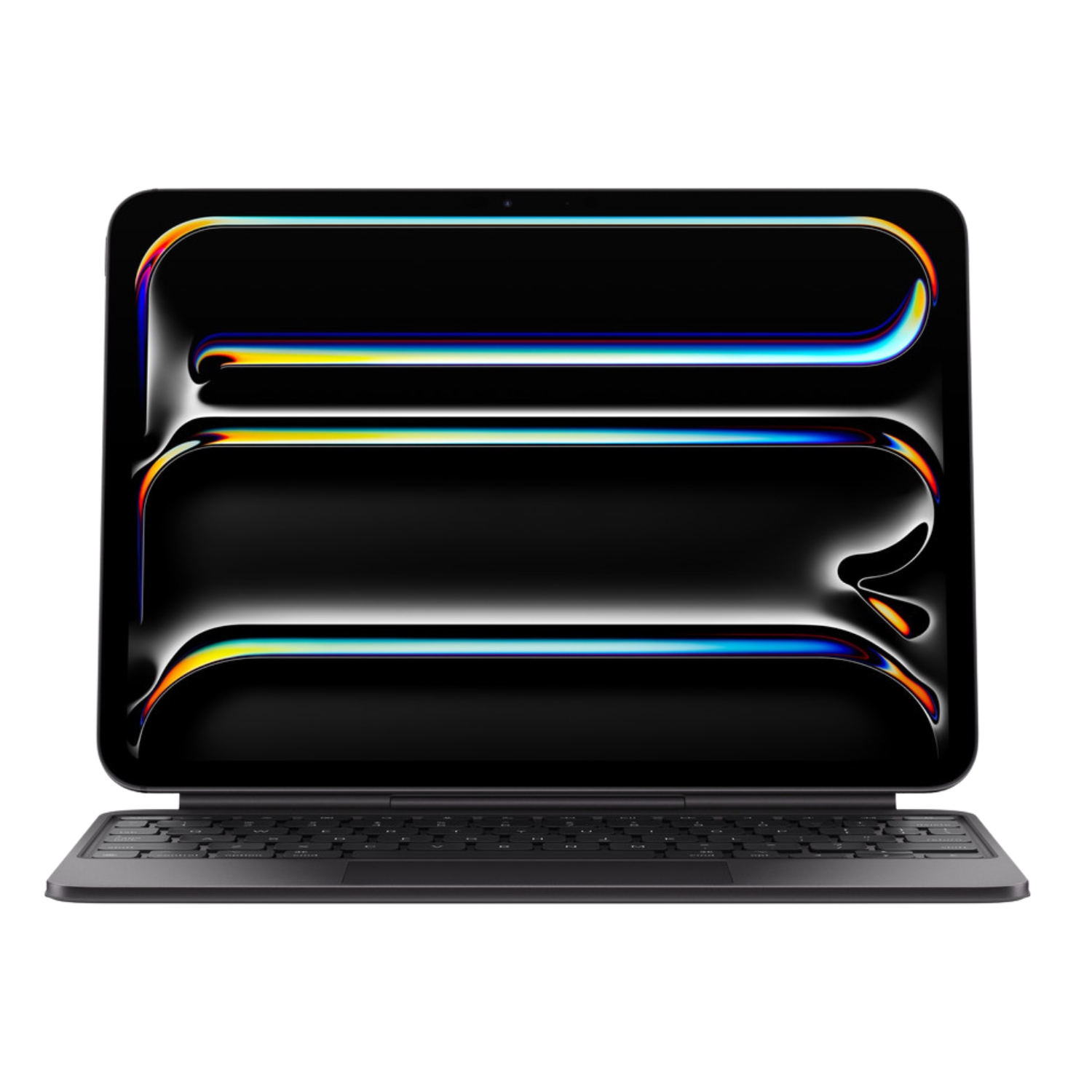
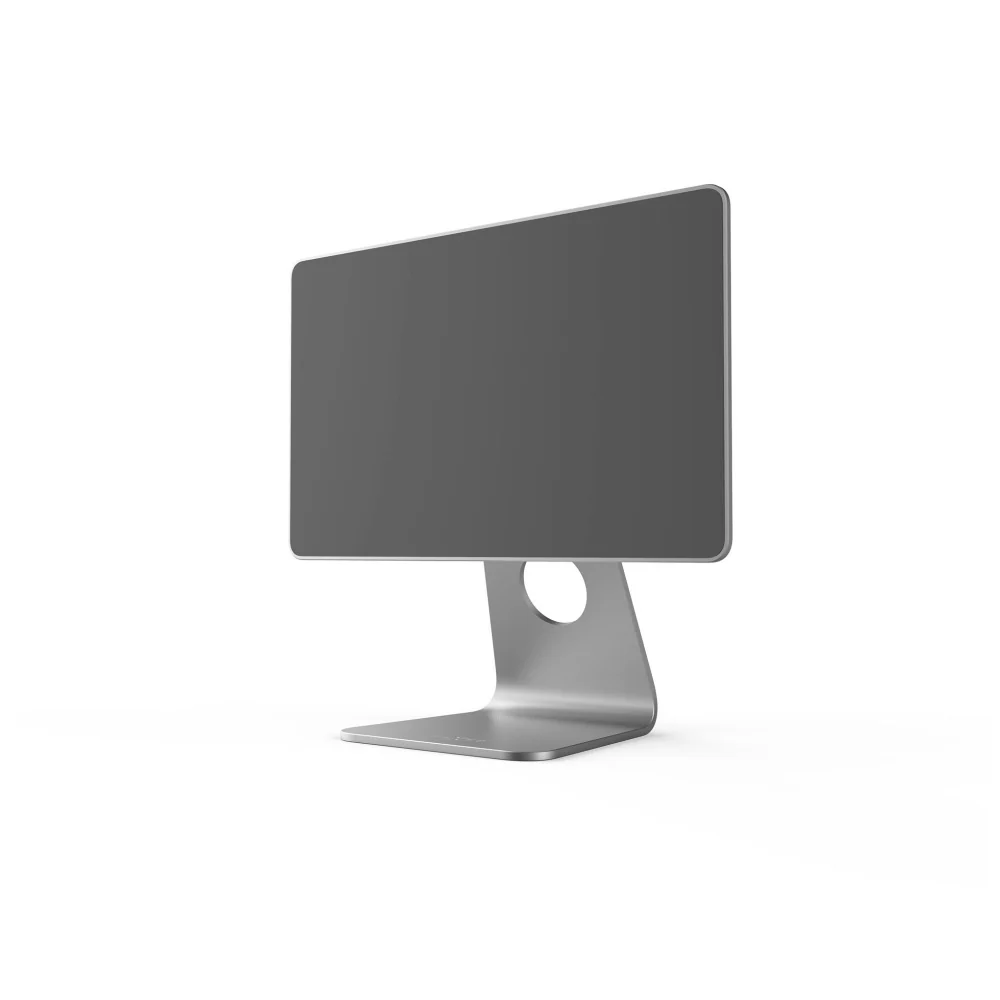
The Apple Pencil is just one part of the perfect iPad experience. To protect your investment and improve your workflow, it is worth considering a few extra accessories. If you plan to write a lot, a physical keyboard is indispensable. The Magic Keyboard essentially turns your iPad into a laptop, offering a great typing experience and a trackpad.
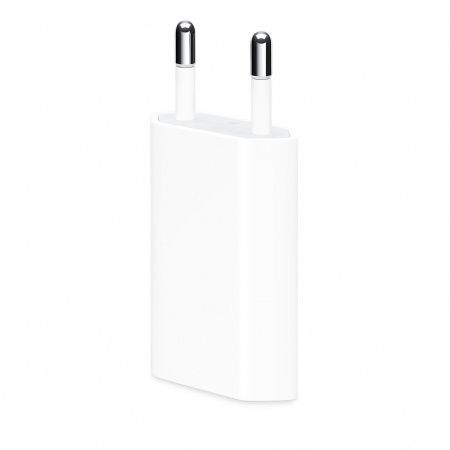
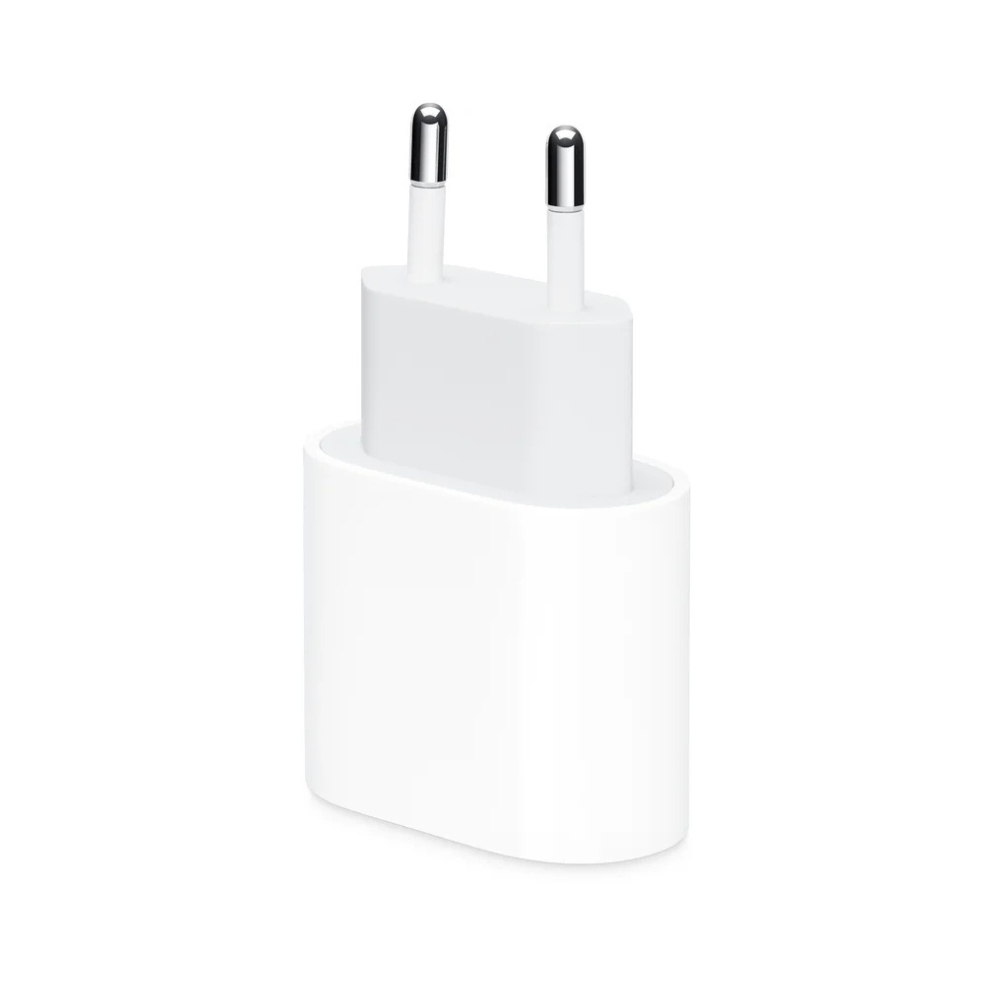
Screen protection is also key. Special screen protectors can offer a paper-like texture, which makes writing and drawing feel more natural and reduces slippage. Don’t forget about power, either. Although the 2nd generation pencil charges on the side of the iPad, the tablet itself needs a fast, high-quality charger to ensure your work never has to stop halfway through.
Summary: Which is the Best Choice for You?
The final decision comes down to your iPad model and your budget. If you have a newer iPad Air or Pro, the Apple Pencil (2nd generation) is undeniably the best choice thanks to its magnetic charging and advanced features. For owners of older models or the base-level iPad, the Apple Pencil (1st generation) remains a very capable tool. If you only need a stylus for simple notes and want to save money, the USB-C model may be sufficient. By purchasing from Upgreat, you can be sure you are getting a tested, working device with a warranty—all while saving money.
Check out our blog for more reviews, trends, and news. To stay up to date with Upgreat campaigns, follow us on FB or Instagram.


