
Is your Apple Watch lasting all day? Or have you discovered that you need to charge your watch already by dinner time? Battery life is one of the most important factors when choosing a smartwatch, but official data and actual user experience can often differ. Let’s take a closer look at what the actual battery endurance is like across different Apple Watch models.

Official operating time data: what does Apple promise?
Apple has remained fairly consistent with its battery life promises for its latest watch series:
- Apple Watch Series 11 (GPS/GPS+Cellular): up to 24 hours of normal use, based on 300 time checks, 90 notifications, 15 minutes of app use, one 60-minute workout with Bluetooth music, and 6 hours of sleep tracking within a 24-hour period
- Apple Watch Ultra 3: up to 42 hours of normal use and up to 72 hours in power save mode
- Apple Watch SE 3 (GPS/GPS+Cellular): all-day 18-hour battery life, based on typical morning-to-evening usage
Fast charging capabilities also differ:
- Watch Series 11: 15 minutes of charging provides up to 8 hours of operation
- Watch Ultra 3: 15 minutes of charging provides up to 12 hours of operation
Older models like Series 7, 8, and 9 generally promise about 18 hours of operation, but actual usage time can vary significantly.
What affects Apple Watch battery life?
There can be several reasons for fluctuations in Apple Watch battery endurance:
- Display settings – “Always On” display can reduce battery life by up to 30%
- Workout tracking – Workouts with continuous GPS and heart rate monitoring drain the battery quickly
- Cellular data – Cellular connection consumes significantly more battery than WiFi
- Number of notifications – Frequent incoming notifications constantly activate the display and drain the battery
- Temperature – Battery life decreases noticeably in very cold or hot conditions
- App usage – Some apps, especially those that continuously use GPS or other sensors, consume more battery
- Battery age and condition – As maximum battery capacity decreases, so does battery life
Realistic daily usage across different models
Apple Watch Series 11 and Series 10
In reality, the Series 11 should last an entire day even with active use. With a 1-2 hour workout during the day, the battery might remain at 30-40% by evening. In power save mode, the battery can last up to 38 hours.
Apple Watch Ultra 3 and Ultra 2
The Ultra series are designed for extreme athletes and longer adventures. For the average user, the battery might last even 2-3 days if long workouts are avoided. For outdoor workouts with GPS, the battery lasts about 20 hours, and in power save mode even up to 35 hours.
Apple Watch Series 7-9
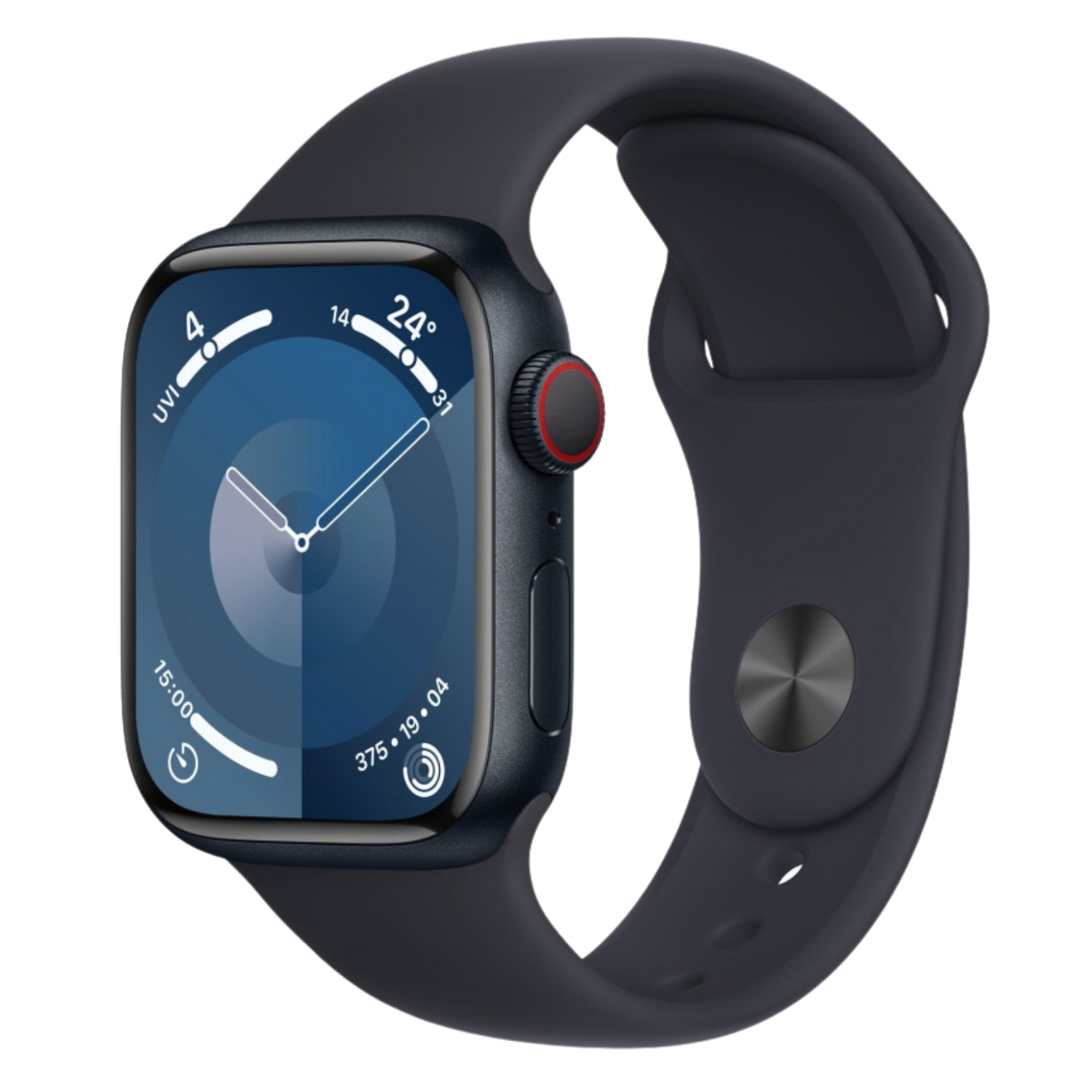
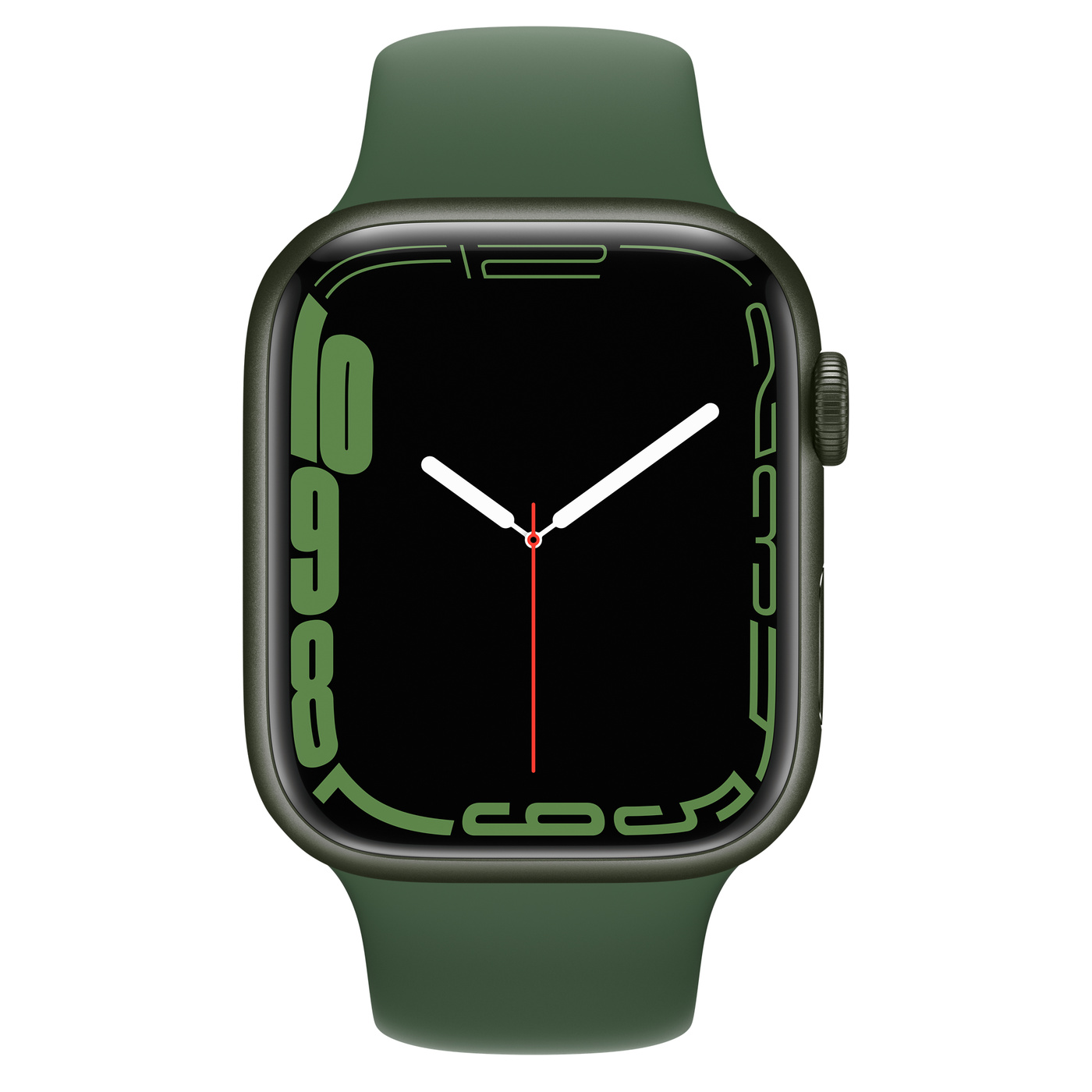
For the average user, the battery lasts about 18 hours, but with the “Always On” display and multiple workouts, the battery might deplete in just 12-14 hours. In power save mode, you might reach about 30 hours.


Apple Watch SE 2 and SE 3
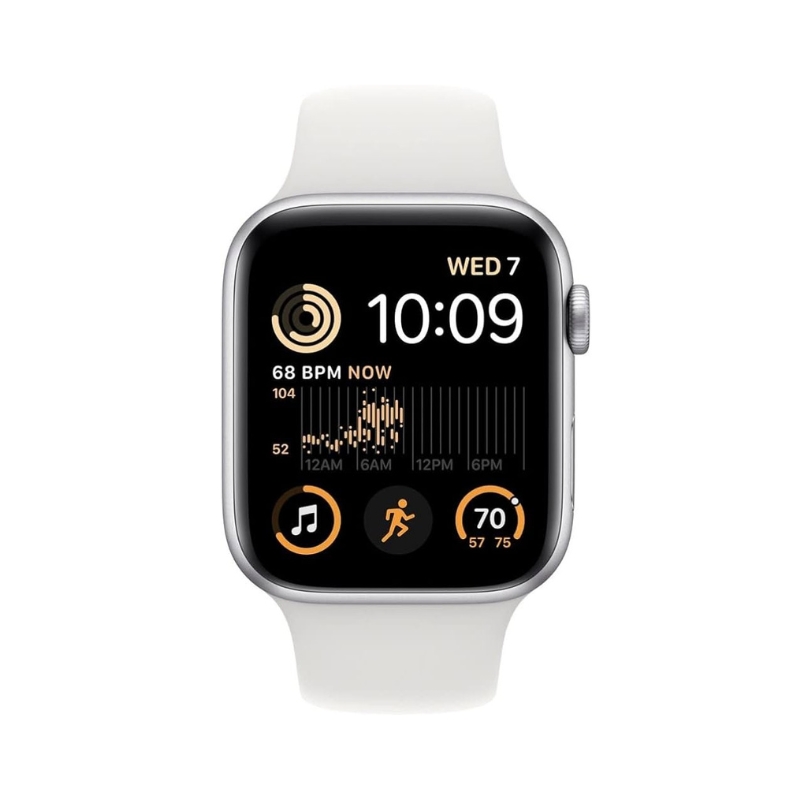
SE models are less energy-demanding since they lack the “Always On” display. With typical use, the battery can last 20-24 hours and in power save mode up to 32 hours. These are good choices for users looking for better battery life at a more affordable price point.
Apple Watch Ultra series
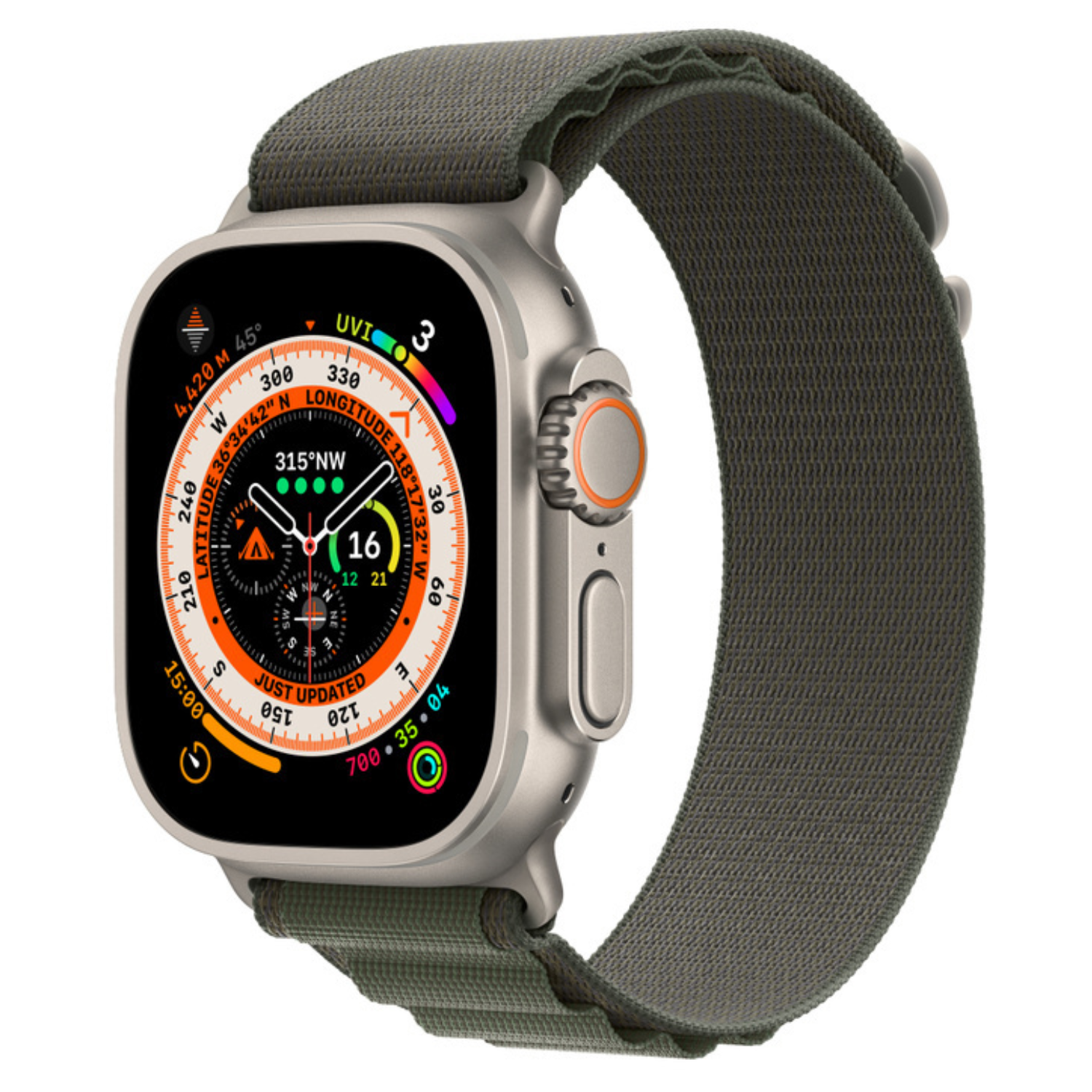
Ultra models clearly have the best battery life, as their batteries are simply physically larger. A regular user could expect 2-3 days of operation under normal conditions.

Comparison with older generations
Battery technology has improved slightly year by year, but energy consumption has also noticeably increased due to new features:
- Series 4-6 models last about 14-16 hours of normal use
- Series 1-3 models work for about 12-14 hours, but newer software updates may further reduce battery life
Practical tips for extending battery life
Some simple steps to help extend your Apple Watch’s battery life:
- Reduce screen brightness – Higher brightness consumes significantly more energy
- Turn off “Always On” display – This can extend battery life by up to 30%
- Limit notifications – Only send the most important notifications to your watch
- Use power save mode – Especially on longer days or trips
- Turn off automatic workout detection – This feature consumes a lot of battery
- Reduce alarm volume – Strong vibration and loud sound use more energy
- Update your watch software – Apple’s updates often include energy efficiency improvements
For longer outdoor workouts, it’s worth bringing a portable charger:

When should you consider a battery replacement?
Like with iPads and iPhones, the Apple Watch battery also degrades over time. According to Apple’s technical specifications, a battery is considered good if it retains at least 80% of its original capacity. If you notice that your watch doesn’t last even half a day anymore or shuts down unexpectedly, it might be time to replace the battery.
UPGREAT’s refurbished Apple Watches undergo thorough testing to ensure battery health corresponds to at least 80% of original capacity.
Summary: does the Apple Watch last in everyday life?
For most users, Apple Watch battery life is sufficient to cover a typical day. For more intensive activities or longer days, you may still need to charge your watch during the day. The Ultra series clearly offers better endurance, but is also more expensive.
As a convenient and well-functioning solution, you might consider using charging stations that allow you to simultaneously charge your watch, phone, and earbuds:
If you have questions or need advice regarding your Apple Watch battery issues, you can always contact UPGREAT customer service. Our certified technicians will assess your watch’s battery condition and provide recommendations.
Also check out our blog, where we share reviews of trends and news.
To stay updated with Upgreat campaigns, add us as a friend on FB or follow us on Instagram.


