
The era of portable devices has fundamentally changed our computing habits. More and more people are asking themselves whether a powerful iPad Pro could be sufficient to replace a traditional laptop. Especially now that new iPad Pro models offer powerful M4 chips and more refined iPadOS software.
iPad Pro as a Laptop Alternative: Pros and Cons
First, let’s look at what makes the iPad an attractive laptop alternative.
Pros
- Power equivalent to a laptop – iPad Pro with M4 chip performance metrics are comparable to laptops, offering sufficient power for most workflows
- Portability and battery life – Thinner, lighter, and longer battery life than most laptops
- Touchscreen and Apple Pencil support – Offers unique work possibilities that traditional laptops don’t provide
- Cellular connectivity – Possible to add 4G/5G connection, ensuring internet access everywhere (optional feature with additional cost)
Cons
- iPadOS limitations – Despite having the same hardware as MacBooks, iPadOS has different software limitations compared to macOS
- Multitasking challenges – Although iPadOS has improved in managing multiple windows, it still falls behind macOS or Windows systems
- High total cost with accessories – iPad Pro along with Magic Keyboard, Apple Pencil, and possible dongles can cost more than a comparable MacBook
Productivity and Workflows on iPad
The usability of an iPad largely depends on the nature of your work.
Everyday Tasks
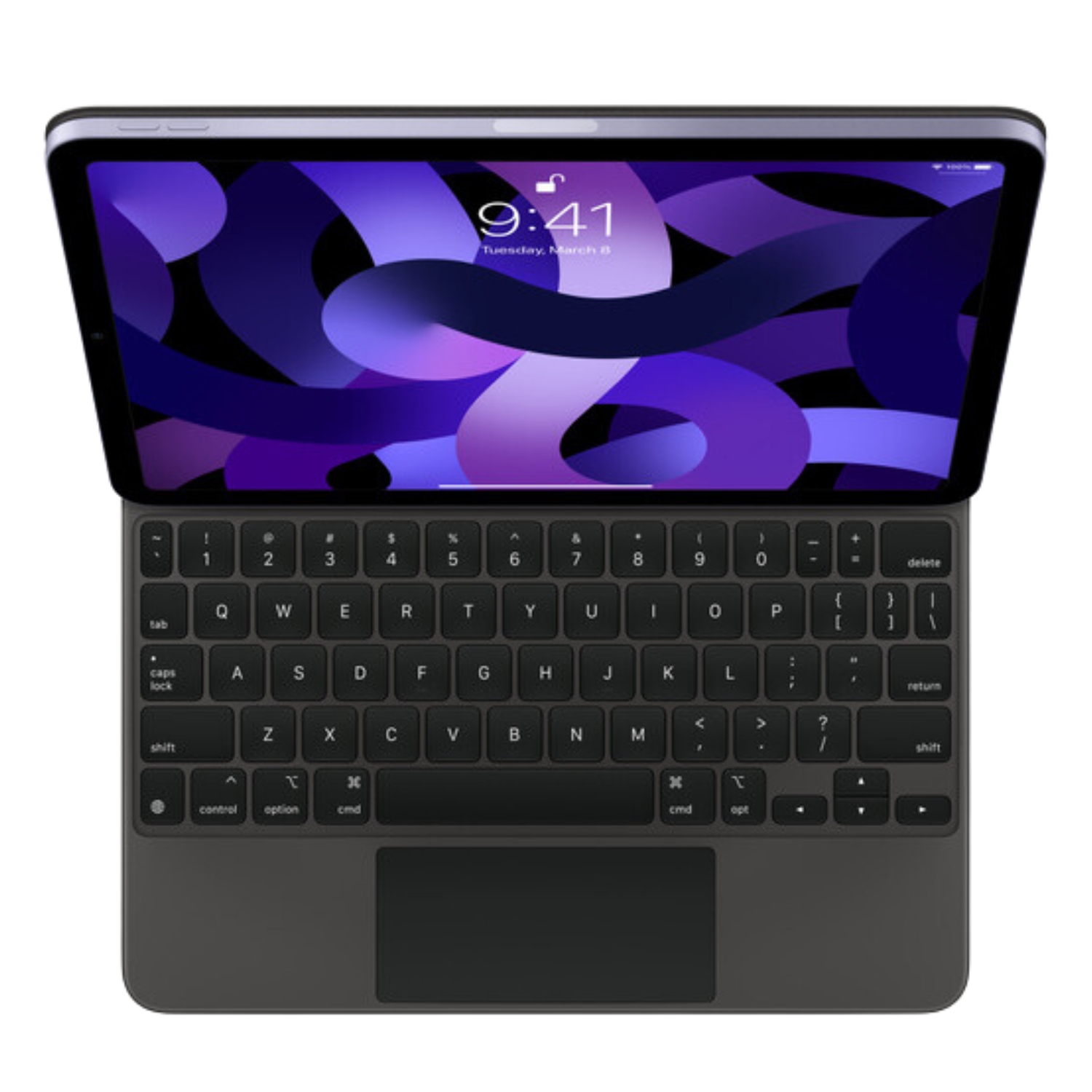
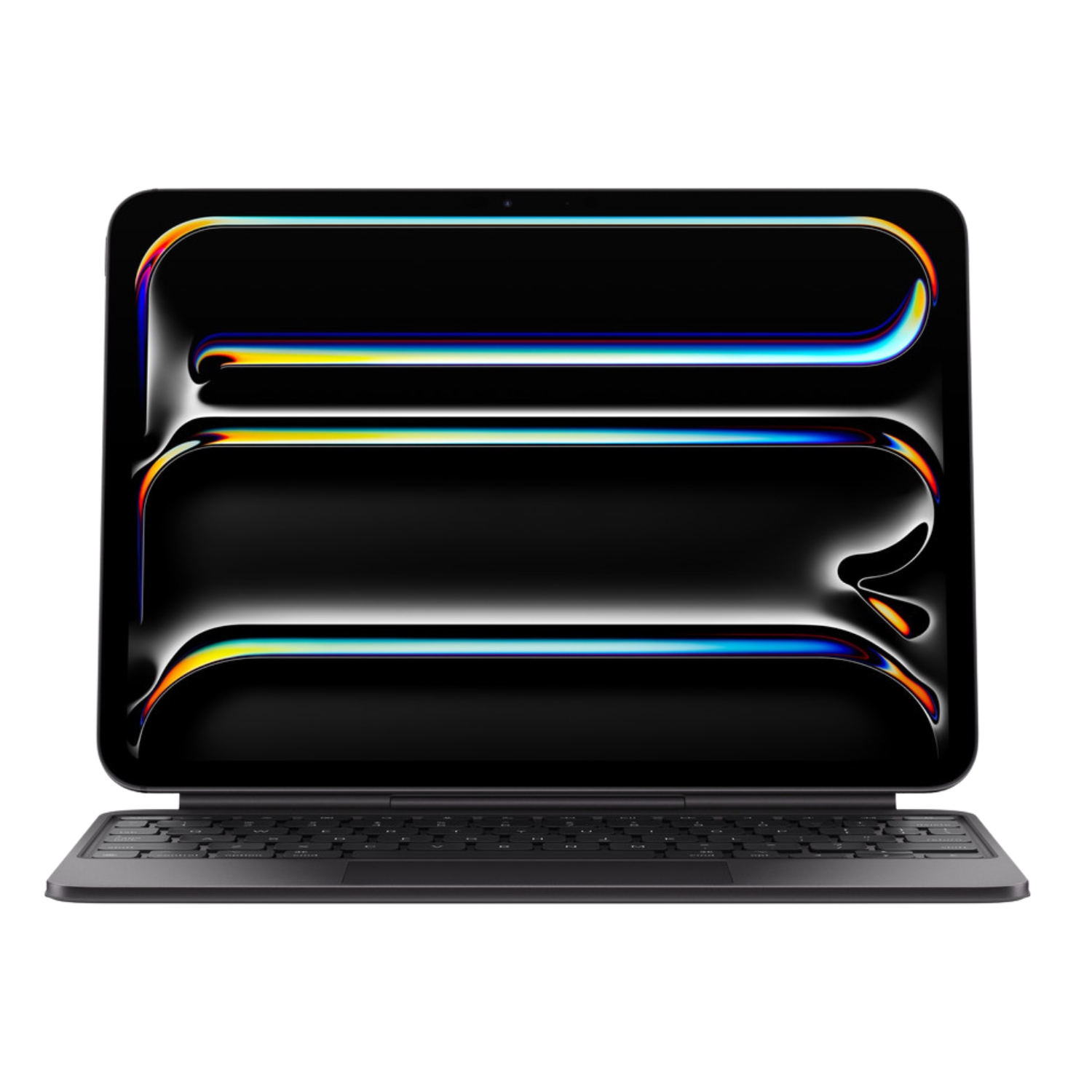
For web browsing, email composition, document work, and media consumption, the iPad can even be better than a laptop. The touchscreen makes many tasks intuitive, and the Magic Keyboard adds a traditional keyboard experience.

Creative Work
iPad is excellent for drawing, taking notes, and photo editing. The Apple Pencil is an indispensable tool for artists, designers, and note-takers, offering precision and natural drawing experience that even a MacBook cannot provide.
One user experience shows that iPad Pro allows taking pictures and adding handwritten notes or arrows, which is a very useful feature in creative work. However, there are significant limitations for professional workflows.
Multitasking and Productivity
iPadOS has significantly improved in multitasking over the years, but it still falls short of a full laptop experience. Stage Manager now allows for multiple active windows and external monitor support, but the experience isn’t as smooth as on macOS.
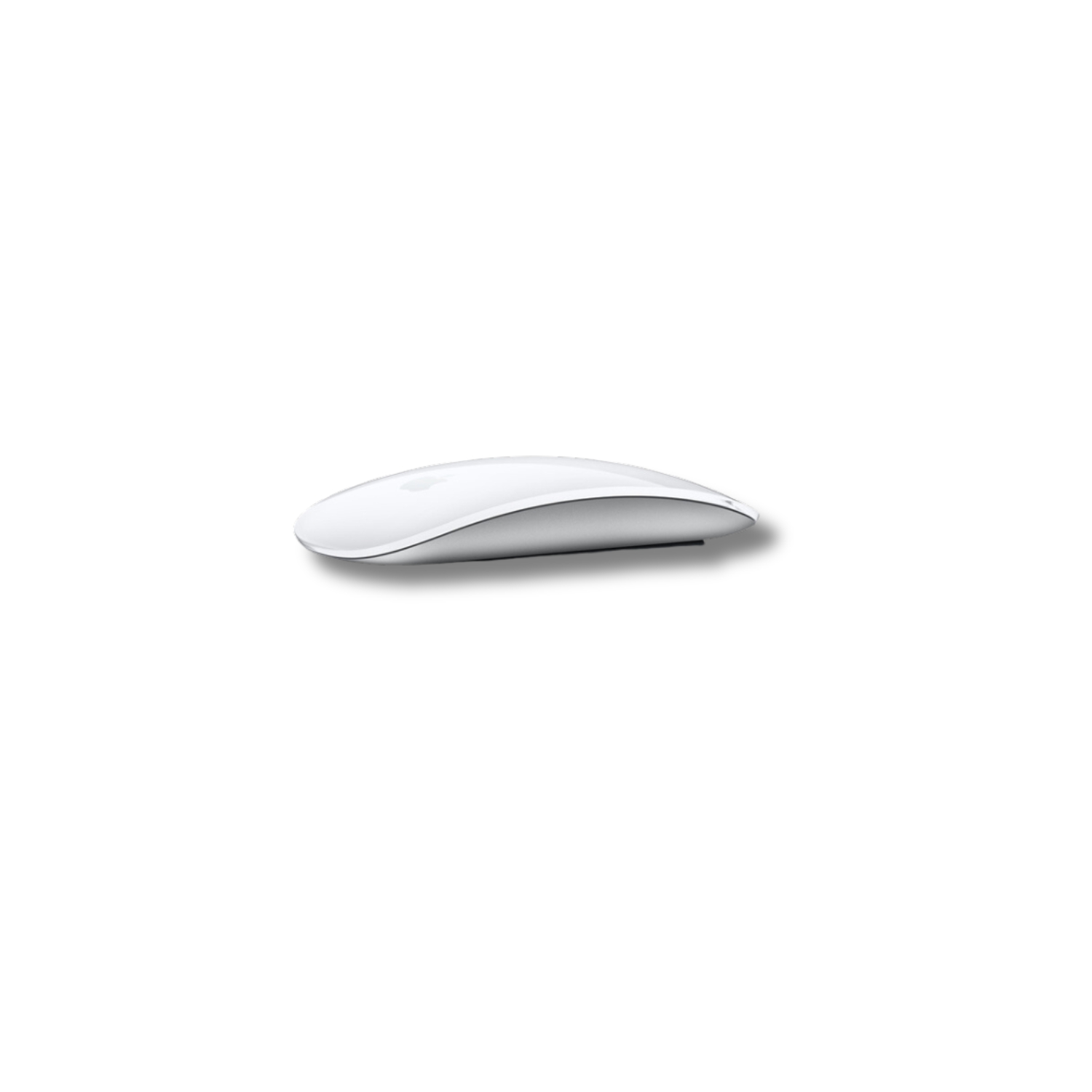
Mouse usage is now fully possible with iPad Pro, offering a laptop-like experience. Magic Trackpad 2 works surprisingly well with iPad, bringing all the macOS gestures and navigation methods.
File Management and Software Limitations
One of the main obstacles to fully replacing a laptop is file management. Although the Files app has improved significantly, it’s still not equivalent to the macOS Finder or Windows Explorer experience.
One user has noted that Finder alternatives on iPad Pro are “unusable,” which significantly hinders productivity. For professionals, this can be a breaking point, especially if work involves complex file management.
Real-Life Experiences and Examples
A TechRadar tester used iPad Pro with Magic Keyboard daily for writing, editing, emails, and web browsing and found that it fulfills many laptop functions, but noted significant limitations that prevent a complete laptop replacement.
For one professional, screen smudging due to touch interaction was a serious problem for daily use, which is why non-touch MacBook screens are preferred for cleanliness and ergonomics.
iPad Pro M4 Advantages for Laptop Replacement
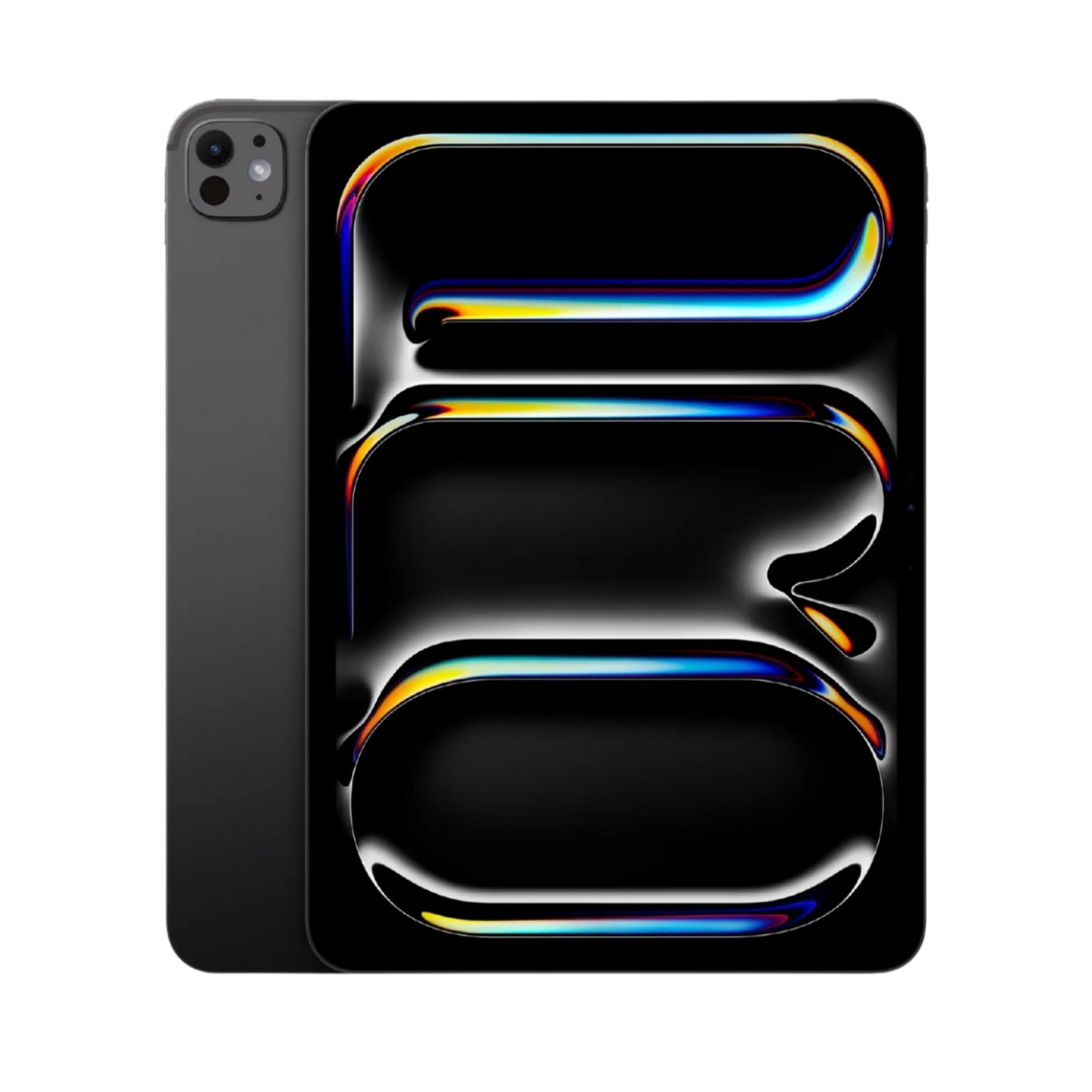
The new M4 chip iPad Pro offers several advantages that make it an even more serious laptop replacement than before:
- Powerful performance – The M4 chip offers laptop-comparable performance, suitable for more demanding applications
- Ultra Retina XDR display – 13-inch tandem OLED display offers outstanding picture quality
- USB-C Thunderbolt connectivity – Allows connection of high-performance external devices
Is the Price Justified?
The M4 iPad Pro starts at $1299 / £1299 for the 13-inch model, plus keyboard and other accessories. This is a significant investment, especially considering that a comparable MacBook Pro can be had for a similar price.
It’s often more sensible to choose an iPad Pro model from 2-3 generations ago, which still offers excellent performance at a significantly lower price. UPGREAT offers iPad Pro models from different generations to suit various budgets.
Who is iPad Pro Suitable for as a Laptop Replacement?
iPad Pro works well as a laptop replacement for the following users:
- Creative professionals who benefit from touchscreen and Apple Pencil
- Mobile users who value a lightweight device, good battery life, and cellular connectivity
- Simple workflow users whose main activities are web browsing, emails, and document processing
- Secondary device users who need an additional device for working outside the home
iPad Pro is not suitable as a laptop replacement for:
- Developers and engineers who need specific tools
- Video editors who, despite Final Cut Pro being available on iPadOS, achieve more efficient workflow on macOS
- Users working with multiple windows and complex file management – iPadOS is still not as flexible as a full laptop operating system
- Mac automation and customization users, as iPad Pro is not suitable for users with years of Mac experience who have established workflows
Conclusion: iPad Pro as a Laptop Replacement
iPad Pro is an impressive device that can replace a laptop for many users in certain scenarios. However, the main obstacle isn’t hardware capability – Apple uses identical hardware in both iPads and MacBooks – but the limitations of iPadOS software.
The final decision depends on your specific needs, budget options, and how willing you are to adapt to a new workflow and operating system. Many users find that the optimal solution is to use both an iPad and a laptop, maximizing the benefits of each device according to the situation.
A sensible approach would be to consider what your work’s core requirements are, how often you need specific laptop functions, and whether iPad Pro advantages (touch sensitivity, Apple Pencil, portability) outweigh its limitations (file management, multitasking, specific software).
Also check out our blog where we share reviews of trends and news.
To stay updated with Upgreat promotions, add us as a friend on FB or follow us on Instagram.


