
As a student or a parent of a student, you’re likely facing a difficult choice – which MacBook would be the smartest investment that would last throughout the studies and offer the best value for money? The world of Apple products might seem complicated at first glance, but making the right choice is actually quite simple if you know what to pay attention to.

Why choose a MacBook for studies?
MacBooks are popular among students for several reasons. Their long battery life is remarkable – even a 5-year-old MacBook maintains good battery performance. Durable construction and quality materials ensure that the device withstands daily use. Even base models have strong performance that suits most students. The user-friendly macOS operating system is intuitive and reliable. Most importantly, they have a long lifespan – MacBooks typically last 5+ years, making them an excellent investment throughout the entire study period.
MacBook Air vs MacBook Pro – which one to choose?
For students, we generally recommend MacBook Air models. They are lighter (weighing only 1.22-1.50 kg), more affordable, offer sufficient performance for everyday use, and provide up to 15 hours of battery life on a single charge. This is an ideal combination that meets the needs of most students.
MacBook Pro is a sensible choice if your studies require special performance. For example, if you’re doing professional video editing, using programs that require 3D modeling, working on complex photo editing projects, or need special power for development or engineering work. Think carefully about whether your studies really need this extra performance, as the price difference is significant.
Which MacBook Air model to choose?
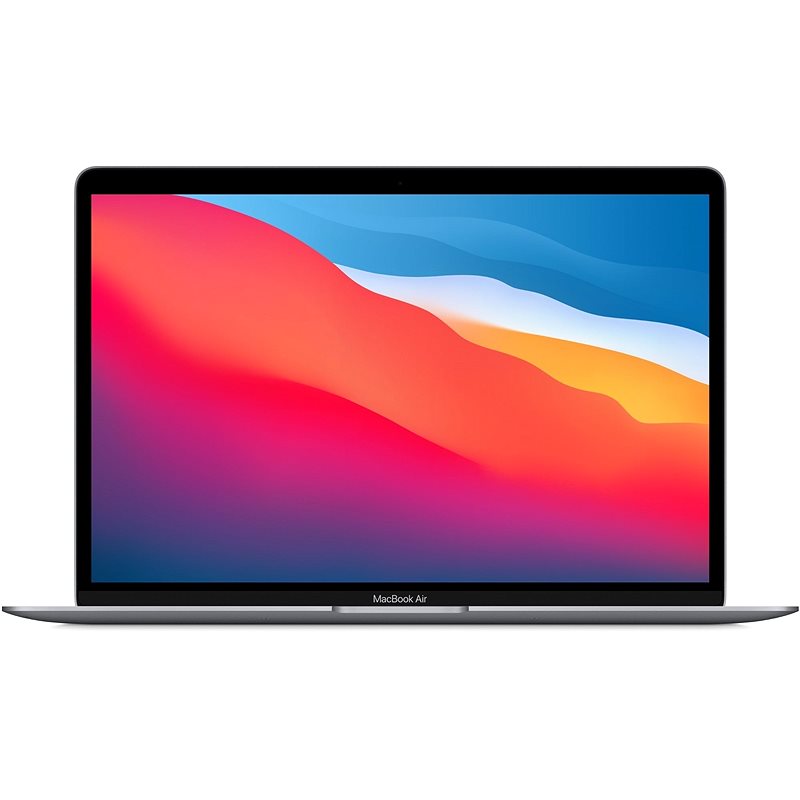
M1 MacBook Air (2020) – best value for money
The MacBook Air with M1 chip is still an excellent choice, especially for price-sensitive students. Research shows that in everyday work (websites, multitasking) there is no noticeable performance difference between the M1 and newer M-series chips. Even after 5 years of use, the M1 MacBook Air still works perfectly normally.
The advantages of the M1 model are clear: it’s the most affordable MacBook on the market, offers a fanless quiet design, up to 15 hours of battery life, and weighs only 1.27 kg. The disadvantages include support for only one external monitor, older design with a larger screen bezel, and a base configuration with 8GB RAM (which is still sufficient for most everyday tasks).
M2/M3 MacBook Air – a modern choice
The MacBook Air models with M2 and M3 chips offer an updated design and some additional features, still being a good choice for students who want a slightly longer-term investment. Their more modern design with thinner screen edges looks attractive, also offering slightly better battery life. Tests show that with the same workload, the M2 model achieved 18% and the M3 model 21% battery level when the M1 reached only 5%.
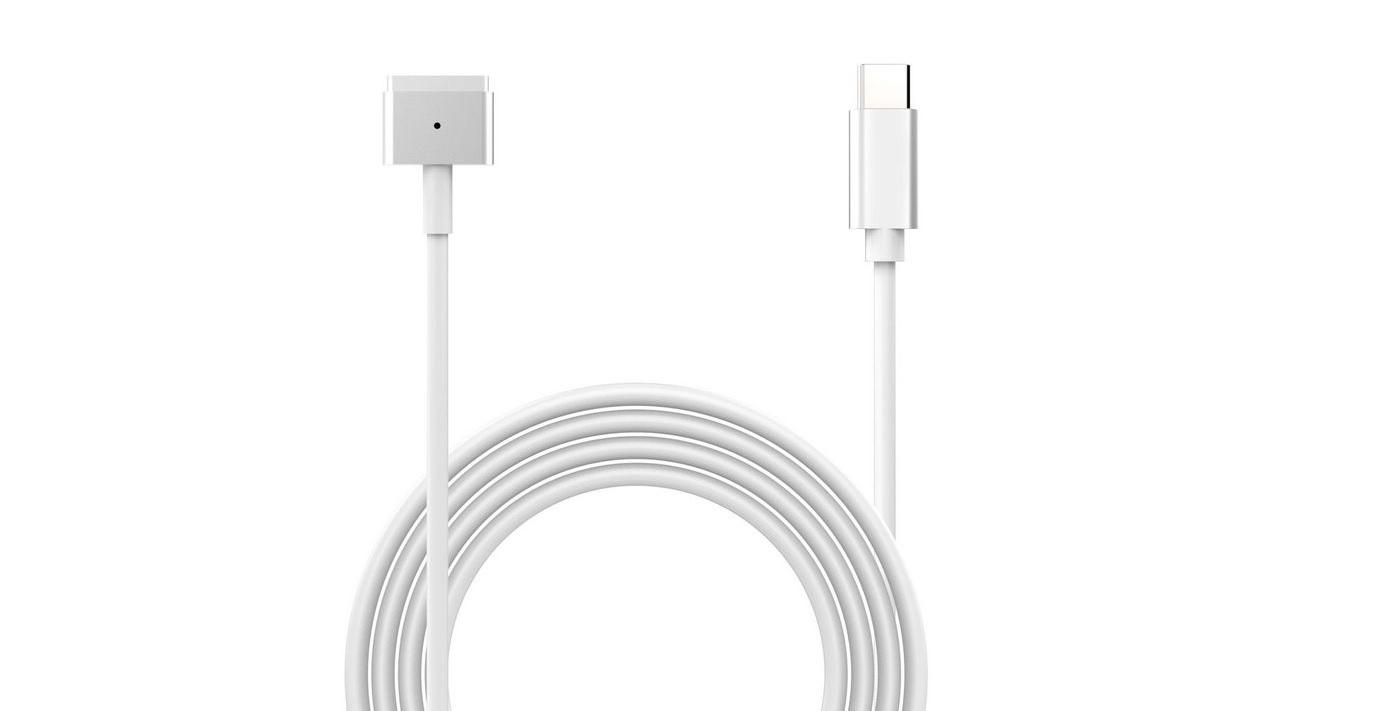
Additionally, these models offer a MagSafe charging port, which frees up one USB-C port for other uses. The biggest disadvantage is the higher price compared to the M1 model, especially considering that in practical everyday work, the advantages over M1 are rather modest.
M4 MacBook Air – the latest technology
If you want the latest technology and a long lifespan, the M4 MacBook Air could be your choice. Tests show that the M4 MacBook Air gets 22% battery remaining with the same workload that brings the M1 to only 5%, which means approximately 1.5-2 hours more usage time.
The significant advantages of the M4 model are the best battery life (22% better compared to M1), support for two external monitors (M1 supports only one), and availability as a 15-inch screen variant (weighing 1.50 kg). Apple has reduced the price of M4 models by $100, making them a slightly more affordable choice. However, they are still more expensive than older models and in regular use, the performance is not noticeably better.
Recommendations for different use cases
Student with a limited budget
Best choice: M1 MacBook Air (8GB/256GB)
This model offers sufficient performance for documents, presentations, and web browsing. Although the 256GB SSD is theoretically smaller and should fail faster, practical experience shows that it still works perfectly fine after 5 years.
Highly mobile student/traveler
Best choice: M2/M3 MacBook Air (8GB/512GB)
Compact and light, the 13.6-inch screen is ideal for travel. 512GB storage space is sufficient to store necessary files even when offline. The MagSafe charging port is particularly useful for travelers as it reduces the risk of someone tripping over the charging cable and pulling the computer to the floor.
Accounting/ERP systems user
Best choice: M3/M4 MacBook Air (16GB/512GB)
ERP systems often work web-based, but using multiple programs and tables simultaneously requires more memory. 16GB RAM ensures smoother operation with multiple applications at once, which is common in accounting work – billing program, Excel spreadsheets, and web browser with multiple tabs all need to work simultaneously.
Creative arts students (design, video, photo)
Best choice: MacBook Pro 14″ (16GB/512GB)
For professional creative applications (Adobe Suite, Final Cut Pro), it’s worth investing in a more powerful MacBook Pro model. Performance tests show that 3D work and video editing offer a noticeable performance advantage for the M4 Pro. The larger screen also provides a better working environment for visual projects.
Recommended accessories for studying
The right MacBook is only half the solution – to increase productivity, consider the following accessories that help create a more perfect learning environment.
External monitors
For longer work sessions, a second screen is a great help, allowing you to multitask. For example, you can read learning materials on one screen and write your work on the other. Keep in mind that the M1 MacBook Air supports only one external monitor, while newer M-series models can drive two. If you need multiple screens, this could be an important factor in choosing a MacBook.
Keyboards and mice
For longer work sessions, an ergonomic keyboard and mouse are important for comfort. These help avoid wrist and hand pain that can develop with prolonged laptop keyboard use. Our selection of keyboards and mice offers solutions for different preferences.
Chargers and adapters
A spare charger for school or travel is a useful accessory that can save the day when you discover you’ve left your main charger at home. For newer models, a MagSafe charger is convenient, but it’s also worth having a USB-C charger for different situations. Our selection of chargers and adapters offers solutions for every situation.
Protective cases and sleeves
A MacBook is a valuable investment and deserves protection. A quality case or bag protects the device from scratches and minor impacts, which are inevitable in university or school life. A good protective bag should be waterproof, sufficiently padded, and offer additional pockets for the charger and other accessories.
Why choose a refurbished MacBook?
If you want to save money but still get a quality device, it’s worth considering a refurbished MacBook. Upgreat offers inspected and tested devices with a 2-year warranty and a 14-day satisfaction guarantee. The price of refurbished MacBooks is significantly lower compared to new devices, but the reliability and user experience are still excellent.
Our refurbished MacBooks undergo thorough inspection to ensure the screen, connectivity, audio, and battery are in good condition. It’s definitely worth checking out our selection of refurbished MacBooks and finding a model that meets your needs.
In conclusion: which MacBook to choose for students?
For most students, a MacBook Air model is completely sufficient. If the budget is limited, the M1 MacBook Air is still an excellent choice, offering everything needed for studies. If you want a longer-term investment, it’s worth considering the M3 or M4 model.
In terms of memory, if possible, it’s worth choosing a 16GB RAM model instead of 8GB, especially if you plan to use the computer for more than 3 years. For storage, 256GB is sufficient if you use cloud storage, but 512GB gives you more freedom if you work with large files or want to keep entertainment on your computer as well.
With us, you can also rent Apple devices or use professional maintenance and repair services. If you want to know more about the differences between Intel and Apple Silicon processor MacBooks, we recommend reading our comparison article.

Check out our blog where we share overviews of trends and news. Find us @ upgreat.ee
To stay updated with Upgreat campaigns, add us as a friend on FB or follow us on Instagram.