
Are you looking for the ideal tool for software development, DevOps work, or data science? Here’s a comprehensive overview of different Apple Silicon Mac capabilities to help you make an informed choice based on your needs.

M-series chips: Performance and Efficiency
Apple Silicon revolutionized the Mac world, offering exceptional performance with low power consumption. Let’s see how different generations compare.
M1 vs M2 vs M3 Generation Comparison
M1 Generation (2020):
- First Apple chip based on ARM architecture
- 5nm process technology, 16 billion transistors
- 8 cores (4 performance + 4 efficiency cores) in the base version
- Surprisingly capable even today, sufficient for most everyday development work
M2 Generation (2022):
- Enhanced 5nm process, 20 billion transistors
- 18% higher CPU performance at the same power level compared to M1
- 100GB/s memory bandwidth (50% higher than M1)
- 12-15% better multi-core performance in real-world tasks
M3 Generation (2023):
- New 3nm process technology, 25 billion transistors
- 15% higher single-core and 17% higher multi-core performance compared to M2
- Hardware-accelerated ray tracing and mesh shading technology
- AV1 video codec support, reducing energy consumption by 30-50%
As a developer, you might find that even M1 is completely sufficient for everyday work, but newer generations offer noticeably better experiences for more demanding tasks.
How M-series Chips Impact Development Work?
Key advantages of M-chips for developers:
- Compilation and Building: M4 Max shows 541% better performance in Blender rendering compared to M1 Max. This illustrates the difference in code compilation as well.
- Battery Life: Thanks to efficiency cores that handle routine tasks, performance cores activate only for demanding work. During long-term tasks, M3 laptops can maintain 19-21% battery level when M1 has already dropped to 5%.
- Energy Efficiency: In typical developer activities, M-series chips consume only 2-20W of power, allowing you to work all day without a charger.
- Virtualization Capabilities: Integrated virtualization engine makes Docker, virtual machines, and container systems work significantly smoother.
MacBook Air vs Pro: Which Body to Choose?
Air Models: Thin and Light
Advantages:
- Lighter weight (1.24-1.51 kg)
- Fanless design ensures complete silence
- Sufficient performance for most developers
- More affordable price
Disadvantages:
- Thermal limitations during prolonged load cycles
- Fewer ports
- Standard 60Hz display
Pro Models: Power and Connectivity
Advantages:
- Active cooling for long-term workloads
- More ports (HDMI, SDXC card slot)
- Liquid Retina XDR display with 120Hz refresh rate (ProMotion)
- More powerful M3 Pro/Max chips for complex projects
Disadvantages:
- Heavier (1.55-2.16 kg)
- Higher price
Which is Better for Developers?
Choose MacBook Air if:
- You frequently move between different workplaces
- You primarily work with web development, mobile development, or lighter projects
- You need long battery life (8+ hours)
- You prefer a completely silent work environment
- You want to save money
Choose MacBook Pro if:
- You work with resource-intensive projects (large compilations, ML models)
- You need stable performance during long-term load cycles
- You want to connect multiple external monitors
- You frequently use HDMI or SD card connections
- You value a higher quality display
Find a more detailed comparison between MacBook Air and Pro models here.
Screen Size Selection: 13″, 14″, 15″ or 16″
Screen size choice significantly impacts a developer’s work experience:
13-13.6″ (Air and Pro):
- Most compact and lightweight option
- Ideal for mobile development
- Less screen space for code editors and parallel windows
14.2″ (Pro):
- Good balance between portability and screen space
- Liquid Retina XDR option
- Suitable for most developers
15.3″ (Air):
- Larger screen without the weight of Pro models
- More room for code and parallel windows
- Lacks Mini-LED and 120Hz ProMotion
16.2″ (Pro):
- Maximum screen space on a mobile device
- Best choice if you work with multiple applications simultaneously
- Ideal for larger projects where you need to see a lot of code at once
When choosing a screen, consider:
- How many windows you want to see simultaneously
- Whether you use complex IDEs that need a lot of screen space
- How important portability is to you
Learn more about screen sizes here.
RAM and Storage for Developer Needs
How Much RAM Does a Developer Need?
RAM requirements depend on the nature of work:
- 8GB: Sufficient for simpler web development, scripting, and small projects
- 16GB: Recommended for most developers, especially if using complex IDEs or containers
- 24-32GB: Ideal for complex workflows (DevOps, data science, virtual machines)
- 64-128GB: Necessary only for the most demanding tasks (big data processing, machine learning)
The unified memory architecture of M-series is significantly more efficient than traditional systems, which is why 16GB on Apple Silicon can be comparable to 24GB on a traditional system.
SSD Selection: How Much and How Fast?
- 256GB: Minimum, suitable if you primarily store projects in the cloud
- 512GB: Recommended base configuration for most developers
- 1TB+: Necessary if working with large datasets or multiple virtual machines
SSD speed varies significantly between models. For example, MacBook Pro M4 Pro achieves 6640 MB/s write speed, while MacBook Air M1 offers 2904 MB/s. A fast SSD allows for significantly faster compilation and program execution.
Battery, Ports, and Other Practical Considerations
Battery Life
M-series chips’ energy efficiency ensures excellent battery life:
- M1: 8-10 hours of real development work
- M2: Just over 8 hours of intensive use
- M3/M4: About 10 hours of real development work
It’s important to know that even after 4 years of use, an M1 MacBook retains about 90% of its maximum battery capacity, demonstrating good long-term investment value.
Ports and Connectivity
Port selection varies by model:
MacBook Air (M2/M3/M4):
- 2× Thunderbolt/USB4
- MagSafe 3 charging port
- 3.5 mm headphone jack
MacBook Pro newer models:
- 3× Thunderbolt/USB4
- HDMI
- SDXC card slot
- MagSafe 3
- 3.5 mm headphone jack
As a developer, you should consider that:
- MacBook Air M1 supports only one external monitor
- MacBook Air M4 already supports two external monitors
- Pro models (especially M3/M4 Pro and Max) support more external displays
Read more about connecting external monitors here.
Recommendations for Different Use Cases
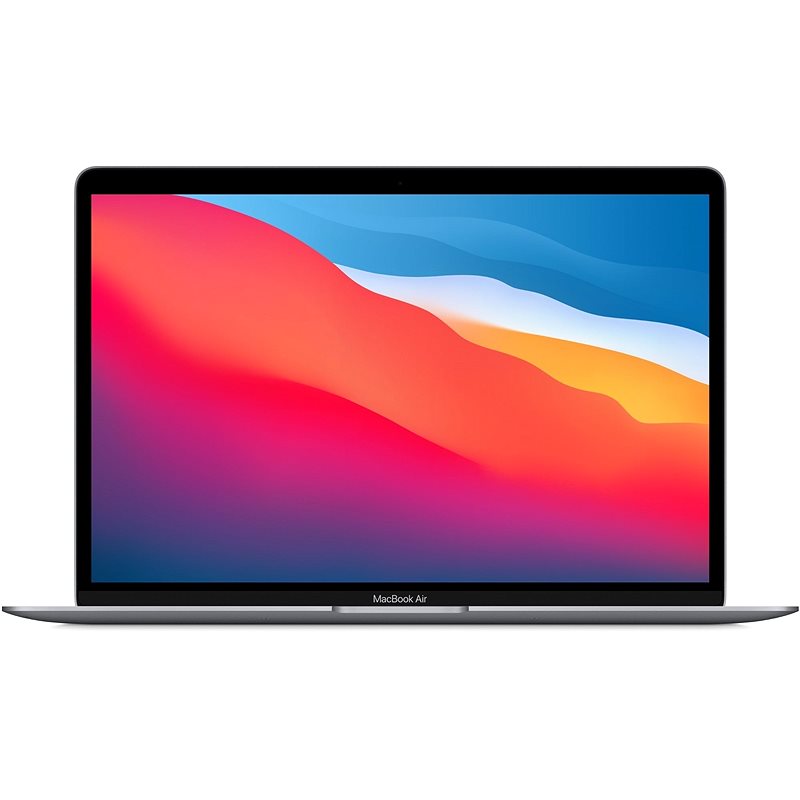
Web and Mobile Development
Recommendation: MacBook Air M1/M2/M3, 16GB RAM, 512GB SSD
These tasks are usually not very resource-intensive, and the Air offers sufficient performance. The lighter body is ideal for a mobile developer.
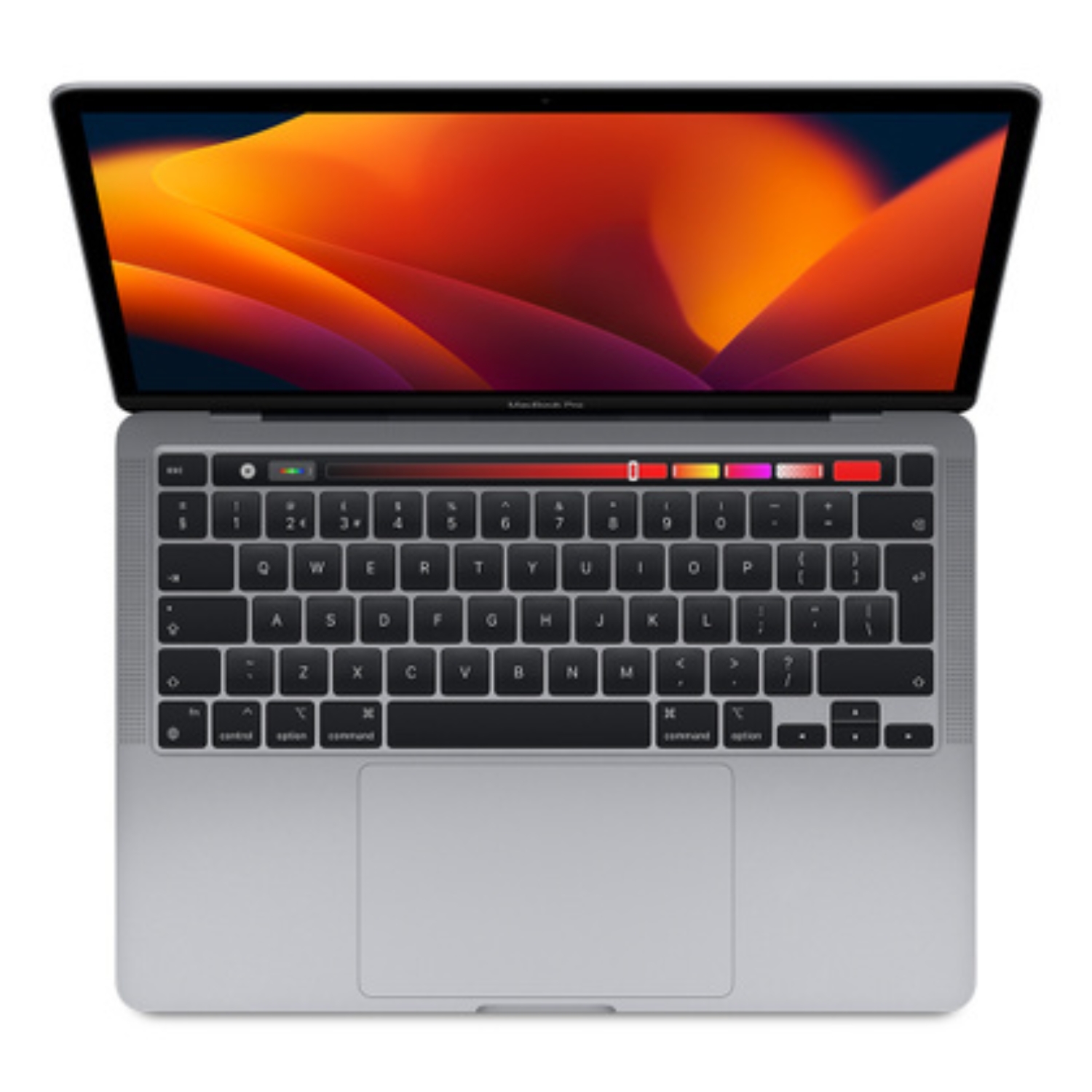
Backend and DevOps
Recommendation: MacBook Pro 14″ M2/M3 Pro, 16-32GB RAM, 512GB-1TB SSD
For containers, virtual machines, and more complex background services, the Pro’s active cooling provides more stable performance in longer-term tasks.
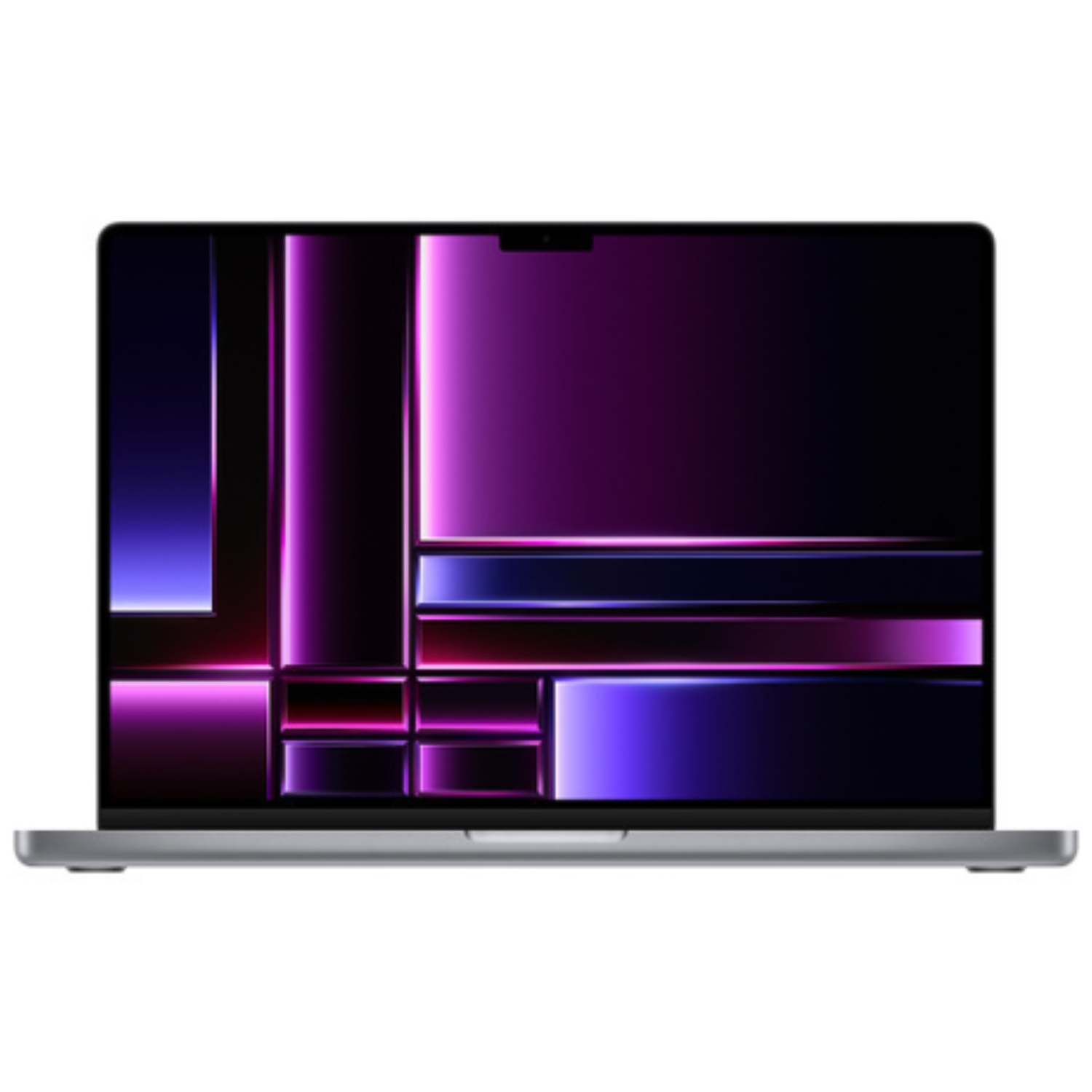
Data Science and Machine Learning
Recommendation: MacBook Pro 16″ M2/M3 Max, 32GB+ RAM, 1TB+ SSD
Processing data science and machine learning models requires maximum performance and memory. The larger screen helps to better visualize data.
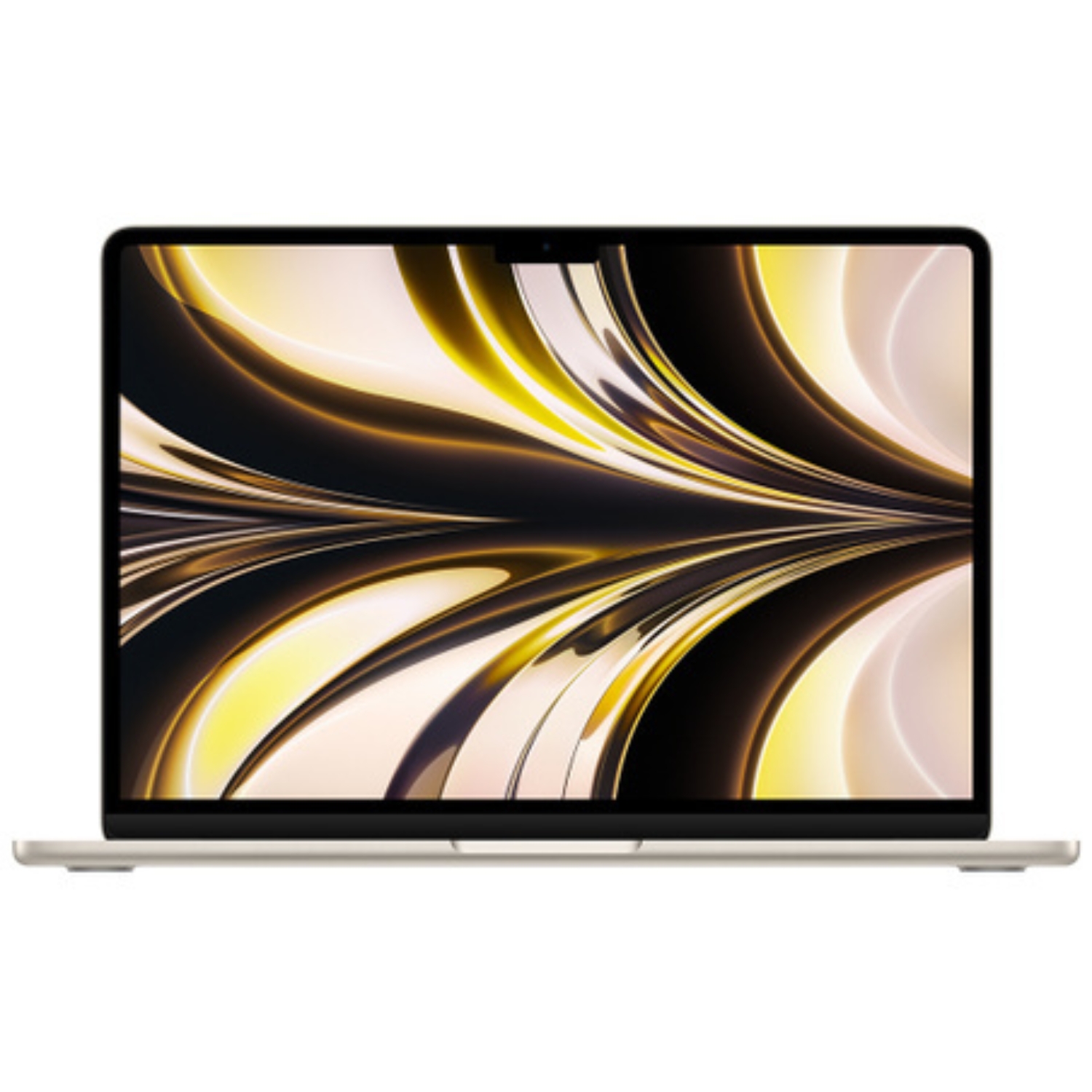
For Mobile Developers
Recommendation: MacBook Air M2, 16GB RAM, 512GB SSD
Light, thin, long battery life, and sufficient performance for most development work.
Desktop Alternatives
If you prefer a stationary solution:
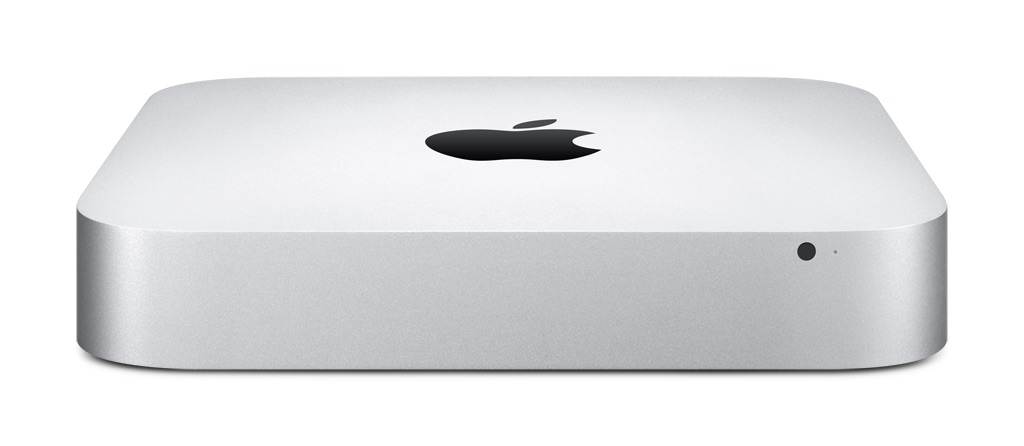
- Mac mini M2/M3: compact, affordable, but powerful (from €599)
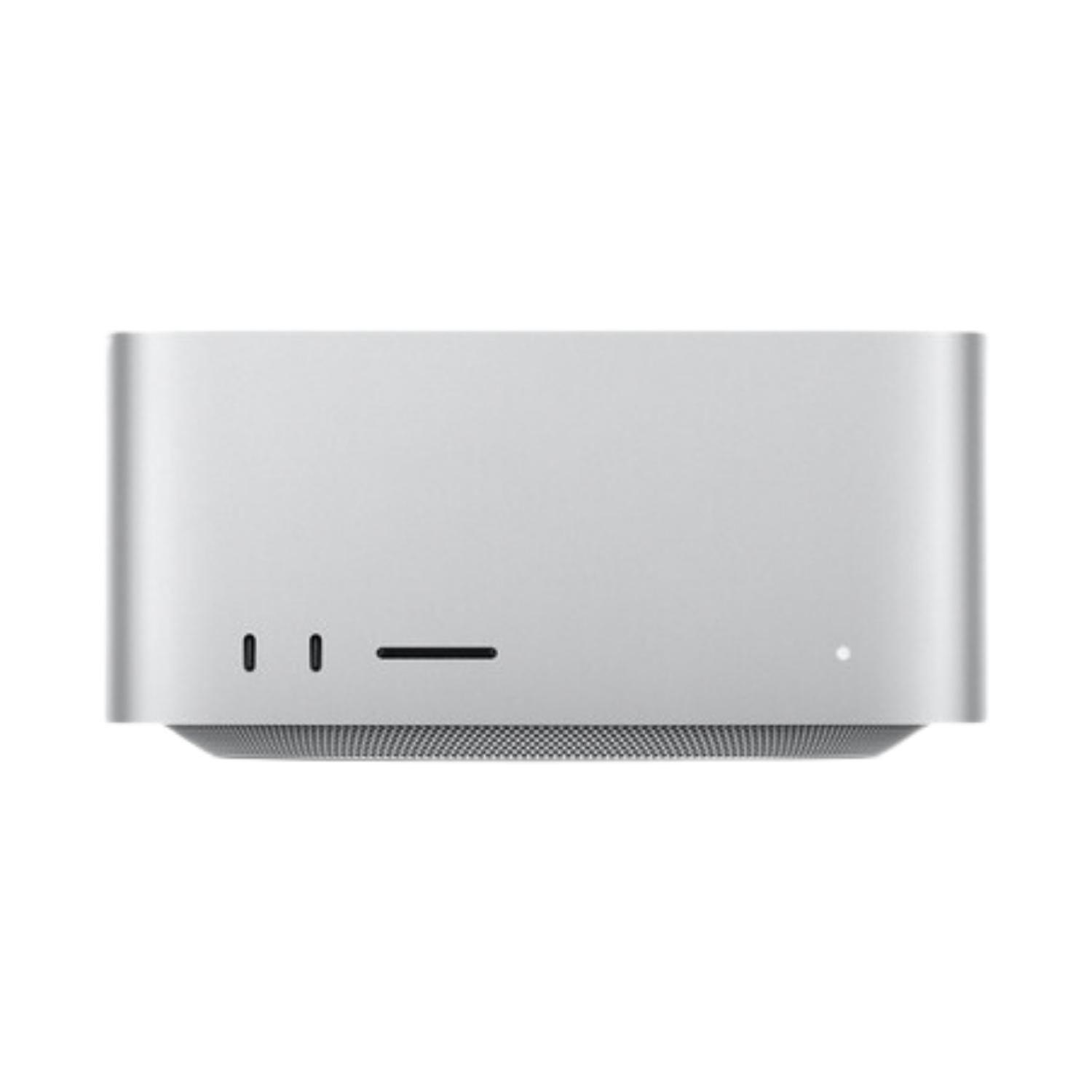
- Mac Studio M1 Max/Ultra: for professionals who need maximum performance (from €1,799)
Price and Value: New vs Refurbished Macs
As a developer, it’s worth considering the price-to-performance ratio. Refurbished Macs offered by UPGREAT allow you to:
- Save 25-45% compared to buying a new device
- Get a 2-year warranty
- Use thoroughly checked devices
From the Intel vs Apple Silicon comparison, it’s clear that M-series chip Macs offer developers significant advantages in performance, battery life, and energy efficiency.
Summary
For most Estonian developers, we recommend MacBook Air M2/M3 with 16GB RAM and 512GB SSD, which offers an excellent balance of performance, portability, and price. For more intensive development, it’s worth considering a MacBook Pro model with M3 Pro or Max chip.
Choose your configuration according to your workflows:
- RAM: At least 16GB for professional development
- Chip: M1 is still capable, M2 offers good price-to-performance ratio, M3 is more future-proof
- Screen: Choose size according to your mobility needs
- Body: Air is sufficient for most tasks, Pro offers additional capabilities for intensive use
For transferring data from your old computer to a new Mac, read the instructions here.
Also check out our blog where we share overviews of trends and news.
To stay updated with Upgreat campaigns, add us as a friend on FB or follow us on Instagram.


