
Have you ever wondered exactly how much of your personal data ends up in the cloud? By 2026, Apple has established a new standard where privacy is no longer just an optional feature—it is the core of the entire ecosystem, shielding users from both digital trackers and prying eyes.

Private Cloud Computing and AI
By 2026, Apple Intelligence is fully integrated across iOS, iPadOS, and macOS, providing advanced assistance without compromising your personal information. Unlike many competitors who process user data on open cloud servers, Apple utilizes a breakthrough technology called Private Cloud Compute. This ensures that when a device requires the cloud for complex tasks, data is sent in an encrypted format to specialized Apple Silicon servers that even Apple itself cannot access.
Because trust is built on transparency, independent experts can regularly audit the server code to verify these privacy claims. This guarantees that your personal queries aren’t stored indefinitely or used to build a profile. Most processing still happens directly on-device, which is why having hardware with a powerful chip capable of supporting local machine learning is more important than ever.
Locking and Hiding Apps
One of the most practical security features to become standard by 2026 is the ability to lock and hide specific applications. This feature is designed for moments when you need to lend your phone to someone else—to show off photos or let them make a quick call, for example. You no longer have to worry about anyone accidentally opening your banking app, reading private conversations, or seeing sensitive health data.
You can set specific apps to require Face ID, Touch ID, or a passcode for access. Furthermore, sensitive apps can be hidden entirely, meaning they won’t appear in search results or send visible notifications. This extra layer of security is vital for keeping your digital life private even when your device is physically in another person’s hands. It is particularly useful for families who share devices or professionals who need to keep work data strictly separated.
Safer Browsing and Location Privacy
The Safari browser has received major updates that make it even harder for third-party trackers to follow you. The Intelligent Tracking Prevention system now uses advanced on-device machine learning to block cross-site trackers without slowing down page load speeds. Safari also automatically locks inactive private browsing sessions, requiring biometric confirmation to re-enter, ensuring your open tabs aren’t exposed if you leave your phone unlocked.
In a significant security move, Apple has limited the precision of the location data shared with mobile carriers. This reduces the risk of third parties tracking your movements via mobile networks. Additionally, the Maps app now features full end-to-end encryption for your Significant Locations and guides. If you are setting up a new device, it is worth noting that setting up an iPhone eSIM offers better physical security, as a digital SIM cannot be removed or stolen like a traditional plastic card.
Privacy Dashboard and the Passwords App
Apple has centralized all security features into a single, intuitive hub, making data management easy even for non-technical users. The dedicated Passwords app has replaced the old iCloud Keychain settings, offering a streamlined way to manage passwords, Passkeys, and Wi-Fi credentials across all your devices. The app also proactively warns you if any of your credentials have been compromised in a data leak or are too weak to be secure.
The Privacy Dashboard provides a transparent overview of which apps have accessed your location, contacts, or microphone over the last seven days. This helps you quickly identify and restrict apps that are requesting more permissions than necessary. Before downloading a new app, you can review its Privacy Nutrition Label in the App Store to understand its data collection practices upfront. To ensure your data stays safe, it is also crucial to know how to identify a fake iPhone, as counterfeit devices do not offer Apple’s official security guarantees.
How to Protect Your Device Today and in the Future
While Apple provides robust technological safeguards, user awareness is still the most important line of defense. A smart user doesn’t just rely on default settings but stays informed about best practices for protecting their digital assets.
- Update your software regularly to receive the latest security patches and privacy features.
- Enable Face ID or Touch ID and use a complex passcode that isn’t easily guessed.
- Audit app permissions in settings and limit access to location or photos for apps that don’t need them.
- Choose hardware that supports the latest iOS versions to ensure long-term security.
- When migrating devices, ensure your iPhone data transfer is performed over a secure, trusted connection.
For more information, you can read our guides on how to check the condition of a used iPhone and why it’s important to understand Apple’s software support lifespan to keep your device secure for years to come.
Refurbished Devices and Digital Security
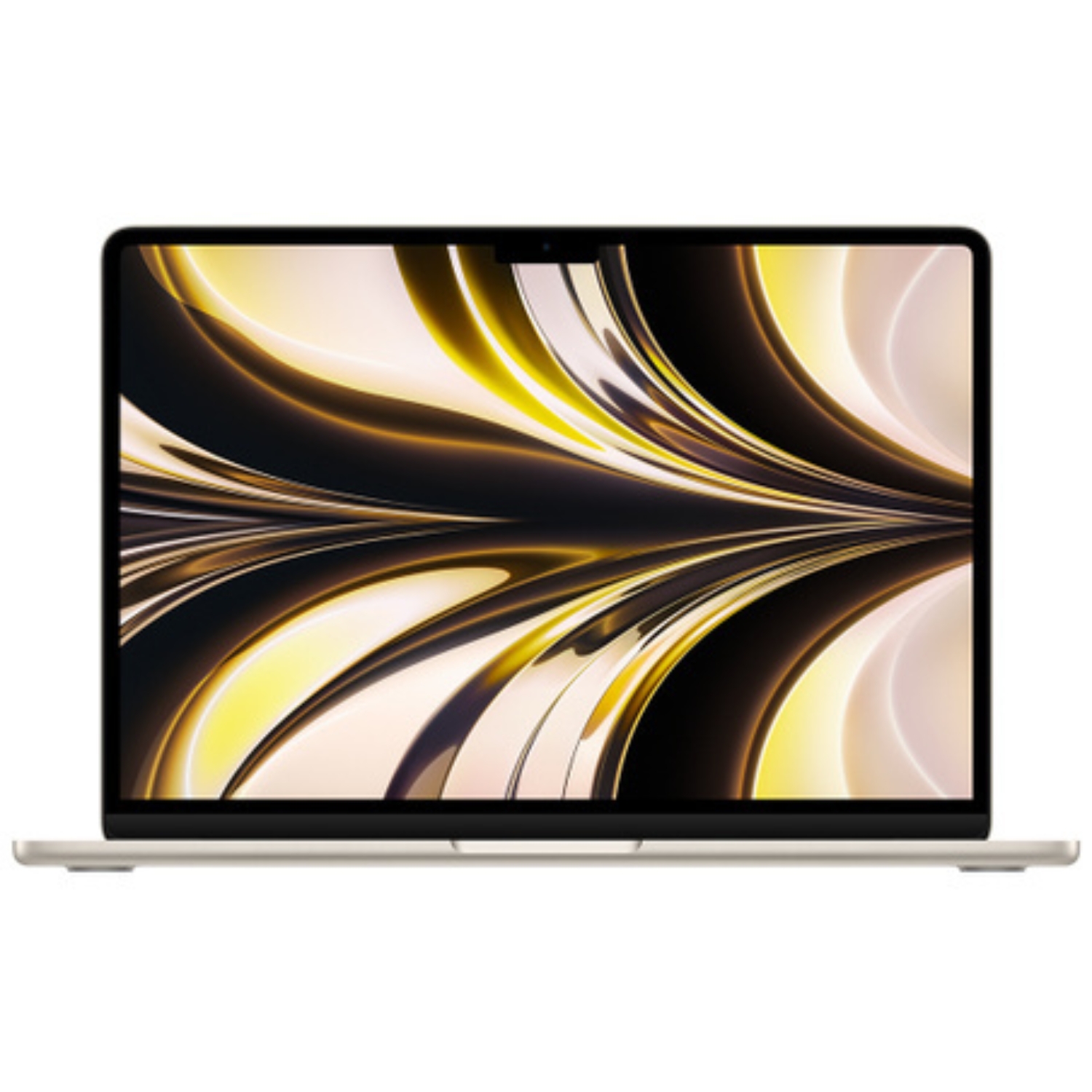
Many of the privacy features arriving in 2026 are also available on models that have been out for a few years, making refurbished devices a smart and secure choice. Refurbished iPhones and refurbished Macs are thoroughly inspected by certified technicians, ensuring the hardware is genuine and free of software modifications that could compromise your security.
If you’re wondering what a refurbished iPhone is, it is a device that has been rigorously tested and restored to full working order. It is a secure way to enjoy the privacy benefits of the Apple ecosystem without paying the premium for the latest model. All our devices come with a 2-year warranty, giving you peace of mind that your digital privacy is backed by high-quality hardware.
Check out our blog for more insights on the latest tech trends and news. To stay updated on Upgreat campaigns, follow us on FB or Instagram.


