
Did you know that picking the wrong Apple Watch model could either restrict your freedom or stick you with unnecessary monthly bills? Whether you are buying a brand-new device or a refurbished one, the biggest dilemma is usually choosing between the standard GPS version and the standalone Cellular version. This guide will help you decide if having mobile data right on your wrist is an investment that fits your lifestyle.
What is the Main Difference?
The easiest way to understand the difference between the two models is their relationship with your iPhone. While the watches function very similarly, their ability to connect to the outside world is completely different.
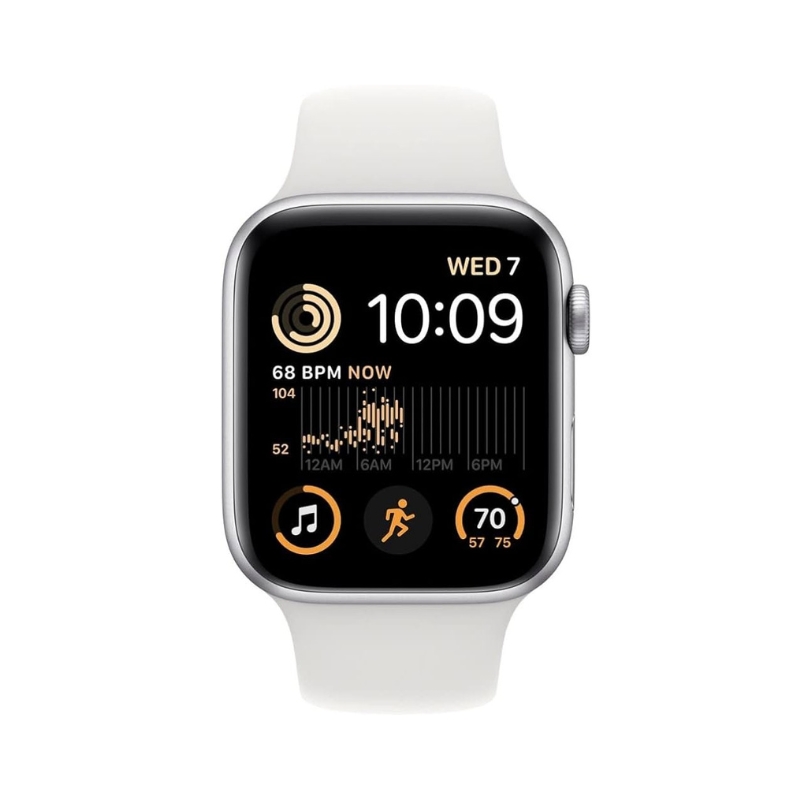
The GPS model relies on your iPhone for most data-dependent features. To make calls, send texts, or get app notifications, your phone needs to be within Bluetooth range (roughly 30–50 feet) or both devices must be on the same Wi-Fi network.
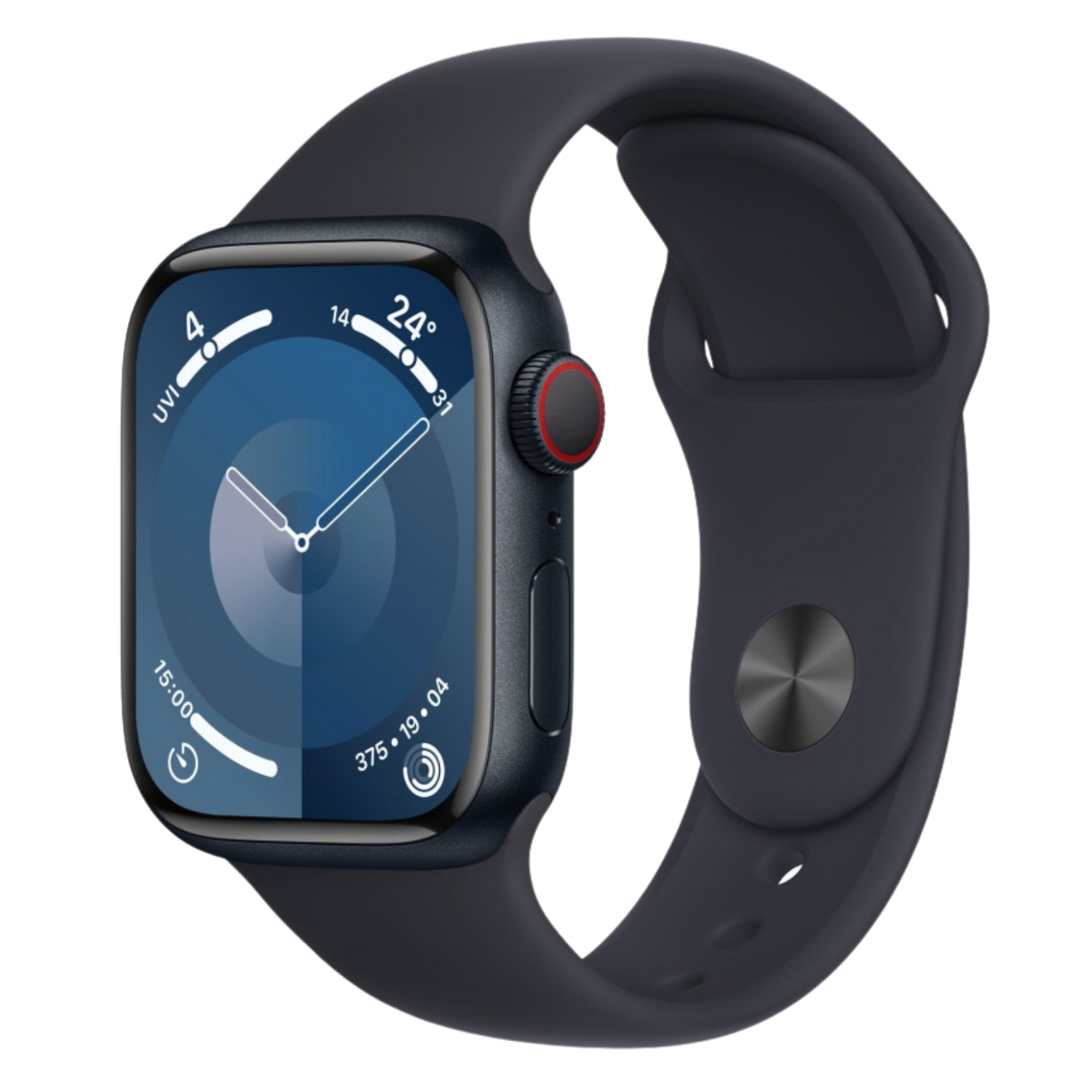
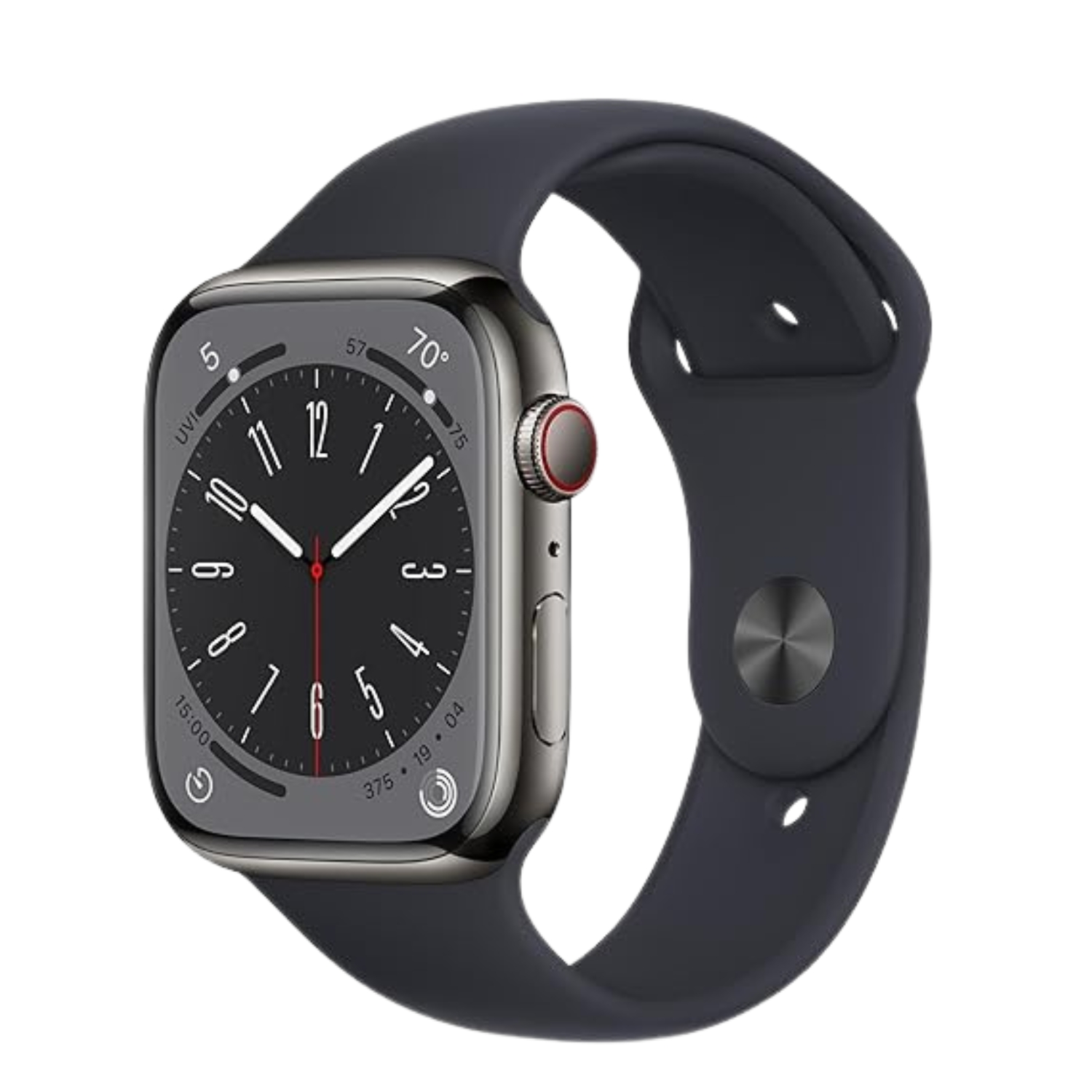
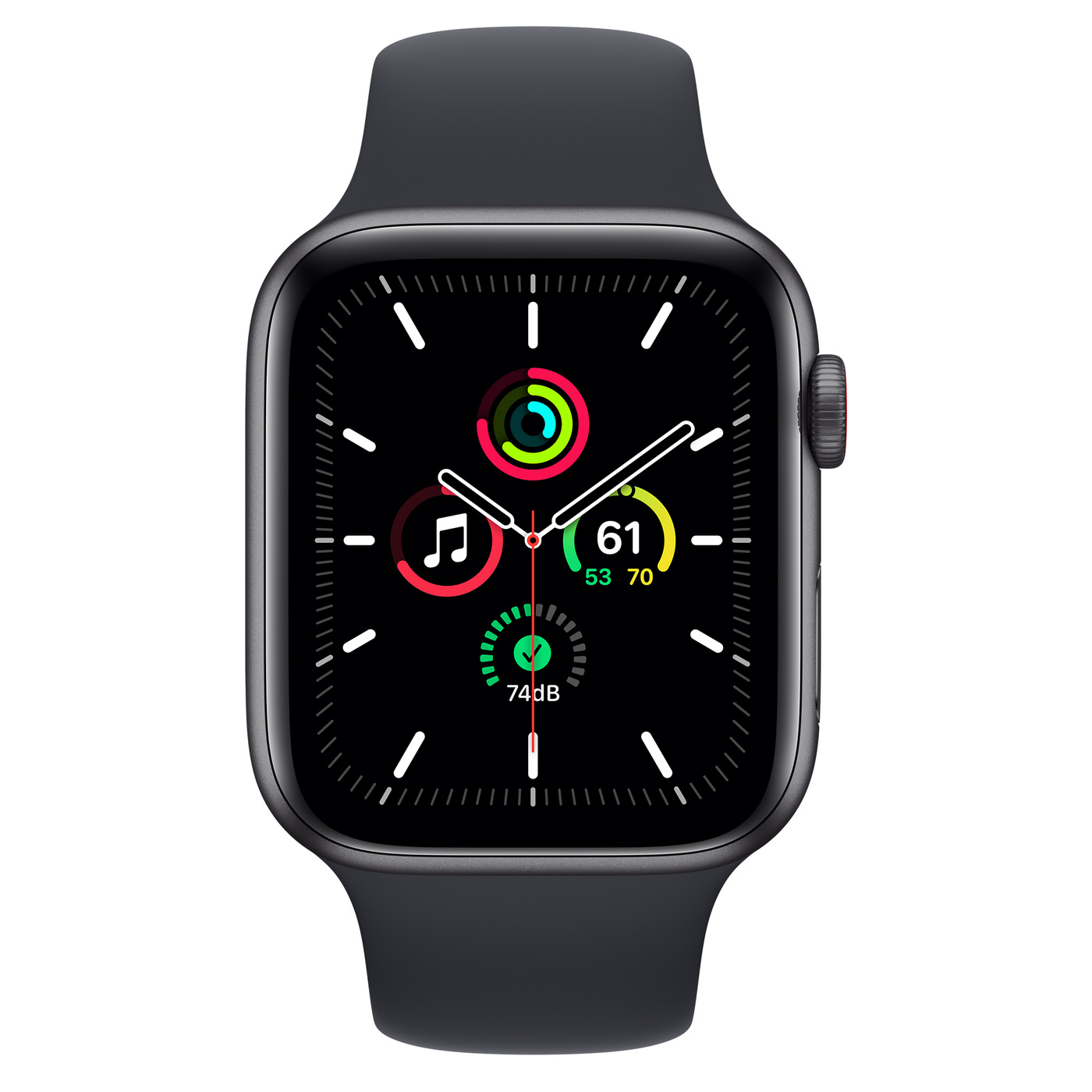
The GPS + Cellular model, however, comes with a built-in eSIM. This allows the watch to connect to a mobile network independently. You can make calls, reply to messages, and stream music even if you leave your phone at home. You can usually spot a Cellular model by the red ring or outline on the Digital Crown.
Features: What Can You Do Without Your Phone?
When your iPhone is nearby, both watches perform identically and utilize the phone’s connection to conserve battery life. The real differences emerge the moment you leave your phone behind—for instance, on a run or a trip to the beach.

With the GPS-only model, your options are limited once you step away from your phone. You cannot make standard calls or send SMS messages. You can listen to music or podcasts, but only if you have downloaded them to the watch beforehand. Apps that rely on real-time internet data, such as Weather, won’t update. However, GPS tracking for workouts works perfectly without the phone, and the data will sync once you reconnect.
The Cellular model offers total freedom. You can answer urgent calls while running in the woods, send texts directly from your wrist, and stream Apple Music or Spotify to your wireless headphones without needing to download anything first. Furthermore, this model is required if you want to use Family Setup, a feature that allows you to set up an Apple Watch for a child or older family member who doesn’t have their own iPhone.
Battery Life: Does Mobile Data Drain the Battery?
For many users, battery life is a dealbreaker. According to Apple, both models offer roughly 18 hours of battery life under normal use. In reality, however, connecting directly to a mobile network requires significantly more power than a simple Bluetooth connection.
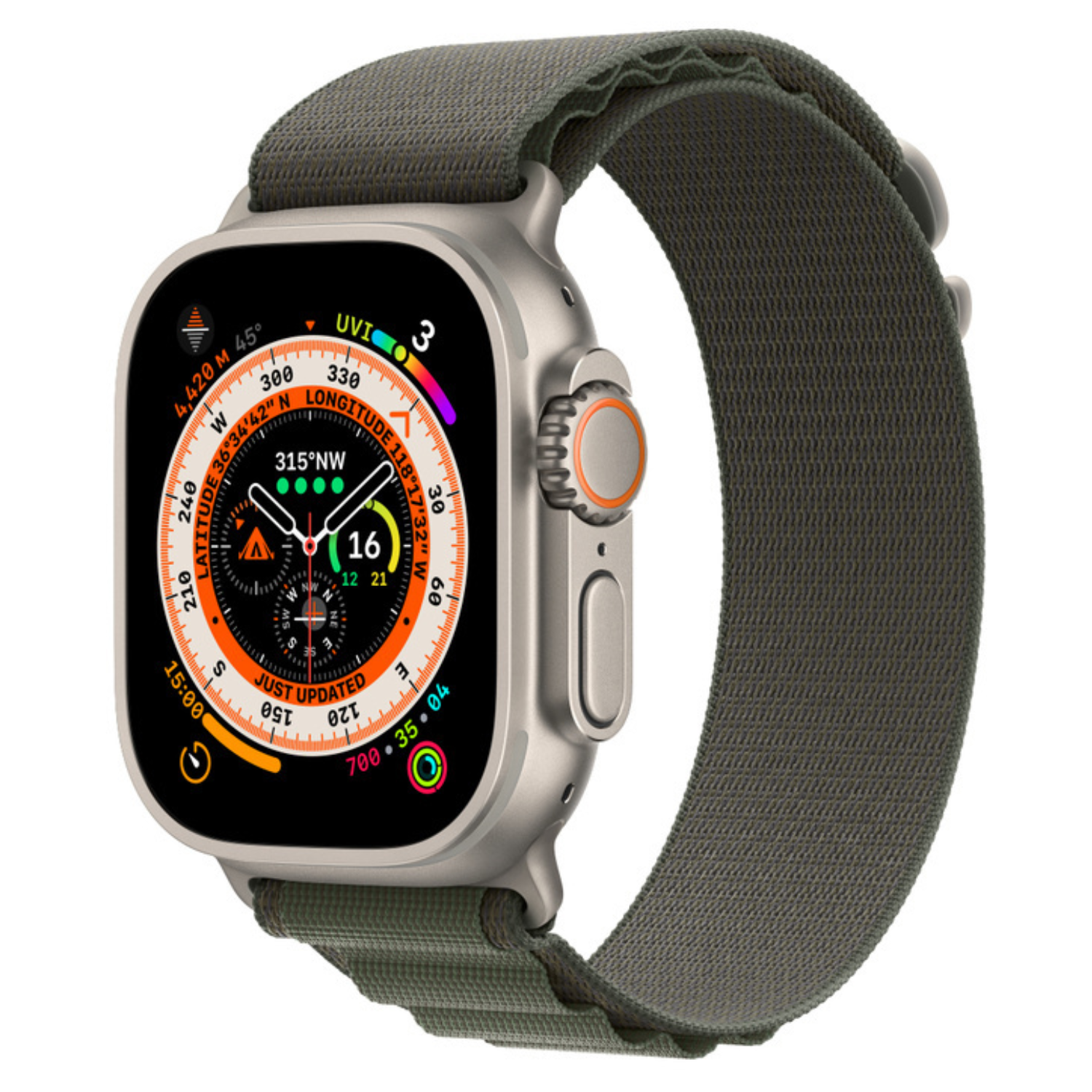
If you are using the Cellular model heavily for calls or tracking workouts with both GPS and LTE active while away from your phone, the battery will drain much faster than a GPS model tethered to an iPhone. Searching for a signal in areas with poor reception is also a major battery drain. If battery longevity is your top priority and you plan on long outdoor adventures without a phone, consider the Apple Watch Ultra series, which boasts a significantly larger battery.
For a deeper dive, read our article: Apple Watch Battery Life Realistically.

Prices and Hidden Costs
When making your choice, you need to consider two financial factors: the upfront price of the device and the monthly service fees.
When buying new, the GPS + Cellular model typically costs about €100 more than the standard GPS model. However, in our selection of refurbished devices, this price gap is often much smaller, making the Cellular version a more accessible option even on a budget.
The second factor is the monthly carrier fee. To use the independent mobile data features, you must sign a contract with your mobile carrier. In Estonia, major operators (like Telia) support this, usually adding a monthly “MultiSIM” fee of €3–5 to your bill. The GPS model has zero additional monthly costs.
It is worth noting that if you buy a Cellular model but decide not to activate the mobile plan immediately, the watch will function exactly like a standard GPS model.
Read more about the tech behind this here: iPhone and iPad eSIM Setup.
Materials and Durability
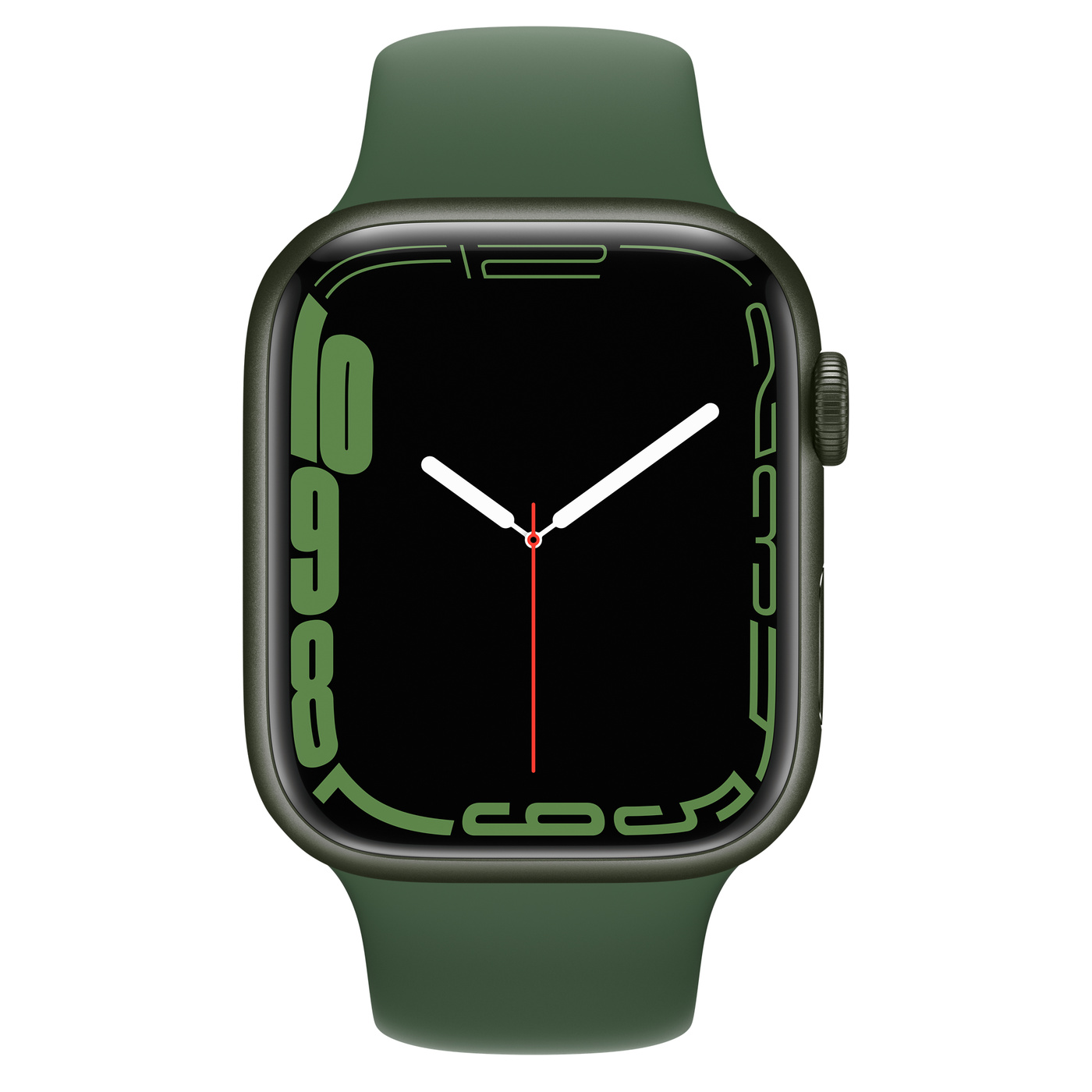
A lesser-known fact is that your choice of connectivity often dictates your choice of materials. GPS models are generally only available with an aluminum case and Ion-X glass. While lightweight, this glass is more prone to scratching than the higher-end alternatives.
GPS + Cellular models unlock a wider range of premium materials. In addition to aluminum, they are available in stainless steel and titanium. These premium models utilize sapphire crystal displays, which are significantly more resistant to scratches and cracks. Therefore, if you are looking for maximum durability and a premium aesthetic, you might end up choosing the Cellular version for the build quality, even if you don’t strictly need the mobile data.

Which Model Should You Choose?
Your final decision should depend on your daily habits and how often you are separated from your phone.
Choose the Apple Watch GPS if:
- Your iPhone is always with you—in your pocket, bag, or on your desk.
- You want to save money on the purchase price and avoid monthly fees.
- You are happy with the aluminum case.
For most office workers and average users, the GPS model covers 100% of their needs.
Choose the Apple Watch GPS + Cellular if:
- You want the freedom to leave your phone at home while running, walking the dog, or grabbing groceries, but still need to be reachable.
- You need the Family Setup feature for a child or elderly relative.
- You prefer the durability and look of stainless steel and sapphire crystal.
- You value the peace of mind knowing you can call emergency services in any situation, even without your phone.
Regardless of which version you choose, both are excellent companions for health and fitness. If you decide to go with the more affordable option, be sure to check out our selection of refurbished Apple Watches, where we offer verified devices with a warranty.
Check out our blog for more reviews, trends, and news.
To stay up to date with Upgreat campaigns, add us as a friend on FB or follow us on Instagram.


