
Want to charge your iPhone quickly and safely, but unsure which charger is compatible with your phone model? The selection of chargers is vast, and technology is constantly evolving. This guide will help you understand charging options for different iPhone models and find the right charger for your needs.

Important Changes in iPhone Charging
iPhone charging methods have changed significantly over the years. While older models used 30-pin connectors, in 2012 Apple introduced the Lightning port, which remained Apple’s main standard for nearly 10 years. Starting with the iPhone 15 series, Apple has switched to USB-C connectors, in compliance with European Union requirements.
Lightning vs USB-C: What’s the Difference?
Lightning connection:
The Lightning connection is used on iPhone models 5 through 14. Its maximum data transfer speed is 480 Mbps (60 MB/s), and it supports fast charging with a compatible power adapter. For optimal performance, Lightning requires MFi (Made for iPhone) certified cables, which ensure secure connection and charging.
USB-C connection:
iPhone 15 and newer models use USB-C connections, offering faster data transfer and more efficient power delivery. The biggest advantage of USB-C is its wider compatibility – you can use the same cable to charge your iPhone, iPad, MacBook, and many Android devices.
The USB-C connector offers significantly better performance compared to the Lightning port. With a 40W USB-C charger, you can charge your iPhone to about 50% in just 20 minutes, which is much faster than with standard Lightning adapters. However, it’s worth noting that low-quality USB-C cables may limit charging speed, so it’s wise to invest in quality charging cables.
Fast Charging Options for iPhones
Since the iPhone 8 model, all iPhones support fast charging, which can fill your phone’s battery up to 50% in just 30 minutes. To achieve this, you need:
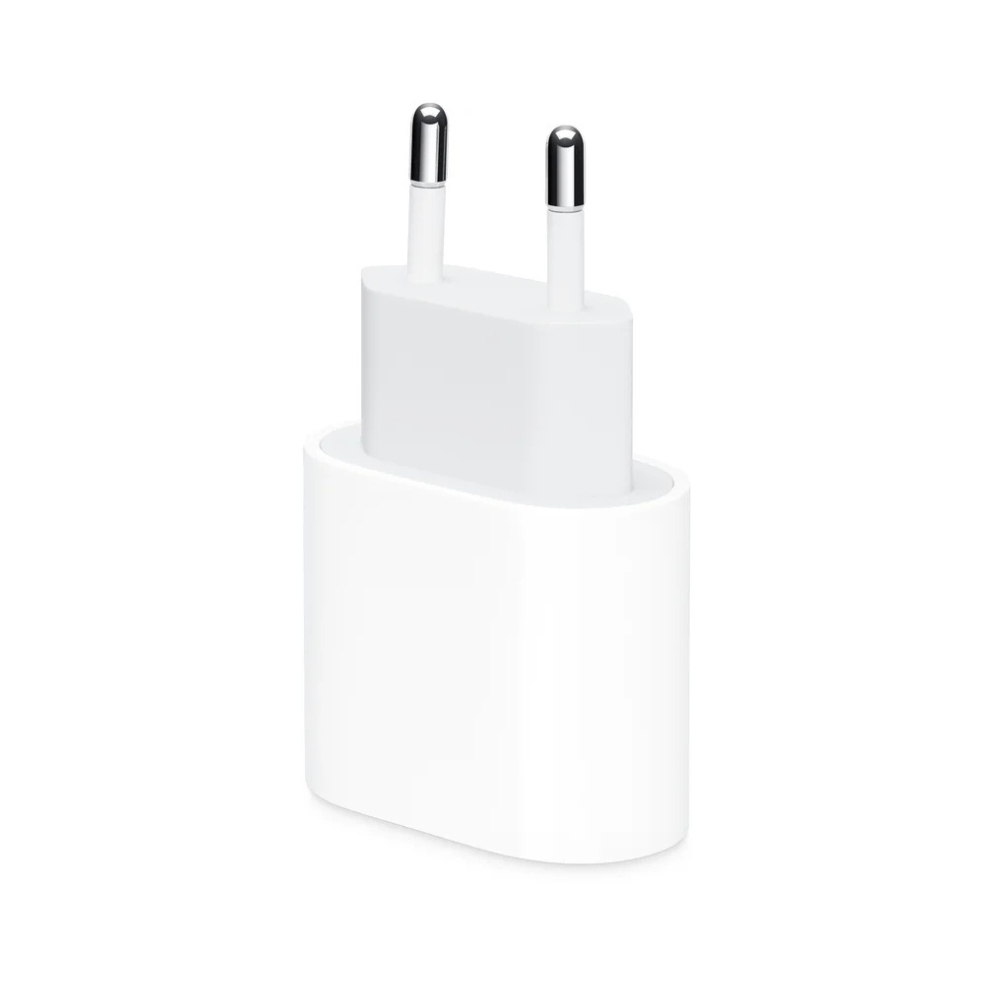
- A USB-C power adapter (at least 18W, 20W, or higher power)
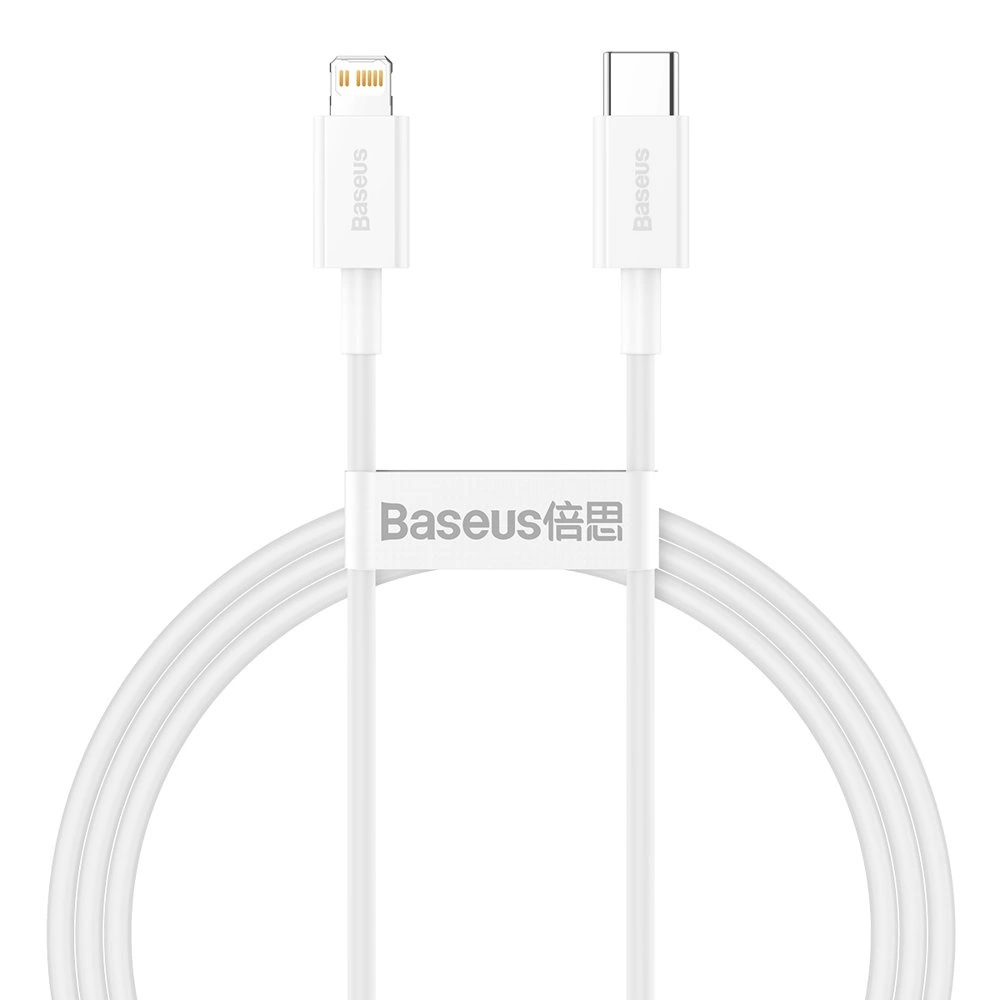
- A USB-C to Lightning cable (older models) or USB-C to USB-C cable (iPhone 15+)
Apple recommends a 20W USB-C PD (Power Delivery) adapter, which offers an optimal balance of charging speed and safety. A more powerful charger won’t damage your device, as the phone only draws as much current as it needs.
MagSafe and Wireless Charging
Since the iPhone 12 series, phones support MagSafe technology, which is an advancement of Qi wireless charging.
Qi wireless charging:
Qi charging technology has been supported since the iPhone 8 model. It allows a maximum charging speed of 7.5W and doesn’t require precise device placement, although charging efficiency depends on the phone’s position on the charging pad.
MagSafe charging:
MagSafe technology, available in iPhone 12 and newer models, uses magnets to perfectly align the phone with the charger. It enables up to 15W charging speed, which is twice as fast as standard Qi charging. The MagSafe ecosystem also offers additional features such as magnetic wallets, car mounts, and other accessories.
A MagSafe car mount is an excellent solution for use while traveling, allowing simultaneous phone charging and mounting.

MagSafe charging stations are worth considering if you use other Apple devices, such as AirPods or Apple Watch, as they allow multiple devices to charge simultaneously.
How to Choose the Right Charger or Cable
When choosing an iPhone charger, consider the following factors:
- Compatibility with your iPhone model
First, check if your phone uses a Lightning or USB-C connection. Older models (before iPhone 8) don’t support fast charging, so a high-power charger isn’t necessary for them.
- Charging speed (in watts)
Charger power directly affects charging speed:
- 5W – standard slow charging
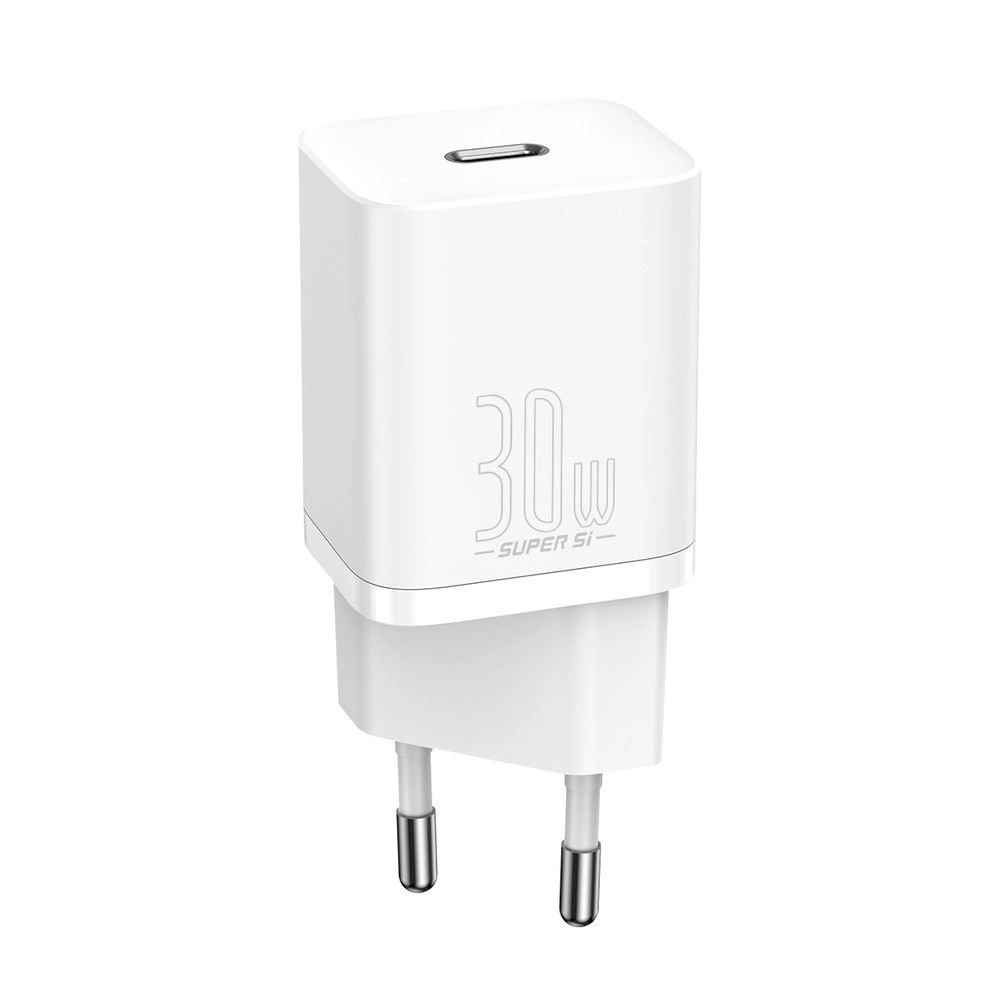
- 18-20W – minimum requirement for fast charging
- 25-30W or higher – maximum fast charging capability for iPhone
- Cable quality
Cable quality is as important as charger power. Use certified (MFi) cables, especially for Lightning connections. Avoid cheap uncertified cables that may damage your device or provide slower charging.
- Portability needs
Think about where you’ll use the charger. Travelers may prefer compact chargers or portable power banks. For home or office use, larger multi-port chargers that can charge several devices simultaneously might be suitable.
Charging Recommendations for Different iPhone Generations
iPhone 15 and newer (USB-C)
The latest iPhones use USB-C connections, so you’ll need a USB-C to USB-C cable. A 20W or more powerful USB-C PD charger ensures optimal charging. These models also support MagSafe wireless charging.
iPhone 12-14 (Lightning)
These models use Lightning connections, but for fast charging, you’ll need a USB-C to Lightning cable and at least a 20W USB-C PD charger. They also support MagSafe wireless charging.
iPhone 8-11 (Lightning)
For fast charging, you’ll need a USB-C to Lightning cable and at least an 18W USB-C PD charger. These models support Qi wireless charging but not MagSafe technology.
iPhone 7 and older (Lightning)
These devices don’t support fast charging. Use a regular Lightning cable and standard USB-A charger.
Very old iPhones (30-pin)
iPhone 4S and older models use a 30-pin connector and standard USB-A charger.
Wireless Charging Options
If you prefer wireless charging, you have several options:
- Stationary MagSafe charger – convenient for use on your desk at home, allows the phone to be usable while charging.
- MagSafe power bank – ideal for travel and emergencies, allowing you to charge your phone without access to a power outlet.

- Multi-device charging pad – suitable if you use multiple Apple devices (iPhone, AirPods, Apple Watch), reduces the number of cables and keeps your workspace tidy.
Preserving Battery Health
To extend your iPhone’s battery life, it’s recommended to avoid prolonged fast charging, which can slow down battery degradation. Ideally, keep battery levels between 30-80% and avoid completely draining the battery.
Research shows that high temperatures accelerate battery degradation, so avoid charging your phone in very hot environments. It’s also useful to activate optimized battery charging in iOS, which learns your usage habits and reduces battery aging.
You can also use your iPhone’s built-in diagnostic tools to check your iPhone’s battery condition (Settings > Battery > Battery Health) to see if the battery is functioning optimally or needs replacement.
Summary
Choosing the right iPhone charger depends on your phone model, charging speed requirements, and usage conditions. USB-C Power Delivery (PD) technology chargers provide the best charging speed for modern iPhones, while MagSafe offers wireless convenience.
Before purchasing, ensure the charger is compatible with your iPhone model and meets your needs. Investing in a quality charger protects your device and ensures an optimal charging experience.
Check out our blog, where we share overviews of trends and news.
To stay updated with Upgreat campaigns, add us as a friend on FB or follow us on Instagram.