
Is your iPhone battery draining too quickly? Have you noticed that your phone no longer lasts the whole day without charging? Battery degradation is a natural process, but with the right techniques, you can extend your device’s battery life and make informed decisions about battery replacement.

Improving iPhone battery life daily
Optimize screen settings
The screen is one of the biggest energy consumers in your iPhone. You can implement several techniques to optimize it. First, reduce screen brightness – move the brightness slider lower in the control center or enable automatic brightness adjustment. It’s also worth turning on dark mode, especially on models with OLED screens (iPhone X and newer), where it saves significant battery power. Additionally, you can reduce the screen auto-lock time by setting it to a shorter period (Settings > Display & Brightness > Auto-Lock).
Manage background app activity
Many apps continue to work in the background even when you’re not actively using them, consuming valuable battery power. To check background refreshing, go to Settings > General > Background App Refresh and turn off apps that don’t need constant updating. It’s also worth limiting location tracking – under Settings > Privacy > Location Services, you can specify which apps track your location and when.
Use battery-saving charging techniques
Charging habits directly affect battery longevity. Avoid extremes – don’t let your battery drop below 20% or constantly charge to 100%. It’s also advisable to remove protective cases during charging, as thick cases can cause overheating, which damages the battery. Using quality chargers is also important – original chargers and MFi-certified (Made for iPhone) chargers are safer and more efficient.
How to check iPhone battery health
Checking battery health percentage
The iPhone’s maximum capacity indicator shows how much energy the battery can hold compared to a new battery. To check this:
- Open Settings
- Scroll down and select Battery
- Tap Battery Health & Charging
- Look at the “Maximum Capacity” indicator
If this number is below 80%, battery replacement may be a sensible option, as the battery has lost a significant portion of its original capacity.
Checking cycle count
For more thorough diagnostics, you can check your iPhone’s battery charging cycle count. This can be done in several ways:
Using a computer, you can connect your iPhone and use specialized software like 3uTools, iMazing, or CoconutBattery (Mac). These applications show detailed battery cycle counts and other diagnostics that help better understand battery condition.
On older models, a diagnostic code might work – dial `*#0228#`, and if this feature is available, a diagnostic menu will appear.
Generally, iPhone batteries are considered to have a lifecycle of 500-1000 cycles, after which battery capacity starts to noticeably decrease and the device’s overall performance may suffer.
When is the right time for battery replacement?
The following signs indicate that it might be time to replace the battery:
If battery health has dropped below 80%, it’s a clear indicator that the battery is worn out. It’s also problematic if the battery drains unusually quickly and the phone doesn’t last even a day with average use.
Another common symptom is when the phone shuts down even when the battery still shows some percentage left (e.g., at 30%). If the phone overheats during normal use or slows down noticeably, this could also be related to battery issues – iOS automatically reduces performance when the battery can no longer properly power the processor.
How to identify water damage?
iPhones have built-in liquid contact indicators (LCI) that change color when exposed to water. On most iPhones, this indicator is located in the SIM card tray or charging port. Normally, the indicator is white or silver, but turns red or pink when water damaged.
Water damage often affects battery performance and can cause unexpected shutdowns or other unusual behavior. If you suspect water damage, it’s important to have the device checked as soon as possible to avoid long-term damage.
For more information about iPhone water resistance and IP ratings, check out our iPhone water resistance article.
What to do when your battery needs replacement?
When you’ve determined that your iPhone battery needs replacement, you have several options:
Apple’s official service offers original parts and warranty but is usually the more expensive option. Certified third-party services, like UPGREAT offers professional battery replacement service at a significantly lower price.
While it’s possible to try replacing the battery yourself, it’s a complex and risky process that could damage the device and will certainly void the warranty.
If you decide to have the battery replaced, be sure to check the service provider’s background and experience first. UPGREAT technicians have long-term experience in servicing Apple devices, and we use only quality parts, ensuring your device’s long-term reliability.
Summary for extending iPhone battery life
To extend your iPhone’s battery life, keep iOS updated, as Apple continuously improves energy management. Avoid extreme temperatures, especially heat, which irreversibly damages the battery. Use Wi-Fi instead of mobile data when possible, as it consumes less energy. Actively close unused applications and regularly check battery health.
Battery life varies significantly across iPhone models. For example, iPhone 16 Pro Max can provide up to 29 hours of video playback and 105 hours of audio playback, while older models like iPhone 13 might offer only 4-5 hours of screen time after a couple of years of use.
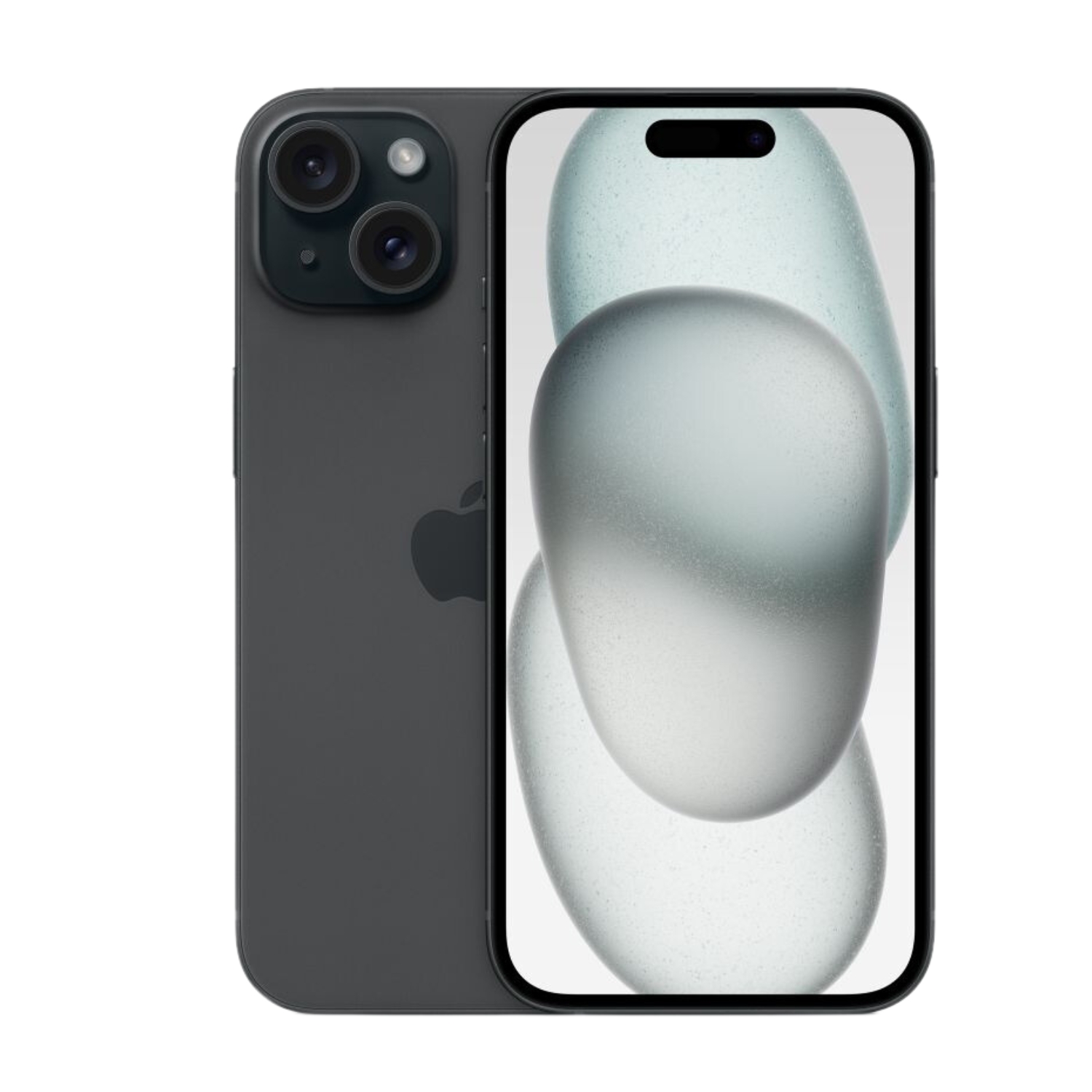

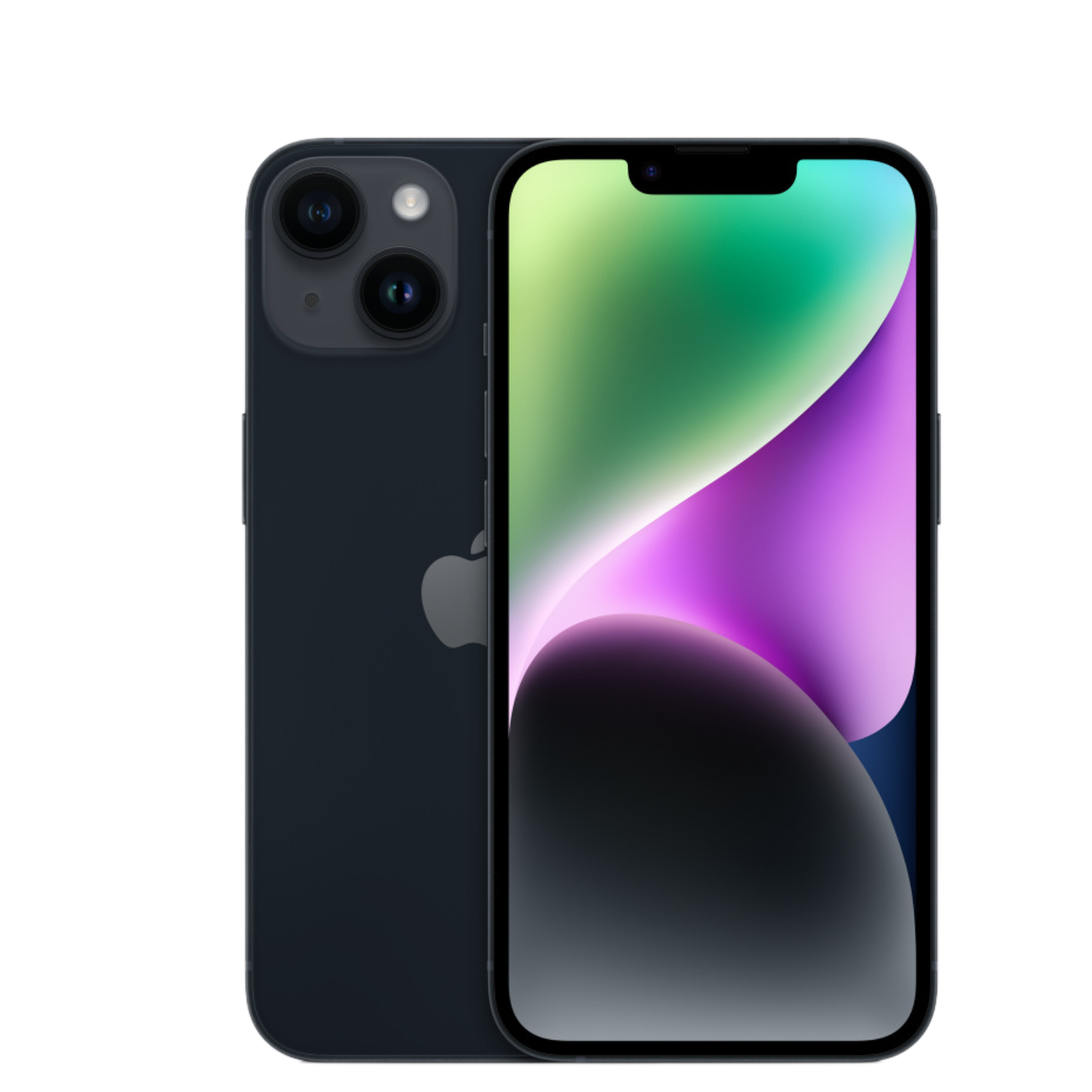
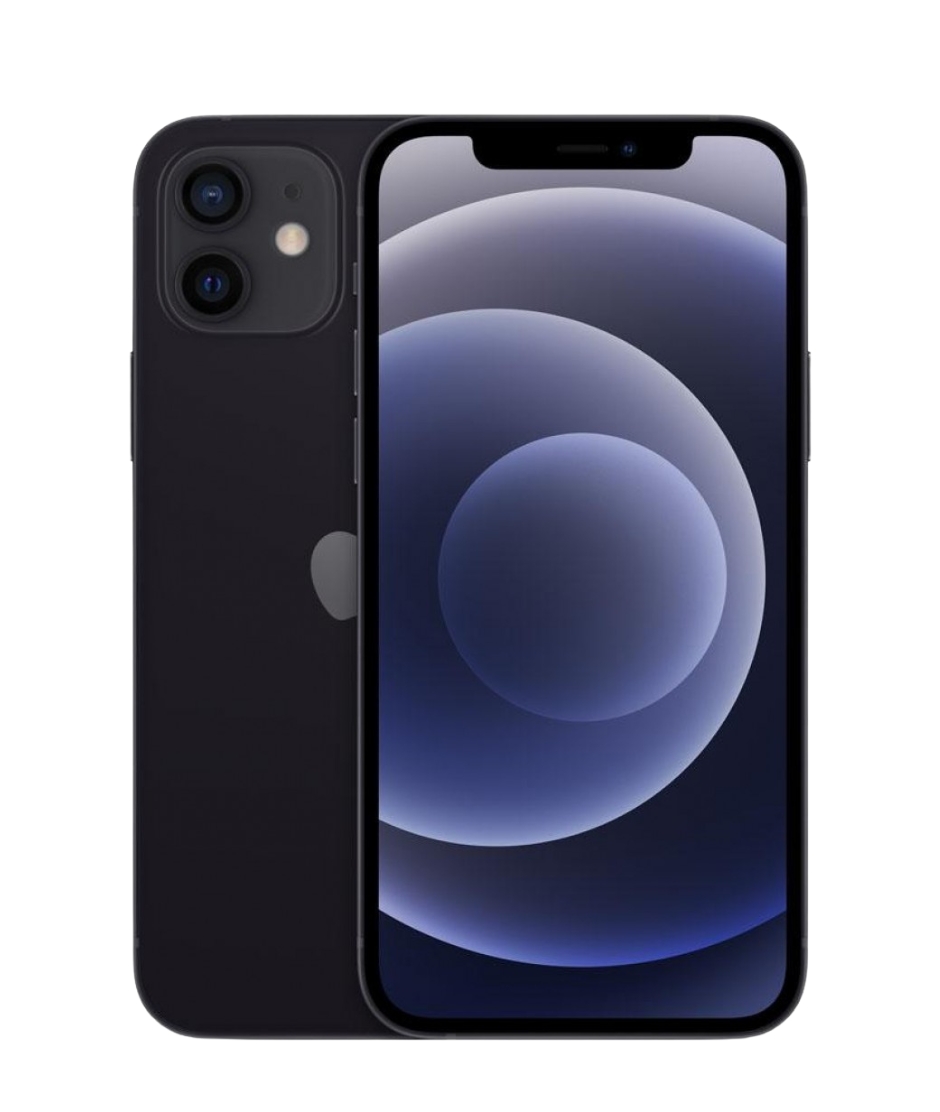
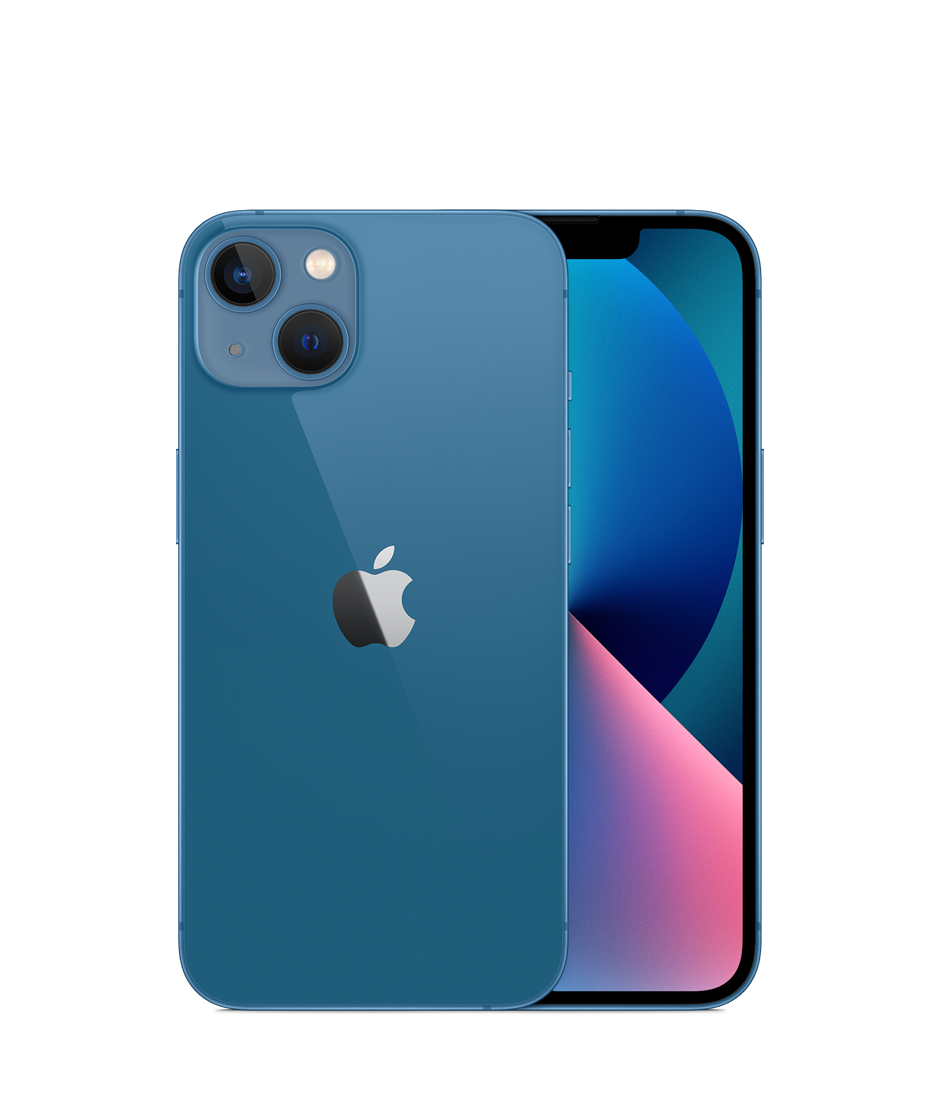
To learn more about iPhone battery capacity, check out our comprehensive guide on iPhone battery capacity.
If you’re considering a new iPhone, check out our quality pre-owned models with professionally checked batteries.
Battery life is one of the most important aspects of the smartphone experience – with good maintenance, you can get maximum performance and longer usage from your device.
Also check out our blog where we share reviews of trends and news. Find us @ upgreat.ee
To stay updated with Upgreat campaigns, add us as a FB friend or follow us on Instagram.