
Memory capacity selection is one of the most important decisions when buying a new Mac computer. Too little memory makes the computer slow, while too much RAM means wasting money. Let’s look at how to choose the right amount of memory for you and why this decision is more important than you might think.

Why is RAM Amount Important?
RAM (Random Access Memory) is a computer’s temporary working memory that plays a key role in your Mac’s performance. Unlike conventional computers, Apple’s M-series chips use *unified memory architecture*, where the same memory is used by both the processor and the graphics card.
Consequences of insufficient RAM:
- The system begins using the SSD drive as temporary memory (swap), which noticeably slows down the computer
- Applications may unexpectedly close or freeze
- Using multiple programs simultaneously becomes problematic
- The SSD wears out faster due to frequent swap usage, up to 12-18% per year according to Apple’s SSD durability data
How to Check Your Mac’s RAM Usage?
Before buying a new computer, it’s useful to know how much memory you actually need. If you already have a Mac, you can check your current usage:
- Open Activity Monitor from the Utilities folder in Applications
- Select the Memory tab
- Look at the bottom section where you see the “Memory Pressure” graph
The memory pressure graph shows how well your Mac is coping with existing memory:
- Green: sufficient memory
- Yellow (>70% pressure): memory is limited, the system starts using swap files
- Red (>90% pressure): critical memory pressure, requiring immediate upgrading according to Apple’s development guidelines
If you regularly see yellow or red, you definitely need more RAM.
How Much RAM for Different Users?
16GB – for regular users and students
*Suitable for: web browsing, document processing, light photo editing and moderate multitasking*
16GB is the basic need for most users today. Apple does offer an 8GB base configuration on some models, but tests show this causes significant problems:
- 8GB RAM M1/M2 Macs show 15-30% worse performance in photo and video processing (Lightroom/Final Cut Pro) compared to 16GB versions
- Using just 20+ Chrome tabs, Office applications and Slack together pushes an 8GB memory computer to critical pressure levels (>90%)
- MacBook Air 8GB base models reach the memory pressure limit with 15+ tabs, while the 16GB version handles up to 30 tabs
32GB – for creative professionals and developers
*Suitable for: video editing, photo processing, music production, software development*
32GB is recommended for more serious creative work:
- Adobe Lightroom Classic v13+ requires 16GB RAM for smooth processing of 4K RAW images, but 8GB systems experience 3.2 times more disk swapping
- Developers using Xcode with Docker containers and iOS simulators spend 40% more time compiling projects on 8GB configurations
- In real-world testing, a 32GB memory Mac shows about 19GB memory usage when exporting videos
If you use professional tools like Final Cut Pro, Logic Pro, Adobe Creative Suite, or virtual machines, it’s definitely worth investing in 32GB or more memory.
48GB/64GB – for specialists and demanding projects
*Suitable for: professional 4K/8K video processing, 3D modeling, large datasets, machine learning*
For memory-intensive work:
- DaVinci Resolve runs significantly smoother with 48GB or more memory, especially with multiple projects open simultaneously
- M3/M4 base models (8GB) share unified memory bandwidth (100GB/s), causing 22% slower GPU performance in DaVinci Resolve compared to 16GB+ Pro models (200GB/s bandwidth)
- Python data analysis (Pandas/NumPy) on 10GB datasets doesn’t work at all on 8GB memory M-series Macs, 16GB is the minimum
- CAD work, large 3D models, and language models (LLM) require at least 48GB of memory
What Happens in the Future? RAM Needs in a 2-3 Year Perspective
Apple has begun setting larger memory configurations as standard in its newer models:
- All new Mac models now start with 16GB of memory (instead of the previous 8GB)
- The M5 chip offers 32GB memory as standard configuration on some models
- Unified memory bandwidth has increased – M5 offers 153GB/s (30% increase compared to M4), M4 Max up to 546GB/s
Future trends show that memory needs are growing:
- Future macOS versions (2026+) will likely require a 16GB minimum for AI functions, especially due to Core ML 4 memory demands
- Unified memory architecture allows devices to run larger AI models completely on-device
- M5 brings significantly faster processing for AI-based workflows, diffusion models, and large language models
Sensible Configuration Recommendations for 2026+
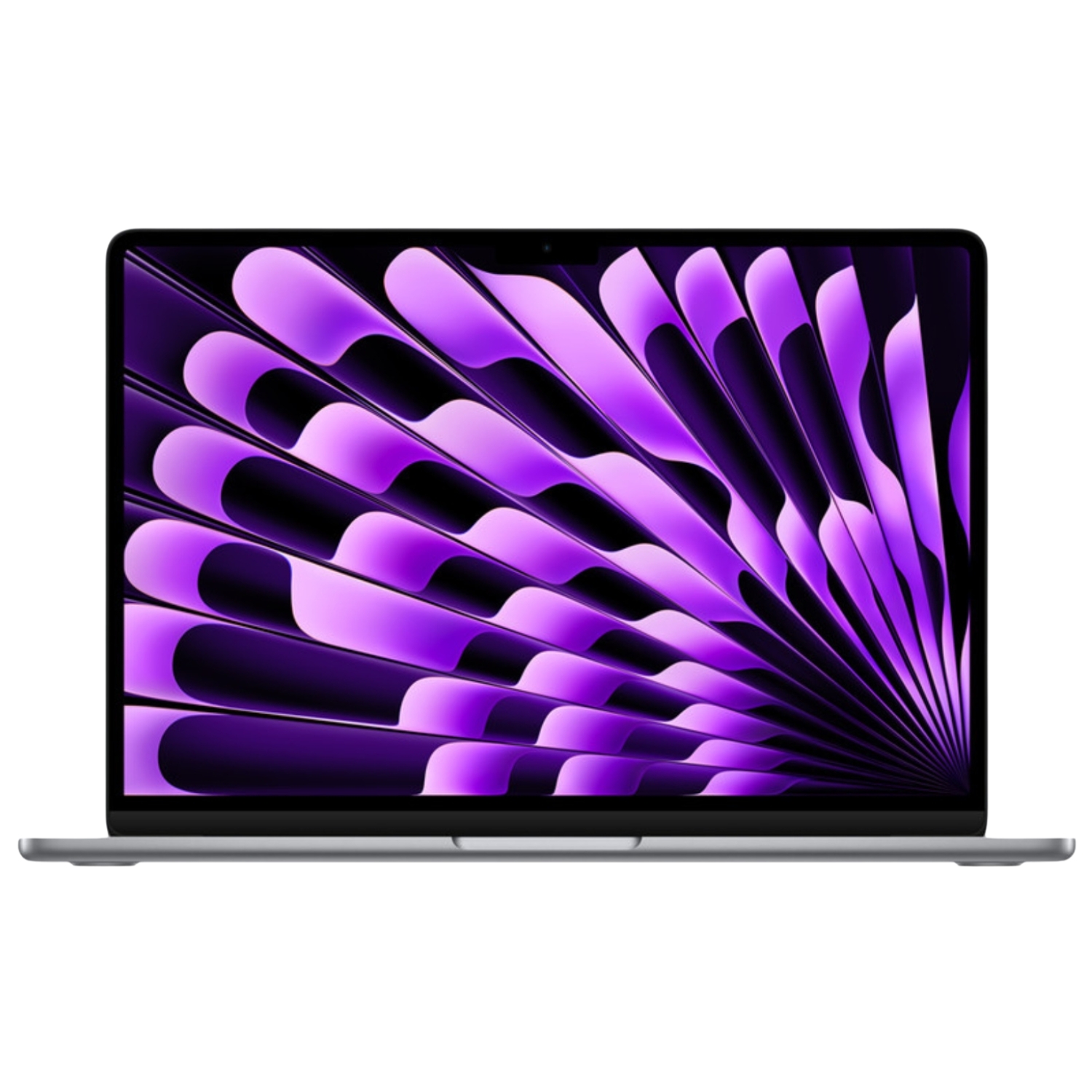
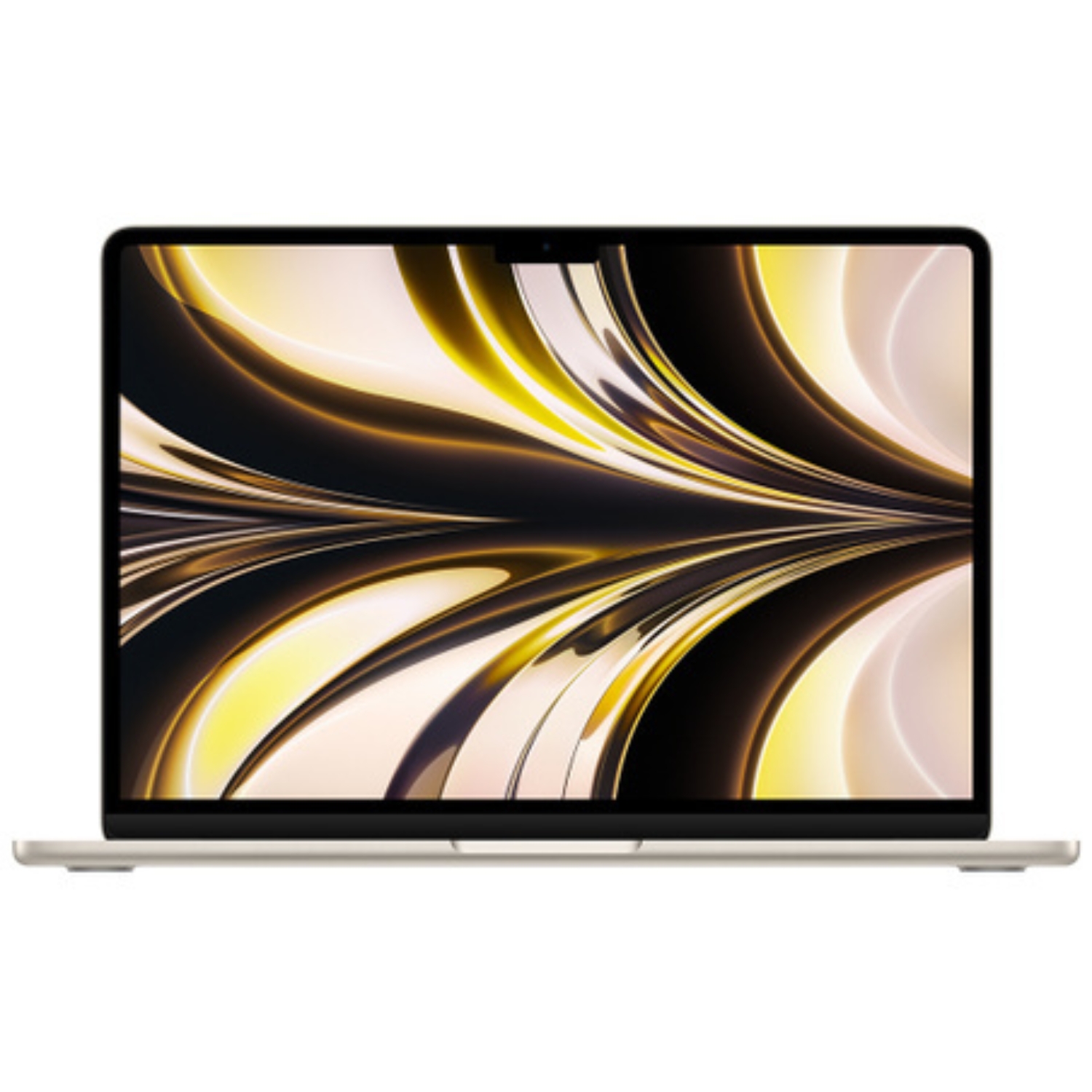
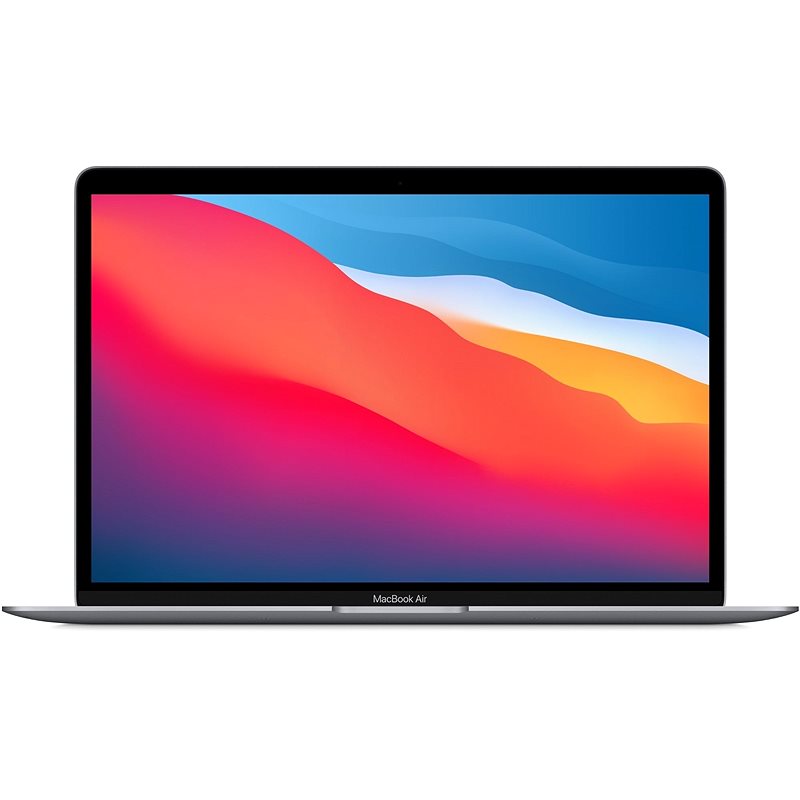
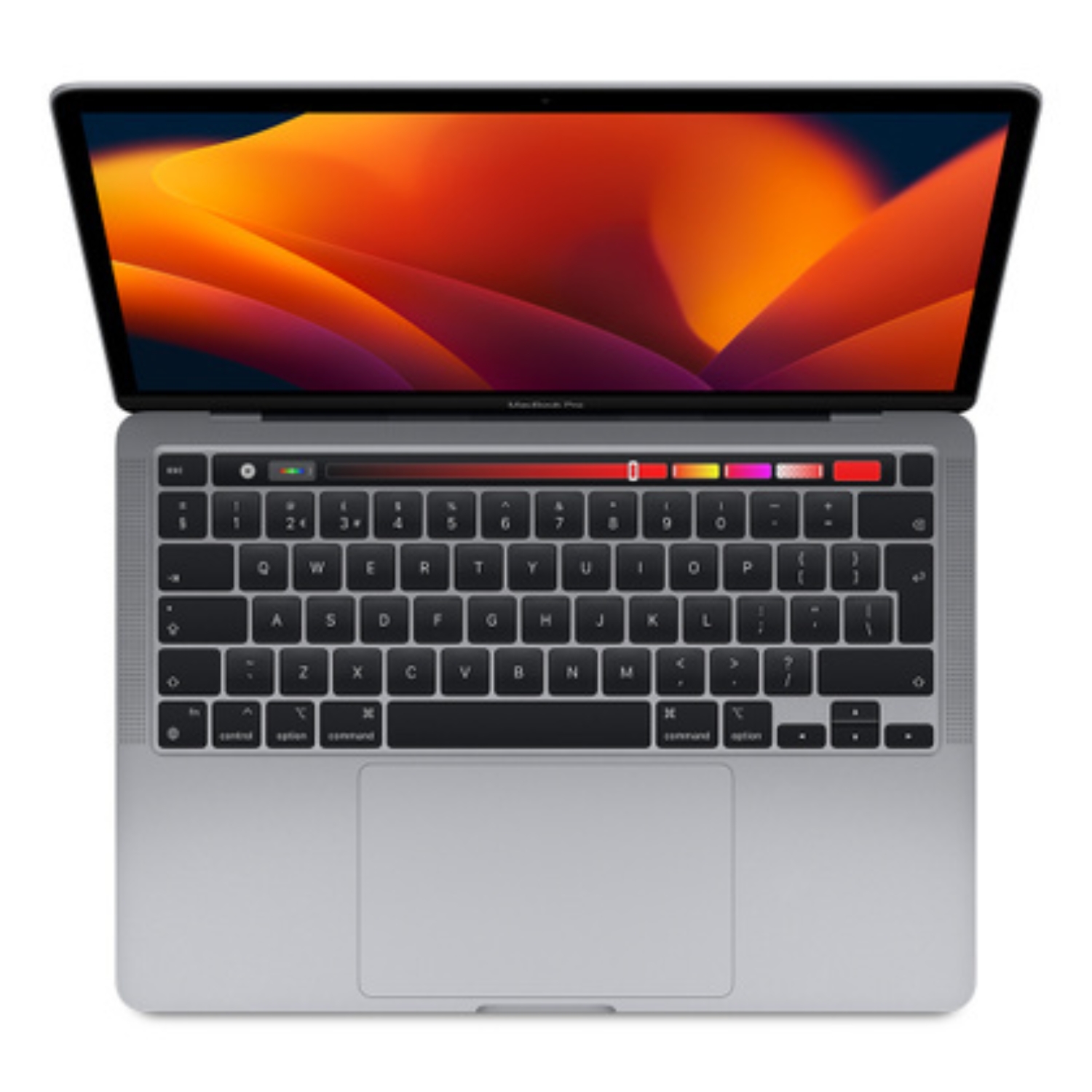
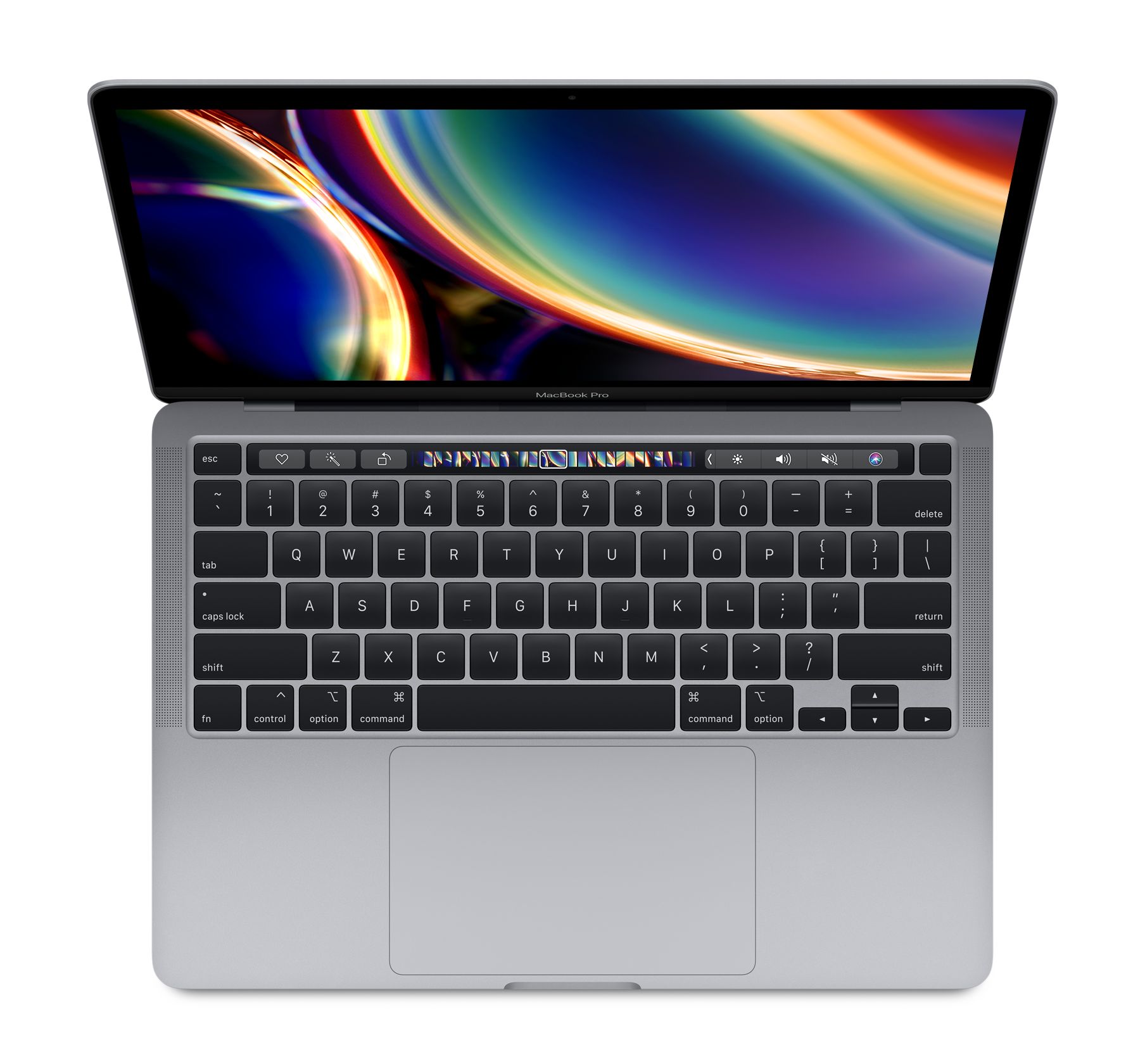
MacBook Air
- Minimum: 16GB (ensures sufficient performance for everyday use)
- Optimal: 24GB (future-proofing and smoother multitasking)
- Maximum: 32GB (if you use professional applications or do development work)
MacBook Pro
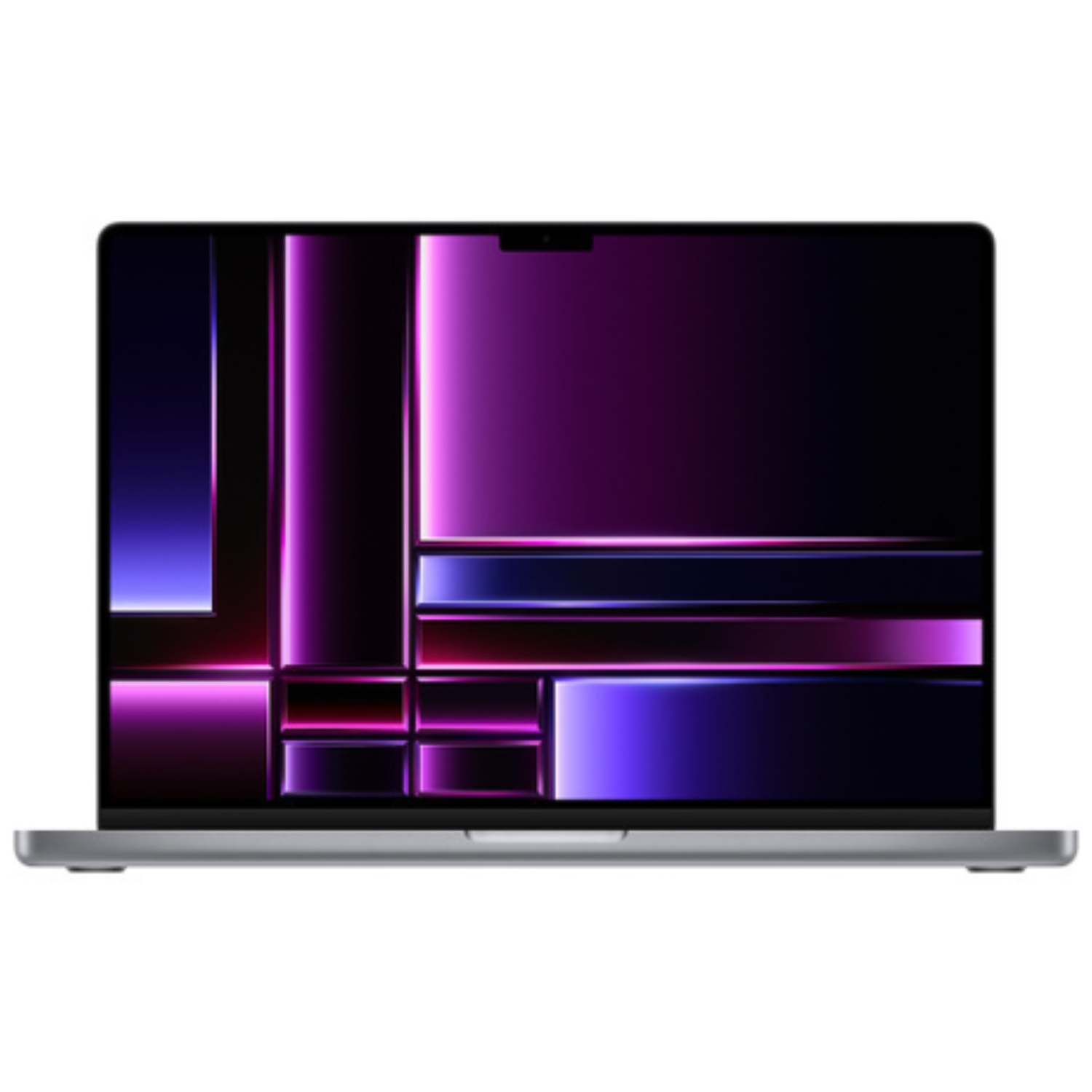
- Minimum: 16GB (sufficient for regular users)
- Optimal: 32GB (for creative professionals and developers)
- Maximum: 48GB/64GB (for professional video editing, 3D work or data analysis)
- Specific needs: 96GB (for enterprise users and scientists)
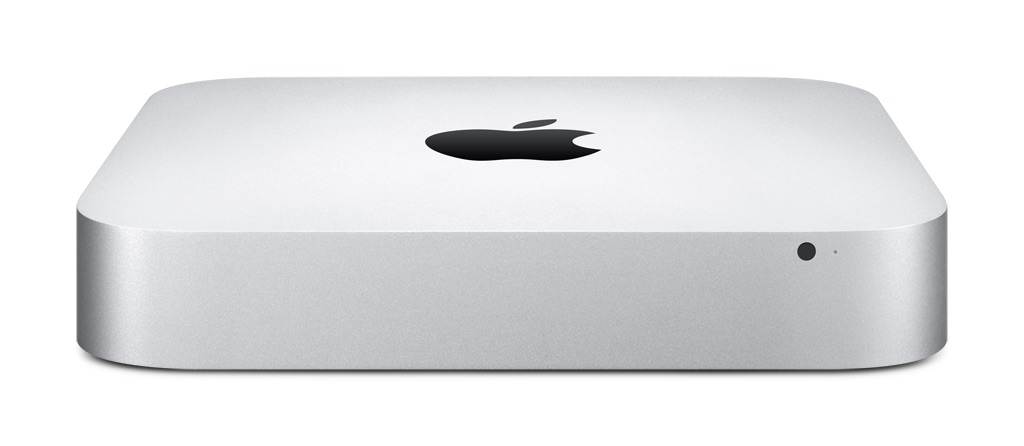
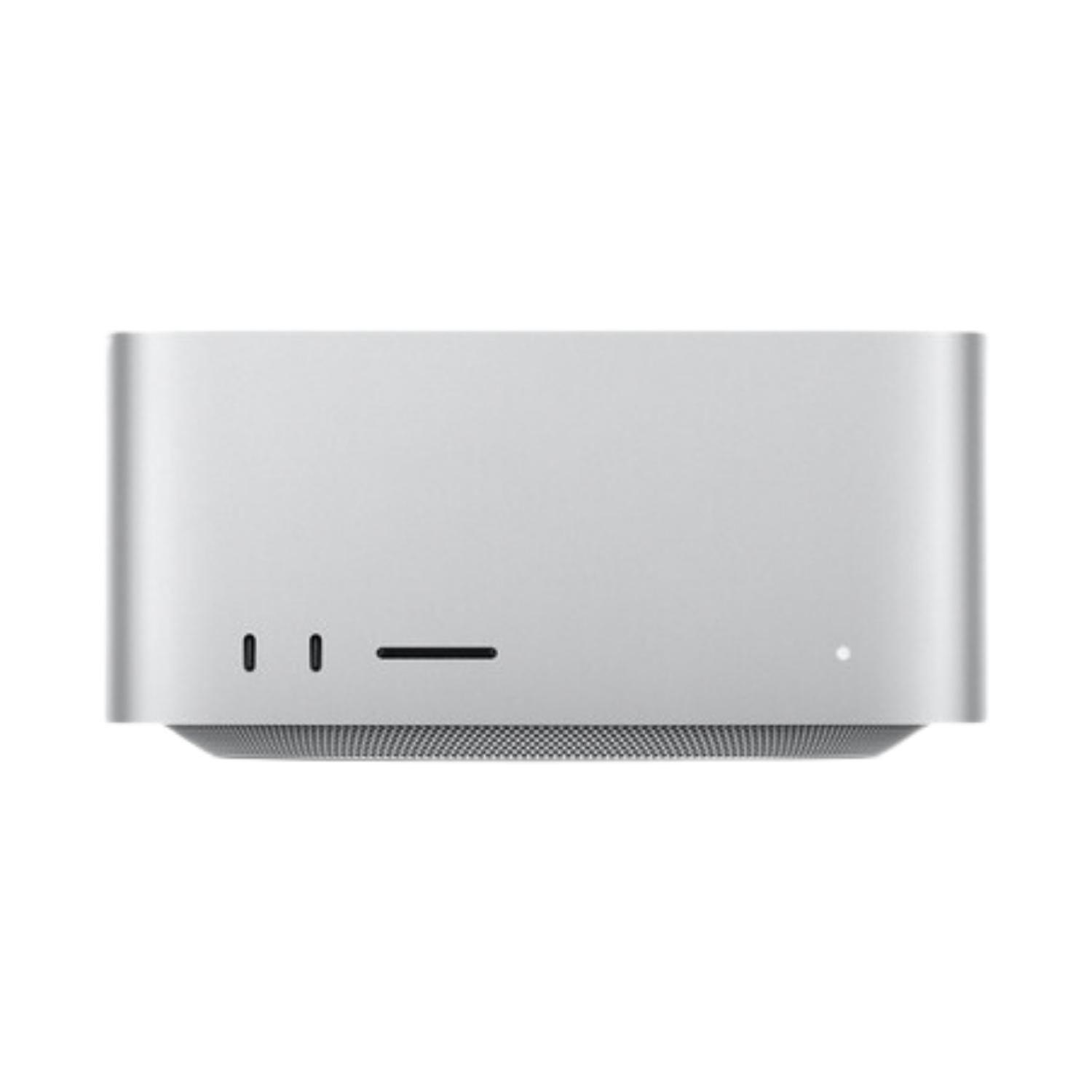
Mac mini / Mac Studio
- Minimum: 16GB (for home users and office work)
- Optimal: 32GB (for creative professionals)
- Maximum: 64GB+ (for work use with resource-intensive tasks)
Summary
When choosing RAM, follow the principle: buy as much as you can afford, because MacBook memory cannot be upgraded later. With Apple Silicon, it’s particularly important to remember that memory is integrated into the system chip.
Regular users and students should choose at least 16GB. Those involved in creative work and development need 24GB-32GB. For professionals working with video, 3D or data processing, 48GB+ is essential.
Statistics show that about 93% of users don’t need more than 48GB of RAM, but remember that memory usage grows over time, especially with the rising popularity of AI-based features. Investing in a larger memory capacity today pays off in the long run if you want to use your Mac for several years.
Also check out our blog where we share overviews of trends and news.
To stay updated with Upgreat campaigns, add us as a friend on FB or follow us on Instagram.


