
Are you wondering what it would be like to take digital notes or lighten your backpack with a single device? iPads have become increasingly popular in school life, but which model should you choose if you want good value for money? Most parents and students are looking for an affordable solution that will also last for at least a few school years.

What to Consider When Choosing an iPad for a Student?
Before diving into comparing specific models, it’s worth thinking about what iPads are mainly used for at school:
- Reading learning materials and taking notes – digital textbooks need a sufficient screen and Apple Pencil is suitable for notes
- Creating presentations and homework – a keyboard makes work significantly more comfortable
- Using apps – learning app requirements determine the necessary storage capacity and performance
- Video and image processing – creative subjects require more powerful hardware
- Internet use and learning platforms – WiFi is usually sufficient, but in some cases mobile data may be needed
Comparison of iPad Models from a Student’s Perspective
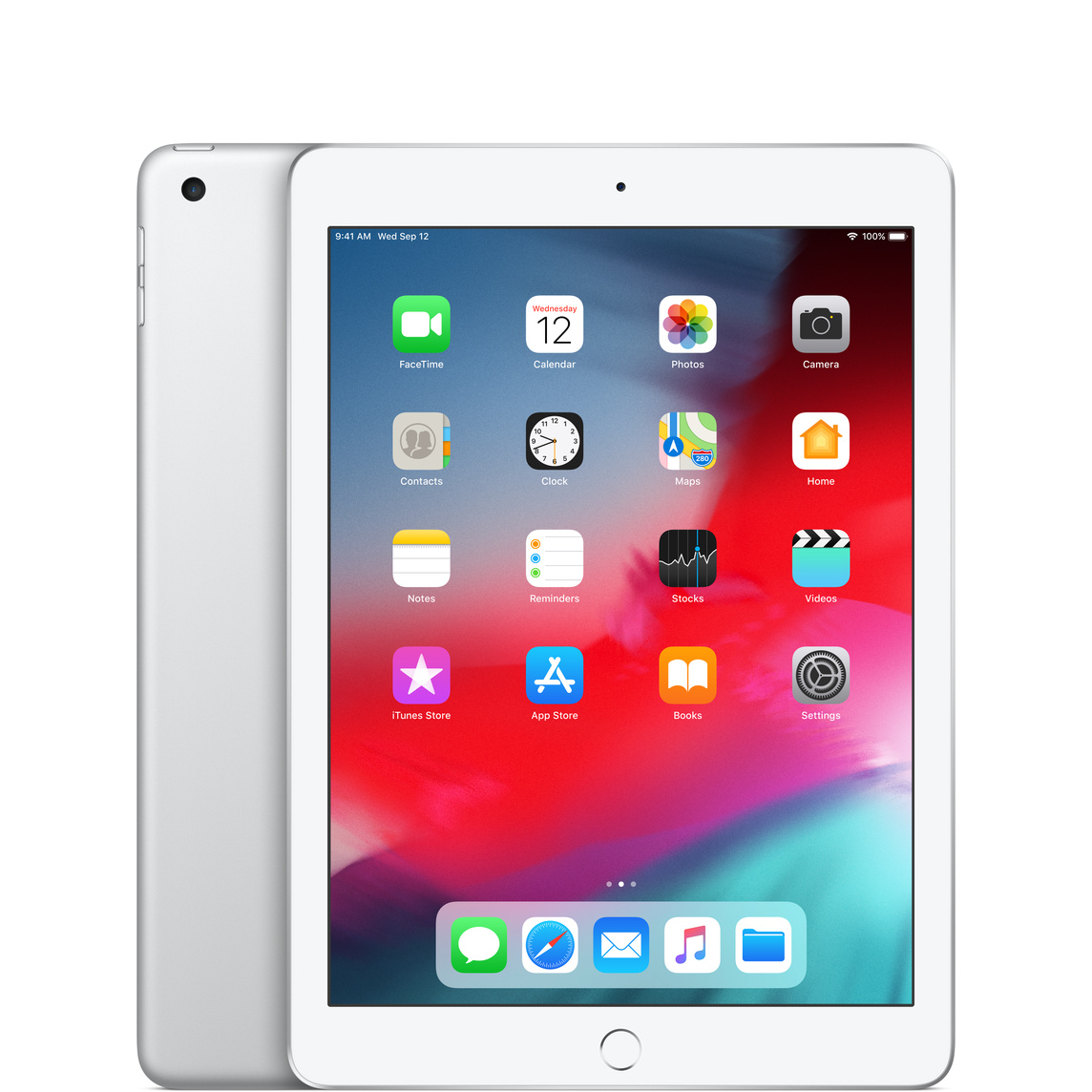
iPad 9th Generation – Best Price-to-Value Ratio
iPad 9 is currently one of the most affordable options, with a significantly reduced price. It’s ideal as a first iPad or for elementary/middle school students.
Pros:
- Affordable price
- Supports 1st generation Apple Pencil
- Home button and Touch ID
- Long battery life (up to 10 hours)
Cons:
- Older design with large bezels
- Lightning port (not USB-C)
- Lower performance for more demanding applications
iPad 10th Generation – Modern Design in a More Affordable Price Range
The 10th generation iPad offers a more modern design without a Home button and is equipped with an A14 chip, which is noticeably slower than newer models.
Pros:
- Modern design without Home button
- USB-C port
- Supports Apple Pencil (USB-C)
- 4GB RAM
Cons:
- More expensive than 9th generation
- Apple Pencil (USB-C) is not as capable as Apple Pencil Pro
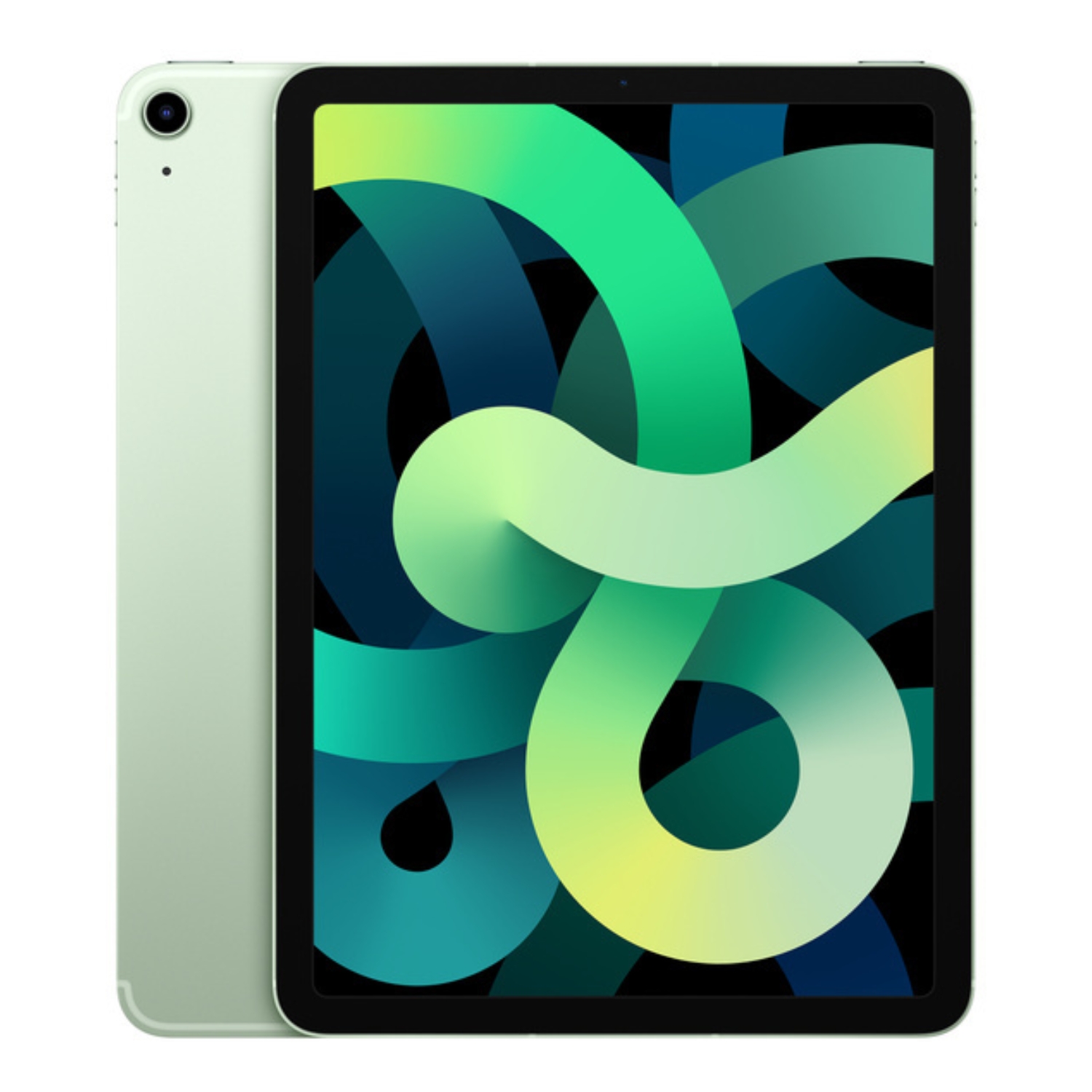
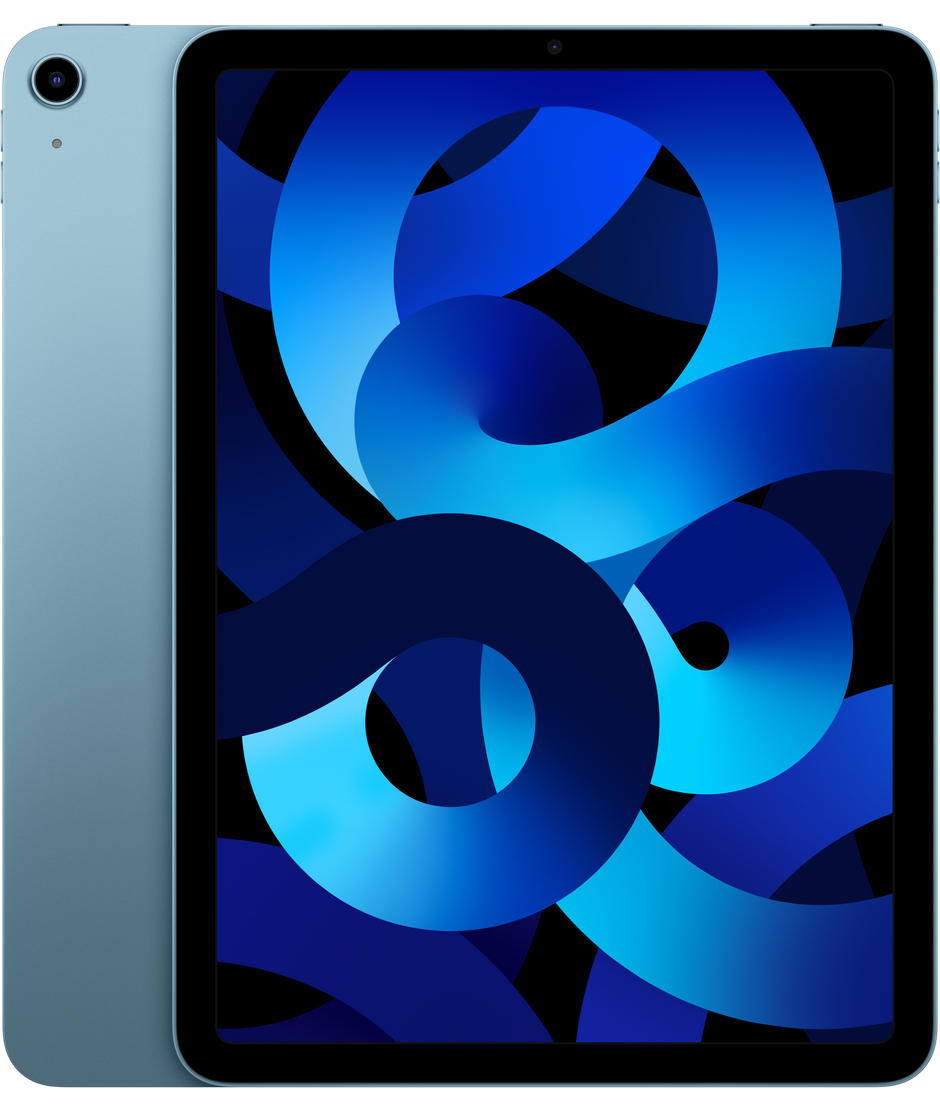
iPad Air 4/5 – Balanced Choice for High School Students
iPad Air is ideal for high school students or college students who need more performance.
Pros:
- Good compromise between price and performance
- M-series chips (on newer models)
- Supports 2nd generation Apple Pencil
- Wider color selection
Cons:
- More expensive than regular iPad
- Starts with 64GB storage, which may not be enough
Newer iPad Air models (2025) will come with M3 processor, 8GB RAM, and are available with both 11″ and 13″ screens.
iPad Mini – Compact Option
iPad Mini is the smallest and most portable option, making it especially popular among younger students.
Pros:
- Easily portable (fits in even a small bag)
- Powerful A-series chip
- Supports 2nd generation Apple Pencil
- Good battery life
Cons:
- Smaller screen may limit usage
- More expensive than regular iPad
- Not ideal for use with a keyboard
The new iPad Mini is expected to come with an A17 Pro chip, 8GB RAM, and support for Apple Pencil Pro.
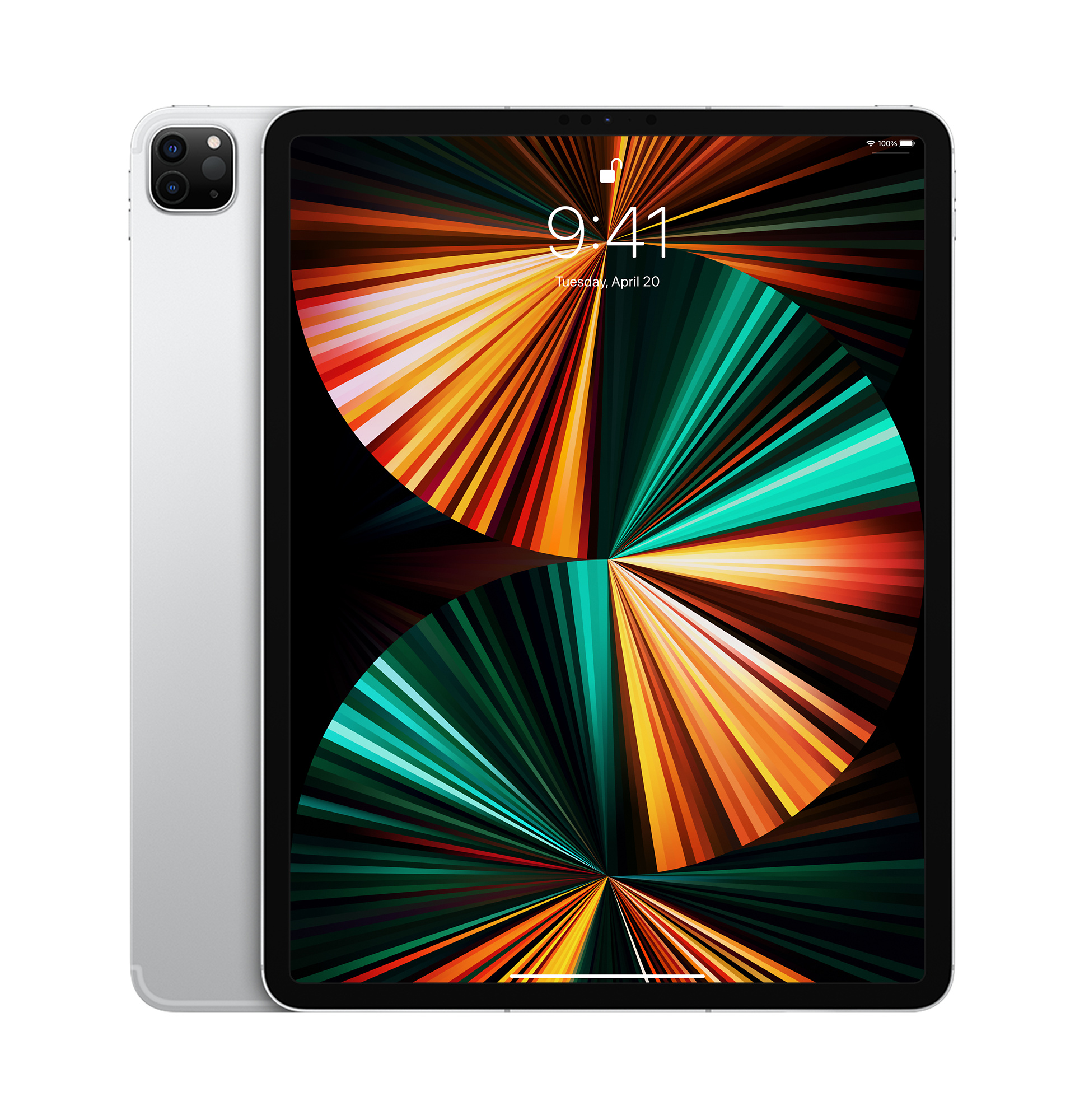
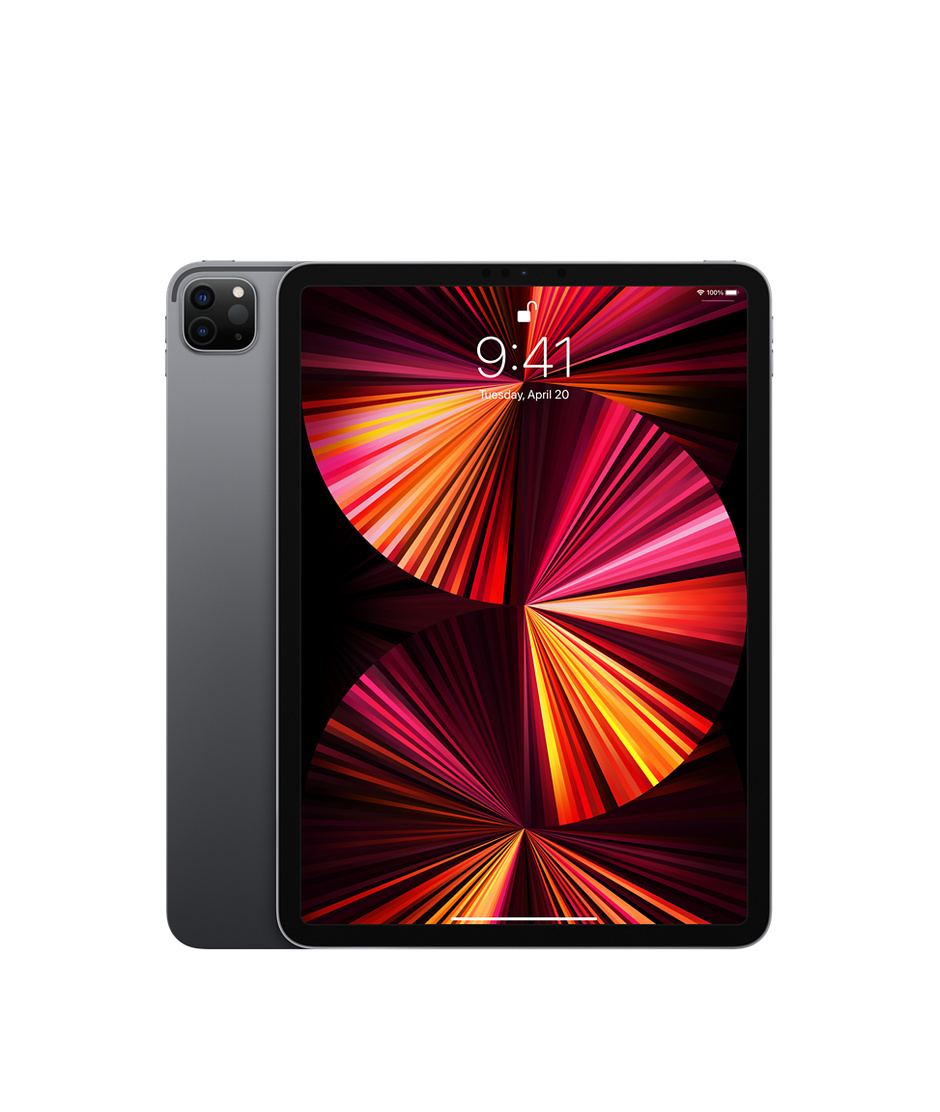
iPad Pro 2018-2021 – Power for Creative Work
Older iPad Pro models are a good value choice as refurbished devices for older students who work with video or photo editing, 3D modeling, or other demanding activities.
Pros:
- High performance even years later
- ProMotion 120Hz display
- Face ID
- Quality cameras
Cons:
- More expensive even as used devices
- May be too powerful for regular school use
How Much Storage Capacity Does a Student Need?
Choosing storage capacity is one of the most important decisions, as iPads don’t allow for memory expansion later:
- 32GB – sufficient only for web use and simple applications, but nowadays usually not enough
- 64GB – minimum recommended capacity if the device is mainly used for internet and documents
- 128GB – optimal capacity for most students, allows storing more files and applications
- 256GB and more – necessary if planning to save many videos, photos or use storage-intensive applications
Importance of Apple Pencil and Keyboard
Apple Pencil significantly improves the iPad user experience for students:
- Apple Pencil (1st generation) – compatible with iPad 9
- Apple Pencil (USB-C) – compatible with iPad 10
- Apple Pencil (2nd generation) – compatible with iPad Air, Mini and older Pro models
- Apple Pencil Pro – compatible with newer iPad Air, Pro and Mini models
A keyboard turns the iPad into a full-fledged tool:
- Smart Keyboard or Magic Keyboard make typing longer texts more comfortable
- Third-party keyboards are often more affordable alternatives
Battery Life and Software Support
iPad is known for good battery life – most models offer about 9-10 hours of active use. For a student, this is usually sufficient throughout the school day.
In terms of software support, Apple is exemplary – iPads typically receive software updates for at least 5-6 years. This means that even an older refurbished device is likely to be supported for several more years.
Refurbished iPads – A Sensible Choice for Students
Refurbished iPads offer a great opportunity to save money without compromising on quality:
- Cost savings – refurbished iPads are often 30-50% cheaper than new models
- Quality guarantee – reliable sellers like UPGREAT offer devices that have been thoroughly tested
- Warranty – UPGREAT offers a 2-year warranty on all refurbished devices
- Environmental friendliness – extending the life of a device reduces electronic waste
Advantages of UPGREAT’s refurbished devices:
- Device screen, reception, audio, and battery have been checked
- No liquid damage
- Inspection by certified technicians
- 14-day satisfaction guarantee
Recommendations According to Education Level
Elementary School (Grades 1-4)
- Recommendation: iPad 9th generation or refurbished iPad 8
- Storage capacity: 64GB is sufficient
- Accessories: durable case, Apple Pencil not necessarily needed
Middle School (Grades 5-9)
- Recommendation: iPad 10 or refurbished iPad Air 4
- Storage capacity: 64-128GB
- Accessories: Apple Pencil, keyboard if possible
High School (Grades 10-12)
- Recommendation: iPad Air 5 or refurbished iPad Pro 2018-2020
- Storage capacity: 128-256GB
- Accessories: Apple Pencil 2, keyboard
College/University
- Recommendation: iPad Air 5 or refurbished iPad Pro 2020-2021
- Storage capacity: 256GB or more
- Accessories: Apple Pencil 2, Magic Keyboard
Protect Your Investment
To ensure your iPad lasts as long as possible in a school environment, it’s worth getting proper protection right away:
- Screen protector prevents screen damage, which is one of the most common problems
- Quality case protects the device from falls
Choosing an iPad for schoolwork is an investment that pays off in convenience, versatility, and productivity. For most students, the best choice is to find a balance between price and capability, considering specific learning needs.
If you want the most economical solution, check out UPGREAT’s selection of refurbished iPads, where you’ll find quality devices with warranty. A model that is 2-3 generations older is also great for students and is often the best choice in terms of price-quality ratio.
Check out our blog where we share reviews of trends and news. Find us @ upgreat.ee
To stay updated with Upgreat campaigns, add us as a friend on FB or follow us on Instagram.