
Should you invest in the cutting edge of tablet innovation or opt for a high-performance middle ground? While both the iPad Pro M4 and iPad Air M3 represent the pinnacle of Apple’s engineering, the choice ultimately comes down to display technology, connectivity speeds, and your specific professional requirements.
Display Technology: Tandem OLED vs. Liquid Retina
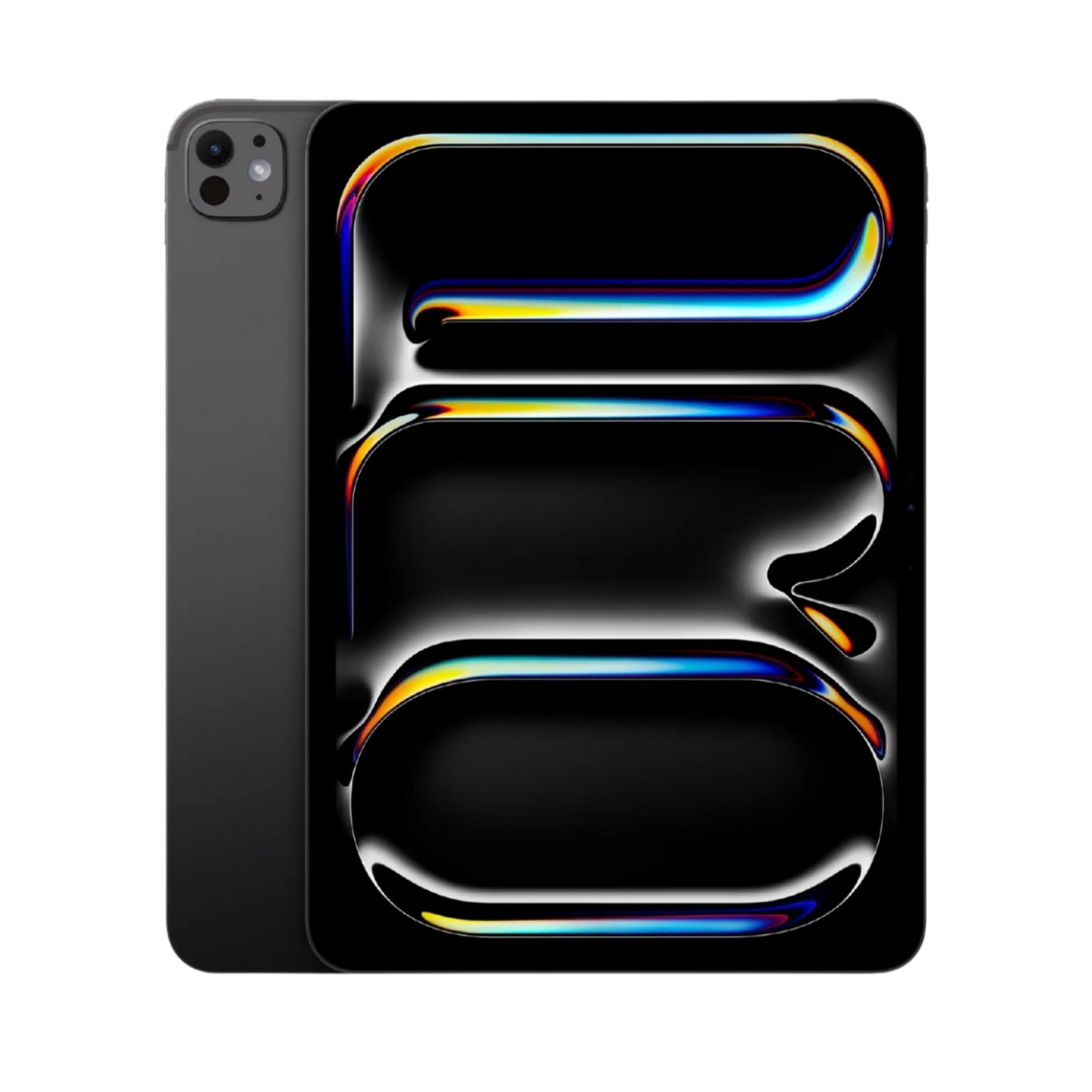
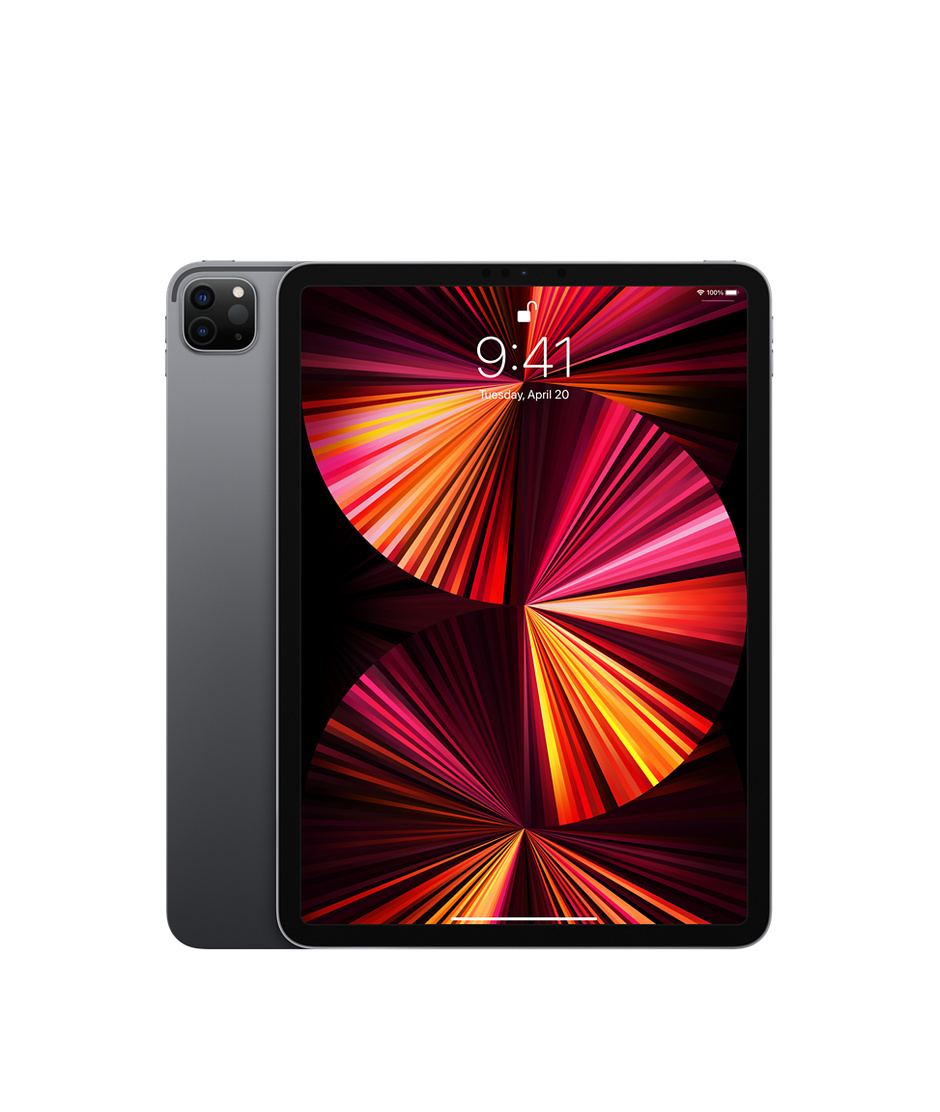
The most immediate distinction between these two models is the screen. The iPad Pro M4 introduces the Ultra Retina XDR display, powered by state-of-the-art tandem OLED technology. This dual-layer approach delivers unparalleled contrast, true blacks, and a staggering 1,600 nits of peak brightness for HDR content. Furthermore, the Pro features ProMotion technology, offering a 120Hz adaptive refresh rate that makes every swipe, scroll, and stroke of the Apple Pencil feel incredibly fluid.
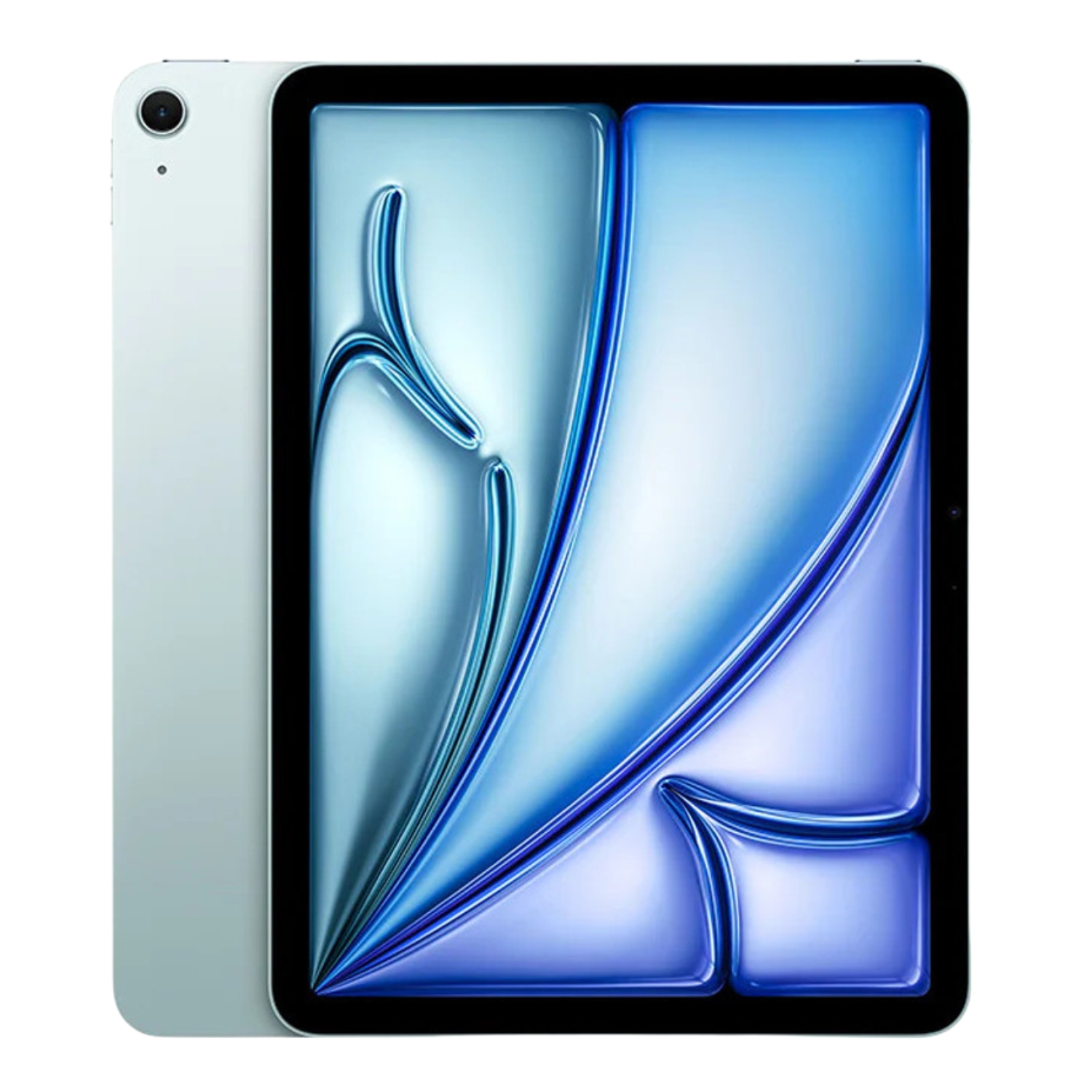
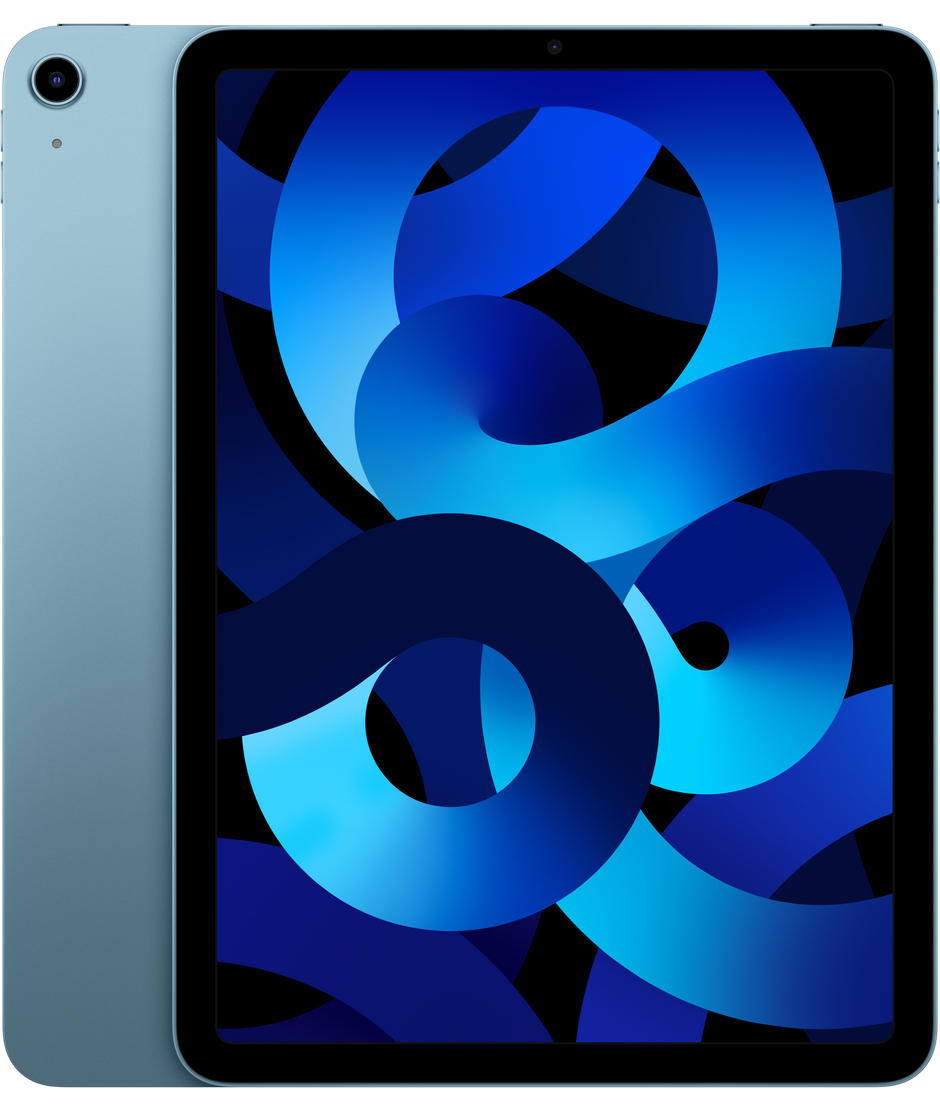
The iPad Air M3, meanwhile, utilizes the tried-and-true Liquid Retina LCD panel. While it lacks the infinite contrast of OLED, it still offers P3 wide color support and industry-leading color accuracy. The Air is capped at a 60Hz refresh rate, which is perfectly suitable for standard web browsing and office tasks. However, for digital artists and video editors who require absolute precision and high-speed responsiveness, the Pro model is the clear winner. You can explore these differences further in our comprehensive iPad Pro vs. iPad Air comparison.
Performance: The Power of M3 vs. M4
The M4 chip inside the iPad Pro marks a significant generational leap. With a CPU that is up to 50% faster than previous iterations and a vastly improved graphics engine, the Pro is designed for heavy-duty workloads like 3D modeling, complex AI processing, and 4K video rendering. In contrast, the iPad Air’s M3 chip remains a powerhouse in its own right, effortlessly handling demanding games and intensive multitasking without breaking a sweat.
While both devices start with 8GB of RAM, the 1TB and 2TB iPad Pro configurations are upgraded to 16GB. This extra overhead is a critical consideration for power users using an iPad as a laptop replacement for massive projects. For students and office professionals, the Air provides more than enough speed and reliability for daily use without the premium price tag of specialized hardware.
Design, Ports, and Connectivity
The iPad Pro M4 holds the title of Apple’s thinnest device to date, making the 13-inch model surprisingly portable for its size. Beyond its profile, the Pro’s connectivity is built for professionals; it features a Thunderbolt / USB 4 port capable of data transfer speeds up to 40 Gb/s. This allows the Pro to function as a genuine workstation, supporting high-resolution external monitors and high-speed external storage.
The iPad Air M3 features a standard USB-C (USB 3) port. While significantly faster than the entry-level iPad, it cannot match Thunderbolt’s throughput. Unless your workflow involves transferring massive video files to external drives, the Air’s port will be more than sufficient. Both models support Wi-Fi 6E for ultra-fast wireless connectivity. When deciding on a model, it is also worth weighing the differences between Wi-Fi and Cellular models to see which fits your mobility needs.
Accessories and Apple Pencil Support
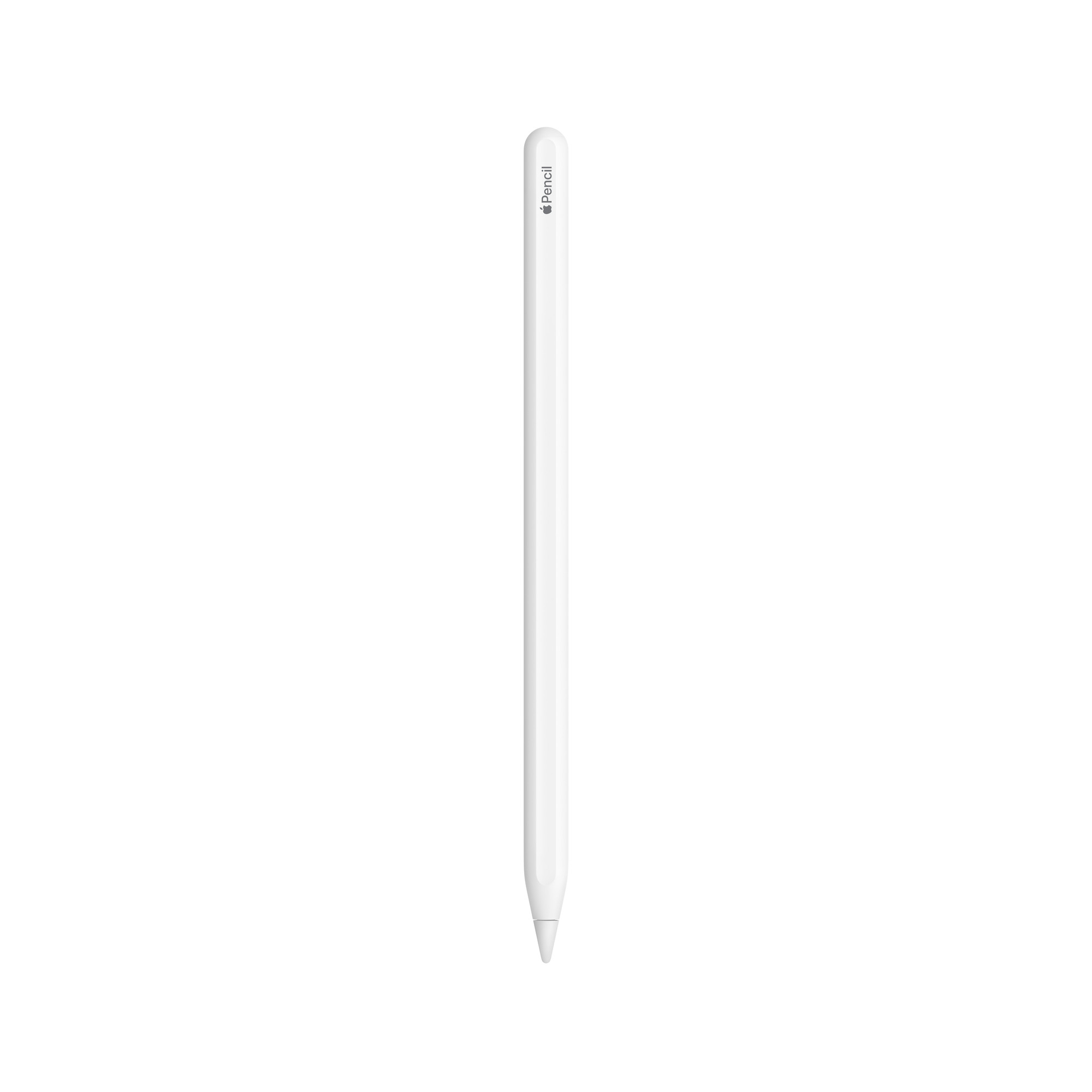
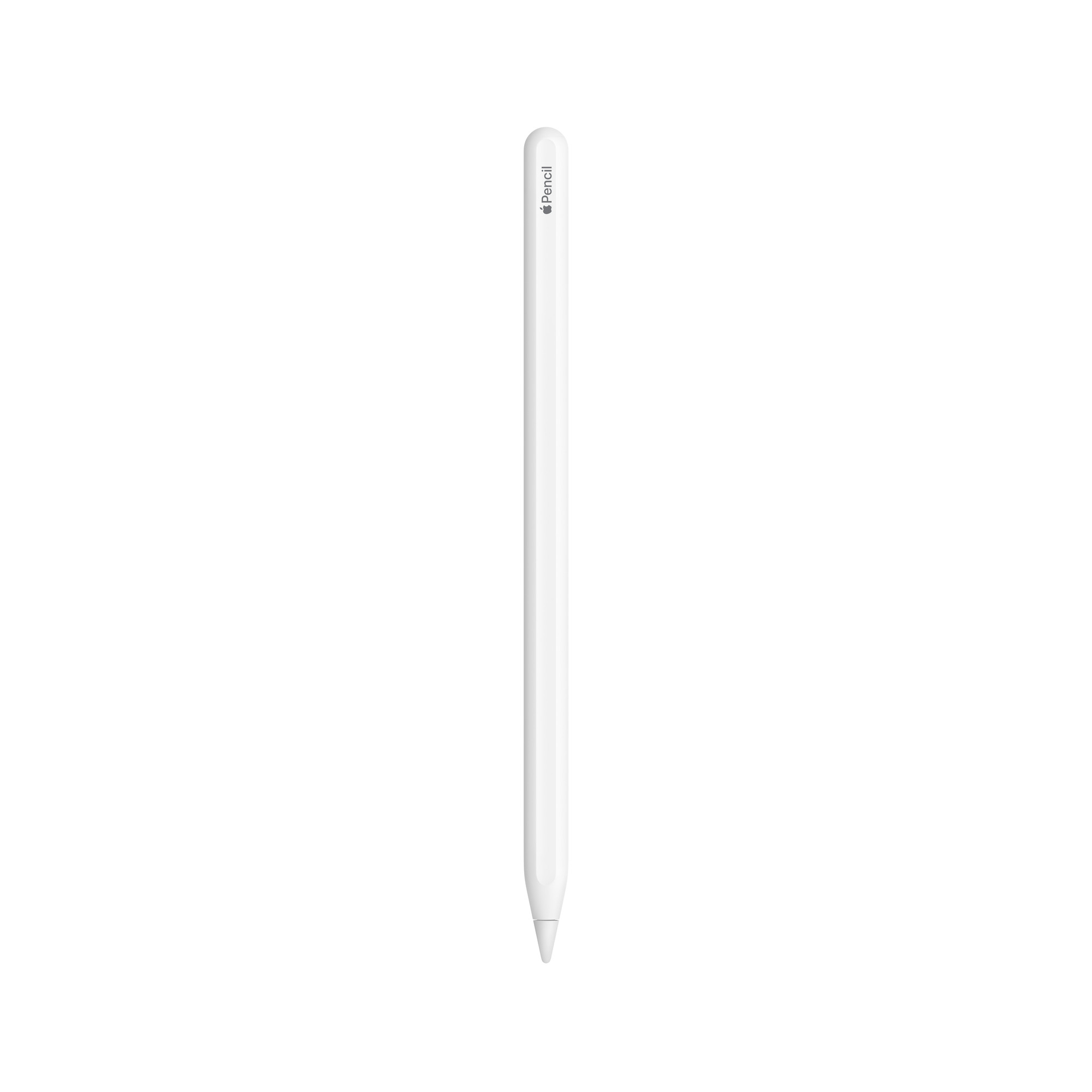
Both models support the new Apple Pencil Pro, which introduces advanced features like haptic feedback and squeeze gestures—a game-changer for digital illustrators. However, it is important to note that older Apple Pencil versions may not be compatible with these latest tablets. For a clear breakdown of compatibility, see our Apple Pencil model comparison.
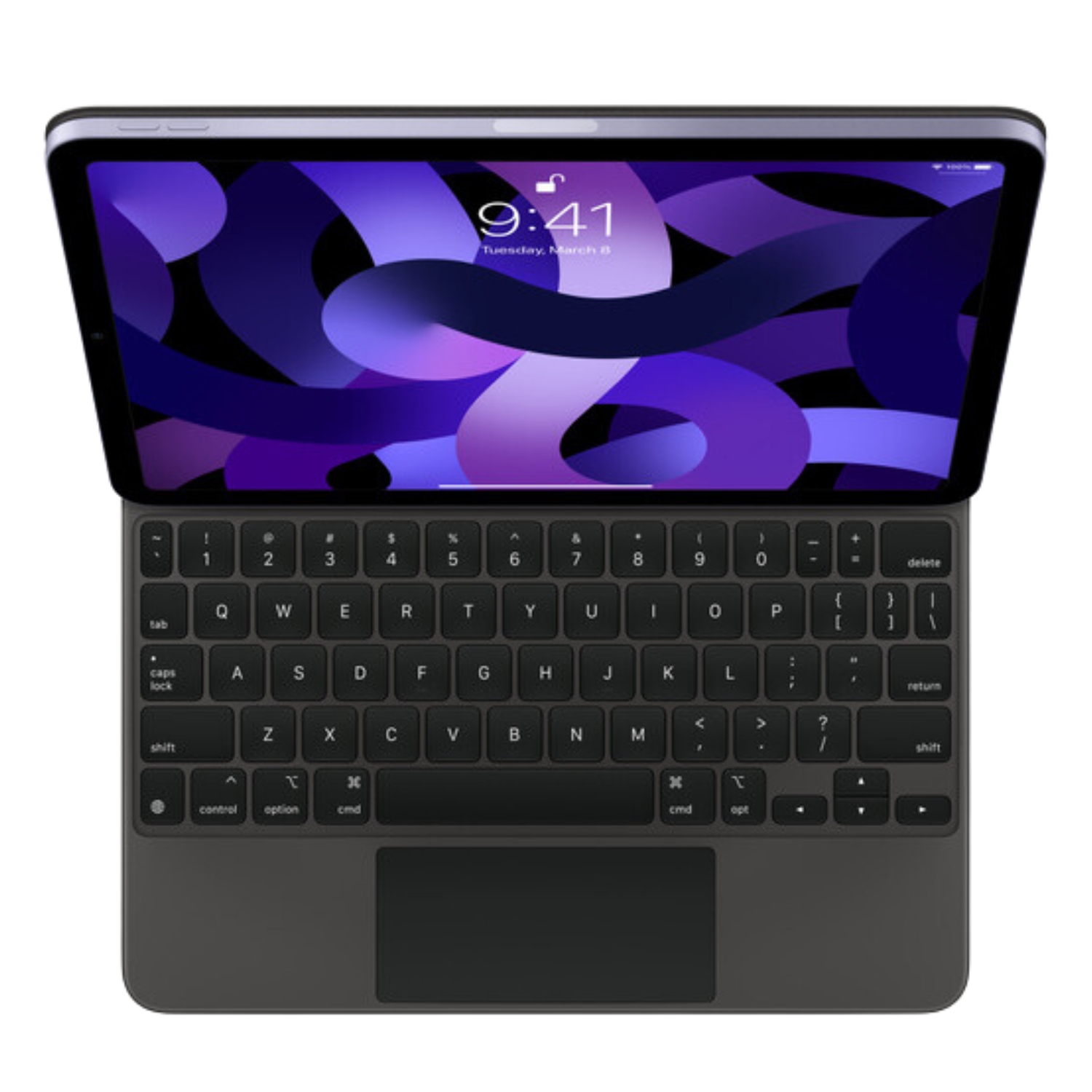
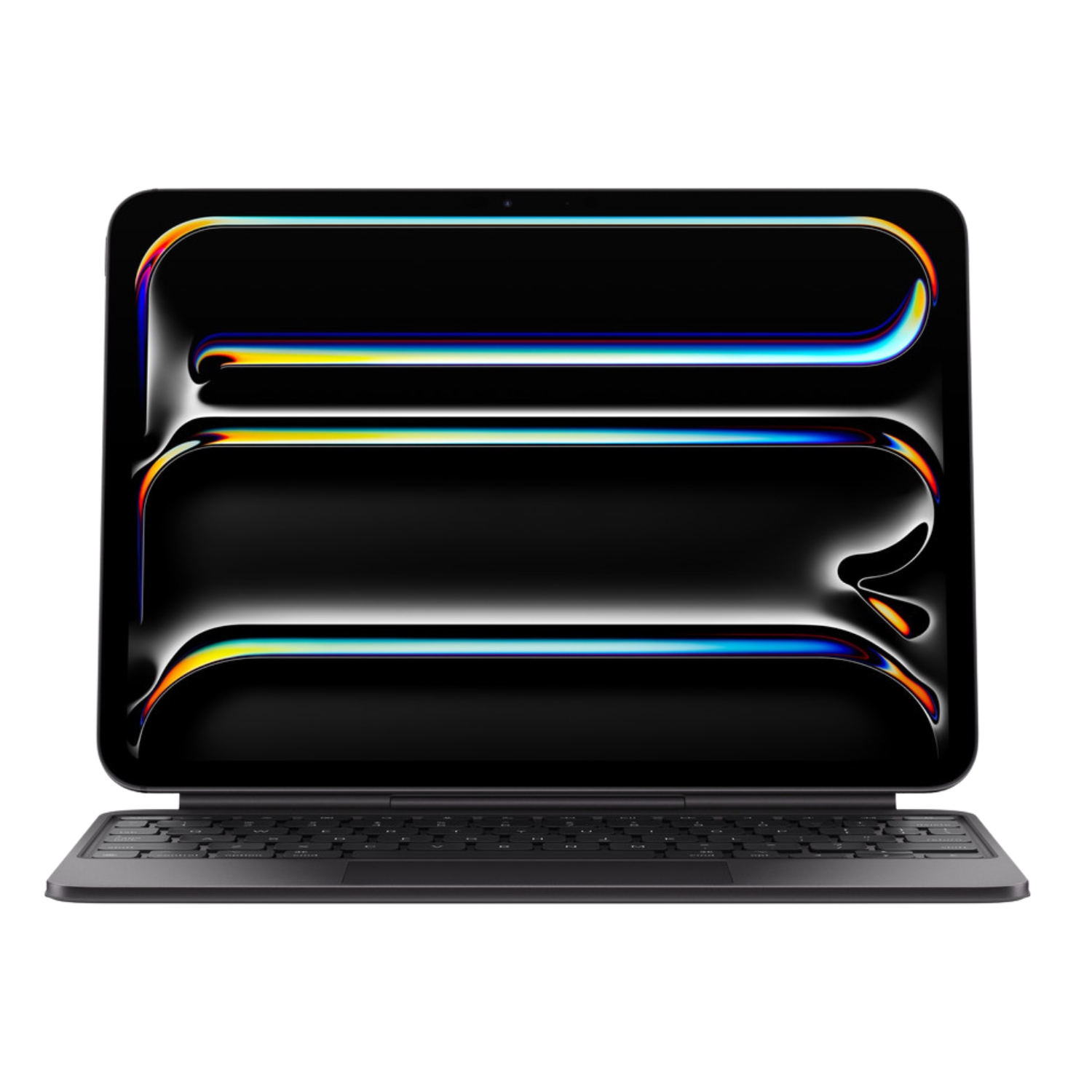
When it comes to keyboards, the iPad Pro M4 pairs with a redesigned aluminum Magic Keyboard featuring a functional row of keys and a larger trackpad, giving the device a premium, laptop-like feel. The iPad Air is compatible with the classic Magic Keyboard, which remains one of the best typing experiences available for a tablet, even without the aluminum finish.
Storage and Battery Life
The iPad Air M3 has doubled its base storage to 128GB, providing more breathing room for apps and media. The iPad Pro starts at 256GB and offers configurations up to 2TB for those with massive libraries. If you aren’t sure how much space you need, check out our guide to choosing iPad storage.
Regarding battery performance, both devices offer Apple’s signature 10-hour battery life. While the M4 chip is more power-efficient, the Pro’s high-brightness ProMotion display balances that out, resulting in nearly identical real-world endurance between the two models. For more specifics, view our iPad battery life overview.
The Verdict: Which Should You Buy?
The decision between the iPad Air M3 and iPad Pro M4 hinges on your budget and your “must-have” features. The iPad Air delivers approximately 80% of the Pro experience at a much more accessible price point, making it the best choice for students and most professionals. The iPad Pro is a specialized tool for those who demand the best display on the market, maximum processing power, and high-speed data transfer.
At Upgreat, we offer a wide range of refurbished iPads, each having undergone rigorous quality control by certified technicians. Choosing refurbished allows you to access premium technology more sustainably and affordably, backed by our 2-year warranty. We also stock previous-generation models that continue to offer exceptional performance for even better value.
Visit our blog for the latest tech news and trends. To stay informed about Upgreat’s newest arrivals and offers, follow us on FB or Instagram.


