
Have you ever been hit with the dreaded “Storage Almost Full” notification right in the middle of taking a photo or downloading a movie? It is incredibly frustrating to have to choose between keeping cherished memories or keeping the apps you need. Because you can’t upgrade an iPad’s internal storage later, choosing the right capacity upfront—and knowing how to manage what you have—is key to a worry-free experience for years to come. In this guide, we’ll help you pick the right size and show you what to do if you’re already running low on space.

64 GB vs. 256 GB: How to Choose the Right Capacity
Unlike many other tablets, Apple devices have fixed storage. You cannot expand them later with a microSD card, so the decision you make at checkout is final. Your choice should depend on whether you prefer keeping your files in the cloud or storing everything directly on your device.
64 GB – For the Basic User and Streamer
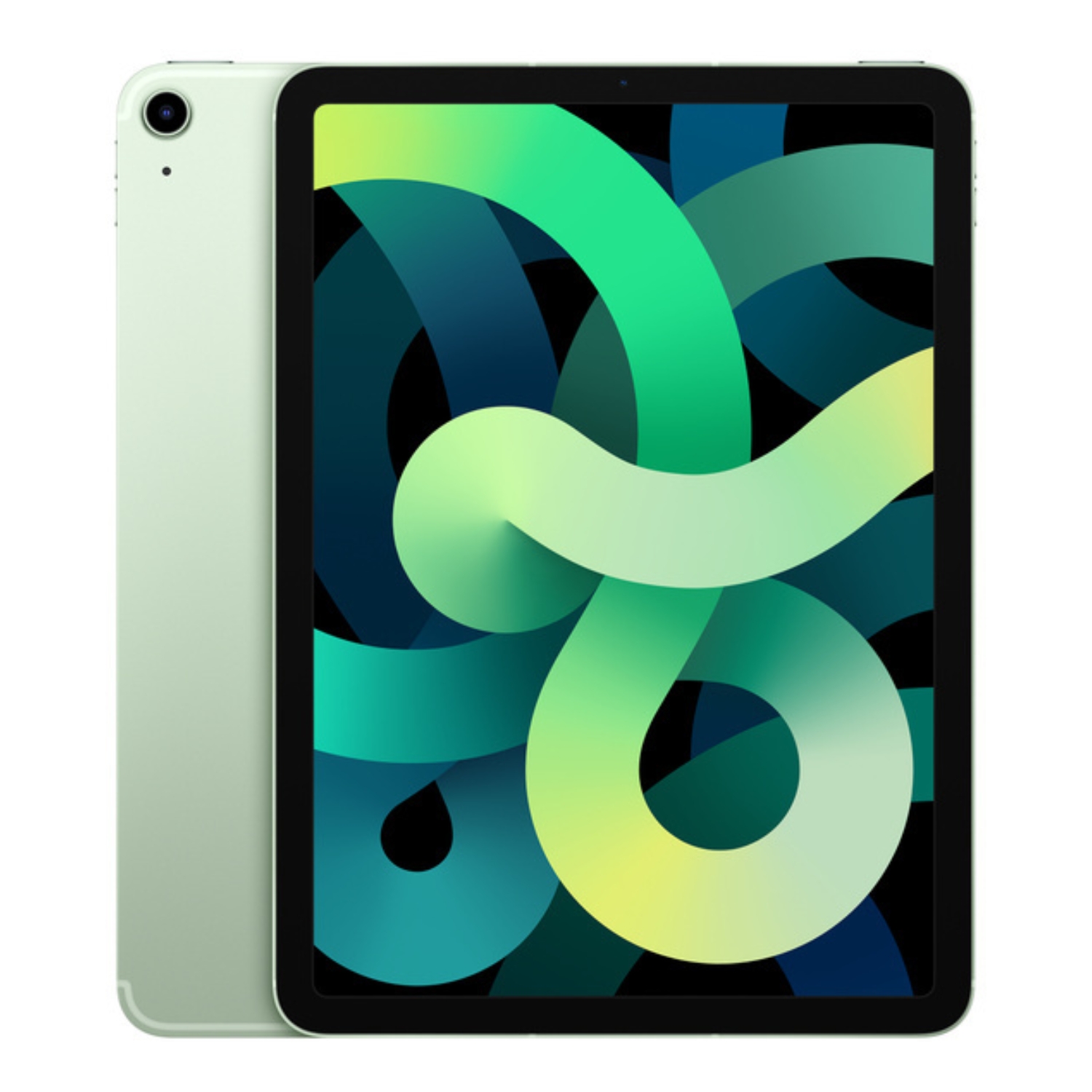
Many entry-level models, such as the standard iPad or iPad Air 4, start at 64 GB. This is plenty if you primarily use your tablet for web browsing, checking email, and consuming media via streaming platforms like Netflix or Spotify. It is also often the best bet for students who need a tablet for schoolwork and light gaming. Read more in our guide on how to choose an iPad for a student to find the right balance between price and performance.
128 GB and 256 GB – The Sweet Spot
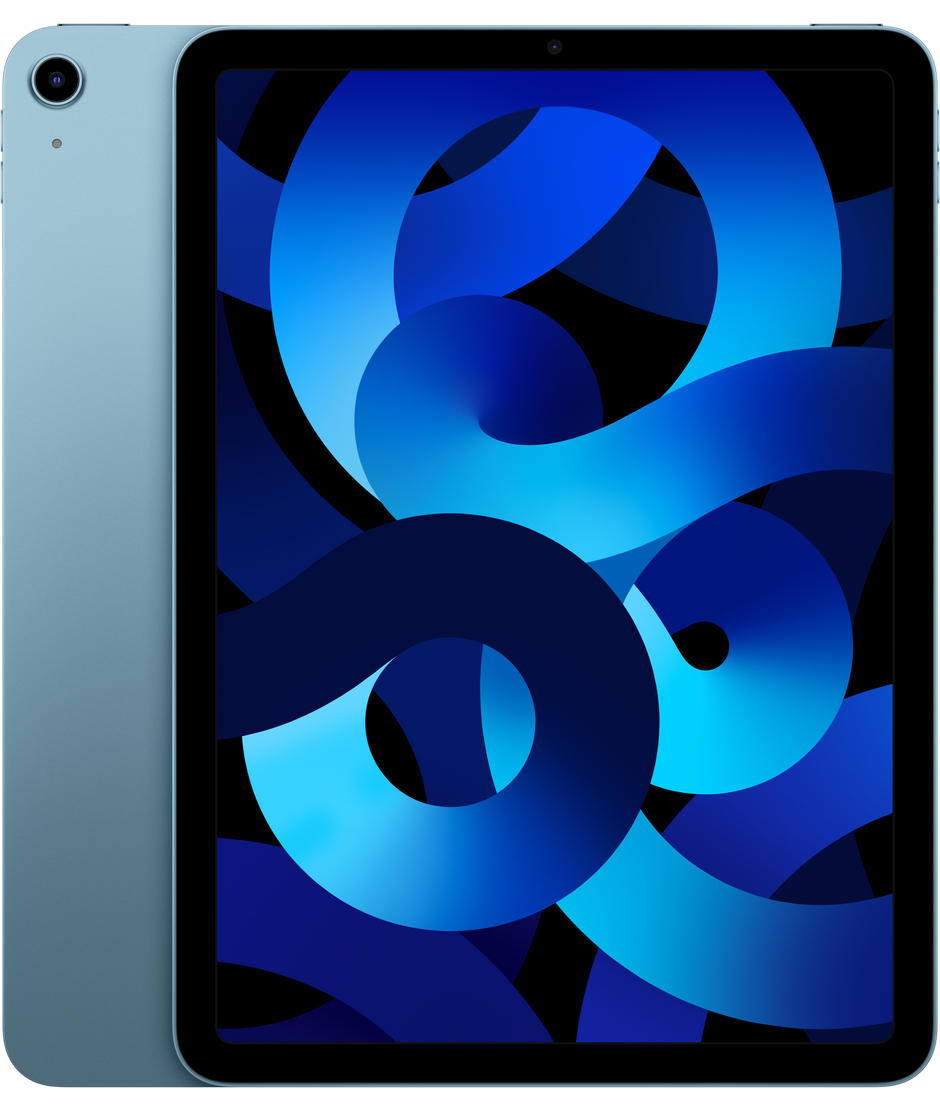
For most users, 128 GB or 256 GB is the ideal choice. It offers the freedom to download new apps or save movies for offline viewing during trips without constantly checking your available space. This capacity is perfect if you want to keep photo albums from the last few years locally on the device, test out various apps, or play modern games that can easily take up tens of gigabytes. Check out our certified pre-owned iPad Air models, which offer a great balance between price and storage space.
512 GB and Up – For the Professional
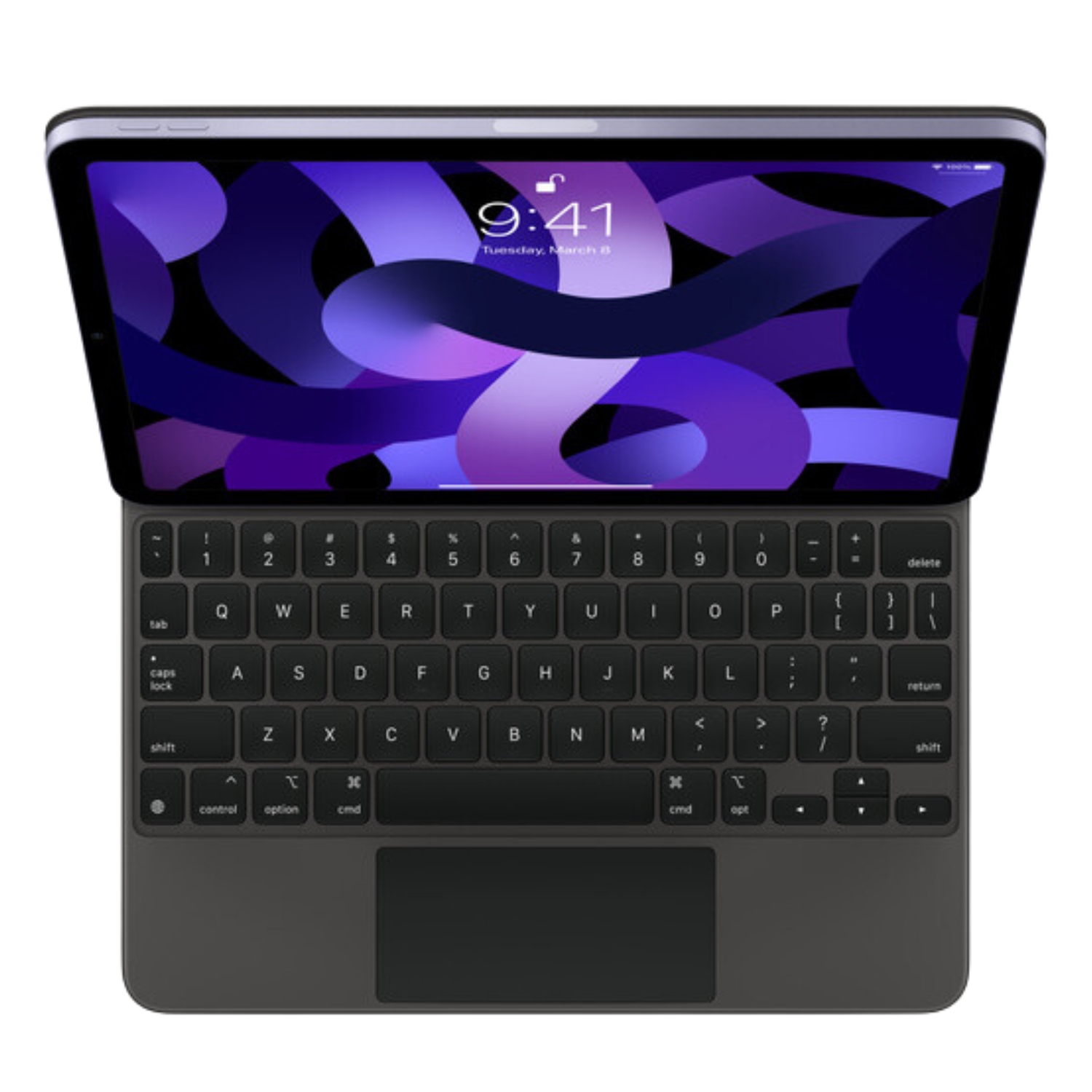
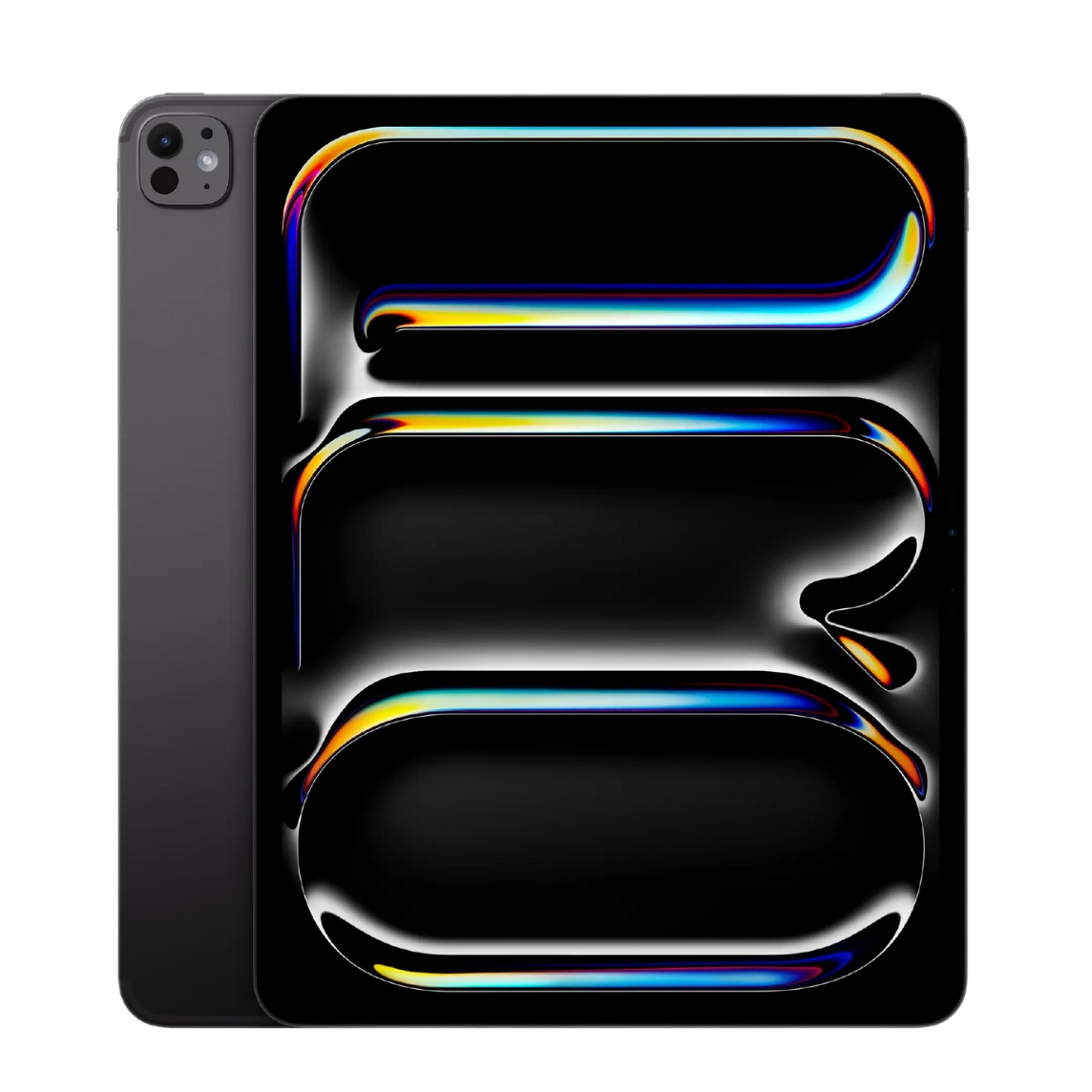
If your iPad is replacing a work laptop, or if you are a video editor or graphic designer, you should look at capacities starting at 512 GB. This allows you to carry your entire digital life—including 4K video footage and RAW files—on a single device without being dependent on internet access for cloud services. For a more detailed breakdown of which model fits your workflow best, check out our iPad Pro vs iPad Air comparison.
“Storage Almost Full” – Practical Steps to Free Up Space
If your current device is already flashing warnings, don’t rush out to buy a new one just yet. iOS and iPadOS offer powerful tools to optimize storage and reclaim a significant amount of space.
First, check exactly what is using up your memory by going to Settings > General > iPad Storage. A color-coded graph will show you the biggest offenders. One of the best features here is “Offload Unused Apps” (found under App Store settings). This removes apps you rarely open while keeping your documents and data intact. If you ever need the app again, just tap to re-download it, and everything will be exactly as you left it.
It is also worth checking your Messages app attachments. Delete old, large video files or set your message history to automatically delete after 30 days. For photos, enabling “Optimize iPad Storage” in the Photos settings is a lifesaver; it keeps full-resolution images in iCloud and stores smaller, space-saving versions on your iPad. Finally, if the “System Data” category looks suspiciously large, a simple restart or a full factory restore often fixes the issue. You can find instructions for this in our data transfer and backup article.
iCloud and External Storage: Alternatives to Upgrading
If your internal storage is full but the iPad itself works perfectly, consider iCloud+ or external drives. Cloud storage works in the background to sync data across all your Apple devices, effectively freeing up local space by offloading photos and files to the server.
Newer iPads with USB-C ports also support external hard drives and flash drives, allowing you to manage files directly through the Files app. Apple’s file management has improved drastically, offering the kind of drag-and-drop convenience that used to be the main advantage of Android in iPad vs Android tablet comparisons. This is an excellent solution for archiving large video files or documents that you don’t need to access every day.
What to Do If You Still Need More Space?
Sometimes optimization and cloud tricks aren’t enough, and 64 GB simply becomes too limiting for an active user. If a lack of memory is disrupting your daily workflow, it may be time to upgrade.
Don’t let your old device gather dust in a drawer. UPGREAT offers a convenient buyback service where we evaluate your old iPad or iPhone. You can use the trade-in value as credit toward a new model with higher capacity. By choosing one of our certified pre-owned devices, you can often get a model with double the storage for the same price as a brand-new, lower-capacity device from a retail store. All our devices pass a thorough quality control check and come with a 2-year warranty.
Check out our popular models that have plenty of room for everything important:
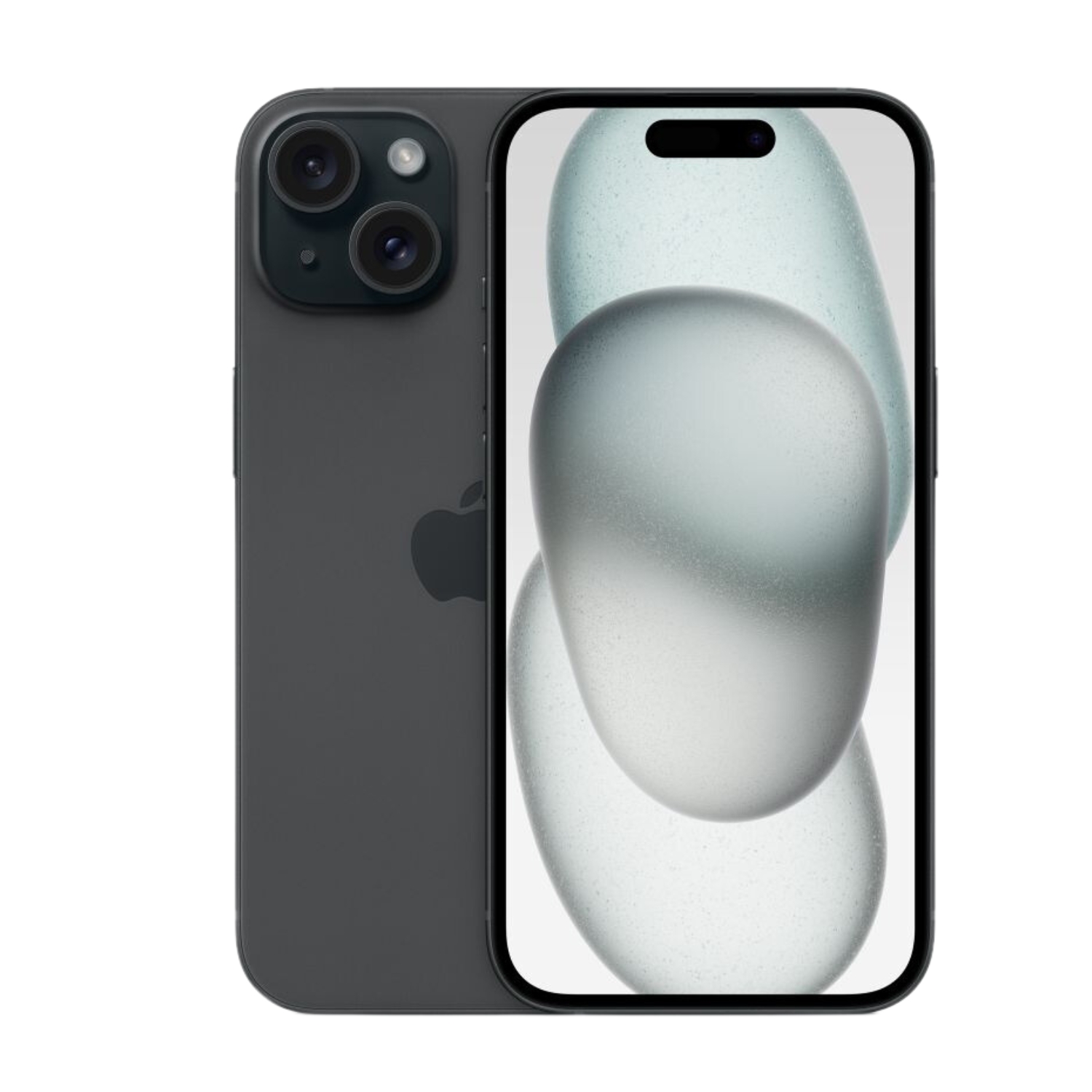
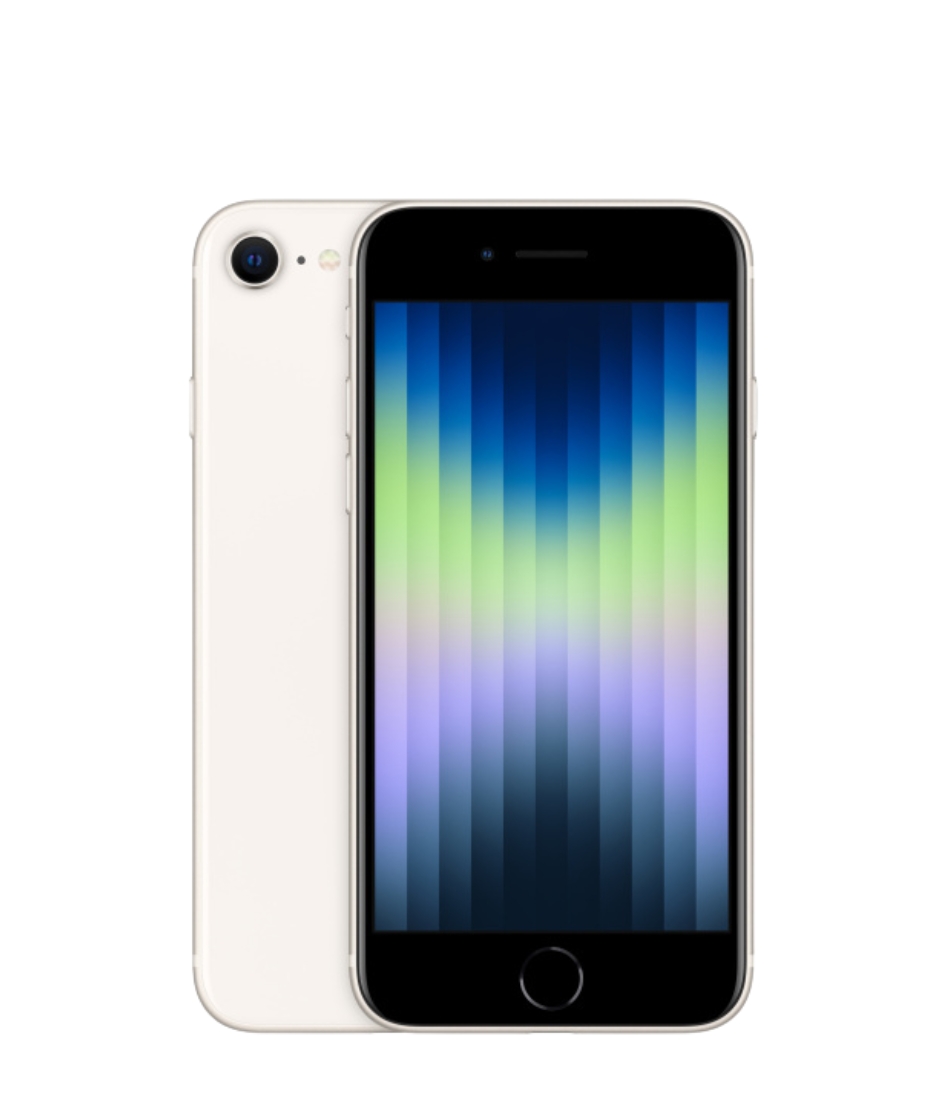
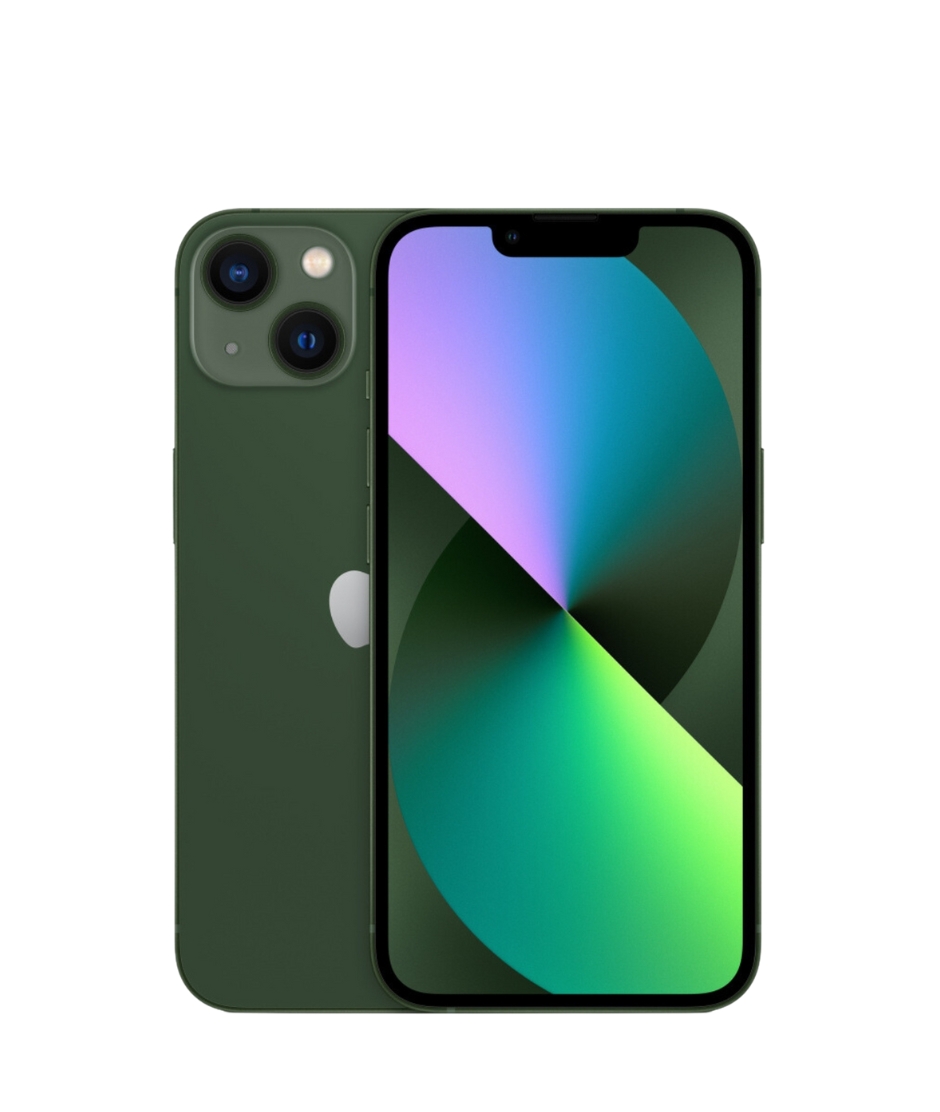
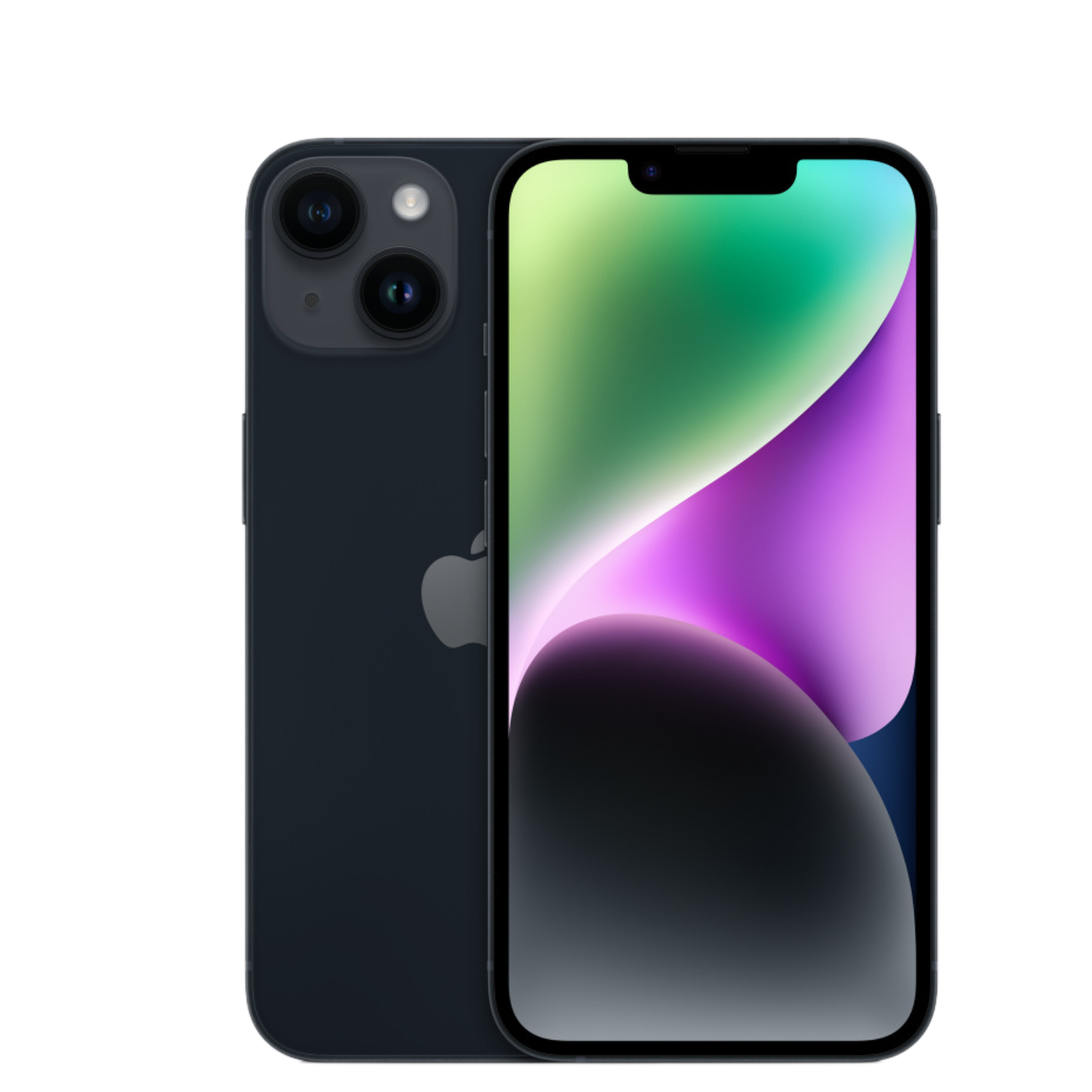
Whether you choose 128 GB or 1 TB, picking the right capacity or optimizing your current device ensures your iPad will serve you well for a long time. You can find a wide selection of suitable solutions at UPGREAT.
Be sure to check out our blog for more reviews, trends, and news.
To stay up to date with Upgreat campaigns, follow us on FB or Instagram.