
Does your iPad shut down unexpectedly, or does the battery seem to drain twice as fast as it used to? While frustrating, this is an inevitable part of the device’s lifecycle. In this guide, we break down what “battery health” actually means, how to check it, and the simple tricks you can use to extend your tablet’s lifespan by years.

What Does Battery Health Actually Mean?
Battery health isn’t the same as your current charge level; rather, it indicates the battery’s maximum capacity compared to when the device was brand new. All Apple mobile devices use lithium-ion batteries, which degrade chemically over time.
While a new iPad can hold 100% of its designed energy capacity, after years of use, this figure might drop to, say, 85%. This means that even when your screen shows the battery is charged to “100%,” the actual usage time is 15% shorter than it was on day one.
Apple designs iPad batteries to retain up to 80% of their original capacity after 1,000 full charge cycles. For context, the threshold for iPhones is typically 500 cycles. While iPad batteries are built to last for years, heavy usage and poor charging habits can accelerate wear.
To understand what you should realistically expect from your device, it is worth looking into the typical iPad battery life by model.
How to Check iPad Battery Health
This is where many users get confused. Unlike the iPhone, most older iPads do not feature a simple “Battery Health” section in the settings menu. The method for checking it depends largely on which model you own.
Newer iPads (Models with M2, M4 chips, and newer)
On the latest models, such as the iPad Pro M4 and iPad Air M2, Apple has finally added a menu similar to the one found on iPhones. To view this, open Settings, select Battery, and look for Battery Health. This will display both maximum capacity and cycle count.
Older iPads
For the majority of iPads currently in use (including many iPad Air and earlier Pro models), iPadOS does not display this data directly in the settings. The most reliable way to assess the battery’s condition is to connect the iPad to a computer (Mac or PC) and use third-party software that can read the exact capacity data from the battery chip.
If you purchase a device from us, however, you won’t need to worry about this. Every unit sold by Upgreat undergoes thorough quality control of used iPads, during which battery health is tested using professional-grade equipment.
What Is Normal Wear and Tear?
If you find that your three-year-old iPad has a battery health of 85%, don’t panic—that is a completely normal battery in good condition. You only really need to be concerned if the health drops below 80% or if you notice specific performance issues.
The main red flags include unexpected shutdowns—even when the battery still shows 20–30% charge. Another sign of a degraded battery is noticeable sluggishness when opening apps or navigating the interface, as the processor may throttle speed to conserve power. Unnatural heating during charging or regular use is also a symptom that shouldn’t be ignored.
5 Tips for Extending Battery Life
While you can’t stop chemical aging entirely, you can significantly slow it down with conscious usage habits. Many of these principles are similar to how to extend iPhone battery life.
1. Avoid extreme temperatures
Temperature is the iPad battery’s number one enemy. Apple devices are designed to operate best between 16–22 °C. Leaving your iPad in a hot car during summer or in direct sunlight (where temps exceed 35 °C) can permanently reduce battery capacity. Conversely, you should avoid charging the device in freezing conditions.
2. Use optimized charging and quality accessories
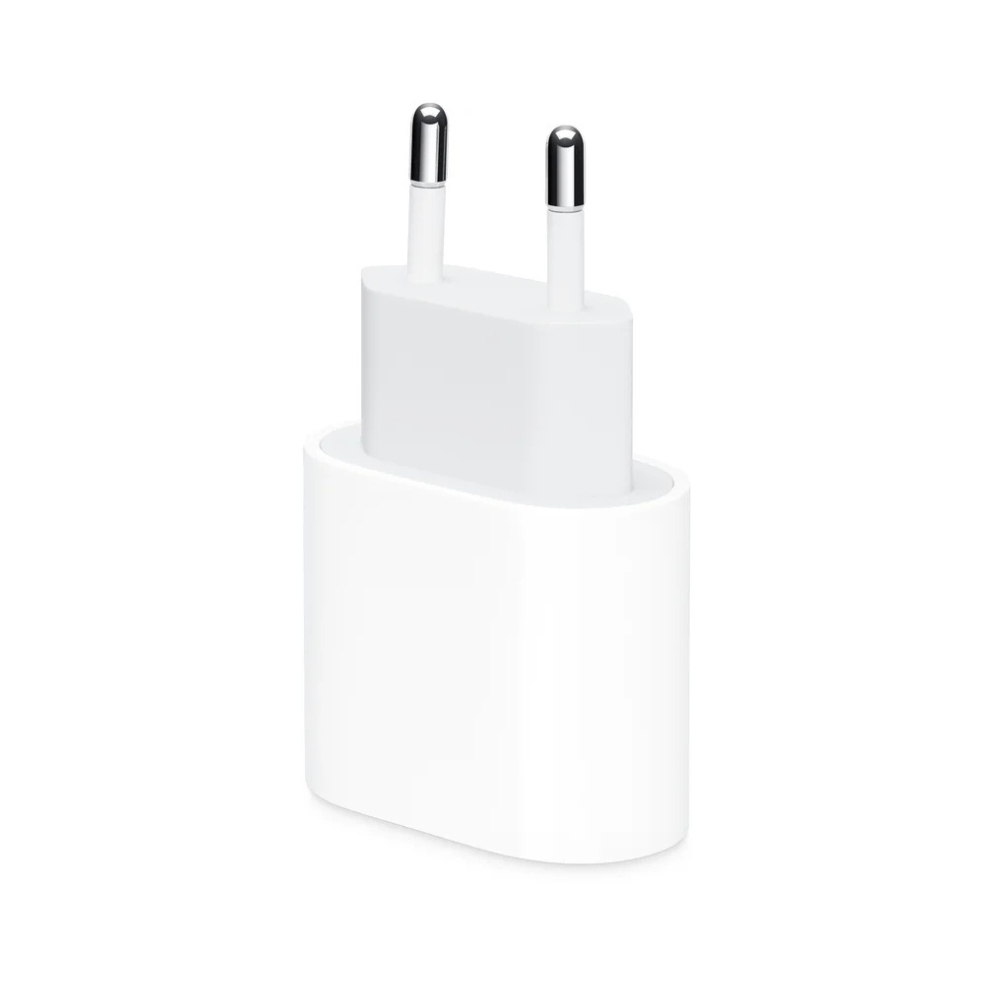
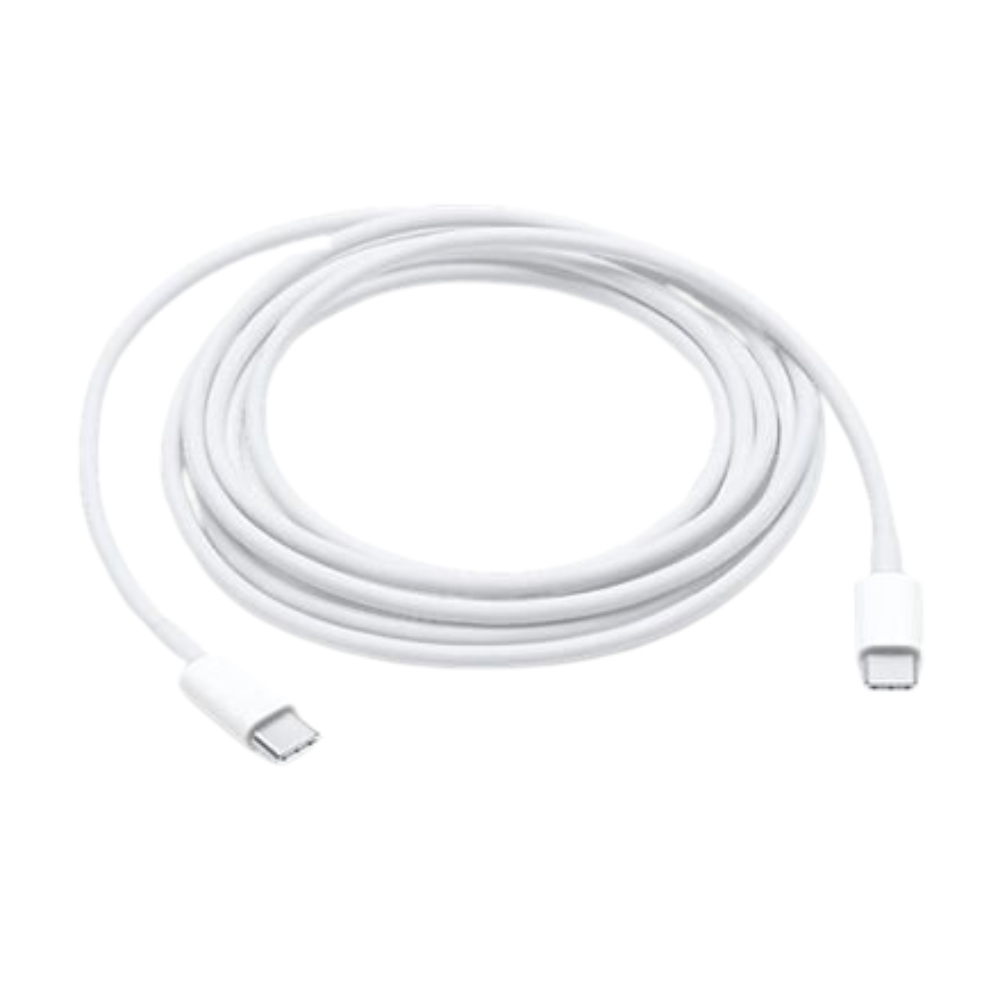
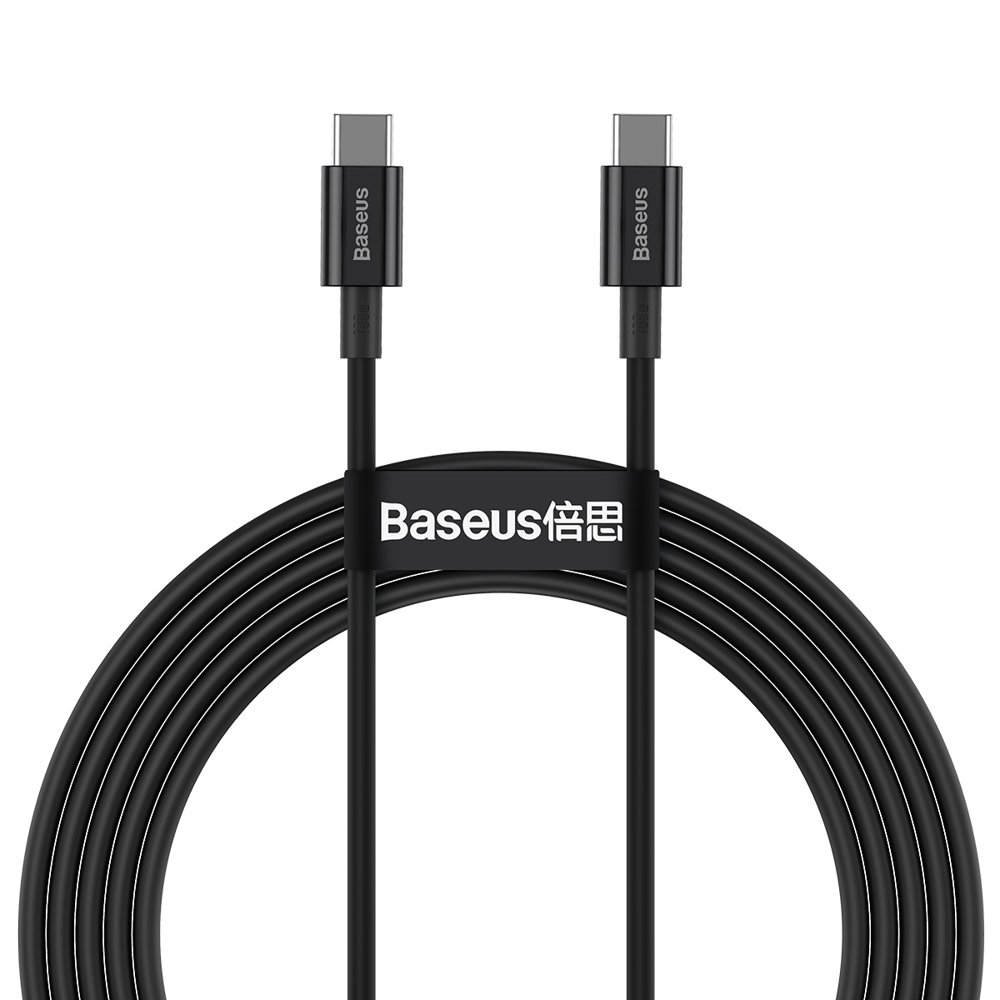
Avoid keeping your iPad constantly charged to 100%, especially if you use it primarily at a desk. Newer iPads feature an “80% Limit” setting that stops charging early to preserve battery health. Crucially, always use high-quality chargers and cables (MFi certified) that ensure stable current. Cheap, uncertified cables can easily damage the charging controller.

3. Keep the charge level between 20–80%
Lithium-ion batteries last longest when they are neither completely empty nor filled to the brim. Try to avoid letting the battery drain all the way to 0%. If you plan to store the iPad for an extended period without using it, charge it to roughly 50% and turn it off completely.
4. Monitor background activities
Use Wi-Fi whenever possible, as mobile data connections (especially in areas with weak signals) drain the battery much faster. If you are in the market for a new device, consider whether a WiFi vs Cellular iPad better suits your needs, as their power consumption profiles differ.
5. Update your software
Apple refines power consumption with every version of iPadOS. Keep your device updated to benefit from software fixes that help the battery last longer and run more efficiently.
When Is It Worth Replacing Your iPad?
If you’ve tried every trick but your battery health has dipped below 80% and the device no longer lasts through a workday, you have two main options: replace the battery or upgrade the device.
Replacing the battery makes sense if the iPad is otherwise fast, the screen is intact, and it still meets your daily needs. However, if the device is older and remains slow even after a battery swap, it is often more economically practical to upgrade to a newer model.
Upgreat offers a convenient solution for both scenarios. You can bring your old device to us for evaluation. Read more about where to take your old iPad for buyback. We will assess its value, which you can then use as a down payment on a refurbished, fully tested, and warrantied iPad. It’s an eco-friendly and affordable way to upgrade your tech.
Check out our popular refurbished iPads and accessories here:






In Summary
iPad batteries are consumable components, but with the right habits, you can extend their lifespan significantly. Avoid extreme heat, use quality chargers, and check your battery health occasionally. If you feel it’s time for a refresh, a refurbished iPad is a smart choice—you get a device with a verified battery at a better price while contributing to the circular economy.
Be sure to check out our blog for more reviews, trends, and news. To stay up to date with Upgreat campaigns, add us on FB or follow us on Instagram.


