
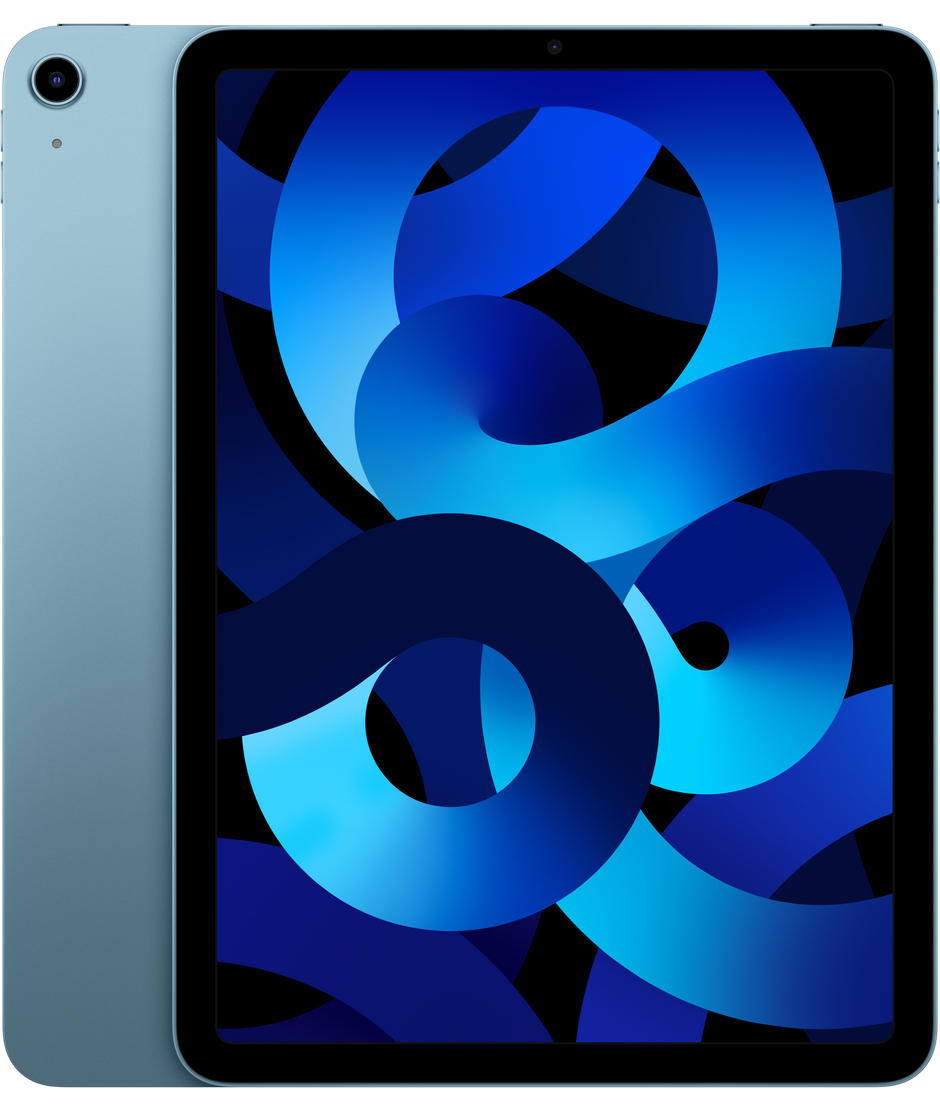
Can a tablet that fits in one hand truly deliver top-tier performance? The iPad mini 7 answers with a resounding yes. This long-awaited refresh brings a significant internal overhaul, proving that size is no barrier to serious computing power.
Uncompromising Performance
Under the hood, the iPad mini 7 is powered by the A17 Pro chip—the same silicon found in the iPhone 15 Pro. Featuring a 6-core CPU and a 5-core GPU, it offers a massive performance leap over the previous generation’s A15 Bionic. In practice, this means demanding AAA games run fluidly, and video editing or high-resolution photo processing feels snappier than ever.
More importantly, this hardware is built for the era of Apple Intelligence. With increased RAM and a 16-core Neural Engine, the mini 7 supports AI-driven features that older models simply can’t handle. Whether you’re multitasking across several apps or working with complex graphics, the mini 7’s capabilities are evident from the moment you turn it on.
A Familiar, Refined Design
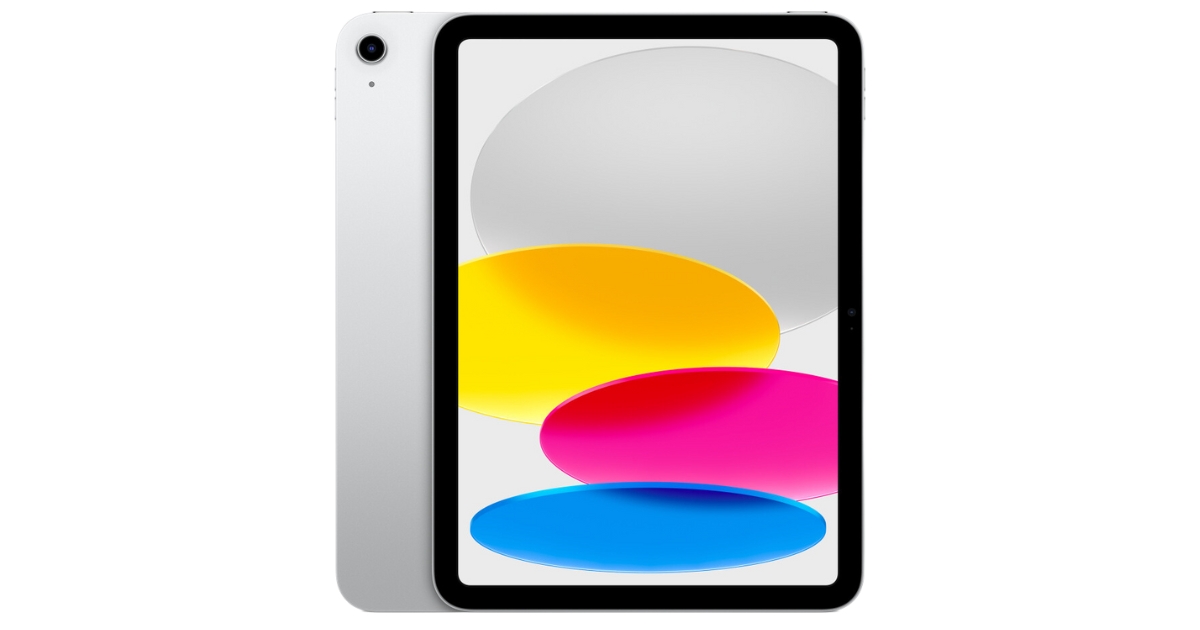
Visually, the iPad mini 7 retains the iconic 8.3-inch Liquid Retina display and ultra-portable chassis that have made it a cult favorite. While the refresh rate stays at 60 Hz, Apple has updated the display controller. This is great news for those who noticed the “jelly scrolling” effect on the previous model; the screen now feels more responsive and stable during everyday use.
The display also supports the P3 wide color gamut and True Tone technology, ensuring colors are vibrant while automatically adjusting the white balance to match your ambient lighting. If you’re deciding between an iPad and a competitor, our iPad vs. Android comparison breaks down why Apple’s hardware and software integration remains the industry standard.
Creativity Enhanced: Apple Pencil Pro
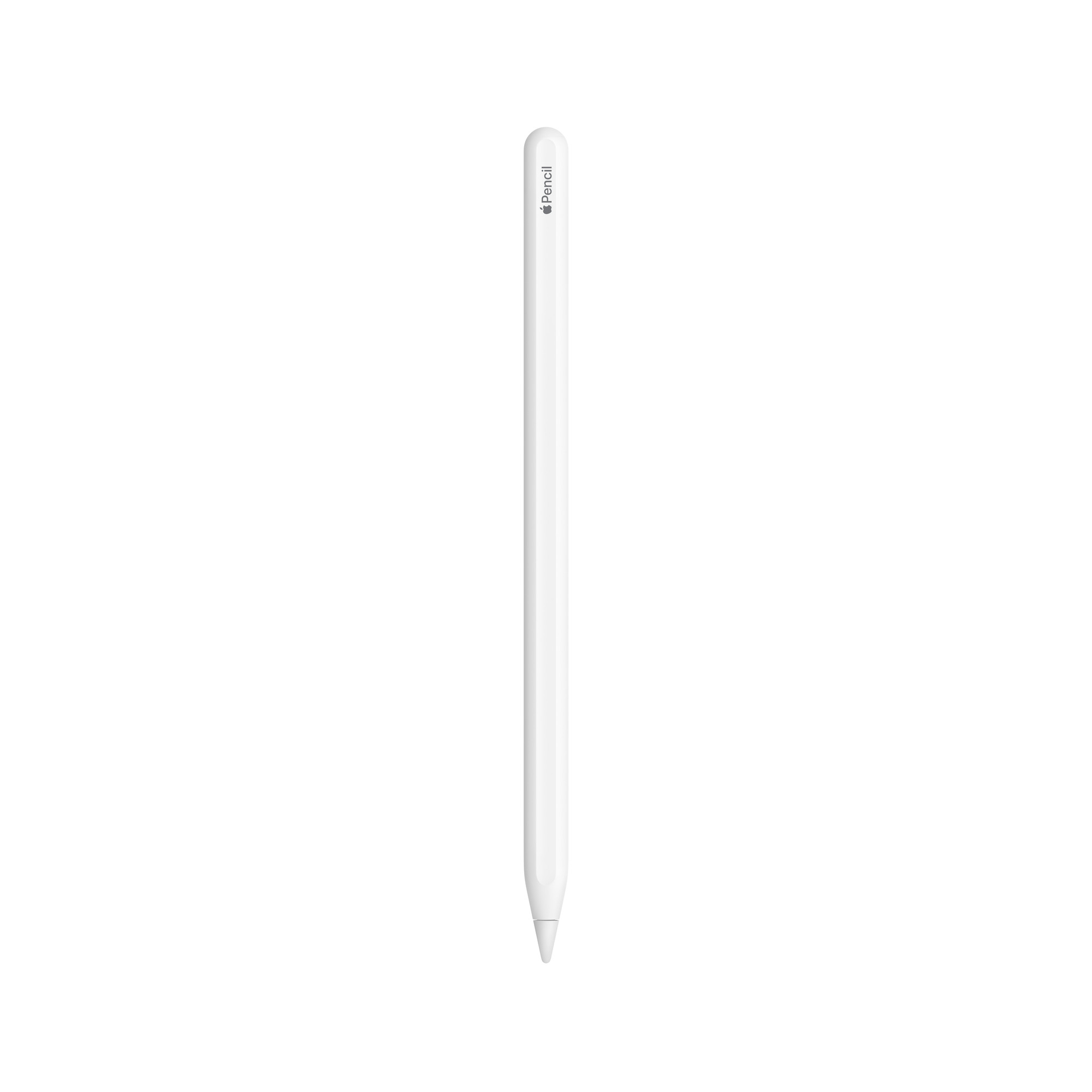
The iPad mini 7 now supports the Apple Pencil Pro and the Apple Pencil (USB-C). The standout feature here is “hover” support, which shows you exactly where your tool will land before it touches the glass. This brings a new level of precision to sketching, digital painting, and handwriting.
Before picking up your accessories, it’s worth noting that compatibility has changed. To find the right stylus for your workflow, check out our comprehensive Apple Pencil comparison, where we break down the features and compatibility of every model.
Battery Life and Modern Connectivity
Despite its small footprint, the iPad mini 7 doesn’t cut corners on battery life. It delivers the Apple standard of up to 10 hours of web browsing or video playback on Wi-Fi. The efficiency of the A17 Pro ensures that even under heavy workloads, the battery holds up remarkably well. For a deeper look at how different iPads compare, see our guide to iPad battery life by model.
Connectivity has also received a significant boost:
- Faster USB-C: The port is now twice as fast (10 Gbps), making file transfers to external drives nearly instantaneous.
- Next-Gen Wireless: Support for Wi-Fi 6E and Bluetooth 5.3 ensures stable, high-speed connections even in crowded environments.
- eSIM Only: Cellular models have transitioned exclusively to eSIM, making it easier and more secure to swap data plans while traveling.
For more on choosing the right model for your needs, read our article on WiFi vs. Cellular iPad.
Is the iPad mini 7 Worth the Upgrade?
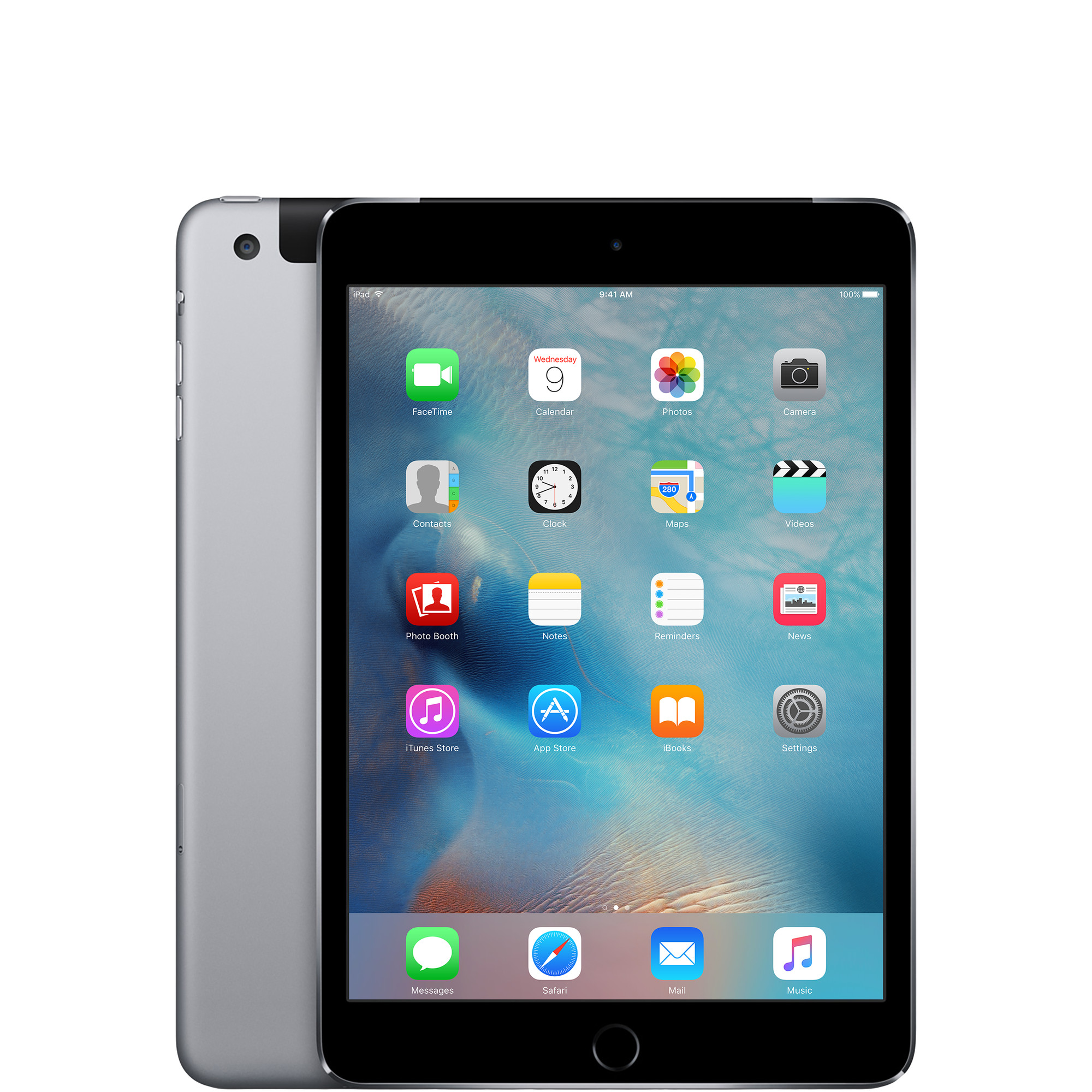
Your decision to upgrade depends on what you’re currently using. If you are on an iPad mini 5 or older, the jump in performance, screen real estate, and modern design is night and day. Moving from Lightning to USB-C alone is a major quality-of-life improvement.
For iPad mini 6 owners, the choice is more nuanced. The upgrade is worth it if you want access to Apple Intelligence, require faster data transfer for professional work, or want to play the latest high-end games. However, for casual browsing and reading, the mini 6 remains a very capable device.

If you’re ready to make the switch, we’ve prepared a guide on how transferring iPad data can be done quickly and securely. You can also trade in your current device with us; learn more about where to trade in your old iPad to save money on your new purchase while supporting a circular economy.
Choosing refurbished iPads is an excellent way to get premium technology at a lower price point. All our devices pass a rigorous technical inspection and include a 2-year warranty. To keep your device running perfectly for years, we also recommend periodically checking your iPad battery health.
Visit our blog for more tech reviews and the latest industry news. To stay updated on the best deals, follow us on FB or Instagram.


