
Have you ever wondered why some iPhone screens appear brighter, have deeper blacks, or offer longer battery life? The answer lies in the screen technology – LCD or OLED. This choice significantly impacts your daily user experience and is one of the key aspects worth knowing before purchasing a new or refurbished iPhone.

Fundamental Differences Between LCD and OLED Screens
How Do They Work?
LCD (Liquid Crystal Display) screens use a backlight that illuminates the entire screen surface evenly. Liquid crystals act as gates that regulate how much light passes through.
OLED (Organic Light Emitting Diode) screens consist of pixels that emit light themselves. Each pixel can be turned on or off independently and shine with different intensities.
Which iPhones Use Each Technology?
- LCD screen iPhones: iPhone SE, iPhone 11, iPhone XR, and older models (except iPhone X).
- OLED screen iPhones: iPhone X, iPhone XS, iPhone 11 Pro, iPhone 12, and newer models.
Screen Comparison: Quality, Performance, and Durability
1. Image Quality and Colors
OLED advantages:
- True black color and infinite contrast, as pixels can completely turn off
- 100% DCI-P3 color space coverage, ensuring more accurate and vibrant colors
- Wider viewing angle with minimal color distortion
LCD characteristics:
- Good but limited contrast, as the backlight always shines through
- Slightly smaller color gamut
- More limited viewing angle, especially when viewed at an angle
One of OLED’s most notable advantages is the perfect black color, which gives photos, videos, and especially Dark Mode exceptional depth.
2. Brightness and Visibility in Outdoor Conditions
Although OLED screens are superior in many aspects, brightness is an area where LCD may often gain an advantage:
- LCD screens can provide more stable and uniform brightness across the entire screen surface
- OLED screens can achieve higher peak brightness with certain content (HDR), but may fall behind in full-screen brightness
For example, an iPhone 13 with a regular LCD screen can provide more stable brightness in sunlight, while an iPhone 13 Pro with an OLED screen may offer exceptionally high peak brightness when viewing HDR content in some conditions.
3. Response Time and Motion Smoothness
OLED:
- Response time under 1ms
- Smoother and clearer display of fast-moving content
- Less motion blur
LCD:
- Response time typically 5-10ms
- May experience slight blurring with fast-moving content
If you’re a fan of fast-paced games, you’ll likely notice the advantages of an OLED screen immediately. The fast response time makes gaming smoother and more enjoyable.
Practical Considerations for Everyday Users
1. Battery Life and Energy Usage
Battery usage is a complex topic that involves both screen technology and your usage habits:
OLED:
- More energy-efficient when using dark screens and dark mode
- Consumes more energy with bright and white screens
LCD:
- More consistent energy usage regardless of displayed content
- Typically lower energy consumption for white/bright screens
If you frequently use dark mode, you might notice significantly longer battery life with an OLED iPhone. When using dark mode, a large portion of pixels completely turn off, saving considerable energy.
2. Burn-in Risk vs LCD Durability
OLED:
- May experience “burn-in” effect (permanent shadow images) after long-term use
- Average lifespan of about 50,000 hours
LCD:
- No risk of “burn-in”
- Backlight may wear out over time (after about 50,000 hours)
Fortunately, Apple has made several software optimizations to avoid the burn-in effect on OLED screens. Still, if you display the same static image for a very long time at maximum brightness, it could theoretically leave a mark.
3. Thickness and Design
OLED:
- Thinner (<1mm)
- Allows for flexible designs and curved edges
LCD:
- Thicker (>3mm) due to backlight
- Mostly flat designs only
The thin profile of OLED screens allows Apple to create more elegant designs and better position other components inside the phone.
Impact of Screen Type on Price and Repair
1. Price Differences
iPhones with OLED screens are typically more expensive than LCD models from the same generation. For example:
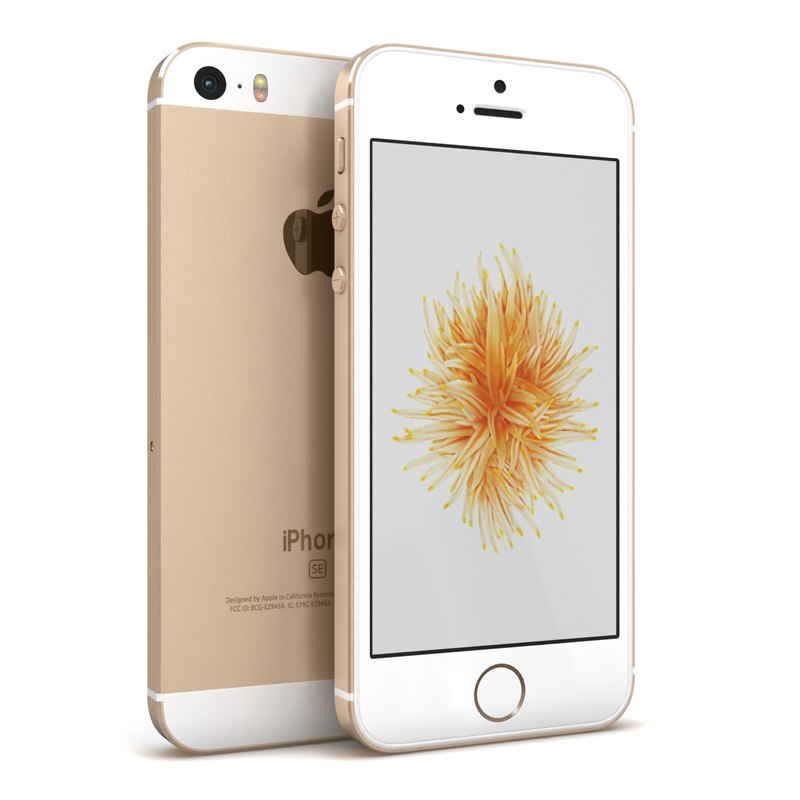
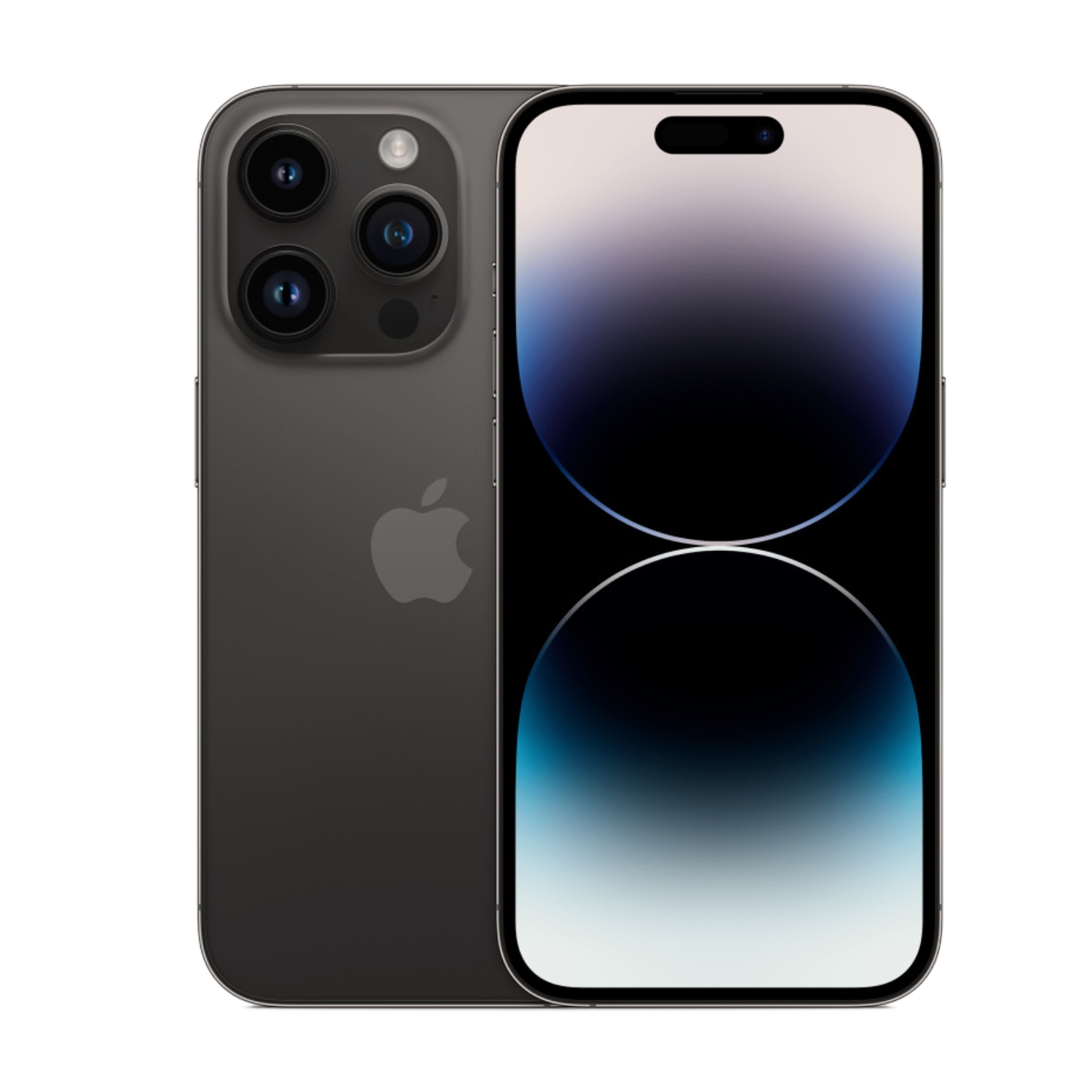
- The LCD screen iPhone SE is significantly more affordable than the OLED screen iPhone 12
- A refurbished iPhone 14 Pro with OLED screen costs from €589, while an LCD screen iPhone SE can be purchased from just €69.
2. Screen Replacement Considerations
If you need a screen replacement, LCD screens are usually cheaper to replace:
- LCD screen replacement prices are on average 20-30% more affordable
- OLED screen replacement is more expensive due to the more complex technology
This makes investing in screen protection even more worthwhile. Quality screen protectors and cases help avoid costly screen replacements, as described in the iPhone screen protection and maintenance article.
Which Screen to Choose – OLED or LCD?
When selecting an iPhone with the appropriate screen type, consider the following factors:
OLED is a Better Choice If:
- You value the best image and color quality
- You frequently watch video content, movies, or photos
- You use dark mode a lot (battery efficiency)
- You want a thinner and more modern design
- You’re willing to pay for better quality
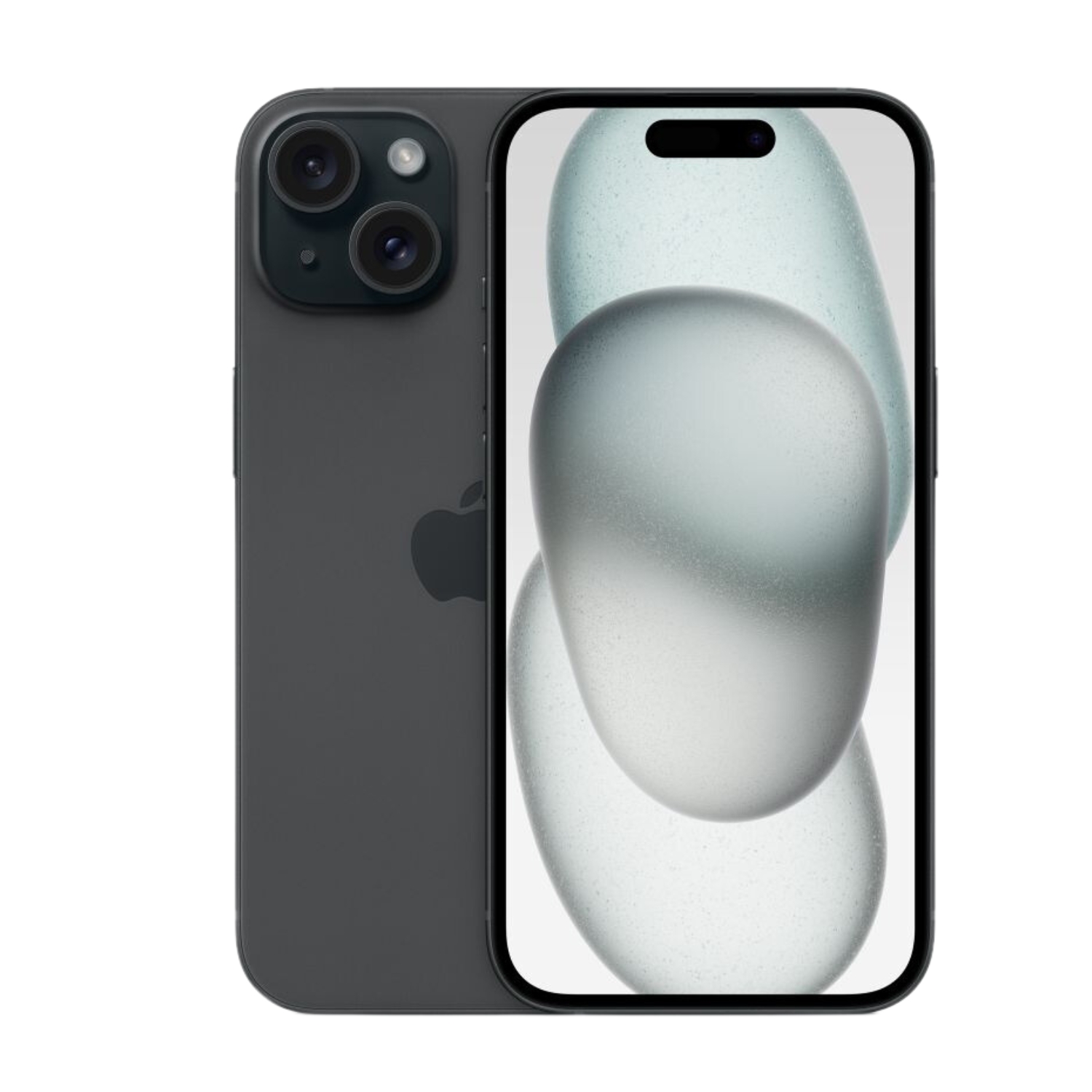
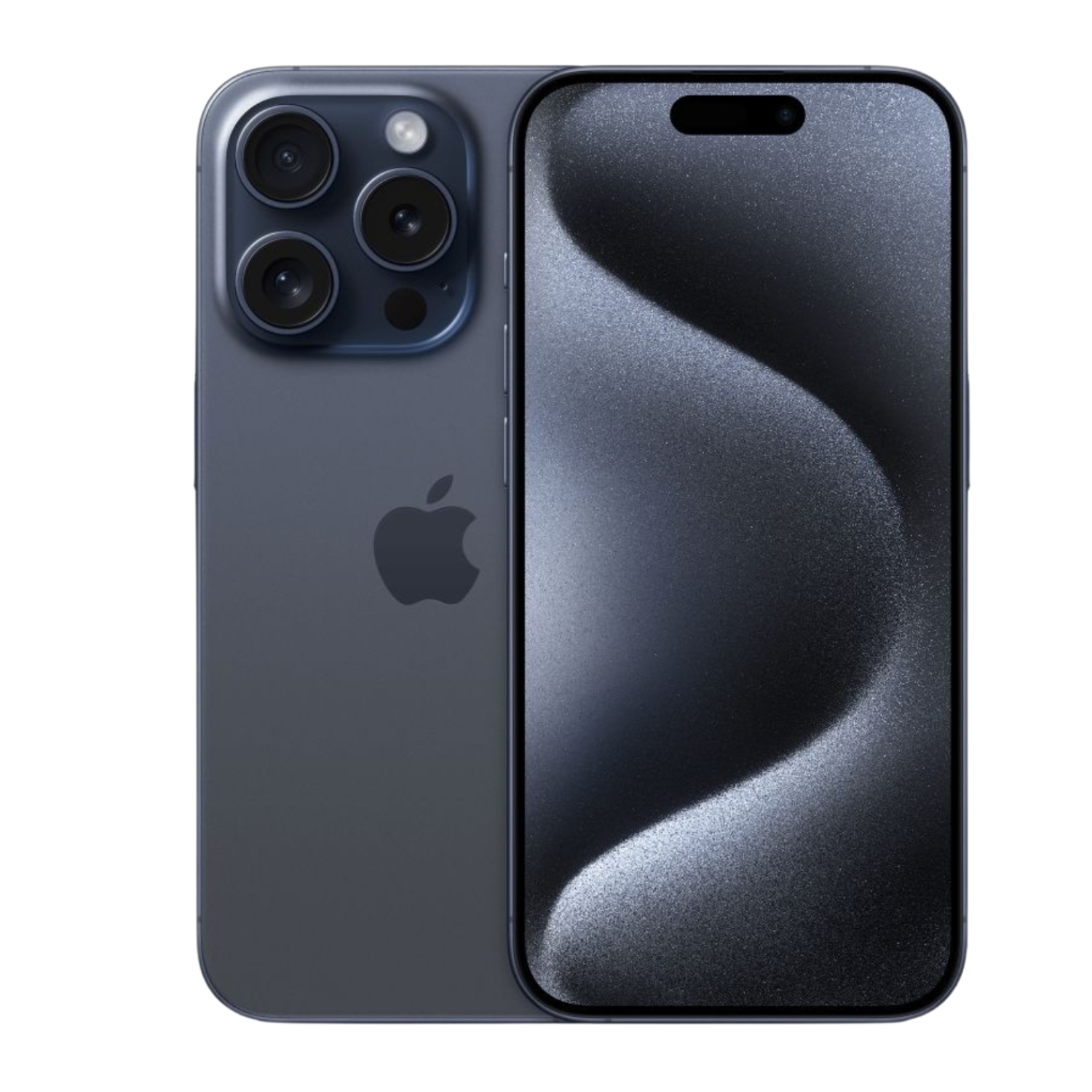
We recommend: iPhone 15 or iPhone 15 Pro for a top-tier experience, or iPhone 14 for a good price-to-quality ratio.
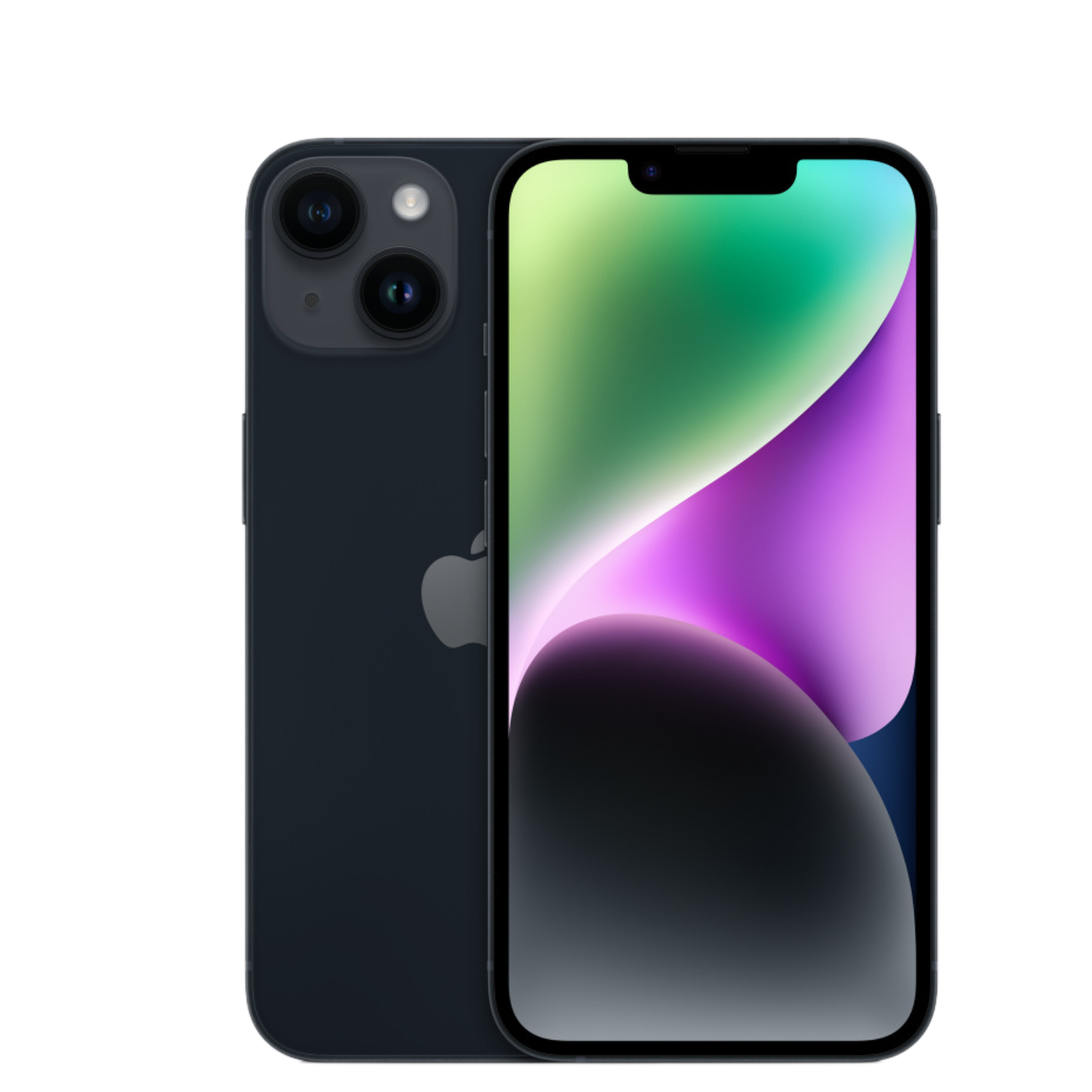
LCD is a Better Choice If:
- You are price-sensitive
- You use your phone mainly for reading text and everyday tasks
- You need consistently bright screen in outdoor conditions
- You’re not as concerned about deep black tones
- You want to avoid potential burn-in risk
We recommend: iPhone SE if you’re looking for an affordable and durable solution.
How to Check Screen Condition When Buying a Refurbished iPhone
When purchasing a refurbished iPhone, it’s worth thoroughly checking the screen. Look for the following aspects:
- Color uniformity – OLED screens may develop color issues; check if the entire screen displays colors evenly
- Touch sensitivity – ensure the screen responds to touches across the entire surface
- Burn-in damage – on OLED screens, check for static shadow images, especially in menu bar or keyboard areas
- Physical damage – presence of micro-cracks, scratches
At UPGREAT, all refurbished iPhones are thoroughly inspected by certified technicians beforehand and come with a 2-year warranty for peace of mind. For each product, you can also see the battery condition to make an informed choice.
Screen Maintenance for Long Lifespan
To extend your screen’s lifespan and maintain optimal experience, follow these tips:
- Avoid displaying static images for long periods on OLED screens, especially at high brightness
- Use automatic brightness adjustment, which saves battery and extends screen life
- Install a quality screen protector and keep your phone in a protective case
- Clean the screen regularly with a microfiber cloth, avoiding abrasives
- Avoid extreme temperatures, which can damage both the screen and battery
Find more detailed advice in the article iPhone Screen Protection and Maintenance.
Summary
Both LCD and OLED screens have their advantages and disadvantages. OLED offers the best picture quality, deep blacks, and energy-efficient dark mode, but is more expensive and may suffer from burn-in effect with prolonged static content.
LCD is more affordable, offers more consistent brightness, and isn’t at risk of burn-in, but falls short in contrast and color accuracy.
The final choice depends on your preferences, budget, and usage habits. Fortunately, UPGREAT offers a wide selection of refurbished iPhones with both screen types, thoroughly checked and covered by a 2-year warranty.
Also check out our blog, where we share reviews of trends and news.
To stay updated with Upgreat promotions, add us as a friend on FB or follow us on Instagram.


