
Have you ever worried while sitting by the pool with your iPhone or accidentally bumped into a coffee cup? Water resistance is an important feature of modern smartphones, but what do those mysterious IP ratings actually mean and how much can you trust your iPhone with moisture?

What is an IP Rating and What Does it Mean?
IP (Ingress Protection) rating is an international standard that indicates a device’s resistance to dust and water. It consists of two numbers, the first (1-6) showing dust protection and the second (1-9) water protection.
For iPhones, we mainly encounter two ratings:
IP67 – Completely dustproof (6) and waterproof up to 1 meter deep for 30 minutes (7). This rating debuted with the iPhone 7 series, Apple’s first officially waterproof smartphone.
IP68 – Completely dustproof (6) and waterproof up to 6 meters deep for 30 minutes (8). This rating is used by newer models, offering significantly better protection.
All these ratings are tested according to the international IEC standard 60529 requirements in a controlled laboratory environment, which means that results may vary in real life.
Which iPhones Are Waterproof?
Apple has gradually improved the water resistance of its devices over the years:
- Models with IP67 rating: iPhone 7, iPhone 7 Plus
- Models with IP68 rating: iPhone 8 and newer, including iPhone 11, 12, 13, 14, 15 and 16 series
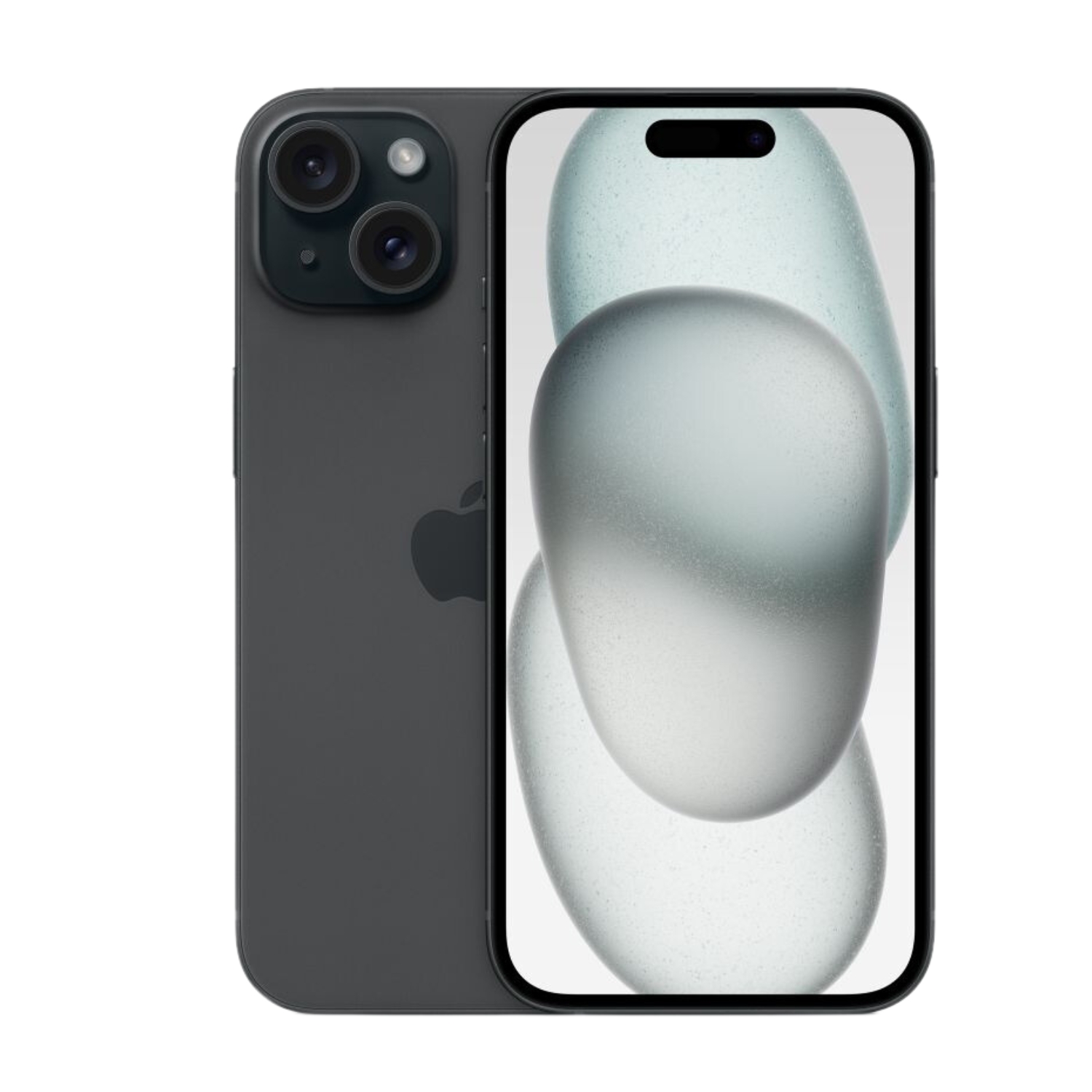
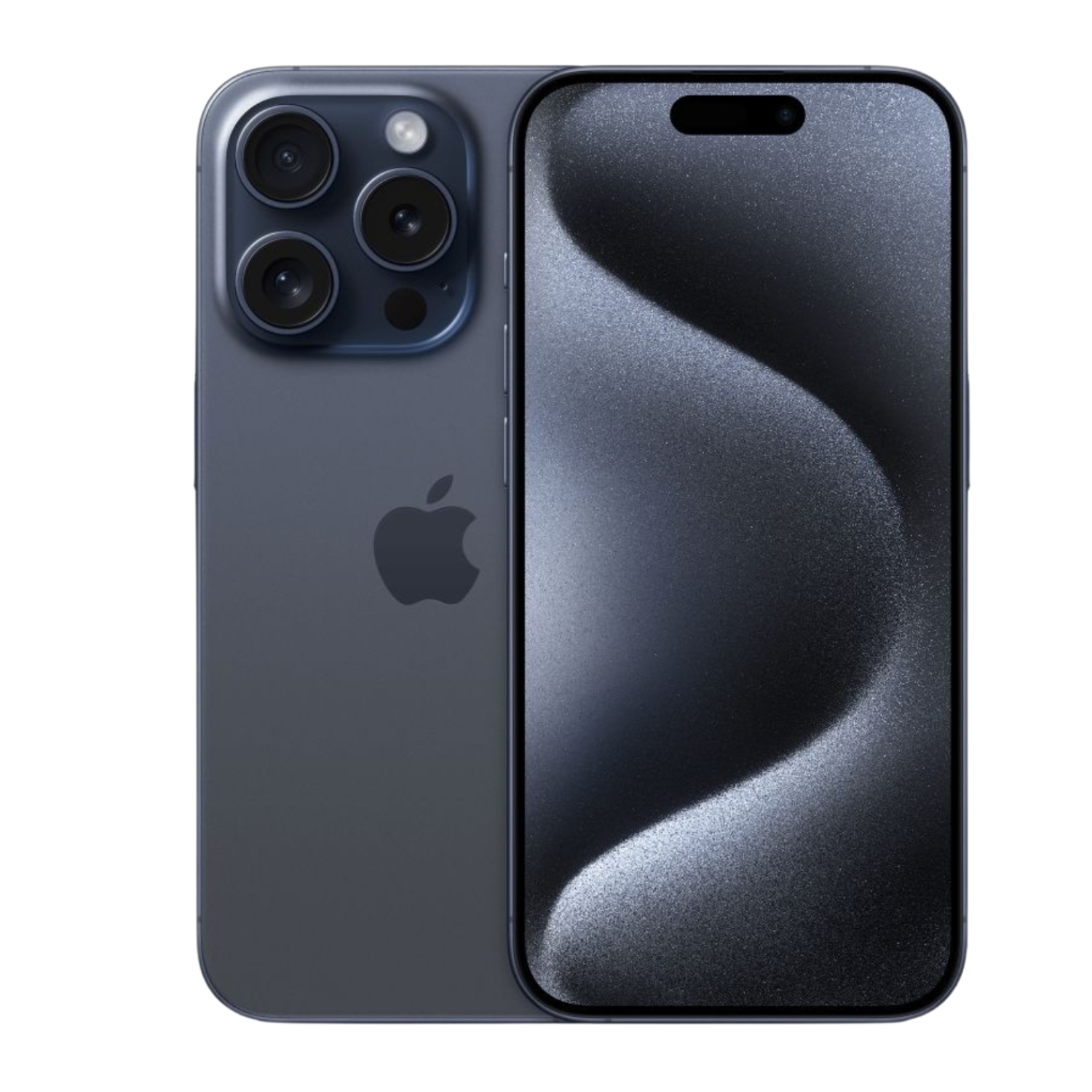
The latest models like iPhone 15 and iPhone 15 Pro offer protection up to 6 meters deep for 30 minutes, which is a significant improvement compared to the iPhone 7 series, which according to Apple provides protection only at 1 meter deep.
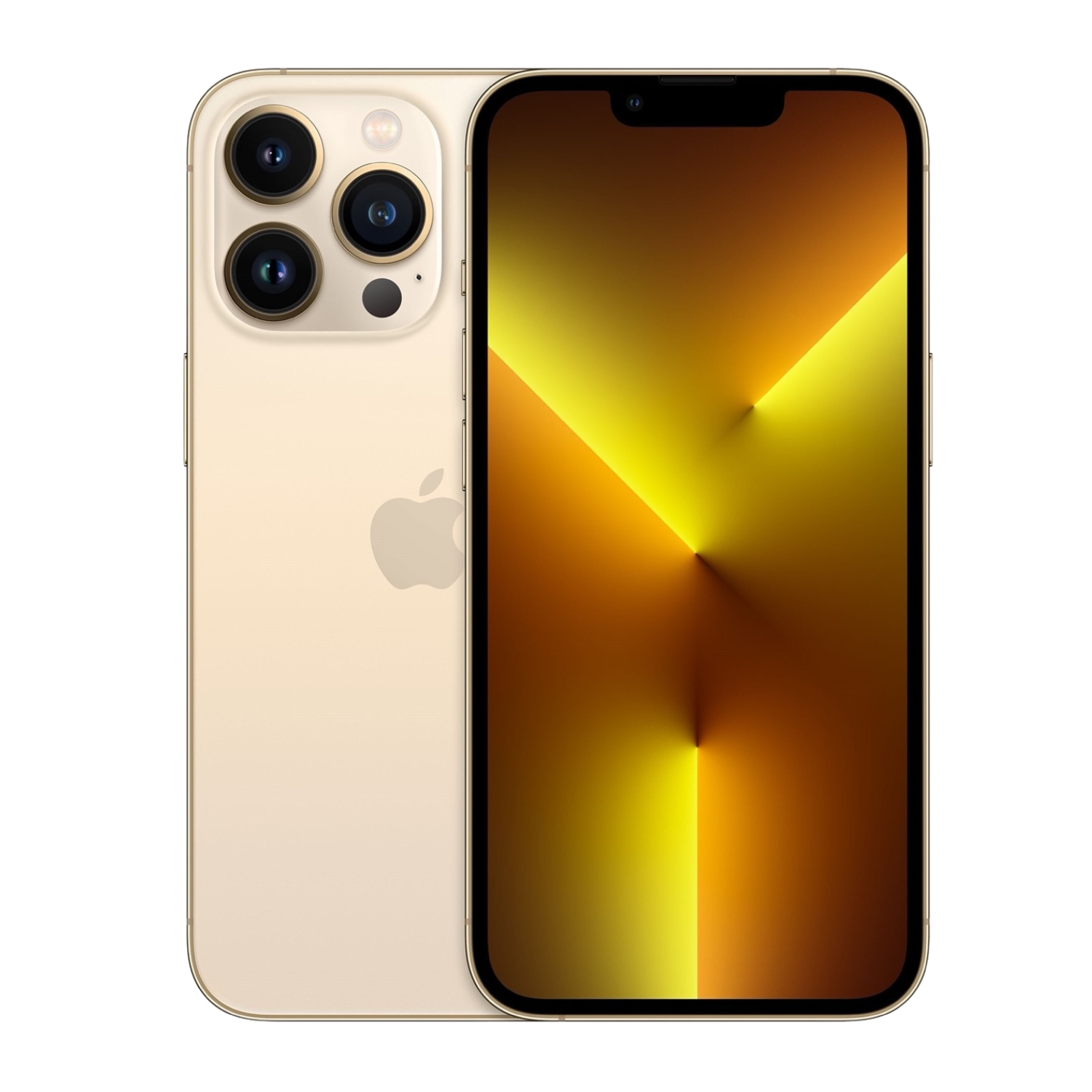
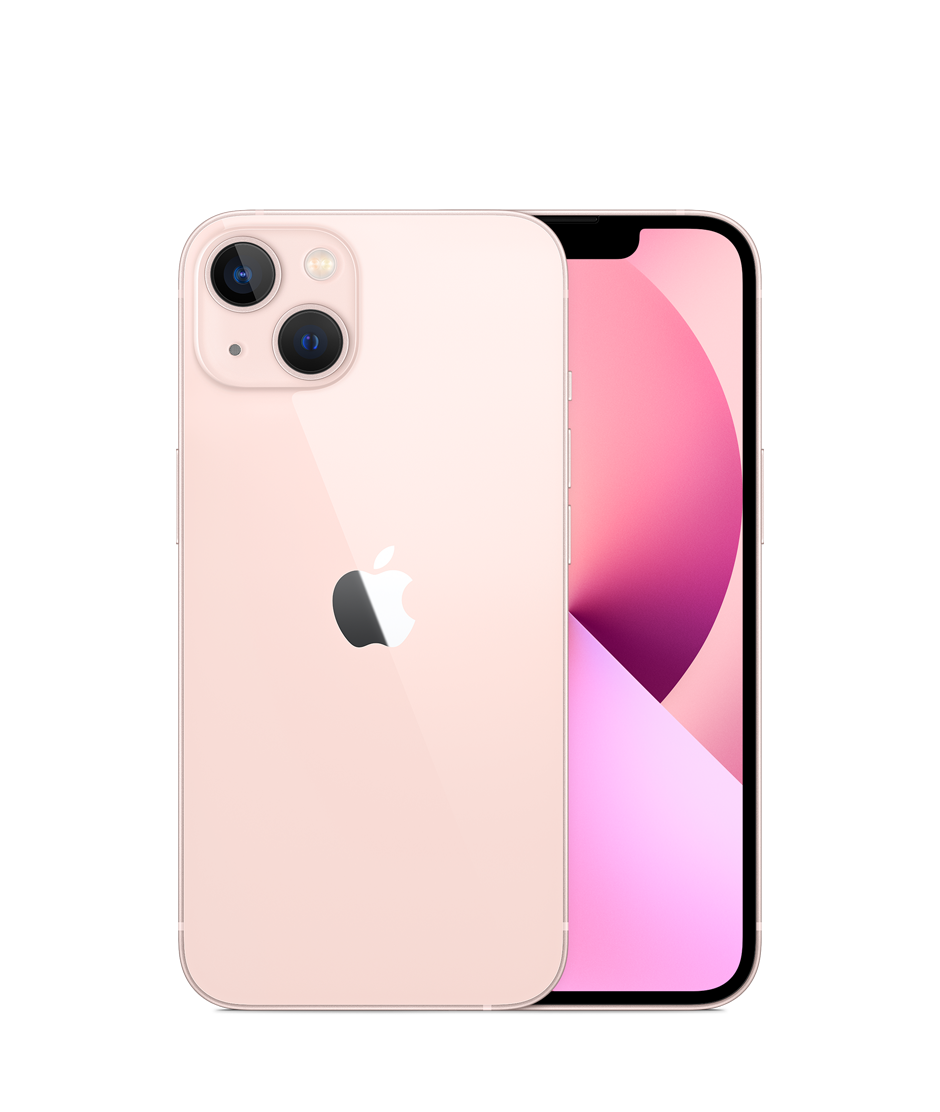
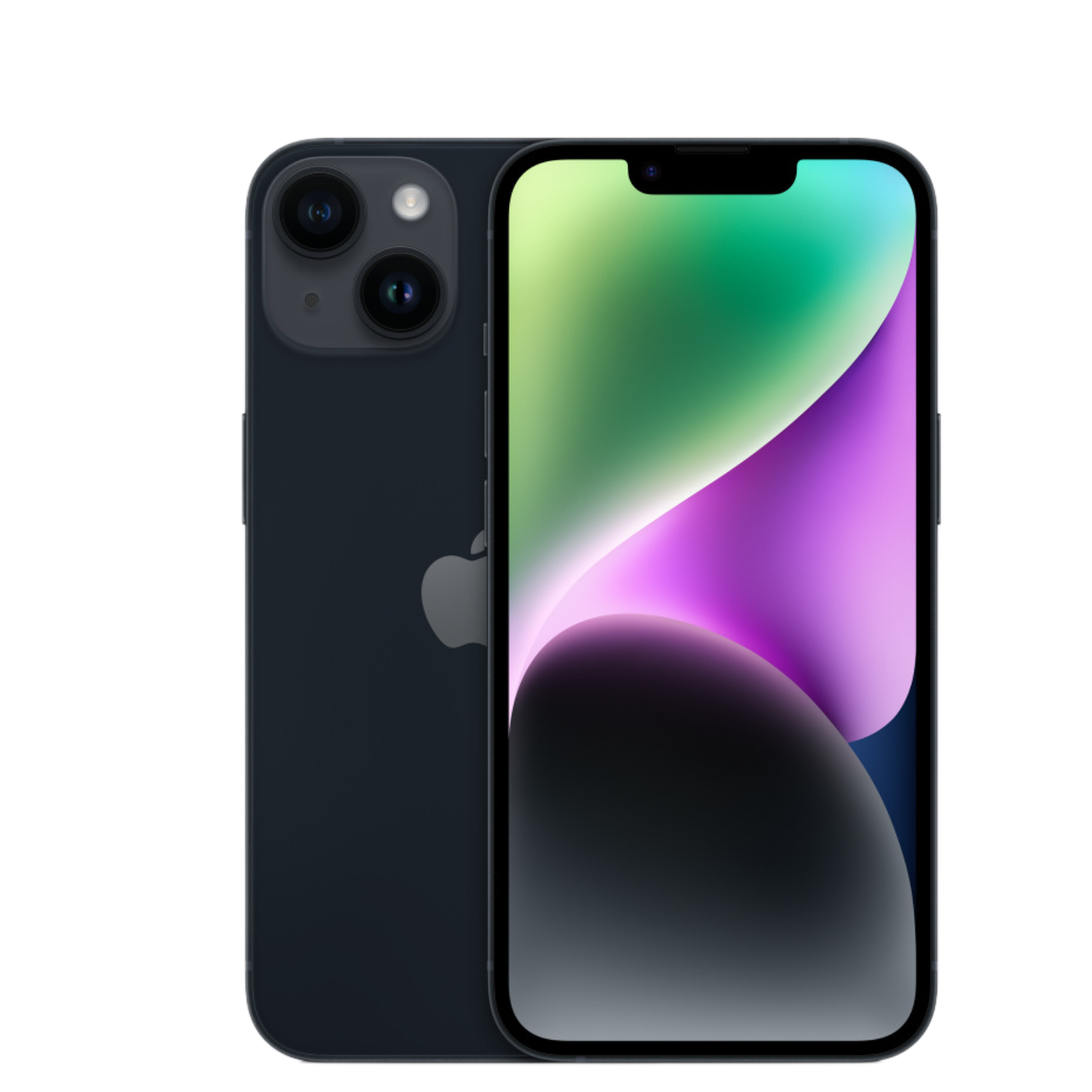
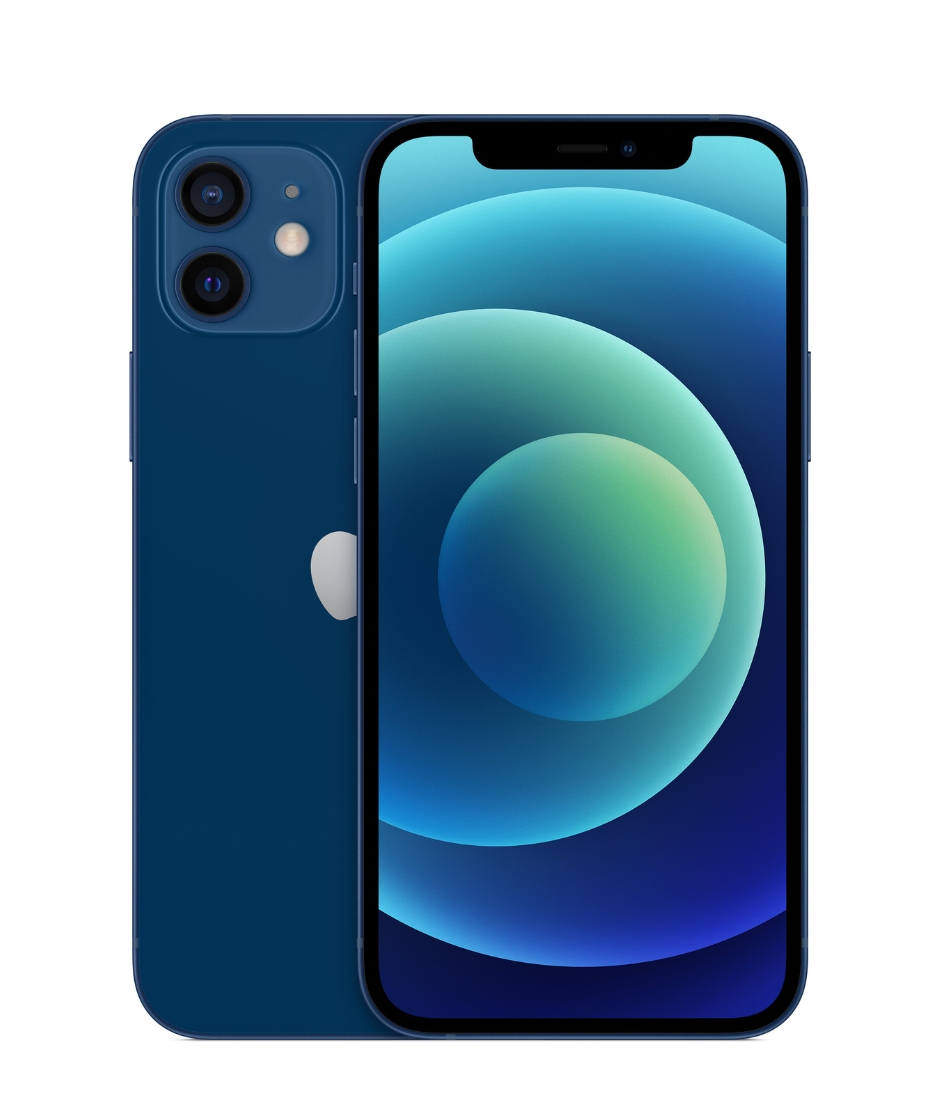
For comparison, when iPhone 7 received its IP67 rating in 2016, some technology experts considered it modest, as Android competitors like Samsung Galaxy S7 were already offering better IP68 protection at the same time.
Limitations You Should Be Aware Of
While water resistance sounds impressive, it’s important to understand its limitations:
- Water resistance decreases over time – Daily use, drops, and temperature changes can damage the device’s seals.
- Warranty does not cover water damage – Despite the IP rating, Apple’s warranty does not cover liquid damage. This may seem contradictory, but water resistance is meant more as protection against accidents, not deliberate immersion.
- For refurbished devices, water resistance may be significantly reduced or absent altogether, as seals may be damaged or worn.
- Salt water and other liquids (like coffee, soda) are much more aggressive than fresh water and can damage the device faster, even if it has an IP68 certificate.
What Does This Mean for Refurbished iPhone Buyers?
If you’re buying a refurbished iPhone, there are some important aspects to keep in mind regarding water resistance:
- Even if the model should be waterproof, its water resistance is likely less than that of a new device, as rubber seals wear out over time.
- With refurbished devices, the previous owner may have opened or repaired the phone, which could damage the seals.
- Refurbished devices offered by UPGREAT are checked for the absence of liquid damage, but this does not guarantee future water resistance.
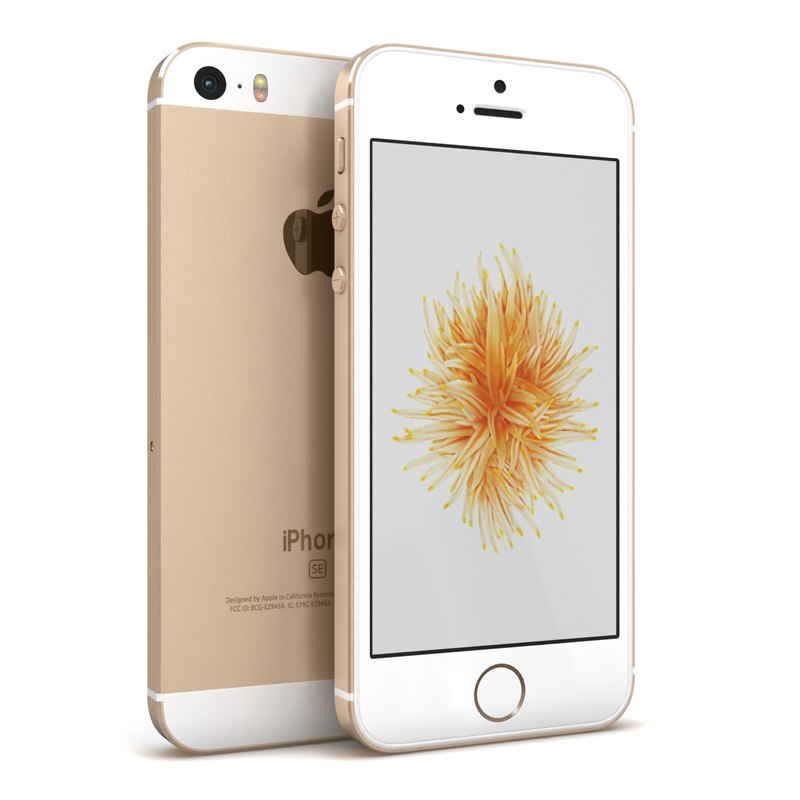
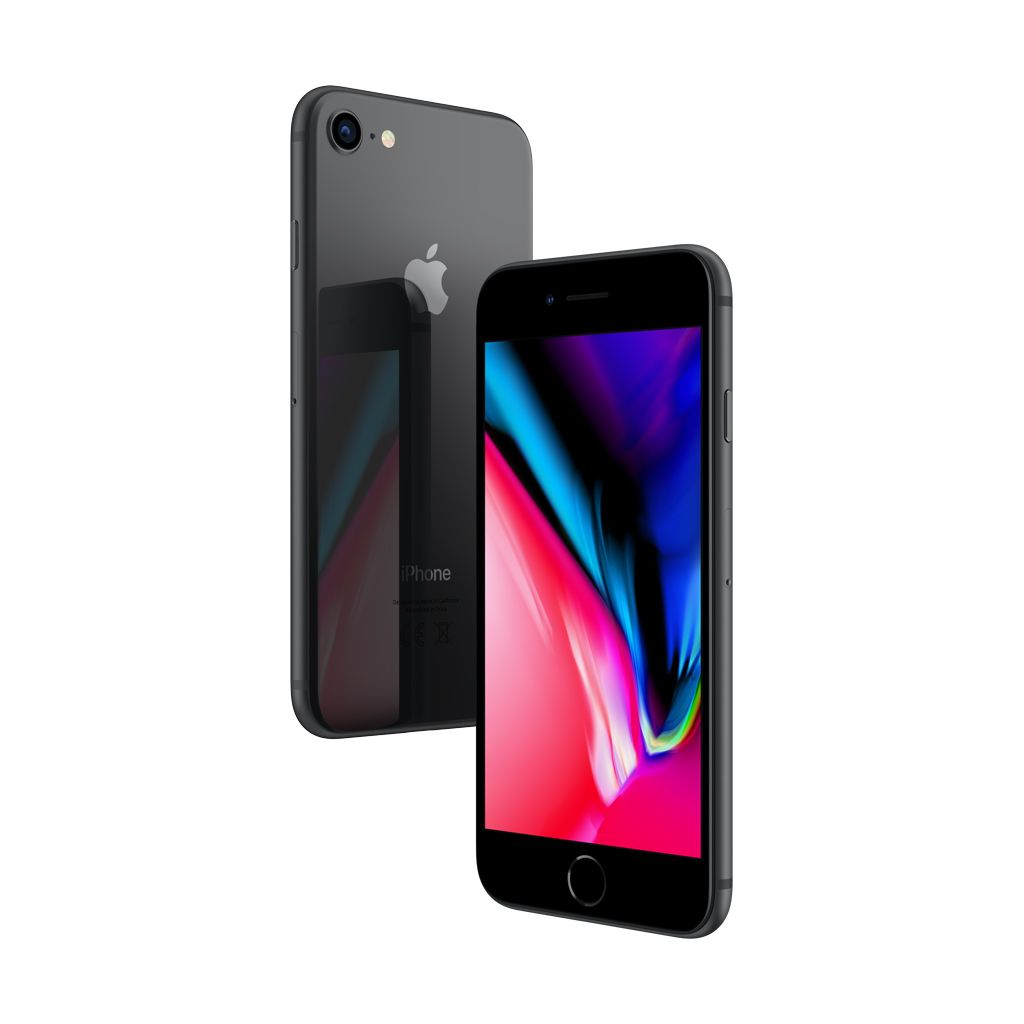
Older models like iPhone 8 or iPhone SE are now several years old, which means their original water resistance may have decreased significantly, even if they are in perfect condition.
How to Avoid Water Damage
Here are some simple recommendations to protect your iPhone:
- Use a waterproof case – A quality screen protector and waterproof case provide additional protection against everyday accidents. MagSafe compatible cases are particularly popular for newer iPhone models.
- Avoid extreme situations – Swimming in pools, immersion in water, or use in the shower is not recommended, even if the device rating allows it. The IP rating is intended more as a safety indicator than an invitation to underwater adventures.
- Be careful in saunas and at the beach – High temperatures can damage seals and salt water is particularly corrosive. Both situations can significantly reduce the device’s lifespan.
- Update your device regularly – If you prioritize water resistance, consider a newer model as they offer better protection.
What to Do if Your iPhone Gets Wet?
If your device comes into contact with water:
- Turn it off immediately and don’t press any buttons that could push water deeper into the device.
- Dry it with a soft microfiber cloth and remove the SIM card for better air circulation.
- Place the device upright, charging port downward, so water can drain out.
- Don’t charge the device until you’re sure it’s completely dry (at least 5 hours).
- Don’t use a hair dryer (heat can damage the device) or place the device in a bag of rice (rice grains can get stuck in ports).
If you suspect water damage, contact Apple device service and repair as soon as possible, where specialists can help minimize damage.
Conclusion
While iPhone IP ratings provide protection against accidental splashes and accidents, they don’t mean the phone is completely waterproof in all situations. Especially with refurbished devices, it’s worth being cautious and avoiding deliberate contact with water.
Use water resistance as added security, not as a promise that you can go swimming with your device. This ensures your refurbished iPhone will work trouble-free for a long time.
Check out our blog where we share reviews of trends and news. Find us @ upgreat.ee
To stay updated with Upgreat campaigns, add us as a friend on FB or follow us on Instagram.