
Have you ever wondered which one to choose – Mac or Windows? In today’s digital world, it’s a decision that affects both your daily workflow and your wallet. Choosing an operating system is a significant investment that can shape your technology experience for years, depending on your needs and preferences.
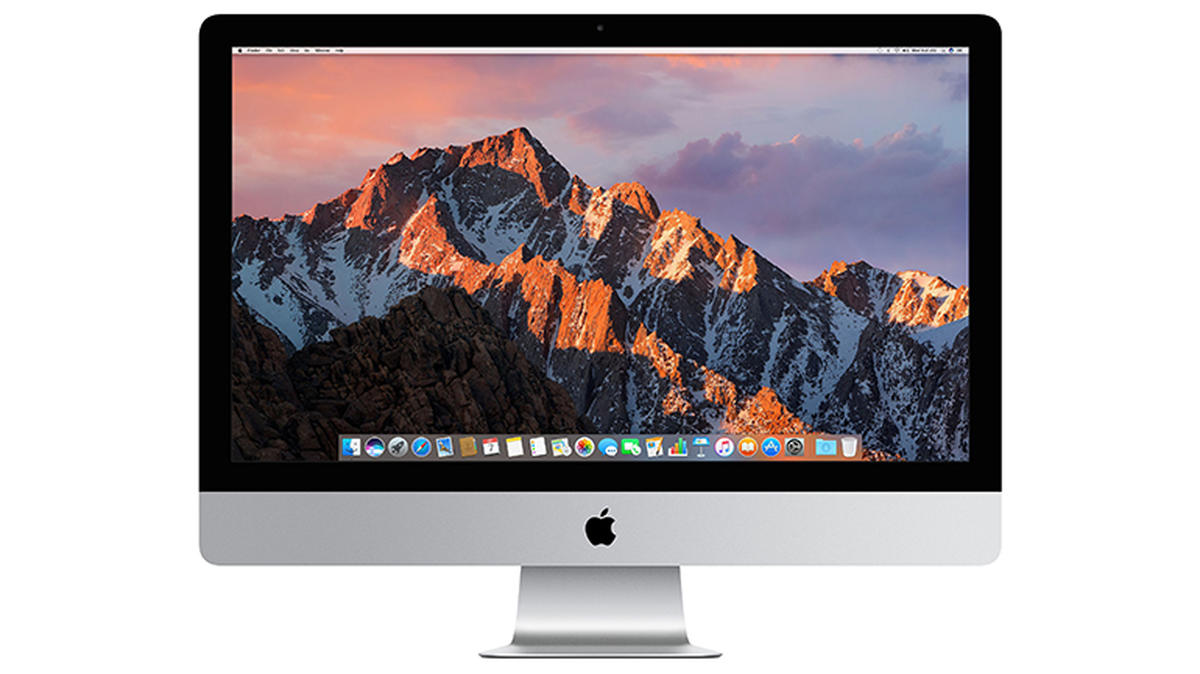
Market position and popularity
Market numbers give a clear picture of the current situation:
- Windows still dominates with about 70.62% market share (February 2025)
- macOS holds about 15.74% of the market (February 2025)
These figures show that Windows remains the more popular choice, but Apple’s share has been consistently growing, especially after their transition to Apple Silicon processors.
Daily use and user experience
User interface and workflow
macOS offers an intuitive and visually consistent design, enhanced by a gesture-supporting trackpad and powerful Spotlight search function. Apple systems have always been valued for their consistent user experience, which persists even when versions change.
Windows, on the other hand, offers a familiar start menu, flexible window management, and more customization options. Windows systems also better support touch screens, making them more suitable for hybrid devices.
Stability and reliability
Apple’s integrated approach, where the same company controls both hardware and software, generally ensures greater system stability. Mac computers experience fewer compatibility issues, and software installation is often smoother due to system abstraction.
While Windows 11 is significantly more stable than its predecessors, it may still encounter problems with third-party drivers. The greater hardware selection brings more potential failure points.
Security
Mac computers face fewer security issues, partly due to their smaller market share, which makes them a less attractive target for malware creators. However, both platforms have made significant advances in security, offering built-in antivirus and regular security patches.
Performance and productivity
Hardware comparison
Apple Silicon chips have completely transformed Mac computers’ capabilities:
- M-series processors offer exceptional performance with low energy consumption
- MacBooks typically offer 14+ hours of battery life
- Integrated system-on-chip ensures smooth cooperation between all components
Windows computers offer greater choice:
- Various processor types from different manufacturers
- Wider price range and configuration options
- Battery life varies significantly but often falls short of Macs
Software ecosystem
macOS’s advantage is optimized creative applications like Final Cut Pro and Logic Pro and seamless integration with other Apple devices. Windows’s strength is a wider selection of enterprise software and better compatibility with older systems.
If you’re considering switching from one system to another, it’s good to know that data transfer is easier today than ever before. macOS Sonoma introduced wireless data transfer from PC to Mac, which works on Windows 8 and newer versions.
Gaming and entertainment
Despite Apple’s efforts, Windows remains the dominant platform for gamers:
- Windows offers a wider selection of games and better hardware support
- DirectX support is a significant advantage for many games
- Greater choice in graphics cards
While Apple has introduced the Game Porting Toolkit and Metal 3 improvements, it still lags behind Windows in game availability and optimization.
Compatibility and device cooperation
File compatibility
Today, basic file formats are universal and work on both platforms without issues. Microsoft Office documents work on both macOS and Windows, although some complex features may differ slightly.
Ecosystem integration
One of Mac’s greatest strengths is its seamless cooperation with other Apple devices:
- AirDrop allows quick file sharing between different Apple devices
- Handoff lets you start work on one device and continue on another
- Universal Clipboard allows copying content on one device and pasting on another
- iCloud seamlessly synchronizes documents, photos, and other content
Windows also offers integration, especially with Android devices through the Phone Link app and Microsoft 365 services, but it’s not as smooth as Apple’s ecosystem.
Price and value
Initial investment
Mac computers typically have a higher initial price than Windows devices with comparable specifications. Windows supports devices ranging from budget laptops to high-end workstations, offering a wider selection at different price points.
Long-term value
This is where Mac computers’ longer-term value comes into play:
- Apple devices receive software updates for longer on average
- Quality construction and materials ensure longer lifespan
- Demand for Mac computers on the secondary market is higher, meaning better resale value
Value proposition of used Macs
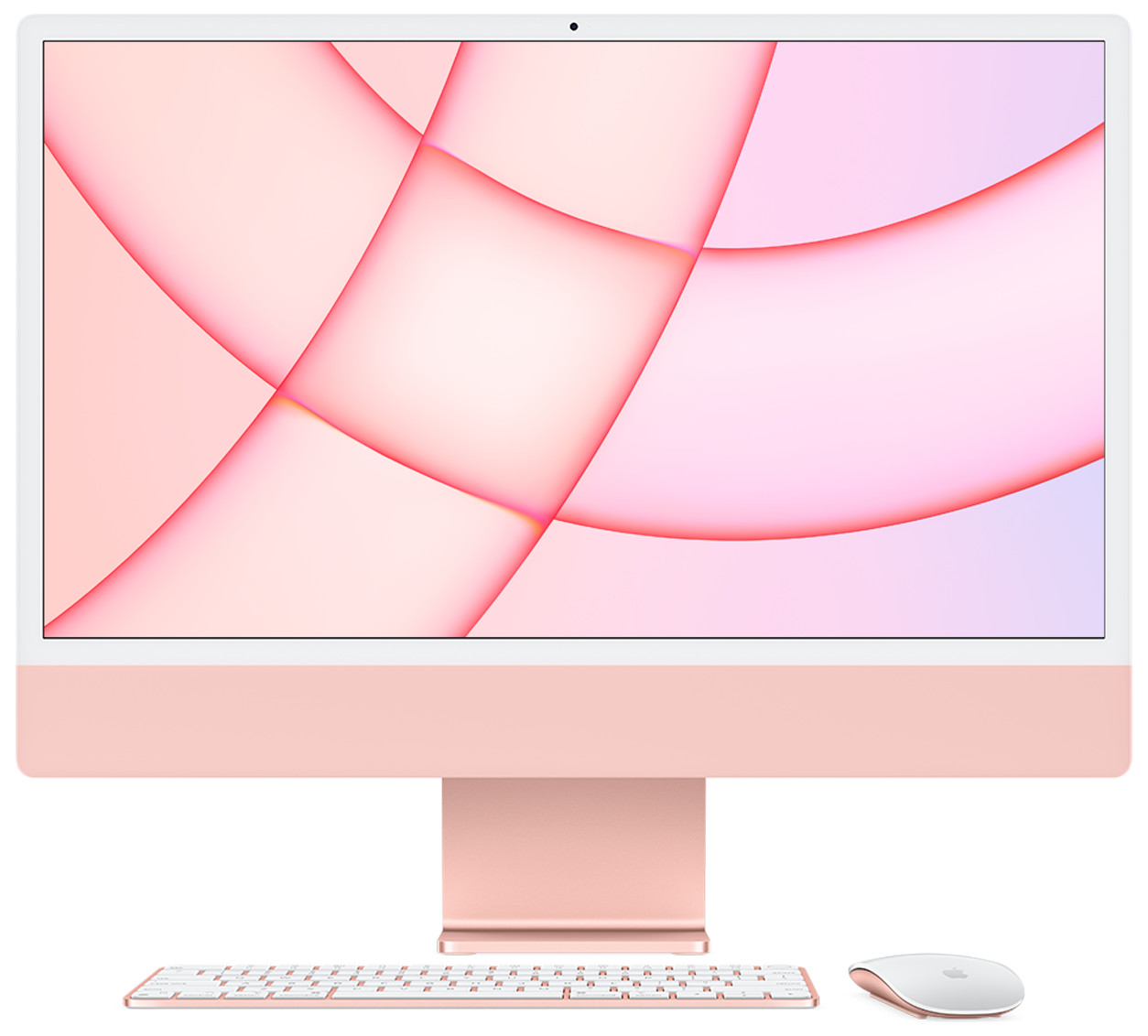
A used Mac can be a great way to enter the Apple world without paying full price:
- Thoroughly checked and tested devices
- 2-year warranty provides peace of mind
- Significantly lower price compared to a new device
- Environmentally friendly choice that extends technology lifecycle
Needs of different user groups
Creative professionals
Designers, photographers, video creators, and music producers often prefer Mac computers due to:
- Color-accurate displays
- Optimized creative applications
- Seamless workflow integration
Developers and IT specialists
Developers’ preferences depend on their work:
- macOS offers a UNIX-based terminal and simplified setup for many development environments
- Windows provides better support for .NET development and a wider range of enterprise IT solutions
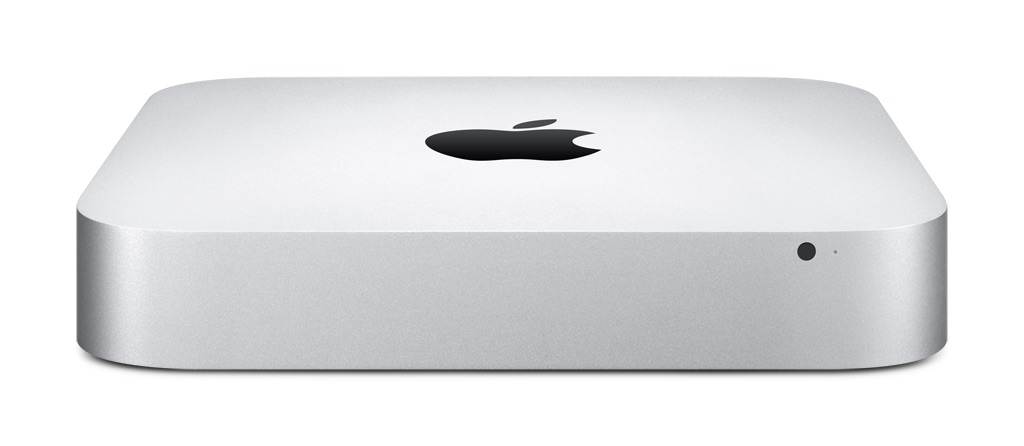
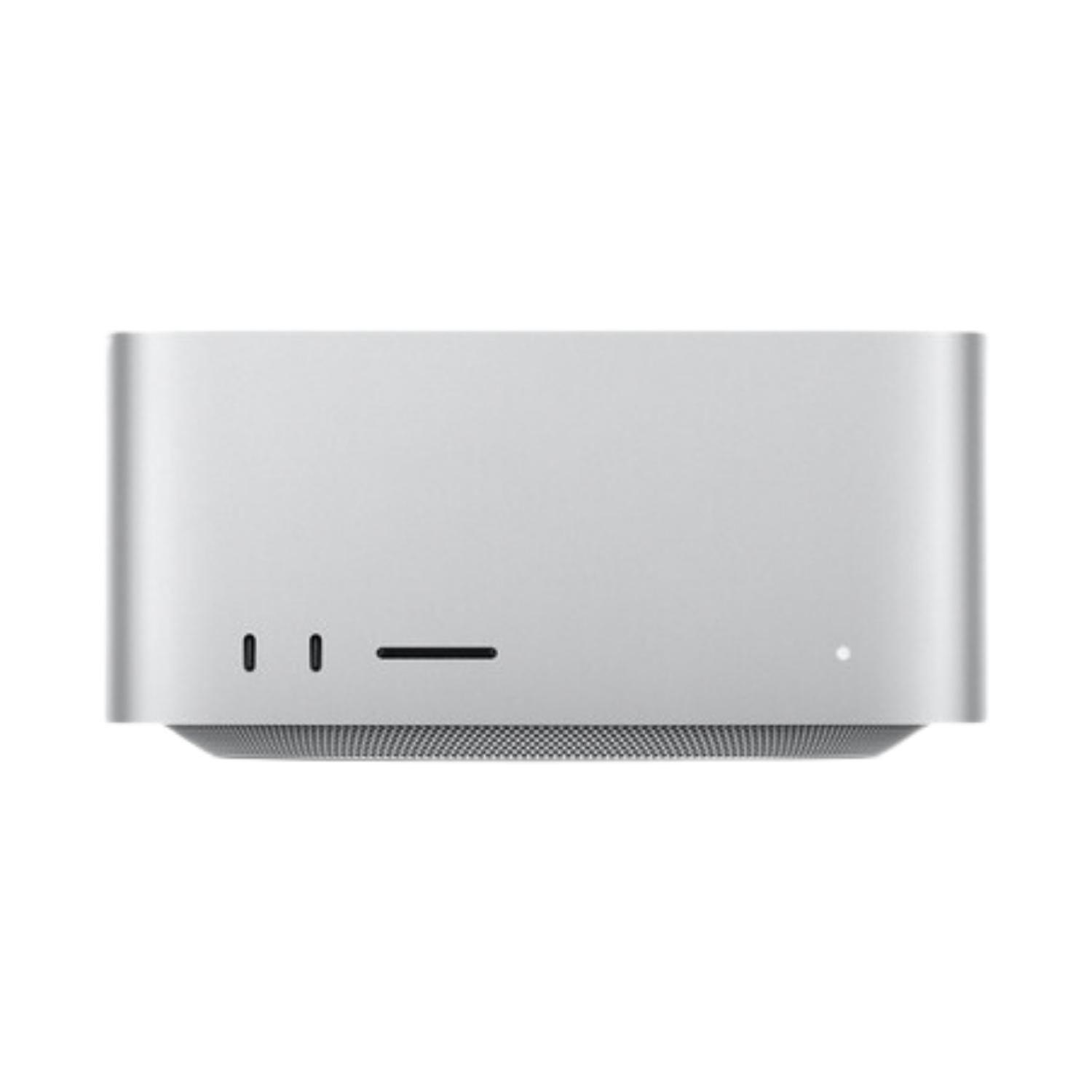
Many developers appreciate the Mac Mini‘s compact form and powerful performance, especially in Apple Silicon versions.
Business users and enterprises
Businesses often use Windows:
- Better integration with enterprise software
- Easier central management by IT departments
- Often lower acquisition and maintenance costs
Students and academic users
Students often choose platforms according to their field:
- Art, design, and media students prefer Mac computers
- Engineering and business students may find that Windows offers better compatibility with field-specific software
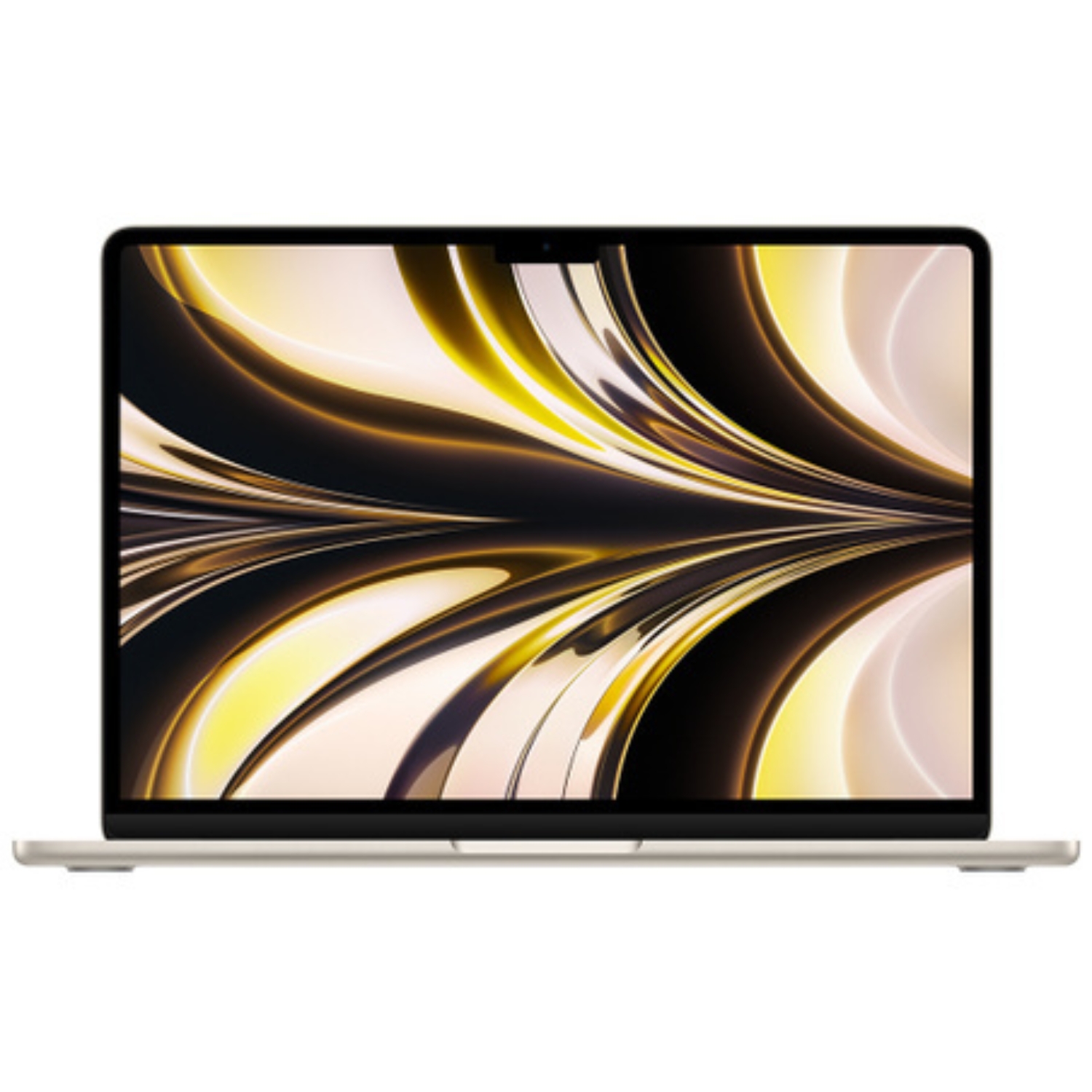
For students, the MacBook Air vs Pro comparison may provide valuable information for choosing a suitable device.
Which to choose? Recommendations
Choose Mac if:
- You value design, build quality, and smooth user experience
- You already use other Apple devices
- You work in the creative field
- You value battery life and a quiet working environment
- You’re willing to pay a bit more for quality
Choose Windows if:
- You want maximum flexibility and customization options
- You’re a gamer or need specific enterprise software
- You prefer more choices between different manufacturers and prices
- You need compatibility with older systems and software
- You want the best price-to-performance ratio
Thoughts on switching
If you’re considering switching from one platform to another:
- Check the compatibility of essential applications on the target platform
- Evaluate file system and backup compatibility
- Familiarize yourself with the new platform’s keyboard shortcuts and workflows
- Consider buying a used device for a smoother transition
There is no universally “best” choice – there’s only the best choice for you. The right decision depends on your workflows, preferences, and budget. Both Mac and Windows offer capable solutions but with different approaches to technology and user experience.
Also, check out our blog, where we share overviews of trends and news.
To stay updated with Upgreat campaigns, add us as a friend on FB or follow us on Instagram.


