
Have you noticed how Apple’s marketing materials emphasize Retina displays as one of the MacBook’s biggest advantages? There’s a good reason for this – but what does it actually mean and how does it affect your Mac user experience?
What is a Retina display?
Retina is Apple’s trademark for LCD and OLED displays with such high pixel density that the human eye cannot distinguish individual pixels at a normal viewing distance. Steve Jobs defined the Retina threshold as 52-63 pixels per degree of viewing angle, which corresponds to approximately 58 pixels per degree at a viewing distance of 28 cm.
Simply put: A Retina display makes text, images, and videos incredibly clear and sharp, without the visible “pixelation” that was common on older displays.

How does a Retina display work?
Retina displays use HiDPI mode, where one logical pixel corresponds to multiple physical pixels (typically with 2×2 or 3×3 scaling). This means that the operating system renders elements at higher detail, but the user interface remains the same size as on a regular display.
The result is noticeably sharper edges and crystal-clear text, which significantly improves the reading experience and the visibility of visual details.
Comparison of MacBook Retina displays
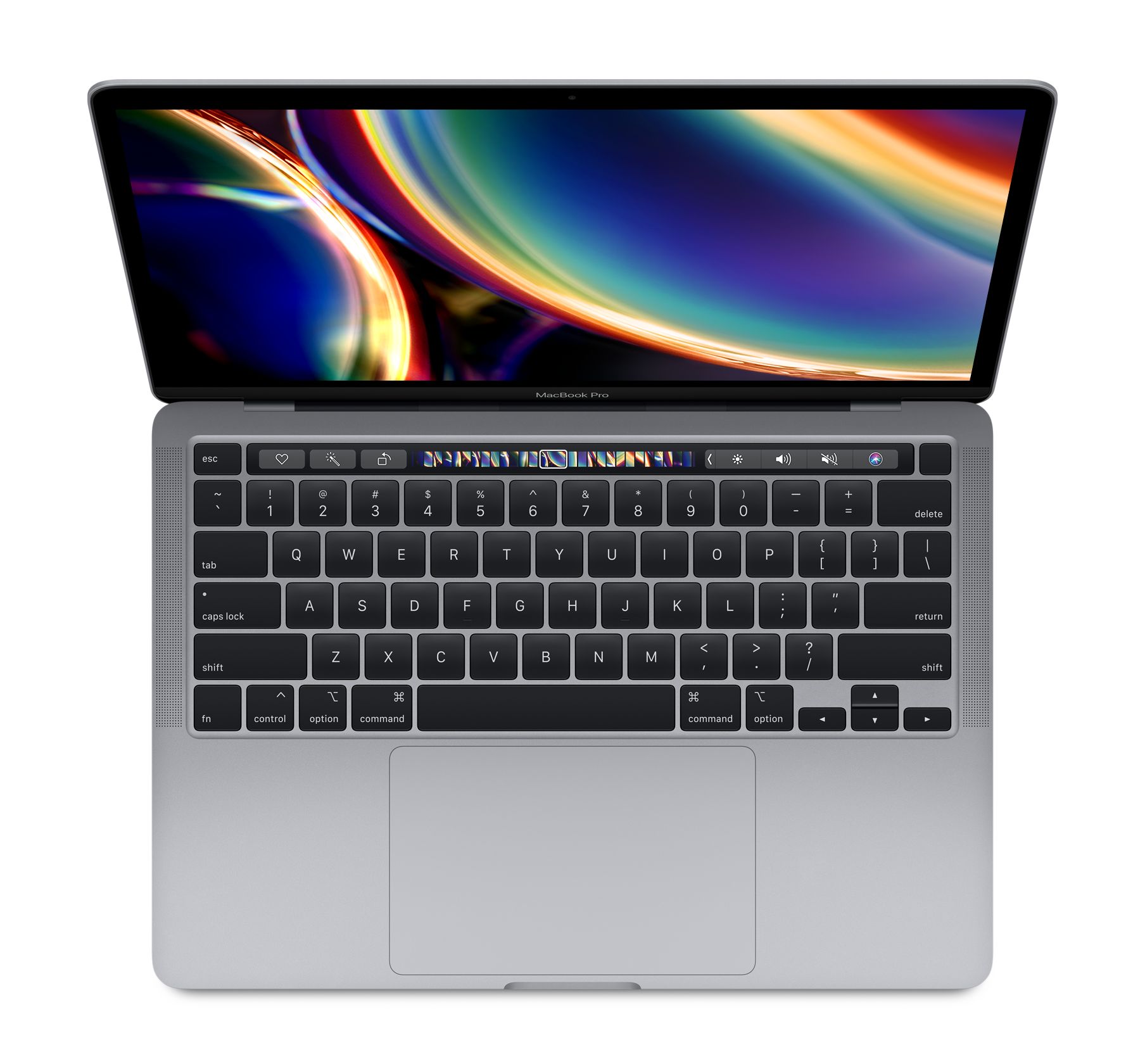
MacBook models’ Retina displays differ in several important characteristics that affect the user experience.
Pixel density (PPI)
- MacBook Pro (Retina, 13-inch, 2012 and newer): 2560×1600 resolution at 227 PPI
- MacBook Pro (Retina, 15-inch, 2012 and newer): 2880×1800 resolution at 220 PPI
- MacBook Air (Retina, 13-inch, 2018 and newer): similar PPI to Pro models
The higher the PPI value, the sharper the details on the screen and the harder it is to distinguish individual pixels.
Color gamut: P3 vs sRGB
Newer MacBook models support the P3 wide color gamut, which can display about 25% more colors than the standard sRGB color spectrum:
- MacBook Air (2018-2021): primarily uses sRGB color gamut
- MacBook Air (2022 and newer) and MacBook Pro (2016 and newer): support P3 color gamut
The P3 color gamut provides more color space especially for red, green, and yellow tones, making images more natural and vibrant. This is particularly important for photography, design, and video editing.
Brightness (nits)
Brightness is measured in nits and determines how brightly the screen displays an image:
- MacBook Air (Retina): about 400-500 nits
- MacBook Pro (2016-2020): about 500 nits
- MacBook Pro Liquid Retina XDR (2021+): 1000 nits sustained brightness, up to 1600 nits peak brightness for HDR content
Higher brightness values mean better visibility in bright light and more vivid HDR content.
True Tone technology
True Tone uses sensors to adjust the screen’s color temperature according to ambient light:
- Not present in MacBook models before 2018
- All newer MacBook Air and MacBook Pro models (2018+) include True Tone technology
True Tone makes the screen warmer or cooler depending on the room lighting, reducing eye fatigue and making colors appear more natural in different lighting conditions.
Refresh rate (Hz)
Refresh rate indicates how many times per second the screen updates the image:
- Most MacBook Air models: 60 Hz
- MacBook Pro (2021+) ProMotion XDR: up to 120 Hz with dynamic refresh rate
Higher refresh rates ensure smoother motion in videos, games, and user interface animations. Newer models equipped with Apple Silicon chips are capable of supporting higher refresh rates, which makes the overall user experience noticeably smoother.
Different types of Retina displays
Apple has developed several different types of Retina displays over the years:
Standard Retina Display
The original Retina displays that appeared on MacBook Pro models in 2012. These are IPS technology LED-backlit LCD displays with high resolution.
Liquid Retina Display
An updated version used in newer MacBook Air models. These are higher quality LCD displays with better color space and True Tone technology.
Liquid Retina XDR Display
Used in the latest MacBook Pro (2021+) models. These use mini-LED backlighting with 10,000 LEDs and 2,500 local dimming zones, achieving an impressive 1,000,000:1 contrast ratio. This means deeper blacks and brighter whites, which is particularly useful when viewing HDR content.
What to consider when choosing or replacing a MacBook display
1. Intended use
- Everyday use and web browsing: Standard Retina display is usually sufficient
- Photo and video editing: Choose a model with P3 color gamut (MacBook Pro or newer Air)
- Professional color-accurate work: XDR display MacBook Pro offers the best quality and color accuracy
2. Screen size
- 13-inch is more compact and lighter to carry
- 14-inch (Pro) offers a good balance between size and portability
- 16-inch (Pro) provides more workspace but is heavier
For more specific recommendations, check out our MacBook Air vs MacBook Pro comparison to help find the right size for you.
3. Battery life
Displays with higher brightness and higher refresh rates consume more power. If battery life is important, this should be taken into consideration – we typically recommend the MacBook Air model for students precisely because of its good battery life.
4. Considerations for display replacement
If you need to replace a damaged MacBook display:
- Using original parts ensures the best quality and compatibility
- A display with similar PPI and technology ensures a consistent experience
- Newer models are more complex to repair yourself, so professional help may be a more sensible choice
Summary
The Retina display is much more than just a marketing gimmick – it’s a real technological advancement that significantly improves the MacBook user experience. Pixel density, color gamut width, brightness, True Tone technology, and refresh rate are all important factors that affect display quality.
When choosing the right Mac model, we recommend basing your decision primarily on your usage needs and budget. A pre-owned MacBook can offer a great screen experience at a significantly lower price than a new model.
Also check out our blog where we share reviews of trends and news.
To stay updated with Upgreat campaigns, add us as a friend on FB or follow us on Instagram.