
Your choice of MacBook screen size can determine both the comfort of your workflow and the portability of your device. Therefore, it’s important to find the balance that meets your personal needs. Let’s take a closer look at what screen sizes Apple offers and how to find the right MacBook for you.

MacBook Screen Dimensions and Comparison
Apple currently offers MacBooks in four main screen sizes:
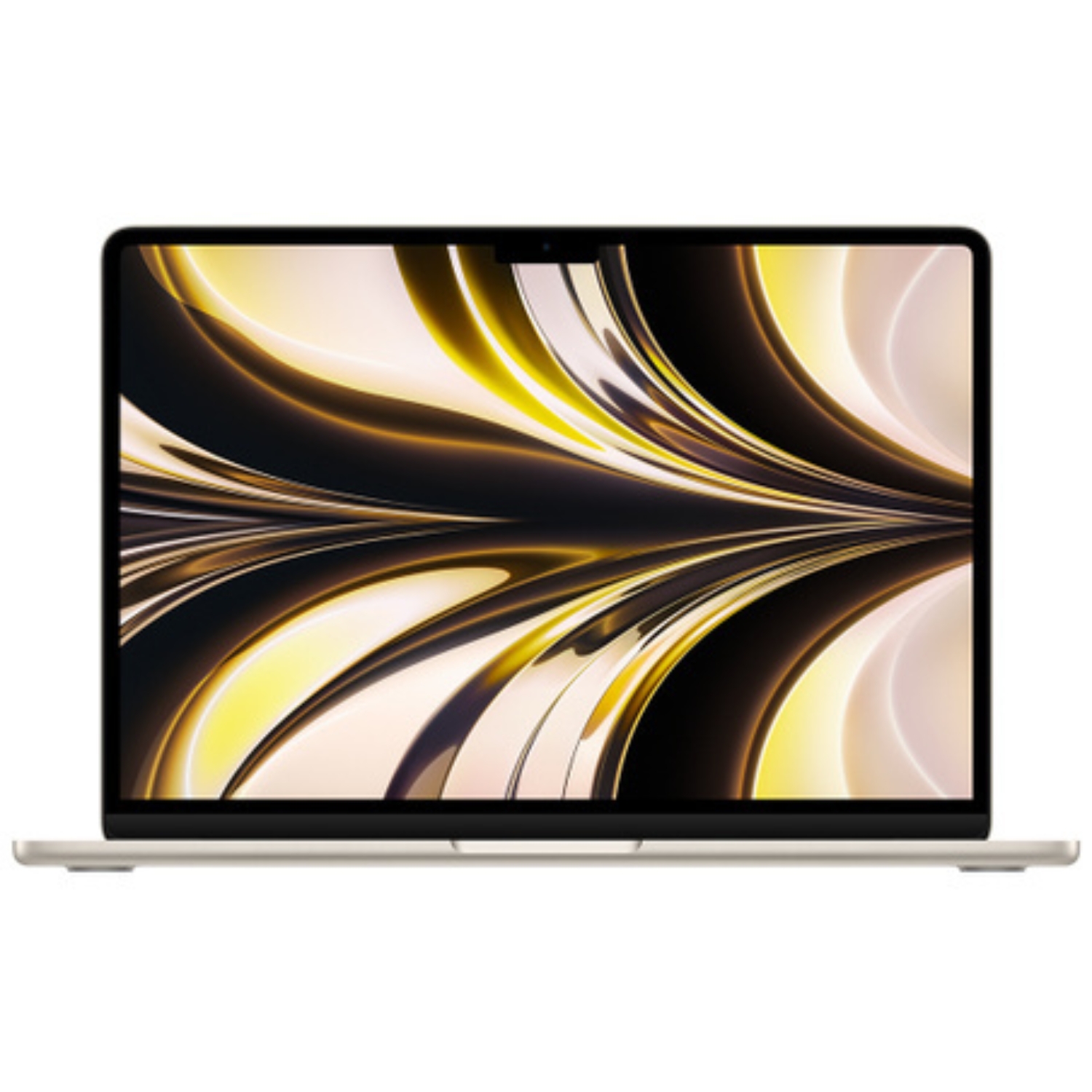
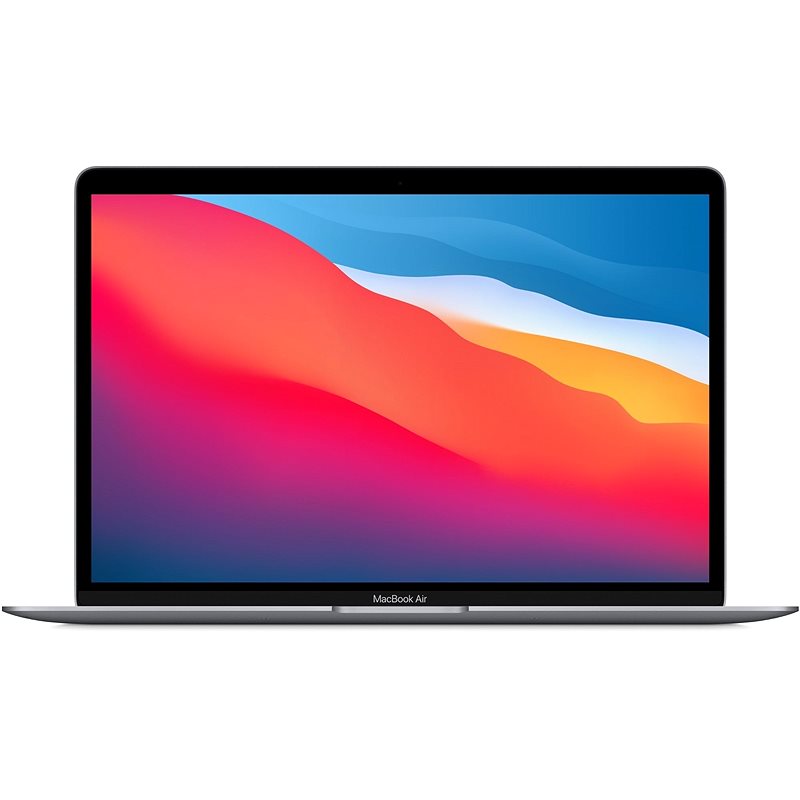
- 13.3-13.6 inches: Compact models of MacBook Air and MacBook Pro
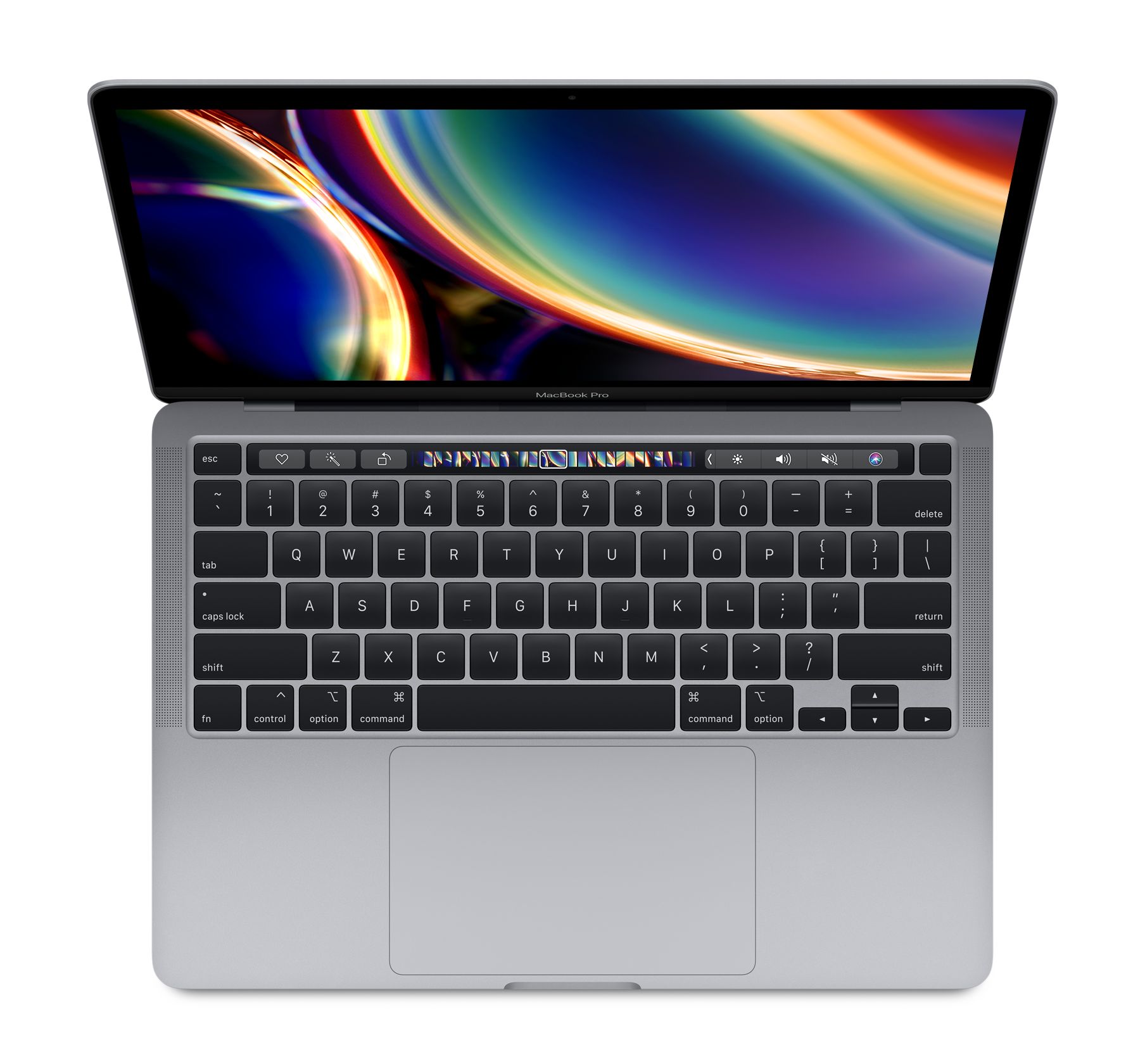
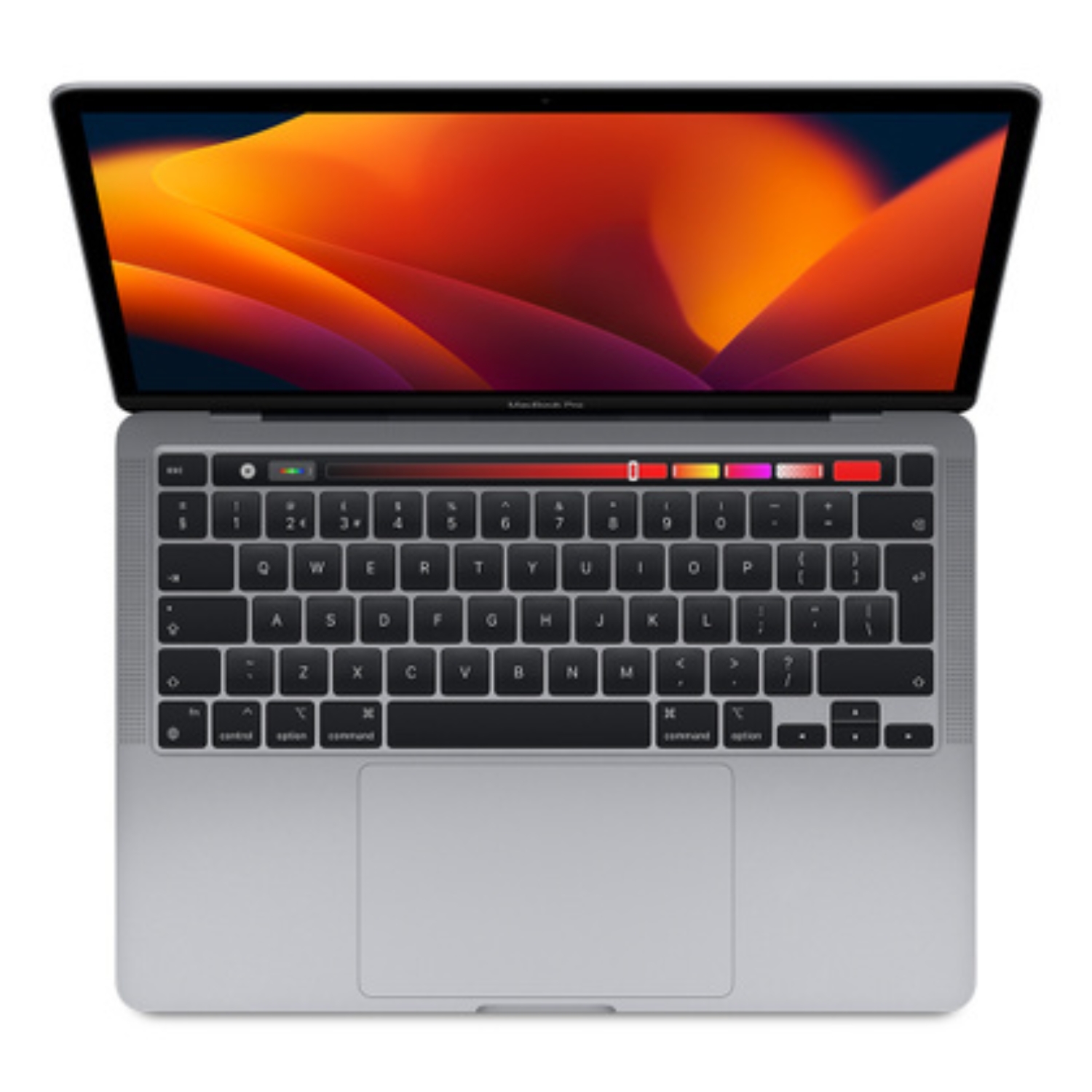
- 14.2 inches: Medium-sized MacBook Pro model
- 15.3 inches: Larger MacBook Air model
- 16.2 inches: Largest MacBook Pro model
These measurements represent the diagonal length of the screen in inches. The physical size of the screen significantly affects both work efficiency and portability.
Screen Resolutions and Density
The resolution of MacBook screens is one of the most important quality indicators. Looking at the specifications of different models:
- MacBook Air 13″: 2560 × 1600 (Retina)
- MacBook Air 15″: 2880 × 1864, 224 ppi
- MacBook Pro 14″: 3024 × 1964, 254 ppi
- MacBook Pro 16″: 3456 × 2234, 254 ppi
Higher pixel density (ppi or pixels per inch) ensures a sharper and more detailed image. The 254 ppi of MacBook Pro models allows for particularly precise image processing and text reading, while the MacBook Air’s 224 ppi is also high quality.
Screen Types: Retina vs Liquid Retina vs Liquid Retina XDR
MacBook model screens also differ in technology:
- Retina: Apple’s base technology used in older MacBook models. Offers good color space and sufficient sharpness for everyday tasks.
- Liquid Retina: Screen for newer MacBook Air models, offering enhanced colors and better contrast ratio. These screens reach up to 500 nits of brightness, sufficient for most work.
- Liquid Retina XDR: High-tech Mini-LED screen in newer MacBook Pro models. These stand out with an exceptional 1,000,000:1 contrast ratio and support for displaying 1 billion colors. Liquid Retina XDR screens can continuously display 1000 nits of brightness and up to 1600 nits peak brightness with HDR content.
MacBook Pro models also offer ProMotion technology, allowing for dynamic refresh rates of up to 120Hz, making all movements on screen noticeably smoother.
Dimensions and Weight: The Portability Aspect
When choosing a screen size, it’s also important to consider the overall size and weight of the device:
- MacBook Air 13″: about 1.24-1.29 kg
- MacBook Air 15″: about 1.51 kg
- MacBook Pro 14″: about 1.55-1.61 kg
- MacBook Pro 16″: about 2.14-2.16 kg
Your choice of MacBook screen size directly affects the dimensions and weight of the device. If mobility is important to you, you might prefer the lighter 13″ or 14″ model. If you primarily use your computer in one place and value a larger workspace, the 15″ or 16″ model might be more comfortable.
Screen Size Selection Based on Use Case
13″ – Ideal for Daily Portability
Who is it for? Students, frequent travelers, and users who value a mobile lifestyle.
The 13-inch screen is the best choice when mobility is paramount. It’s compact enough to fit well in a backpack and comfortable to use on a flight or in a cafe. The MacBook Air 13″ is the most popular model in this category, offering a good balance between screen size, performance, and portability. This category is also the most affordable.
14″ – A Balanced Choice
Who is it for? Designers, photographers, and other creative professionals who need both mobility and a quality screen.
The 14-inch MacBook Pro is a relatively new size in Apple’s product lineup. It offers a better workspace than the 13″ model but is still compact enough. Thanks to the Liquid Retina XDR display, which can display HDR content with up to 1600 nits of brightness, it’s ideal for visual media professionals. The ProMotion 120Hz refresh rate screen also makes movements noticeably smoother.
15″ – Expanded Workspace Without Compromising Mobility
Who is it for? Multitaskers who want a larger screen without excessive weight.
The MacBook Air 15″ is a newer addition to Apple’s lineup and offers the benefits of a larger screen without the weight of the MacBook Pro 16″. It’s an ideal choice for those who want more screen space but don’t need all the special features of the Pro models. The larger screen makes it more comfortable to work with multiple windows and programs simultaneously.
16″ – Maximum Screen Space
Who is it for? Video editors, 3D designers, developers, and other professionals for whom screen space is critical.
The MacBook Pro 16″ is designed for users for whom screen size and quality are more important than portability. It offers maximum workspace, making it easy to manage complex projects and work with detailed visuals. Thanks to Mini-LED technology and a large Liquid Retina XDR screen, it’s ideal for visual media professionals.
The professional-grade 16-inch MacBook Pro also supports more external displays – up to three high-resolution screens, including two 6K resolution 60Hz monitors via Thunderbolt and one up to 8K resolution 60Hz monitor.
What Else to Consider When Choosing a Screen?
External Display Support
An advantage of newer MacBook Pro models is their ability to support more and higher-resolution external displays. Newer MacBook Pro models can support up to three external screens: two 6K resolution 60Hz via Thunderbolt and one up to 8K resolution 60Hz. This is an important aspect to consider if you plan to regularly work with external displays.
In contrast, MacBook Air M1 models only support one external display, which can be limiting for multi-screen work environments. Newer Air models are better in this regard.
Screen and Battery Life
Larger and brighter screens consume more power. Although Apple has optimized the energy efficiency of its laptops, screen size can affect battery life. The 16-inch MacBook Pro (2023) is equipped with a 100-watt-hour lithium-polymer battery, allowing up to 22 hours of movie watching in the Apple TV app.
Price to Value Ratio
Screen size is one of the main factors affecting price. If your budget is limited, a smaller screen might be a reasonable compromise. Choosing UPGREAT’s refurbished models is also a great way to get a quality MacBook at a more affordable price.
It’s also important to think about how long you plan to use the computer. An investment in a somewhat larger screen may pay off over a longer period of use by providing greater work comfort.
Summary: Which Screen Size to Choose?
- Best for mobility: 13″ MacBook Air – light, compact, and capable enough for everyday work.
- Best balance: 14″ MacBook Pro – compact yet allows comfortable work, professional screen technology.
- Best screen/weight ratio: 15″ MacBook Air – larger screen without the weight of Pro models.
- Best tool for professionals: 16″ MacBook Pro – maximum performance and screen space.
When making your final choice, consider your daily activities, mobility needs, and how long you plan to use the device. From UPGREAT’s wide range of refurbished Macs, you’ll definitely find a model that meets your needs and budget.
Additionally, you can read our more detailed MacBook Air and Pro comparison, which helps clarify model selection nuances, and recommendations for choosing a Mac suitable for students.
Also check out our blog, where we share overviews of trends and news.
To stay updated with Upgreat campaigns, add us as a friend on FB or follow us on Instagram.


