
Have you heard about eSIM, but aren’t sure what it means or how it works on your Apple device? Especially in Estonia, where digital services are highly developed, eSIM is becoming an increasingly popular alternative to traditional physical SIM cards.
What is an eSIM and how does it work?
eSIM (embedded SIM) is a built-in digital SIM card that replaces the physical plastic SIM card. It’s a chip integrated directly into the device that allows you to activate mobile operator services without needing to change physical cards. Estonia, as one of the most digitally advanced societies in the world, offers eSIM support through its main mobile operators.
Main advantages of eSIM:
- Space saving: No need for a physical SIM card slot in the device
- Convenience: You can activate a new service without waiting for a physical card
- Multi-operator support: You can use multiple operators simultaneously on iPhone
- Travel simplicity: You can easily activate a local operator’s eSIM when abroad
Which iPhones and iPads support eSIM?
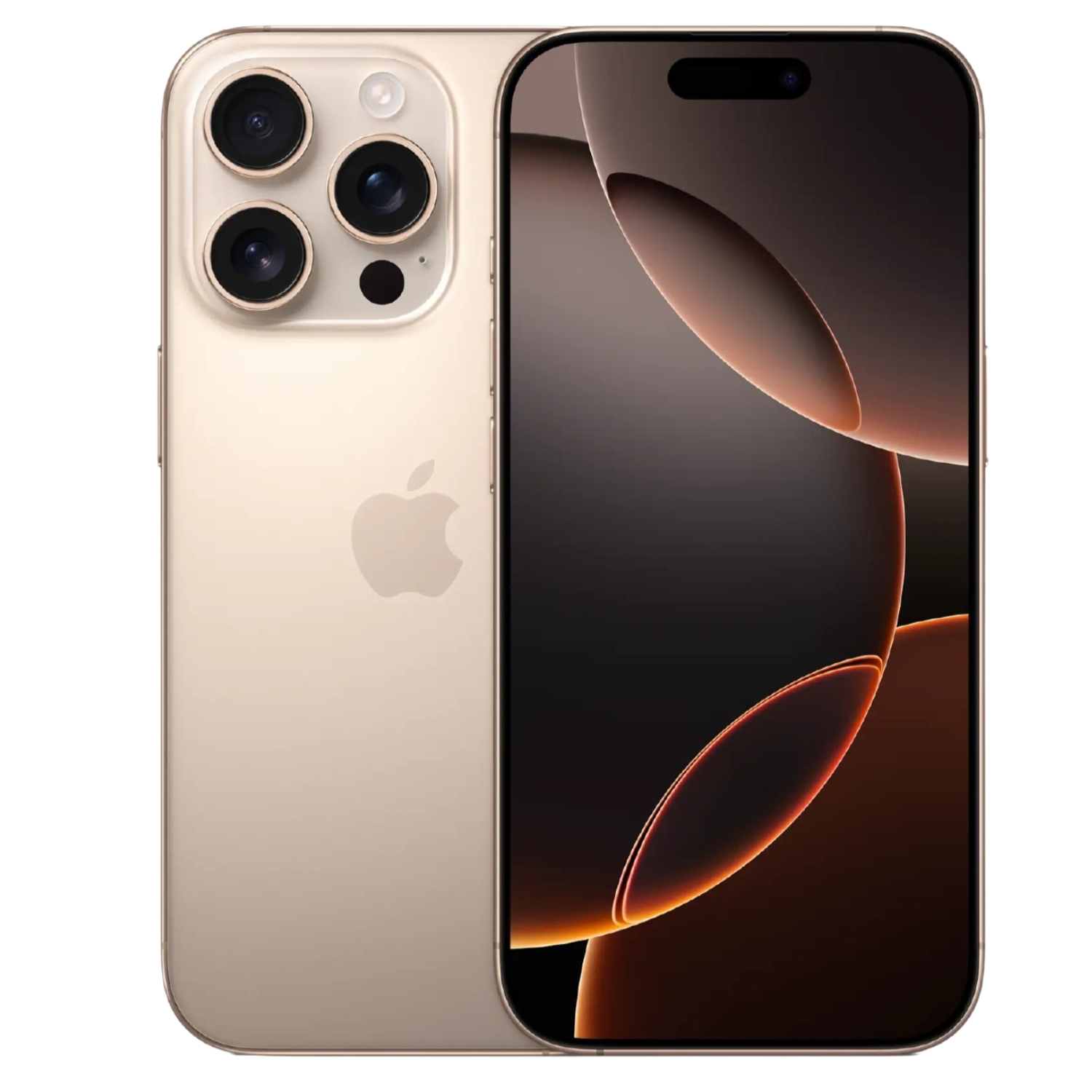
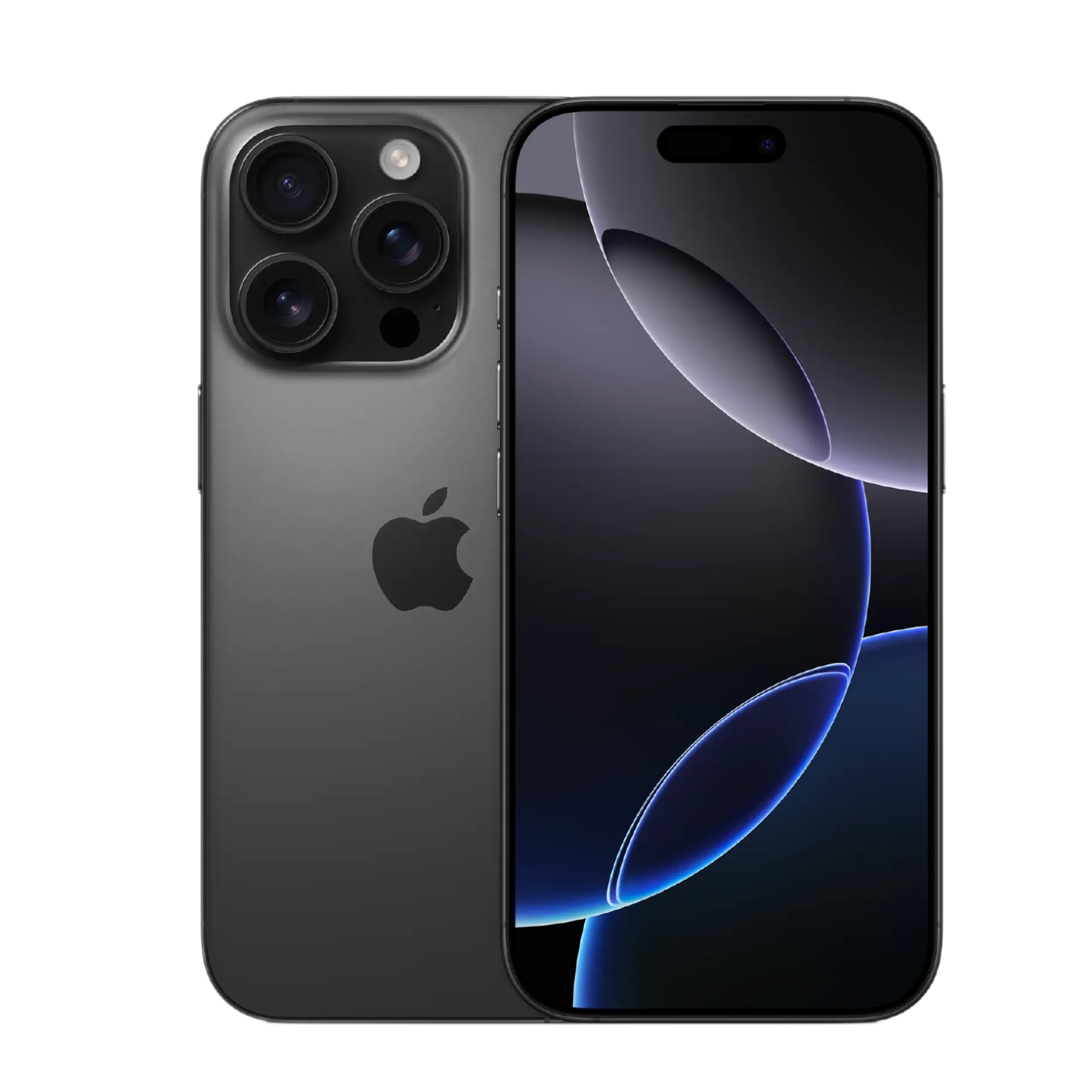
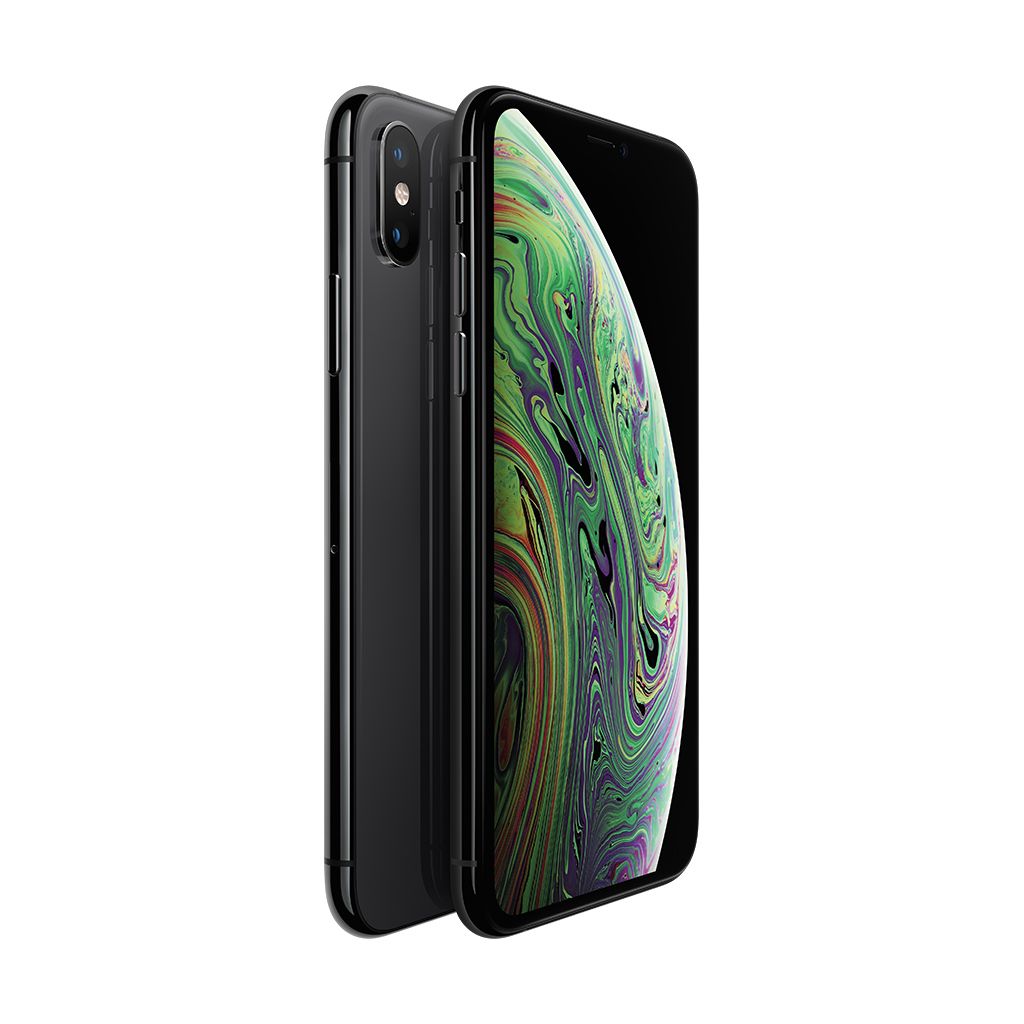
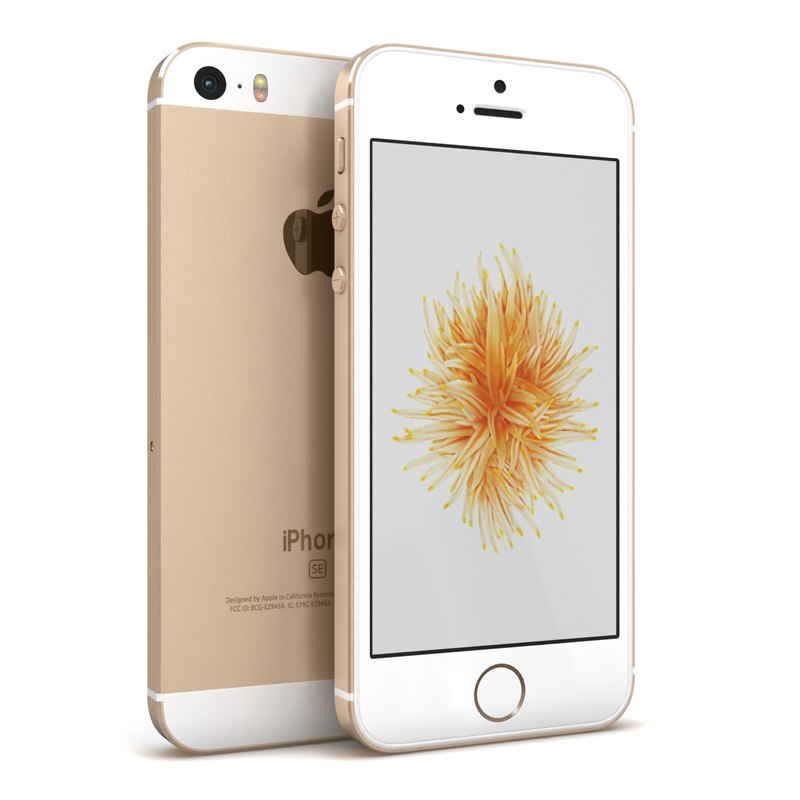
eSIM support depends on the model of your Apple device. Here’s a list of devices available in Estonia that support eSIM technology:
iPhone models
- iPhone XS and XS Max
- iPhone XR
- iPhone 11, 11 Pro, 11 Pro Max
- iPhone SE (2nd generation)
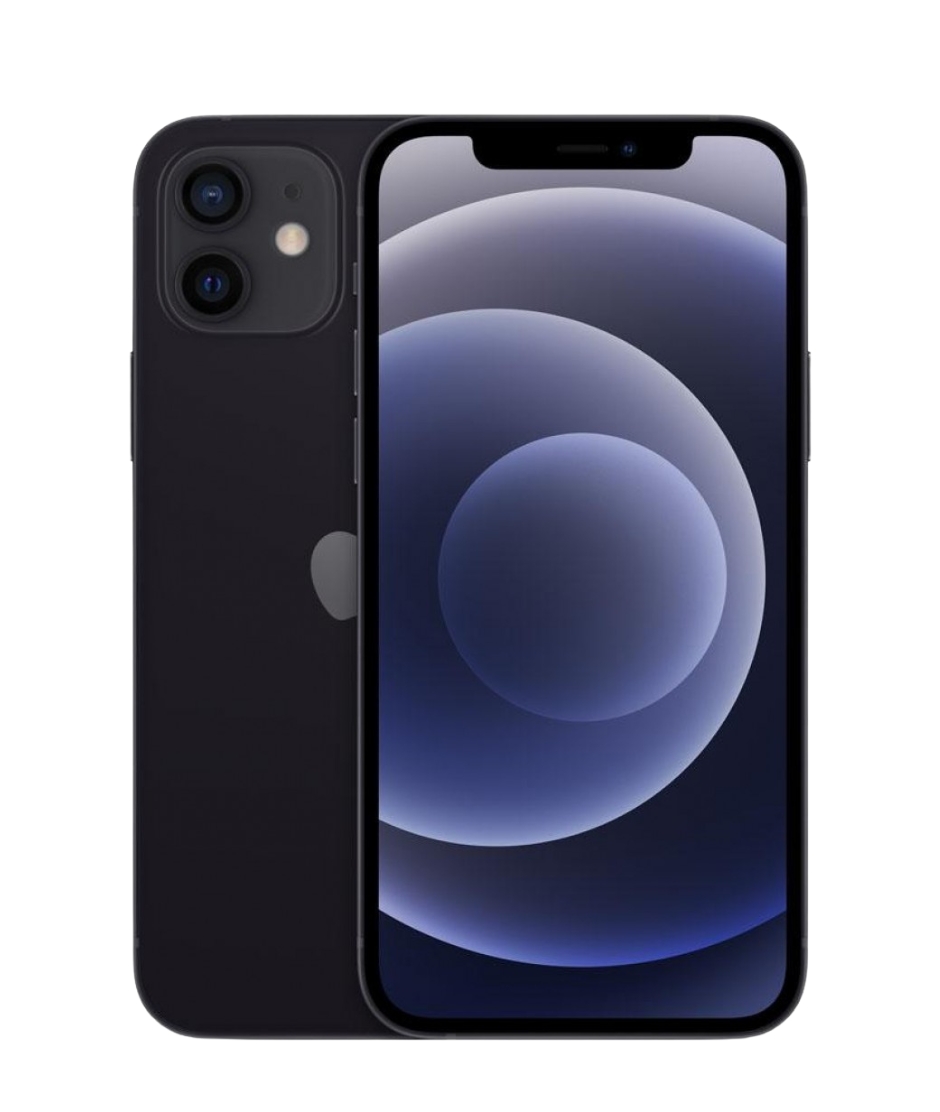
- iPhone 12, 12 mini, 12 Pro, 12 Pro Max
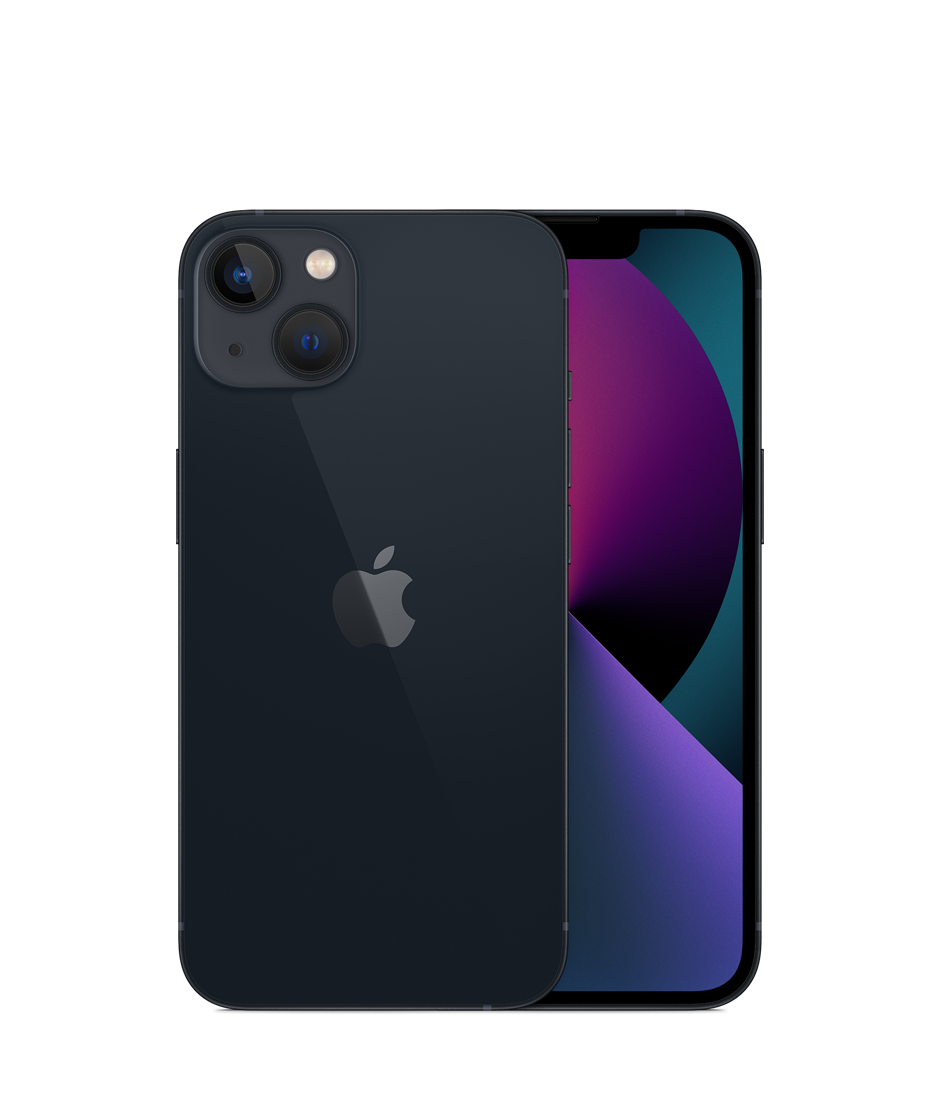
- iPhone 13, 13 mini, 13 Pro, 13 Pro Max
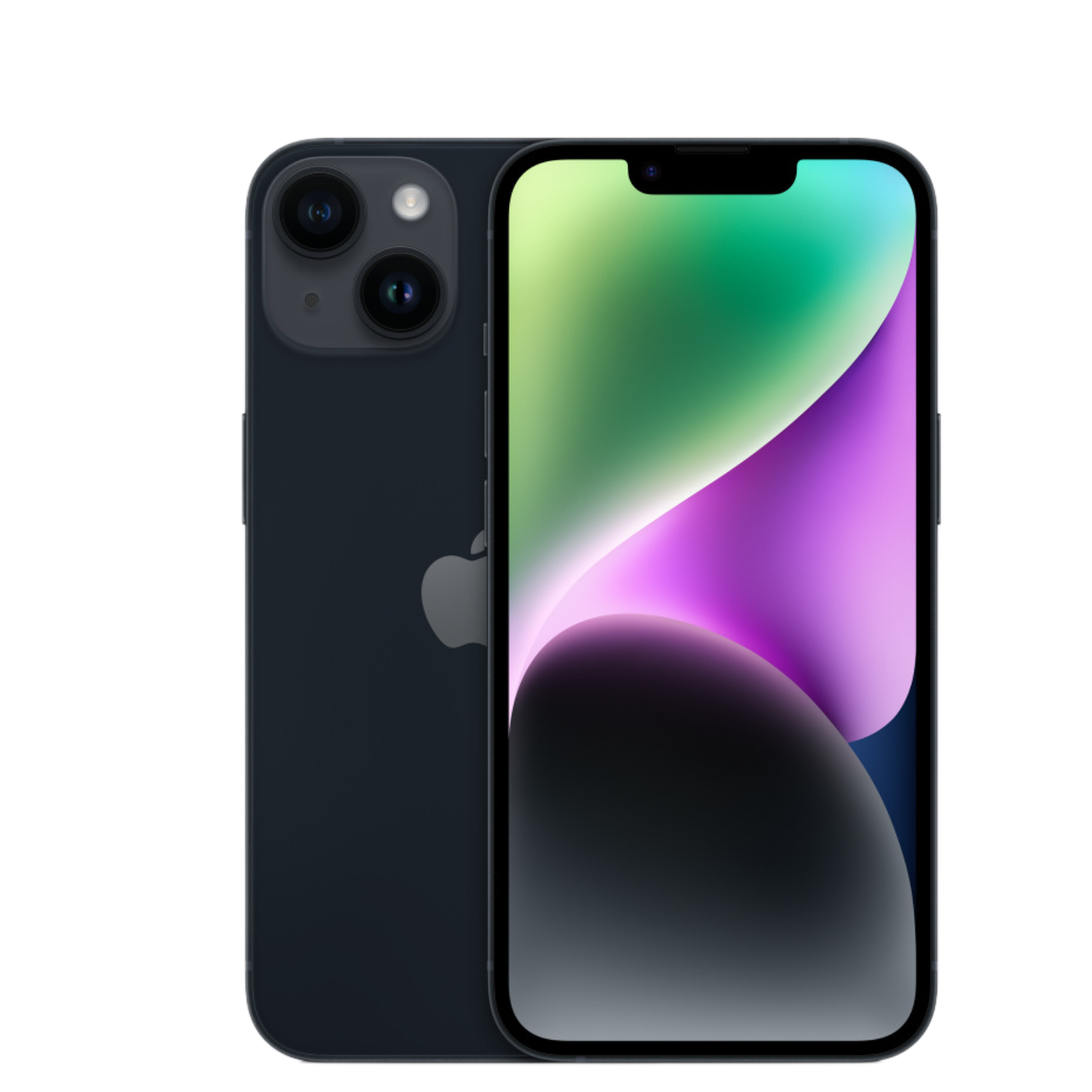
- iPhone 14, 14 Plus, 14 Pro, 14 Pro Max
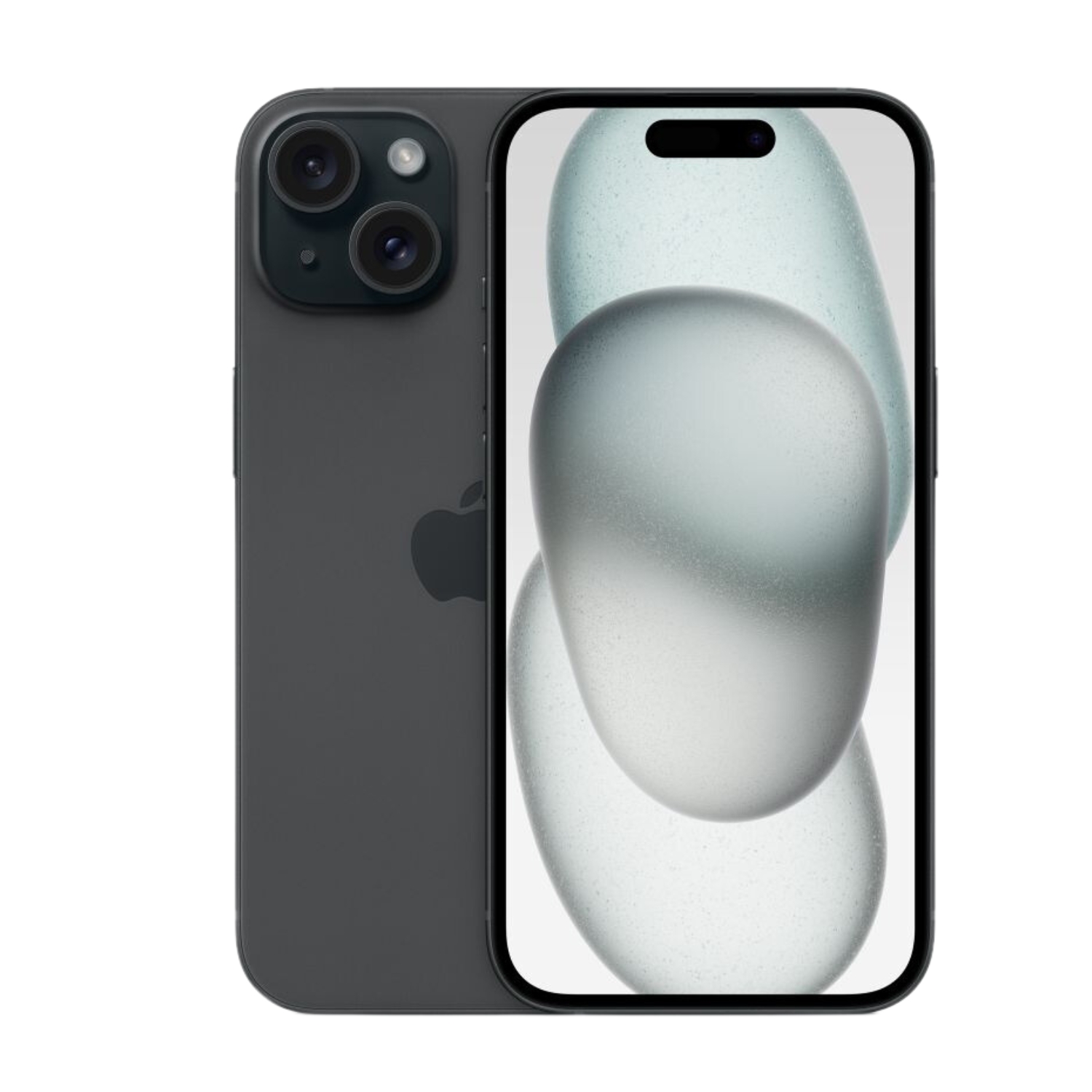
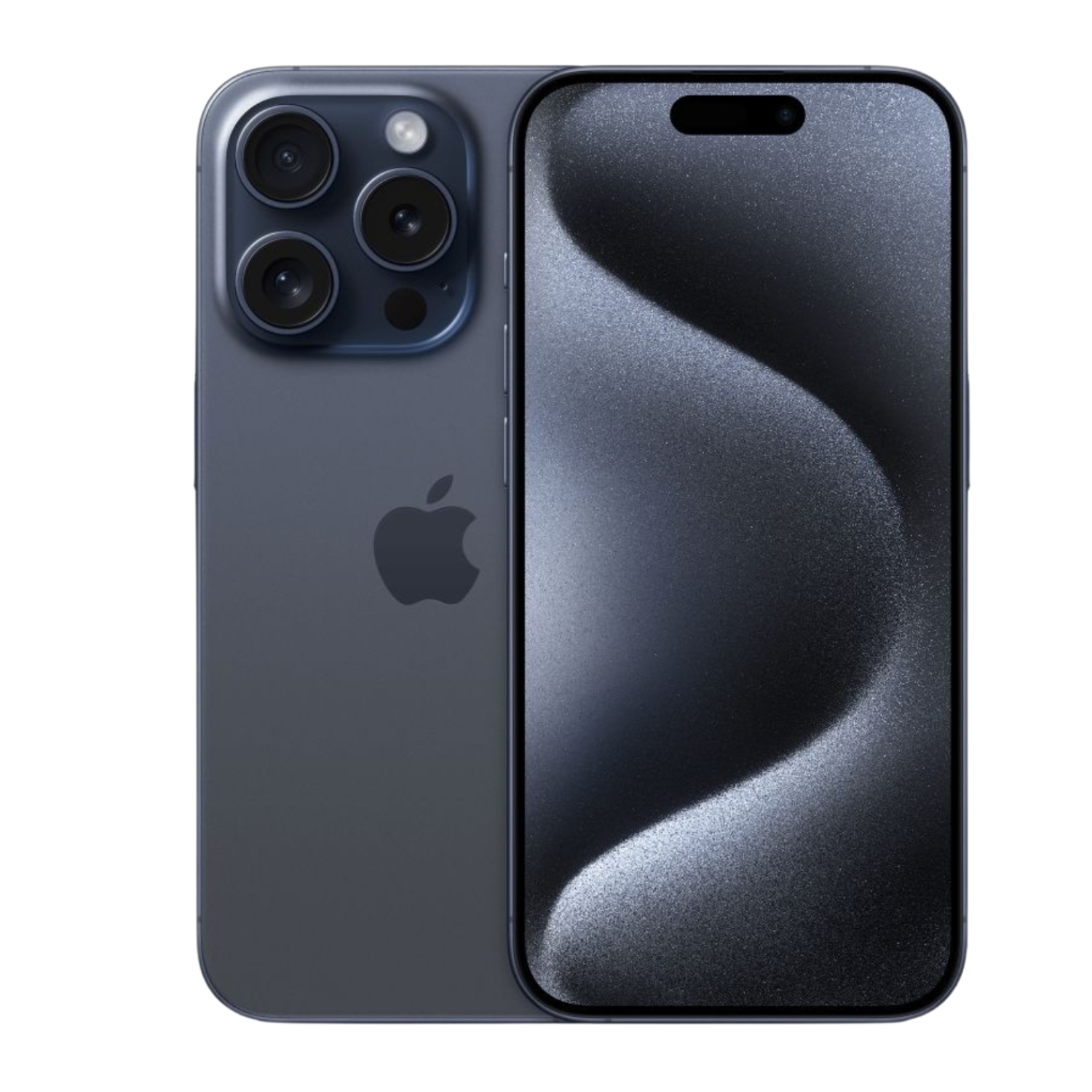
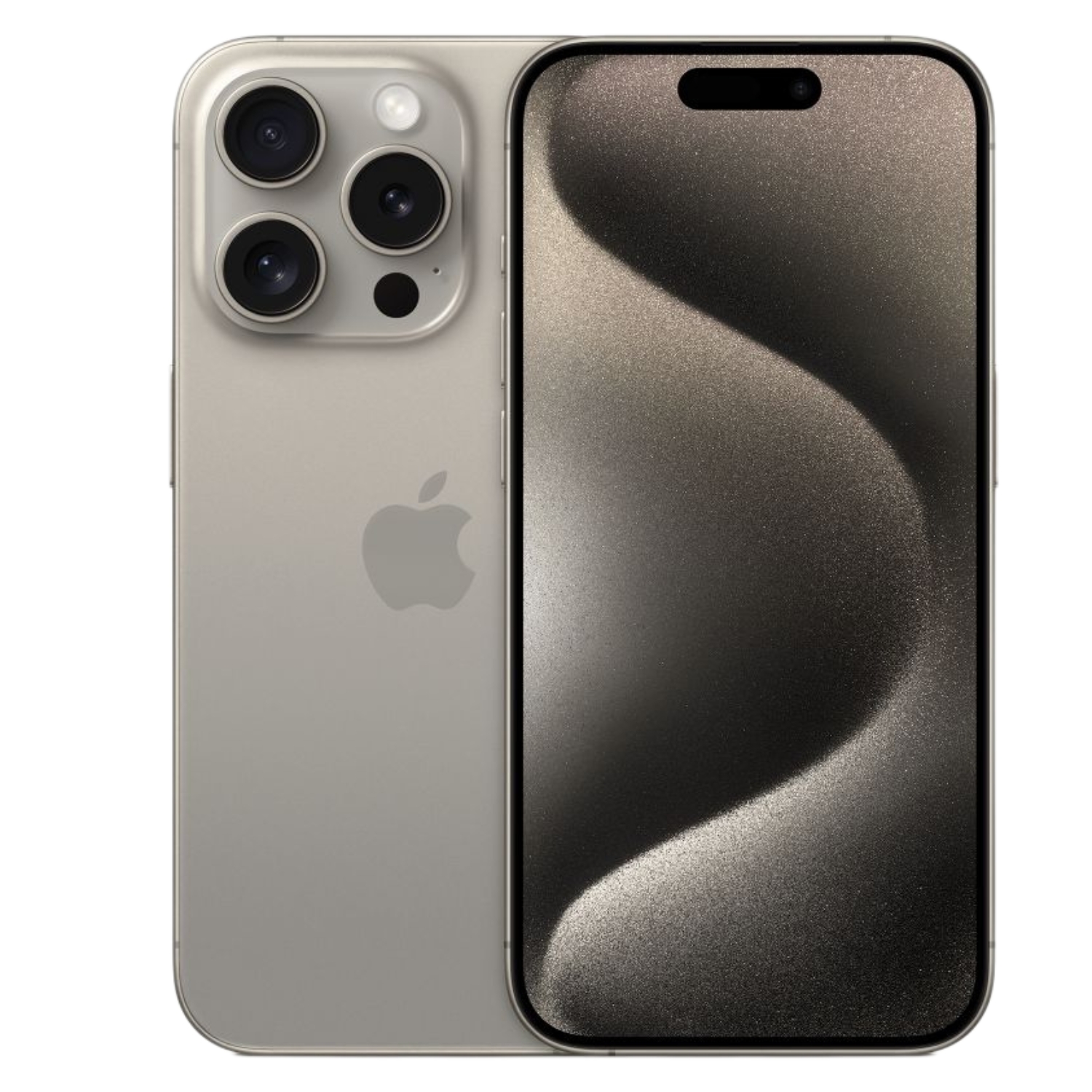
- iPhone 15, 15 Plus, 15 Pro, 15 Pro Max
- iPhone 16, 16 Plus, 16 Pro, 16 Pro Max
iPad models (cellular models only)
- iPad Pro (all 11-inch and 12.9-inch models from 2018)
- iPad Air (3rd generation and newer)
- iPad (7th generation and newer)
- iPad mini (5th generation and newer)
Estonian mobile operators and eSIM support
In Estonia, three main mobile operators offer eSIM services:
Telia
Telia was one of the first Estonian operators to offer eSIM. Their network provides extensive coverage across Estonia, including remote areas and islands like Saaremaa. Telia is a good choice if you need widespread coverage throughout the country.
Elisa
Elisa also offers eSIM solutions to their customers. Their network is particularly strong in cities and densely populated areas.
Tele2
Tele2 is the third major operator offering eSIM capability. Their services are often competitively priced, which can be an important factor when choosing an operator.
How to set up an eSIM on iPhone or iPad?
There are several ways to set up an eSIM, but the process usually begins with contacting your operator. Below are the steps for activating an eSIM depending on how your operator provides it.

Activating eSIM with QR code
- Get a QR code: Visit your operator’s store or web shop and get an eSIM QR code
- Open settings: Go to “Settings” > “Cellular” (iPhone) or “Cellular Data” (iPad)
- Add a new plan: Select “Add Cellular Plan”
- Scan the QR code: Use your device’s camera to scan the QR code
- Confirm activation: Follow the on-screen instructions to complete activation
Manual eSIM activation
Sometimes the operator may offer manual setup without a QR code:
- Get the necessary data: Ask your operator for the SM-DP+ address, activation code, and possibly the ICCID
- Open cellular settings: Go to “Settings” > “Cellular” > “Add Cellular Plan”
- Choose manual setup: Select “Enter Details Manually”
- Enter data: Input the SM-DP+ address and activation code
- Follow instructions: Complete the activation process according to on-screen prompts
Setup through operator app
Some operators offer eSIM setup through their mobile app:
- Download the operator app: Install the Telia, Elisa, or Tele2 app
- Log in and activate: Log into your account and select eSIM activation
- Follow app instructions: Follow the activation process steps in the app
Operator-specific instructions
Each Estonian operator has a somewhat different approach to eSIM activation. Below are more detailed instructions by operator.
Telia eSIM activation
- Visit Telia’s e-shop or store and select the eSIM option
- You’ll receive a QR code that you need to scan with your device
- When activating, ensure your device has a working internet connection (WiFi)
- If you encounter problems, contact Telia customer support at 123 (from Telia network) or +372 639 7130
Elisa eSIM activation
- Visit an Elisa store or order an eSIM from their website
- Elisa offers eSIM activation via QR code or through their app
- Follow the instructions sent by the operator
- For help, call Elisa customer service at 6 160 600
Tele2 eSIM activation
- Visit a Tele2 store or order an eSIM online
- Scan the received QR code
- Confirm activation and follow the on-screen instructions
- If you have questions, contact Tele2 customer support at 6 866 866
Using and switching between multiple eSIMs
Newer iPhone models support storing multiple eSIMs, although a limited number can be active at once. To switch between active eSIMs:
- Open “Settings” > “Cellular”
- Select the desired mobile operator
- Switch the active line as needed
On iPads:
- Go to “Settings” > “Cellular Data”
- Select the eSIM you want to use
Transitioning from physical SIM to eSIM
If you want to transfer an existing phone number from a regular SIM card to an eSIM:
- Contact your operator and request a SIM change to eSIM
- Follow the operator’s instructions to complete the activation process
- After activating the eSIM, you can remove the old physical SIM card
This process allows you to keep your phone number and all services provided by your operator.
eSIM troubleshooting in Estonia
If you have problems setting up or using your eSIM:
- Restart your device: A simple restart often solves minor software issues
- Check for software updates: Make sure your device has the latest iOS/iPadOS version
- Toggle Airplane Mode: This helps restart the mobile connection
- Check data roaming settings: If you’re abroad, make sure data roaming is enabled
- Select network manually: Go to “Settings” > “Cellular” > “Network Selection” and select the operator manually
If problems persist, contact your operator’s customer support.
Common problems and solutions
- “eSIM not found”: Ensure the eSIM is correctly activated. If necessary, contact your operator for reactivation.
- No signal: Try restarting your device. If the problem persists, check the operator’s coverage area.
- Data connection not working: Check if mobile data is enabled in settings and if you have a valid data plan.
- Problems making calls: Make sure you’ve selected the correct SIM/line for calling. Check settings under “Settings” > “Cellular” > “Default Voice Line”.
eSIM advantages for travelers
For Estonian eSIM users, one big advantage is travel simplicity:
- EU roaming charges are the same in all Schengen countries, so you can use your home operator’s package at the same price
- You can keep your main number for WhatsApp and other apps, even when using a foreign operator’s eSIM for data
- It’s easier to switch between operators in different countries without changing physical cards
Business considerations for eSIM use
For businesses managing multiple devices, eSIM offers several advantages:
- Easier device management without physical SIM card logistics
- Changing operators without physical intervention
- Ability to manage mobile subscriptions for multiple devices from one central system
Data transfer and backup
Switching to eSIM doesn’t affect how your data is stored on your device, but it’s good practice to back up data before making any major changes:
- Create an iCloud or iTunes/Finder backup according to the instructions in our article iPhone data transfer
- Make sure all important contacts are synchronized
- If you’re moving from an Android device to iPhone, follow our guide for migrating data
The future of eSIM in Estonia
Estonia, as a leader in digital society, will likely see wider adoption of eSIM:
- More devices are coming to market with eSIM support only
- Service providers are expanding their eSIM offerings
- The expansion of 5G networks brings new opportunities for eSIM users
Summary
eSIM is a convenient solution that is especially well-suited for tech-savvy Estonian users. Setting it up is easier than it might seem at first glance and offers several advantages over traditional physical SIM cards.
To find the most suitable device, you can check out our iPhone model selection guide, which helps you make an informed decision. UPGREAT offers various refurbished iPhone and iPad models that support eSIM technology, providing both an environmentally friendly and budget-friendly alternative to buying a new device.
Also check out our blog, where we share overviews of trends and news.
To stay up to date with Upgreat campaigns, add us as a friend on FB or follow us on Instagram.


