
How secure is your digital footprint? Your Apple ID serves as the master key to your most private data, from personal photos and encrypted messages to sensitive payment information. Because it acts as a central hub for your entire ecosystem, prioritizing your security settings is essential. This guide covers how to configure your account to ensure your personal information remains strictly for your eyes only.
Your Apple ID is the single identity you use to access every Apple service, including iCloud, the App Store, and iMessage. Protecting it requires a multi-layered approach: starting with a robust password and moving toward advanced configurations that block unauthorized access—even if your credentials are compromised.
Password Hygiene and Best Practices
Apple enforces a baseline security standard for passwords: at least eight characters, including uppercase and lowercase letters, and at least one number. However, in an era of sophisticated cyberattacks, meeting the minimum isn’t enough. Security experts recommend using unique “passphrases” rather than simple passwords. Reusing passwords across different sites makes you vulnerable to “credential stuffing” attacks, where hackers use leaked data from one breach to gain access to other accounts.
Avoid dictionary words, sequential numbers, or easily discoverable personal details like birthdays or pet names. You can audit your security or update your credentials at any time by going to Settings > [Your Name] > Sign-In & Security.
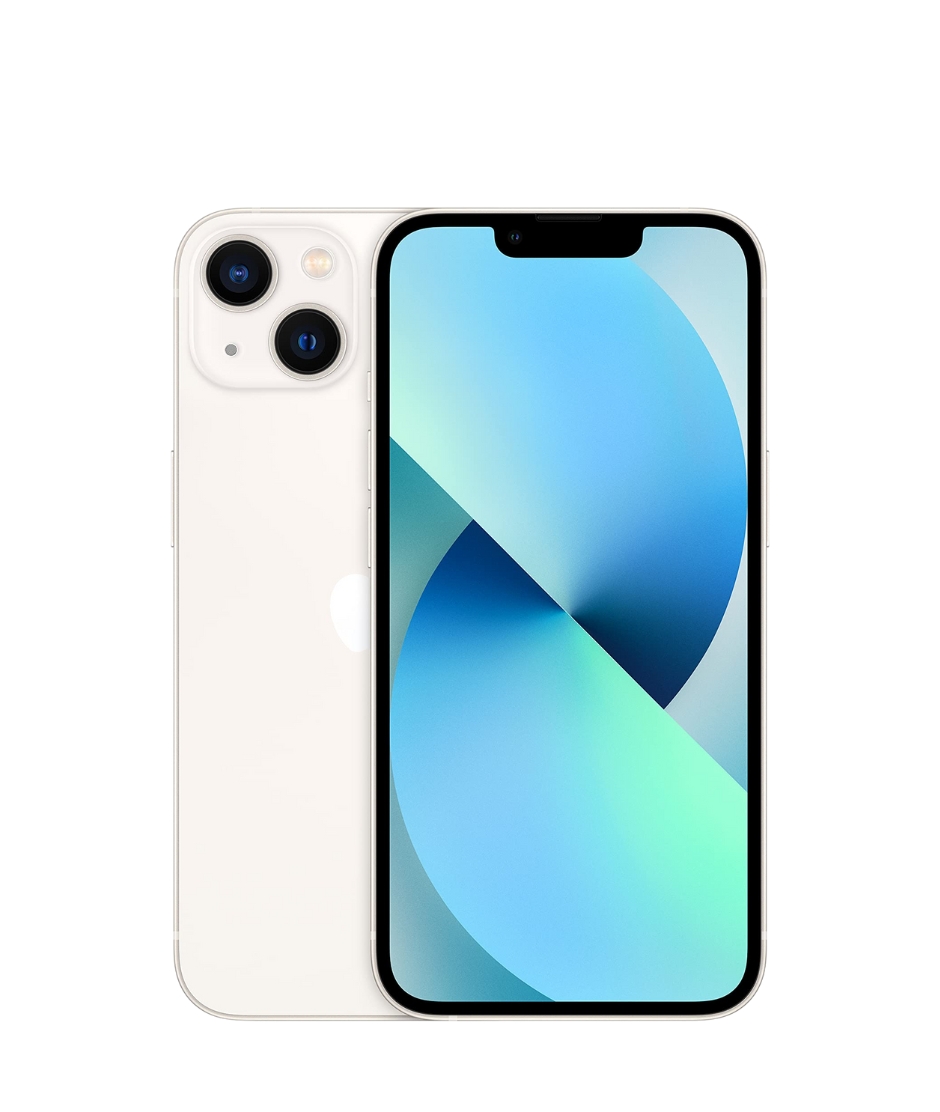
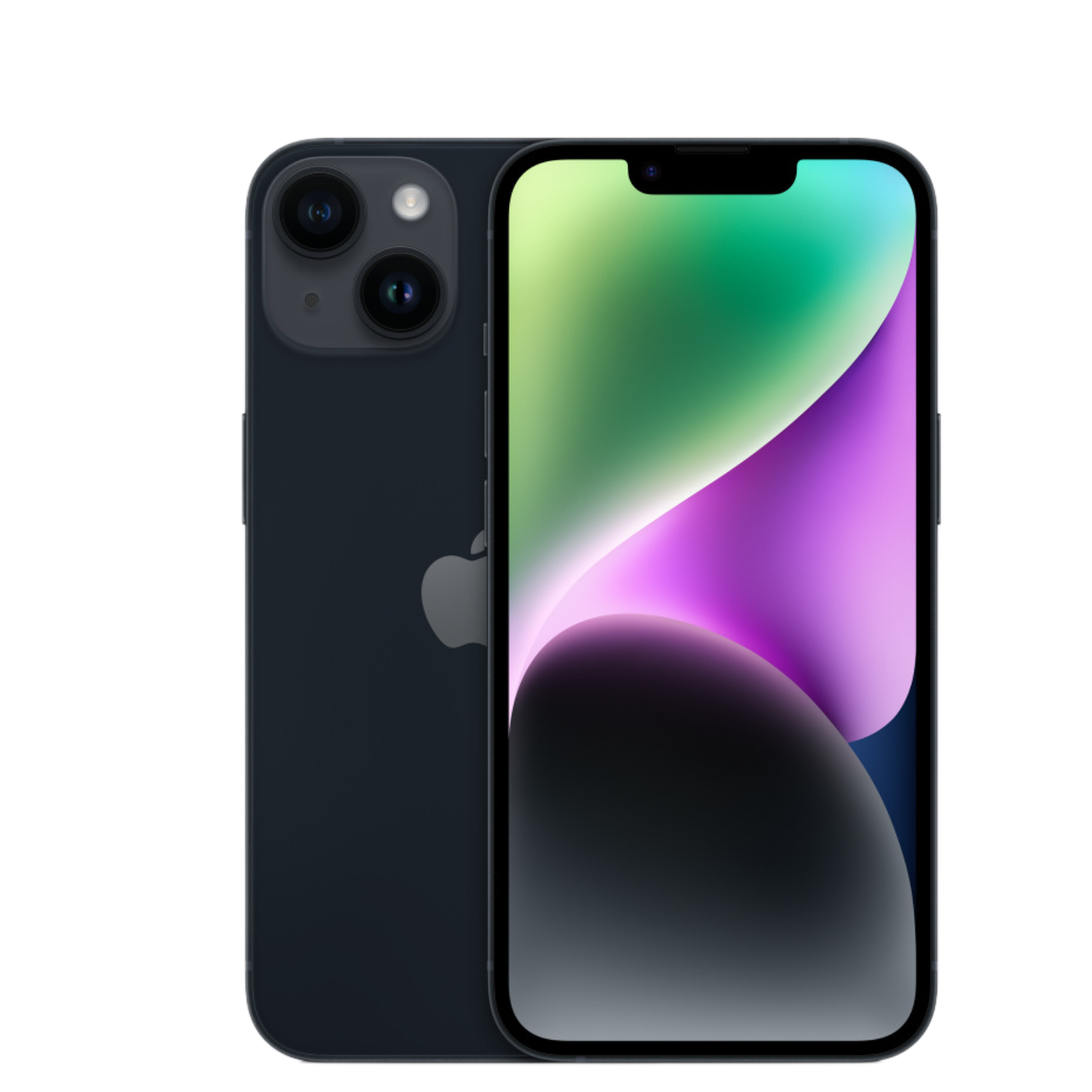
Beyond software, your hardware’s integrity matters. Counterfeit or tampered devices can contain security backdoors that bypass standard protections. Before buying a device, it is crucial to know how to identify a fake iPhone to ensure your hardware is legitimate. Additionally, if you are using an older model, verify that it still receives iPhone software support to stay protected by the latest security patches.
Two-Factor Authentication (2FA)
Two-factor authentication (2FA) is now the industry standard for account security and is mandatory for many features within the Apple ecosystem. This layer of protection ensures that your account can only be accessed from a trusted device you own.
- Verification Codes: When logging in on a new device or browser, a six-digit code will appear on your already-trusted devices. You must enter this code to complete the sign-in.
- Trusted Numbers: Always register more than one trusted phone number (such as a partner’s or family member’s). This ensures you can still access your account if your primary phone is lost, stolen, or damaged.
- App-Specific Passwords: If you use your Apple account with third-party applications (like a non-Apple email client), use app-specific passwords. This keeps your primary Apple ID password private.
Device Passcodes and Biometric Security
A device passcode is your first line of defense against physical unauthorized access. While most users opt for a four or six-digit numeric code, switching to a Custom Alphanumeric Code provides a much higher level of security, as it is significantly more difficult to crack using brute-force methods.
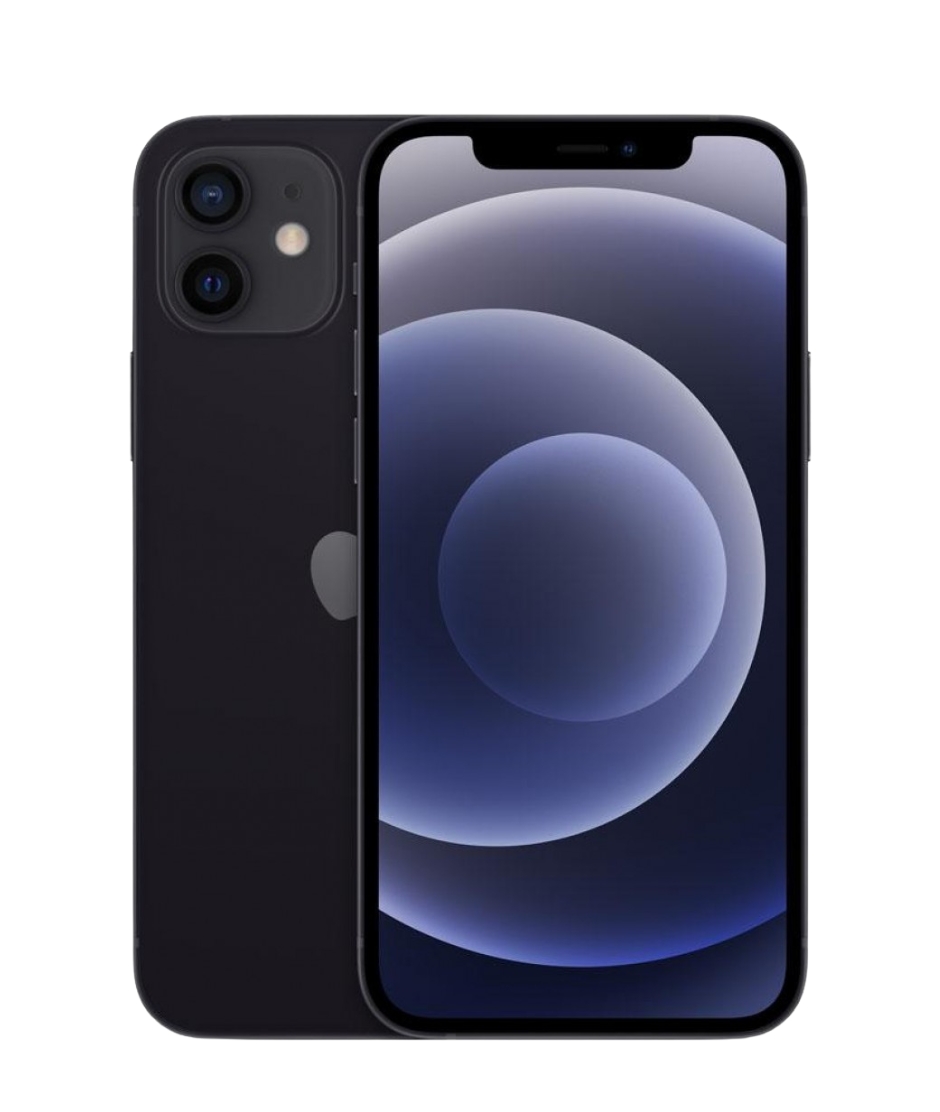
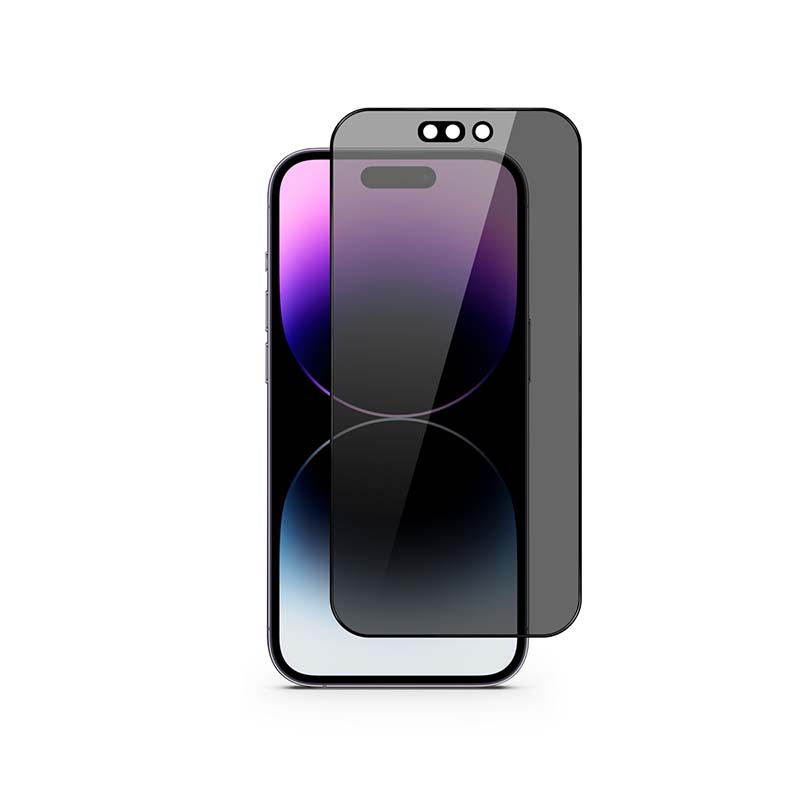
Leveraging Face ID or Touch ID makes high-level security convenient for daily use. We also recommend setting your Auto-Lock to the shortest practical duration to ensure your device doesn’t remain vulnerable if left unattended. To further protect your privacy in public settings, consider using privacy screen protectors, which prevent “shoulder surfing” by narrowing the screen’s viewing angle. You can find a variety of devices equipped with these high-tier security features in our selection of refurbished iPhones.
Account Recovery and Stolen Device Protection
Losing access to your account is a common fear, but Apple provides several tools to help you maintain control, even in worst-case scenarios.
Recovery Contacts are trusted individuals who can act as your “digital safety net.” If you forget your password and lose access to your trusted devices, these contacts can receive a security code to help you regain entry. It is important to note that these contacts never gain access to your actual data; they only serve as identity verifiers.
Another critical feature is Stolen Device Protection. This adds a sophisticated layer of security when your iPhone is in an unfamiliar location. For high-security changes—like modifying your Apple ID password—the device requires Face ID/Touch ID and enforces a one-hour Security Delay. This window gives you time to mark the device as lost before a thief can lock you out of your own account. Additionally, setting up an iPhone eSIM adds physical security, as a digital SIM cannot be removed to stop the device from being tracked. For a look at the future of digital safety, read our article on Apple device privacy in 2026.
Securely Transitioning to a New Device
When upgrading to a new or refurbished iPhone, moving your data securely is a top priority. Refurbished devices are an excellent, sustainable way to access modern security features at a lower cost. Upgreat provides certified, inspected devices backed by a 2-year warranty, ensuring your hardware is technically sound and secure.
When moving your digital life to a new phone, always use official transfer methods like Quick Start or iCloud Backup. These processes ensure your passwords, settings, and health data are moved in an encrypted format. If you’re ready to upgrade, consult our detailed guide on transferring iPhone data.
Ultimately, Apple account security is an ongoing practice rather than a one-time setup. By periodically reviewing your trusted devices and enabling the latest security protocols, you can keep your digital life safe from evolving threats.
Check out our blog for more insights on the latest tech trends. To stay updated with Upgreat’s newest offers and tips, follow us on FB or Instagram.


