
Planning to buy an iPhone or Apple accessories but suspect their authenticity? The counterfeit market is a serious problem, especially for more expensive Apple products. Fortunately, there are several simple methods to ensure the authenticity of the product you’re purchasing.
How to verify iPhone authenticity
Checking IMEI and serial number
IMEI (International Mobile Equipment Identity) and serial number are the two most reliable ways to check if an iPhone is genuine:
- Go to “General” > “About” in phone settings to see the IMEI and serial number
- Alternatively, dial *#06# on the phone dialer to see the IMEI number
- Check these numbers on Apple’s official website checkcoverage.apple.com
If Apple’s system doesn’t recognize your serial number or displays a message that information is missing, you’re likely dealing with a counterfeit device.
Note! Pay attention to the model number as well. If the model number contains the letter “F” or “N”, it indicates a refurbished or replacement device, not a brand new product.
Physical inspection
Counterfeit iPhones often have inferior build quality. Pay attention to the following details:
- Frame and body: A genuine iPhone has precise and uniform build quality. Check that there are no irregularities, sharp edges, or poor-quality details on the frame and body.
- Screen: Counterfeit device screens are often of lower quality, colors appear unnatural, and pixels may be visible.
- Cameras: Check the color of camera lenses – counterfeit iPhones often have differently toned lenses (for example, one deep blue/black, others blue).
- Bottom edge: A genuine iPhone’s bottom edge is of uniform thickness; a thicker edge may indicate a counterfeit.
Software check
The following checks help assess software authenticity:
- Presence of Siri: Genuine iPhones always have the Siri function. If it’s missing, you’re dealing with a counterfeit.
- iOS and App Store: Only genuine iPhones run iOS. If the device directs you to the Google Play store instead of the App Store, it’s clearly a fake.
- Device performance: Do a simple performance test – open some apps and make sure they run smoothly. Counterfeit devices usually have worse performance.
When buying a refurbished iPhone, it’s particularly important to check the battery condition. In the article How to extend iPhone battery life, you’ll find more detailed instructions on how to check battery health and what to keep in mind.
How to identify counterfeit Apple chargers and cables
Apple chargers and cables are among the most counterfeited accessories. Using the wrong charger can damage your device or even cause a fire.

MFi certification check
MFi (Made for iPhone/iPad) certification is Apple’s guarantee that the product meets their standards:
- Look for the MFi certification mark on the packaging that says “Made for iPhone/iPad”
- Newer products may also have an updated mark that looks slightly different
According to Apple’s official guidelines, uncertified chargers and cables are dangerous and can cause connection problems, charging failures, overheating, or even device damage.
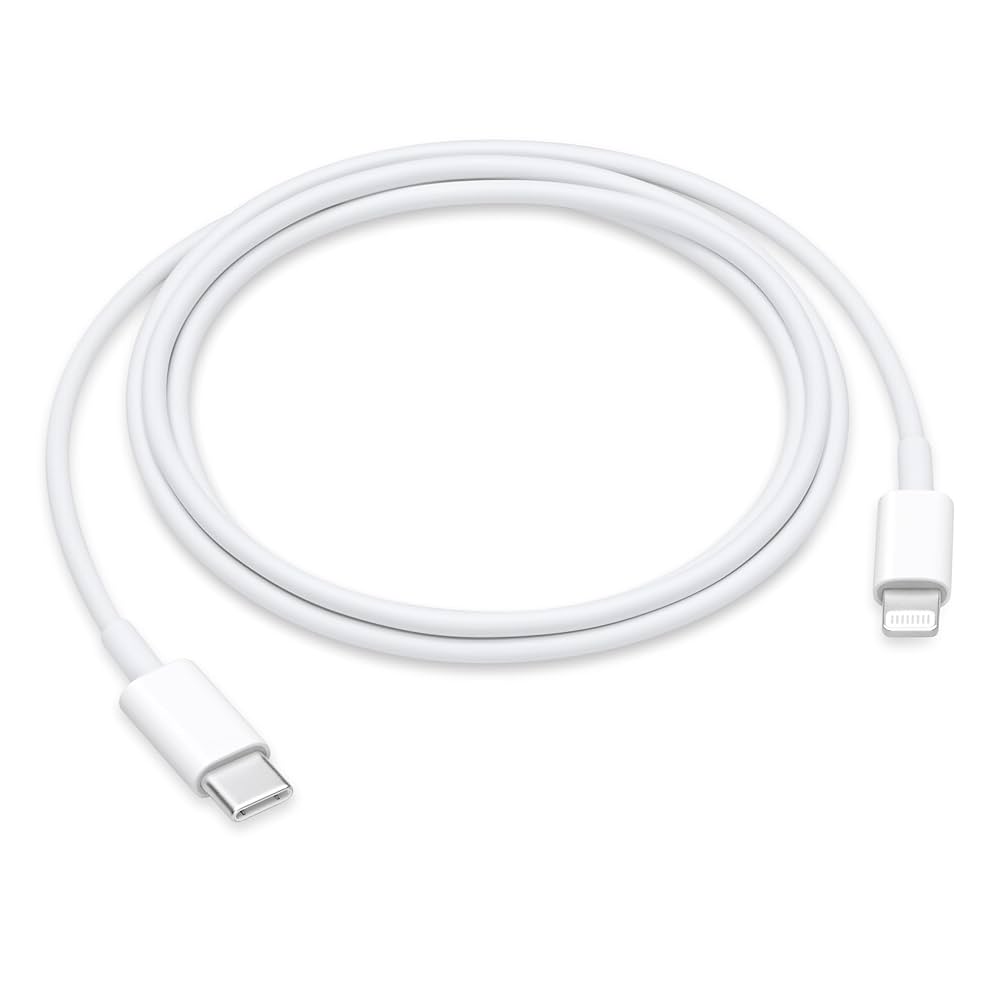
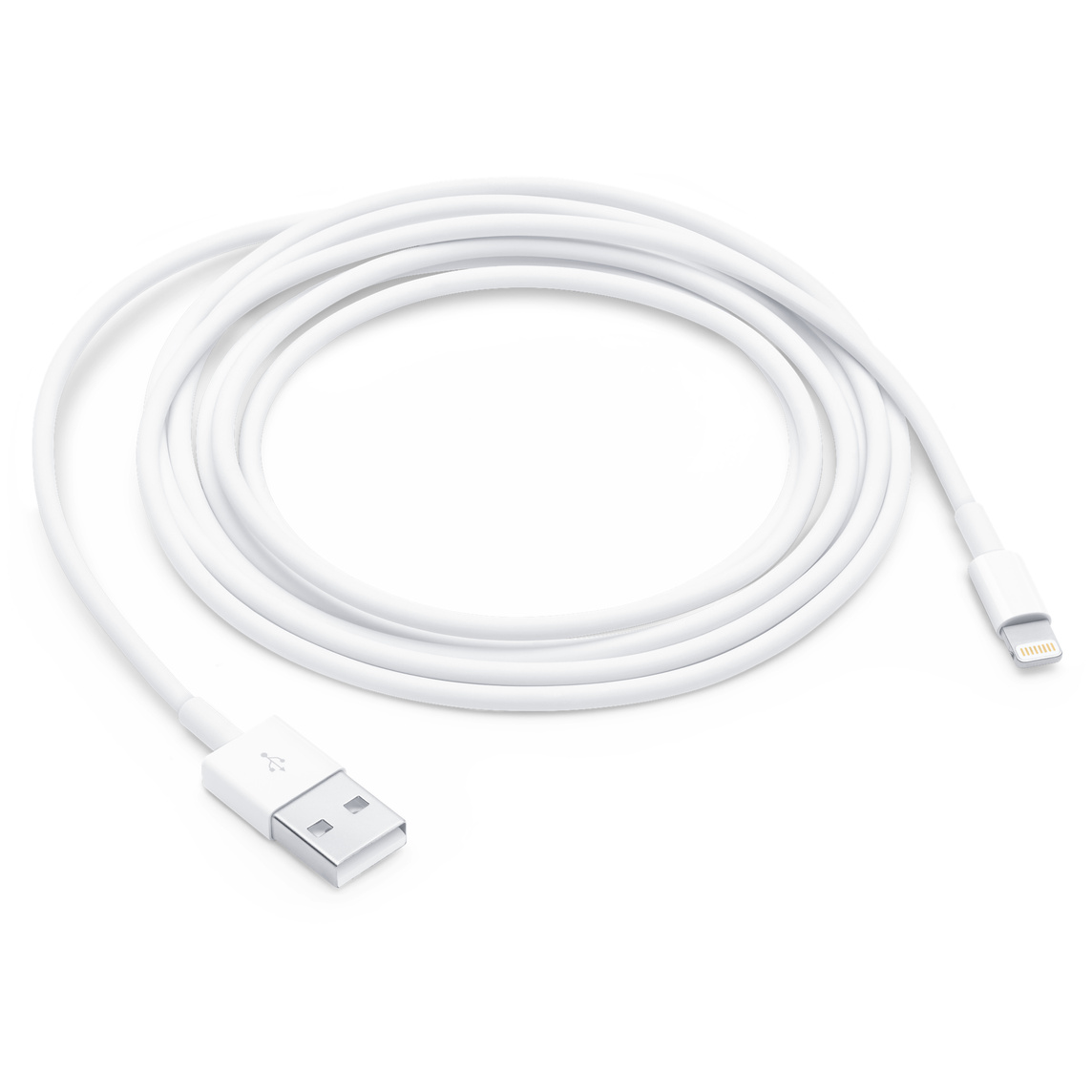
Lightning cable check
Genuine Apple Lightning cables have the following characteristics:
- The cable is printed with “Designed by Apple in California” and “Assembled in China/Vietnam/India”
- About 18 cm from the USB connector there’s a 12-digit serial number
- The USB connector has a uniform, high-quality finish
- The Lightning connector contacts are gold-colored and uniform
Counterfeit cables often have low-quality plastic parts, the surface layer may peel off, and the Lightning connector contacts are uneven or incorrect.
Charger check
Genuine Apple chargers have the following characteristics:
- The charger is printed with “Designed by Apple in California”
- The product model number (A####) is clearly visible
- The charger has clear safety markings and certificates (UL or CE markings)
- Build quality is high – white Apple chargers have a matte finish and precise edges
Counterfeit chargers are often too light (lacking necessary safety components), have imprecise edges or logos, and poor build quality.
What to do if you suspect a counterfeit product?
If you think you’ve acquired a counterfeit Apple product:
- Don’t use it – especially chargers and cables, which can be dangerous
- Contact the seller and report the problem
- Report the counterfeit on Apple’s official page: apple.com/legal/contact/counterfeit-prevention
- If necessary, contact the consumer protection agency
Where to buy safely?
The safest way is to buy Apple products from official resellers or directly from Apple. If you want a better price, refurbished devices whose authenticity has been verified and which come with a warranty are a good choice.
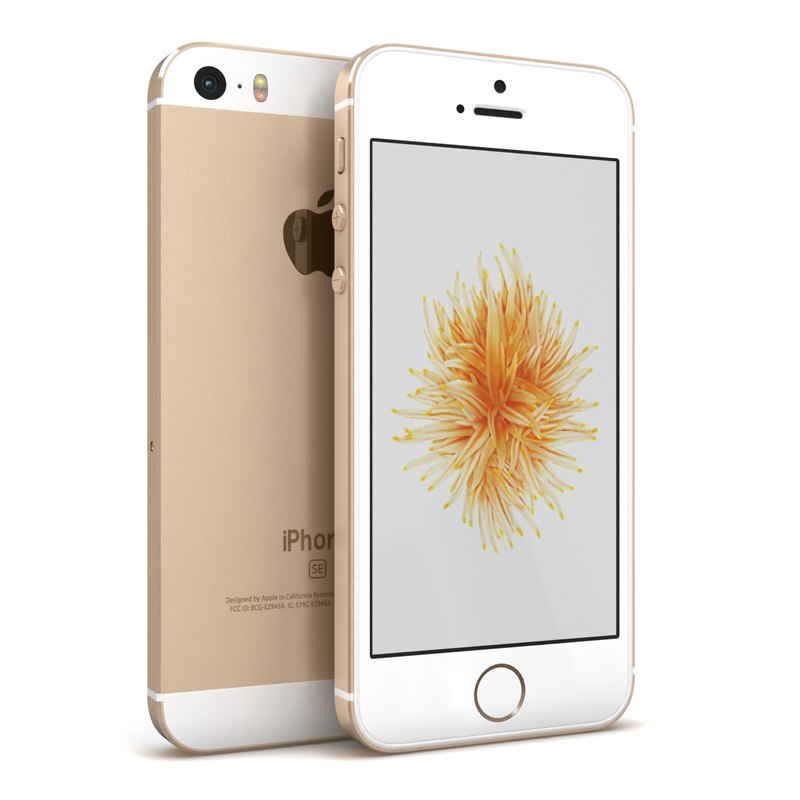
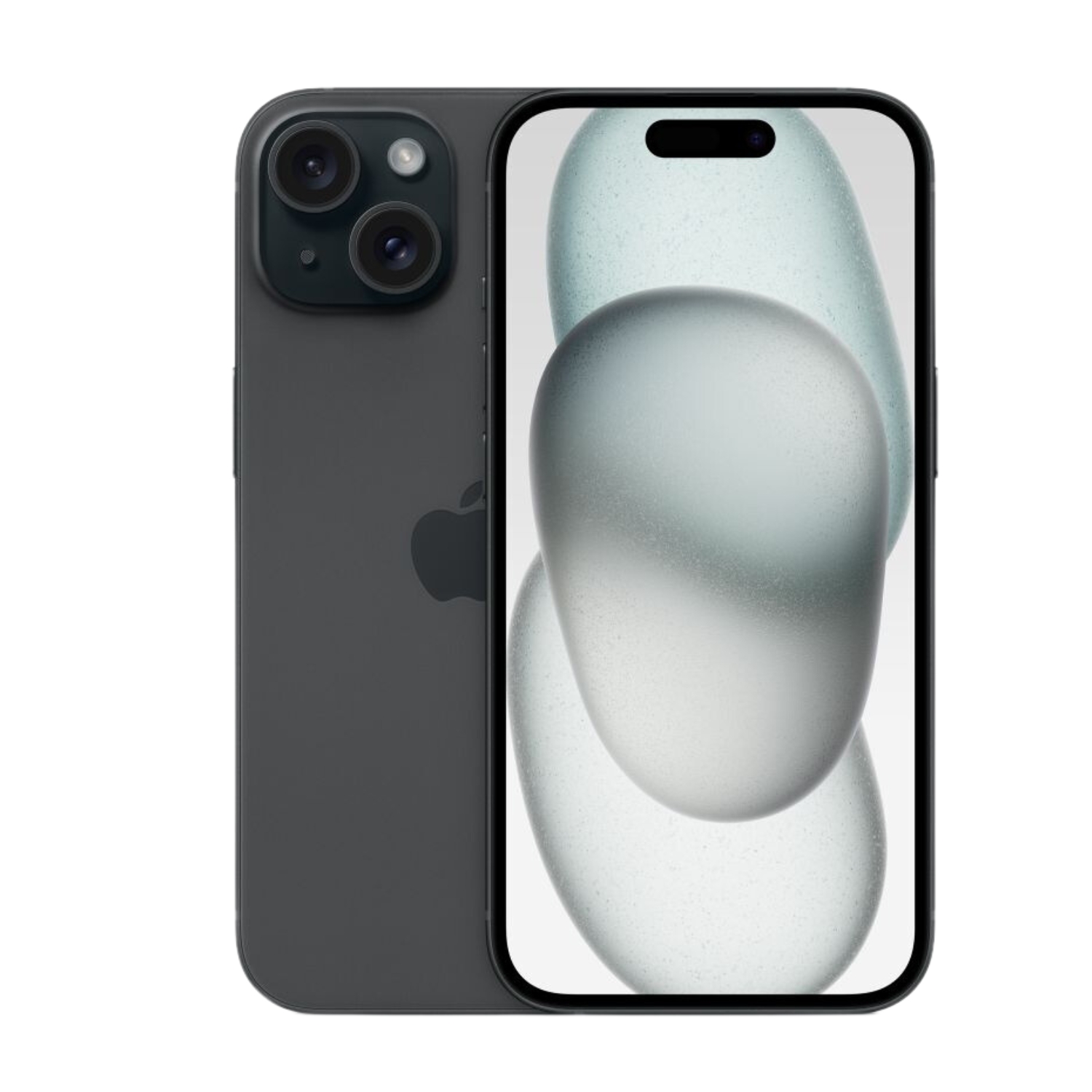
UPGREAT offers refurbished iPhones that have been fully inspected by certified technicians. All our products are genuine Apple devices, not counterfeits, and come with a 2-year warranty.
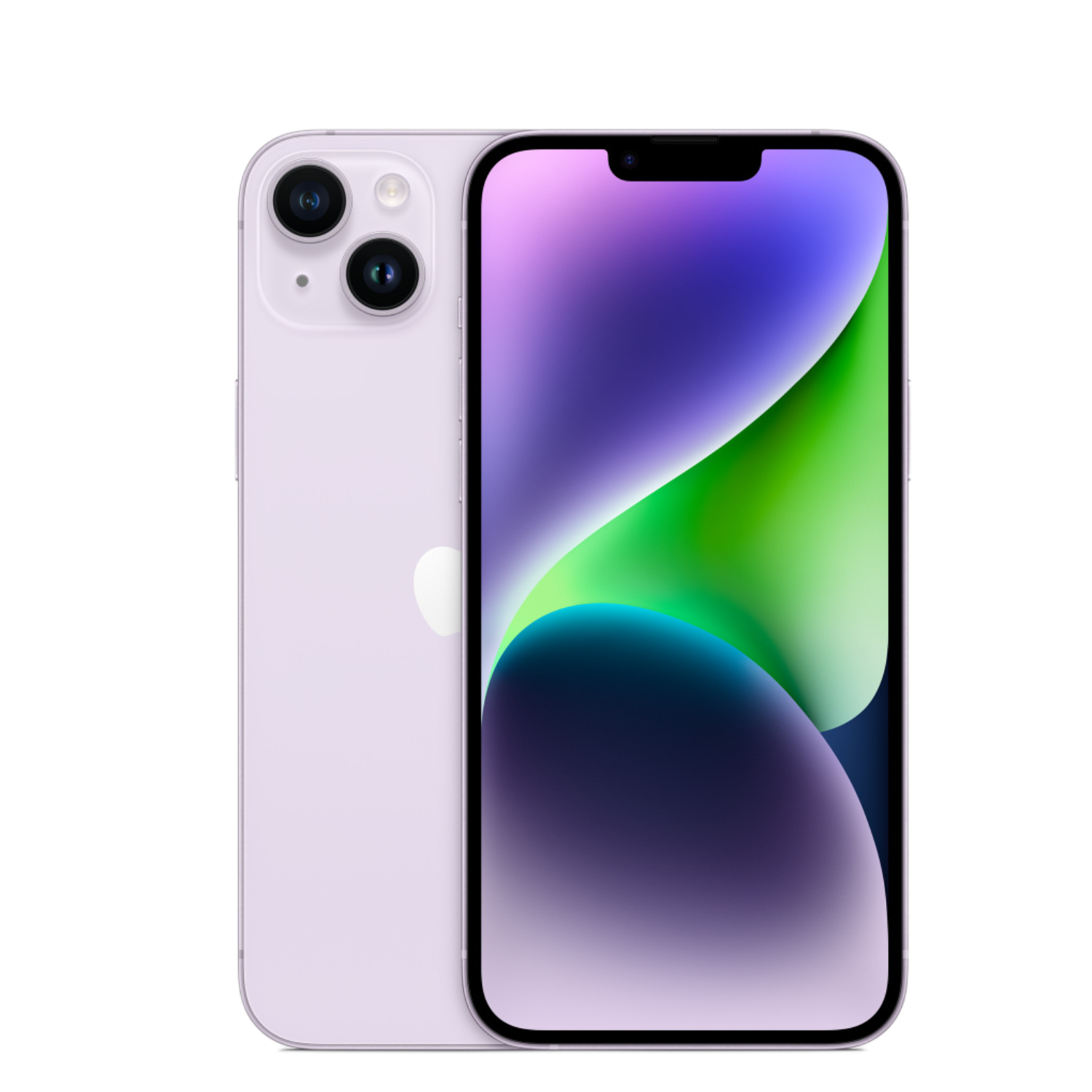
If you want to know which iPhone model best suits your needs, read our article on how to choose an iPhone model.
Summary
Identifying counterfeit iPhones and accessories requires attention, but following the tips above will help you avoid fraud. Always check serial numbers, physical characteristics, and software, and buy from trusted sellers. This way, you can be sure you’re getting a quality and safe product.
Also check out our blog where we share reviews of trends and news.
To stay updated with Upgreat campaigns, add us as a friend on FB or follow us on Instagram.


