
Whether you’re finally looking to retire an aging Intel-based laptop or ready to jump into the Apple Silicon ecosystem for the first time, the M4 MacBook Air delivers performance that challenges even its direct M-series predecessors. It is the perfect balance of portability and power, making it an ideal companion for both university students and professionals with demanding workflows.
M4 Chip: A Major Architectural Leap
The new M4 chip is engineered using second-generation 3-nanometer technology, allowing Apple to pack more transistors into a smaller footprint for better performance and superior energy efficiency. The CPU features a 10-core configuration—consisting of 4 performance cores and 6 efficiency cores—which delivers up to 63% faster single-core performance than the iconic M1 chip in Geekbench 6 testing. In practice, this means everything from launching heavy applications to multitasking between dozens of browser tabs feels instantaneous.
Graphics performance has received an even more significant boost. The M4 introduces hardware-accelerated ray tracing, allowing for more realistic lighting, shadows, and reflections in games and 3D rendering apps. Graphics performance has increased by up to 75% compared to the first generation of Apple Silicon, turning the MacBook Air into a surprisingly capable machine for video editing and creative design. To see how these chips have fundamentally changed the Mac experience, read our deep dive on Intel-based Macs vs. Apple Silicon.
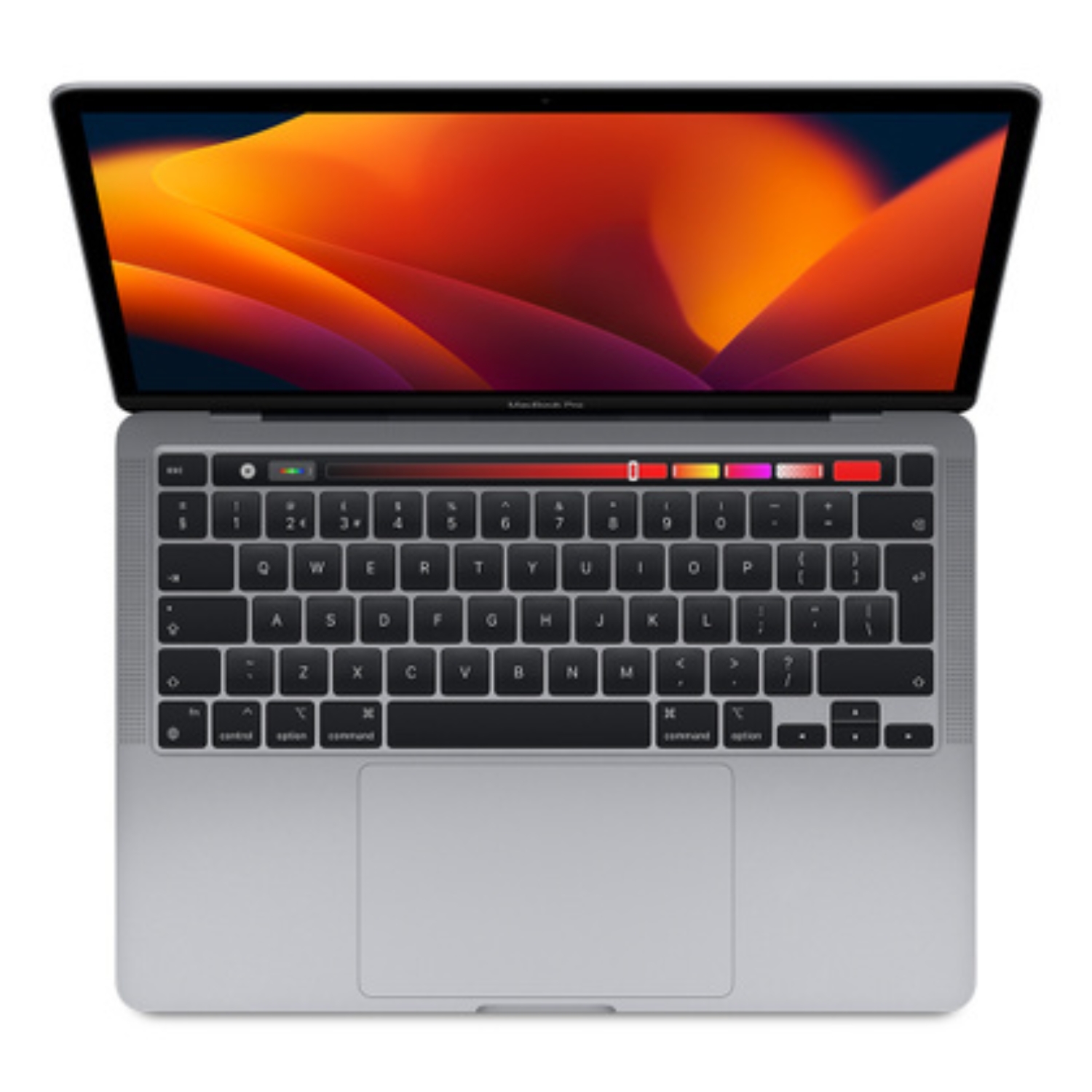
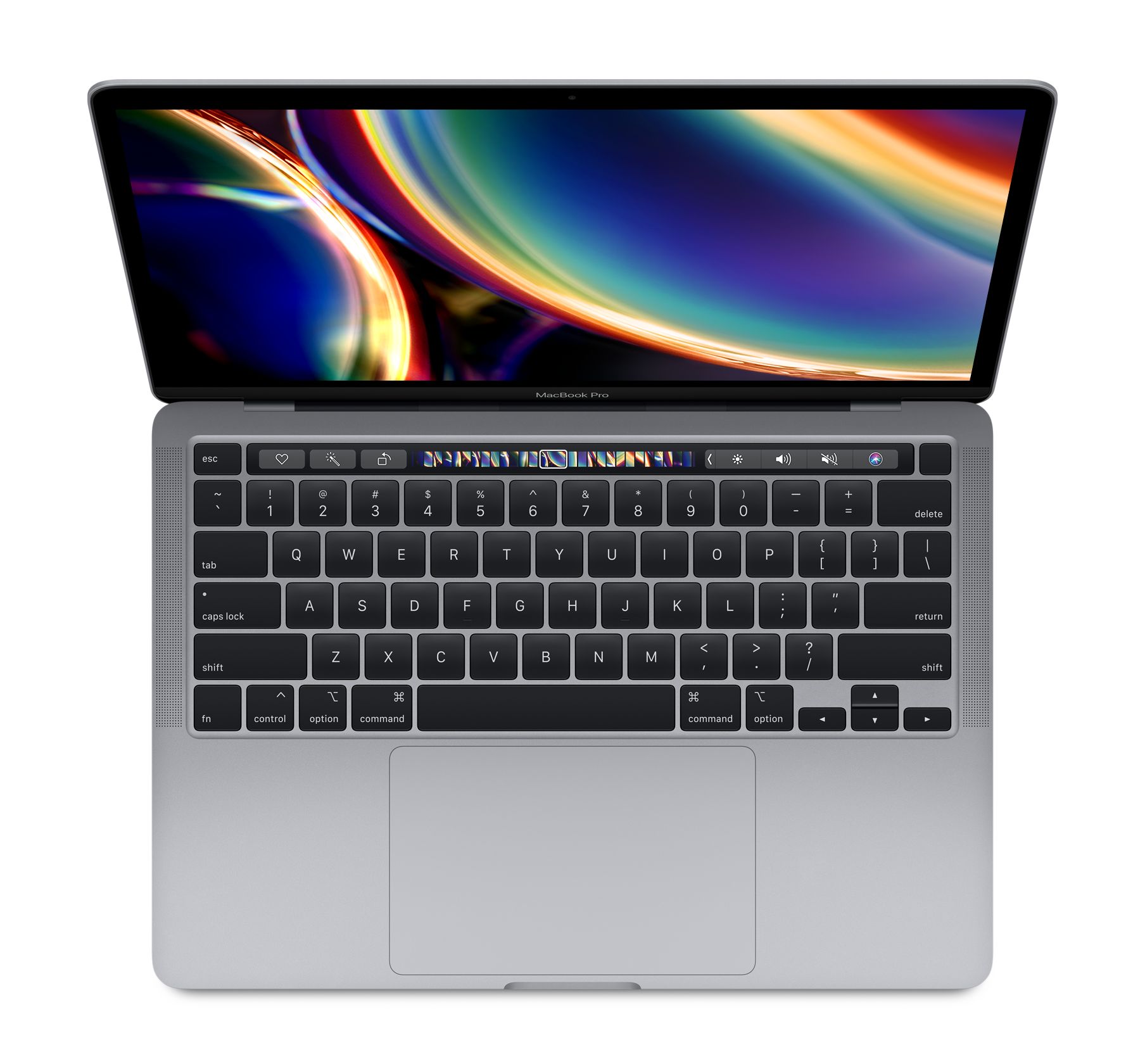
Sleek Design and Liquid Retina Display
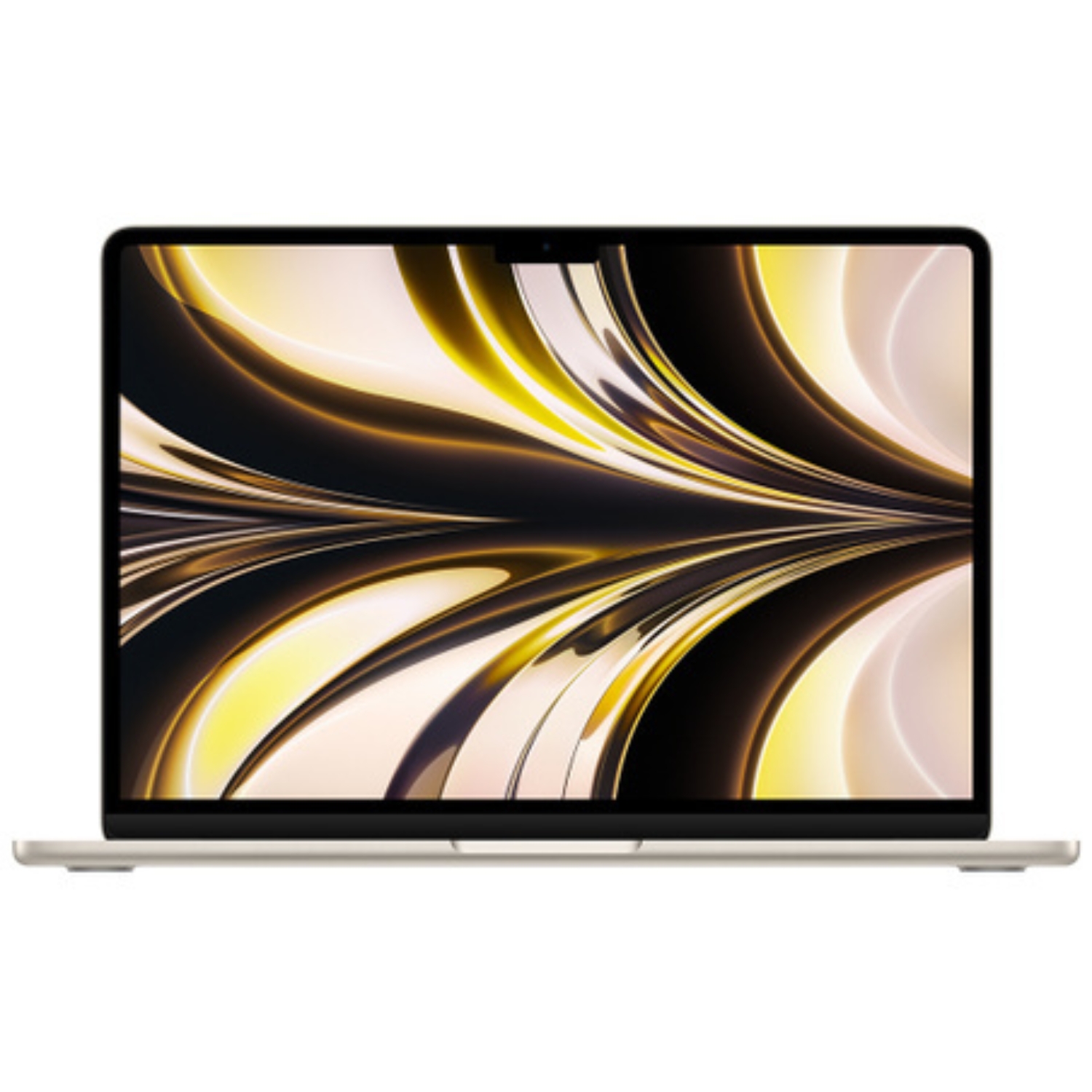
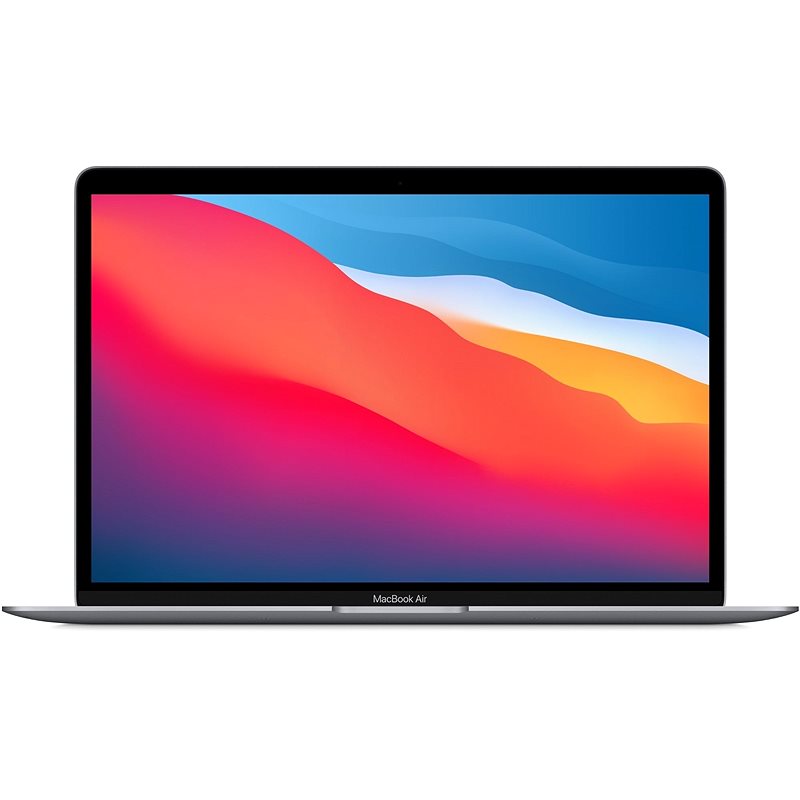
Visually, the MacBook Air M4 maintains its now-iconic fanless design. This ensures the device stays completely silent, even when you’re exporting large video files or running heavy workloads. The centerpiece of the laptop is its Liquid Retina display, which features 500 nits of brightness and support for the P3 wide color gamut. While the display specs are consistent with recent generations, it remains one of the best screens in its class for color accuracy and vibrance. You can learn more about what makes these panels stand out in our guide to Retina display features.
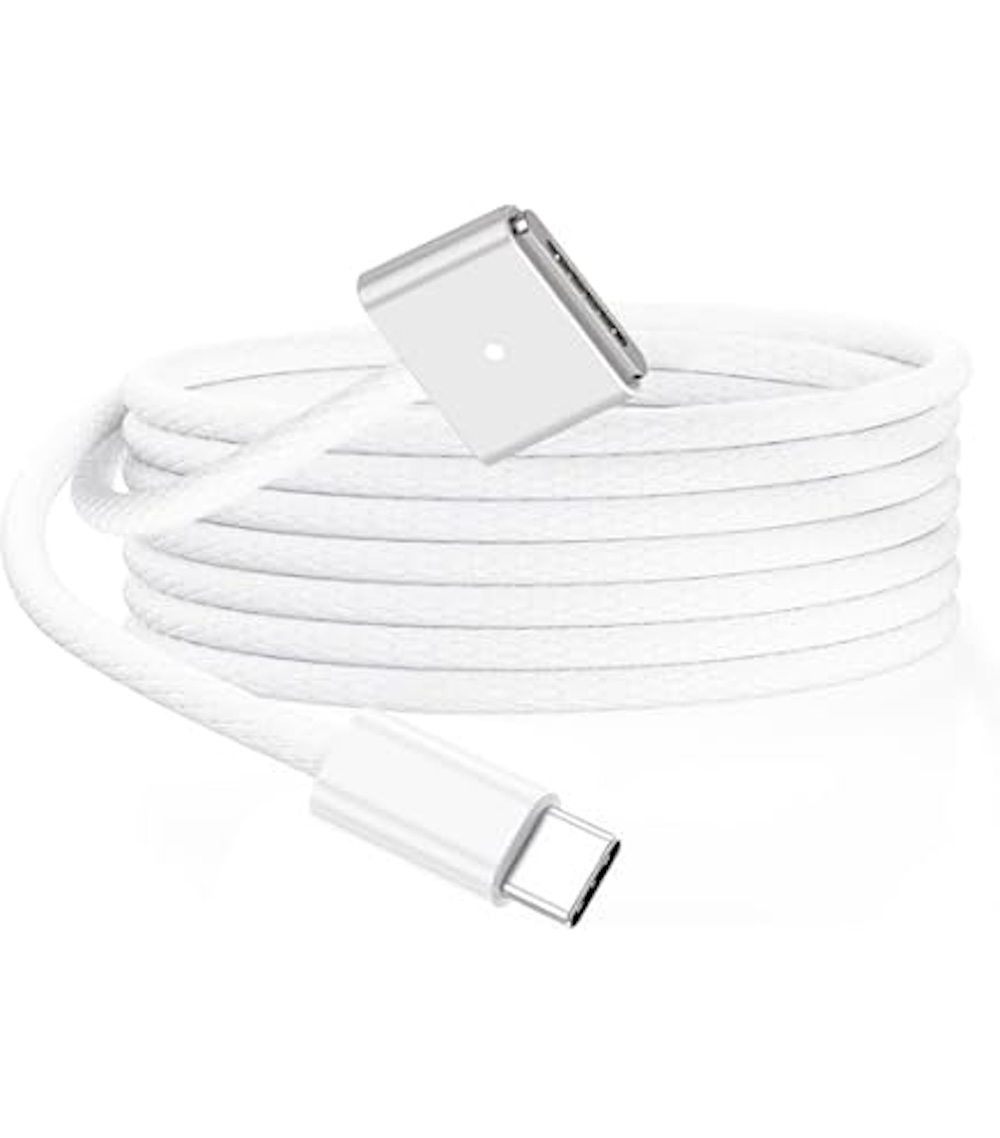
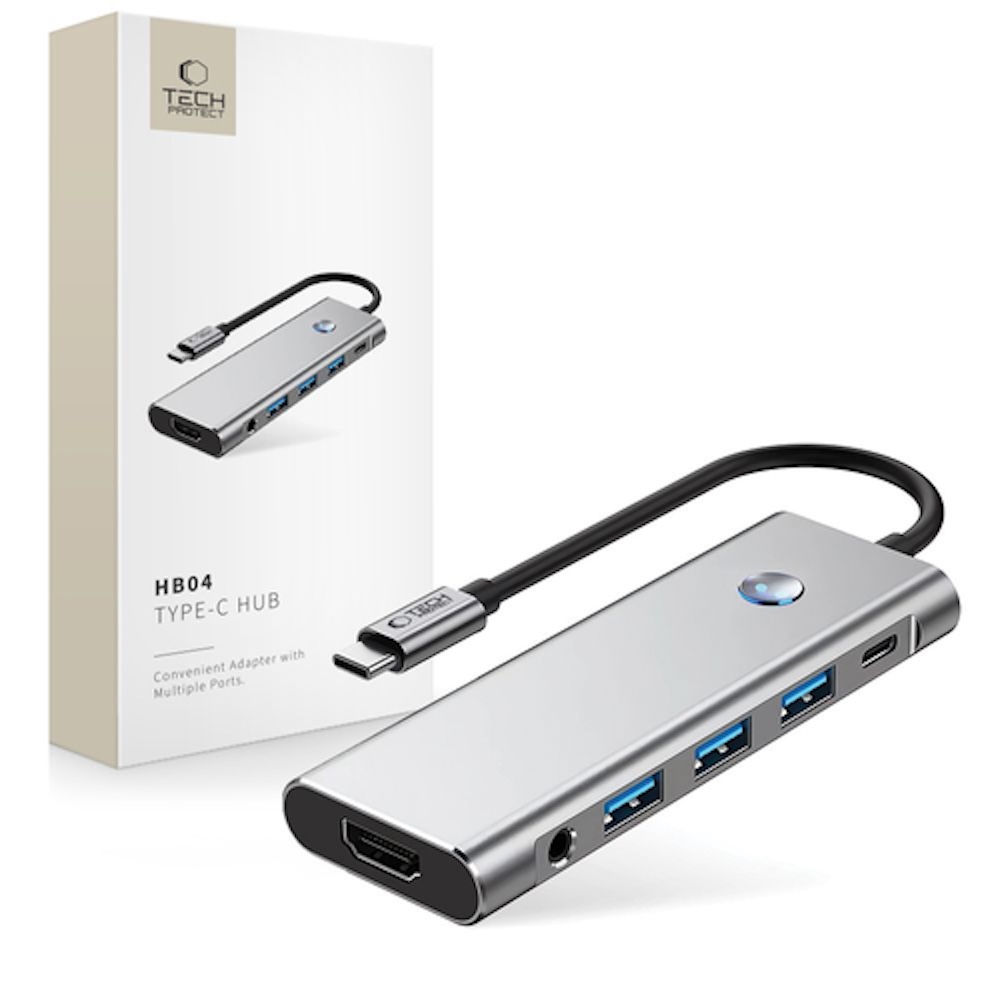
Connectivity also sees a major quality-of-life improvement. The M4 model now supports up to two external 6K displays when the laptop lid is closed (clamshell mode), a feature long requested by power users who rely on multi-monitor setups. Additionally, the device retains the MagSafe 3 charging port, leaving both Thunderbolt ports free for peripherals, and features a 1080p FaceTime HD camera with an upgraded microphone array for crystal-clear video calls.
Battery Life and Real-World Efficiency
The hallmark of Apple Silicon has always been its industry-leading efficiency, and the M4 continues that legacy. Apple rates the MacBook Air M4 for up to 18 hours of video playback or 15 hours of wireless web browsing. In a real-world setting, this translates to true “all-day” battery life; most users will find they have plenty of juice left for evening browsing even after a full day of work.
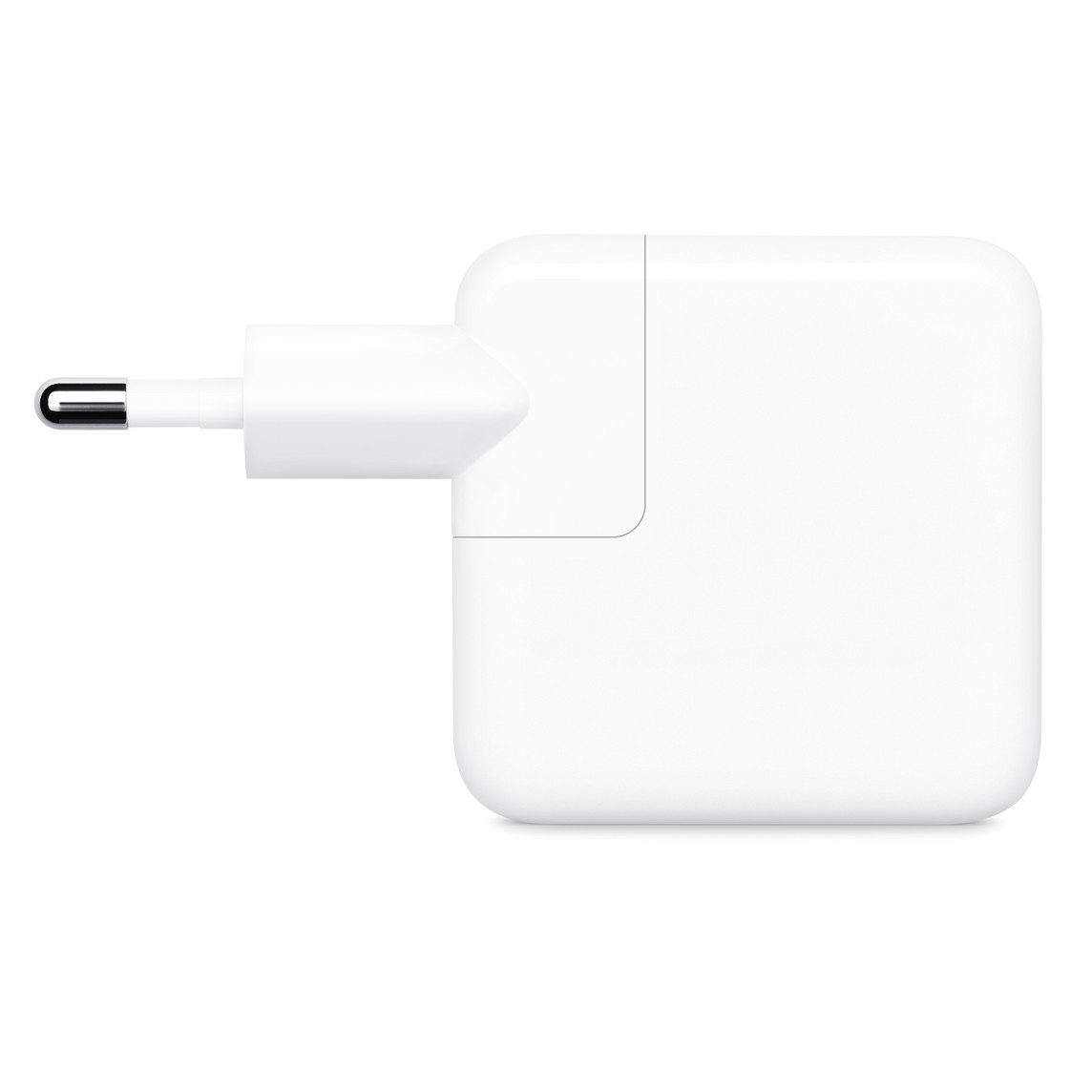
Compared to the M1 model, battery life has improved by roughly 22%. This efficiency is particularly noticeable during long-haul flights or back-to-back meetings where power outlets are out of reach. Perhaps more importantly, the M4 maintains its full performance levels even when running on battery power. If you do run low, the device supports fast charging with compatible power adapters, reaching a 50% charge in just 30 minutes.
The Verdict: Is it Worth the Upgrade?
Choosing the M4 model depends largely on your current setup and your specific needs. With Apple now offering 16GB of unified memory as the standard base configuration, the M4 is a more compelling long-term investment than ever.
- For Intel Mac users: This is a night-and-day difference. You’ll experience up to three times the performance and vastly better battery life. As Intel models lose macOS software support, the M4 is the perfect jumping-off point for a long-term upgrade.
- For M1 and M2 owners: If you find yourself slowed down by video exports, software compiling, or the need for dual external monitors, the M4 is a worthy step up. However, for basic web browsing and office work, a refurbished M1 or M2 remains a very capable and cost-effective choice.
- Memory and Storage: Since Apple Silicon uses a unified memory architecture that cannot be upgraded later, we recommend checking out our guide on how much RAM your Mac actually needs before making your purchase.
To see how the different generations stack up against each other, take a look at our M1 vs. M2 vs. M3 comparison to put the M4’s power into context.
Summary: Who is the MacBook Air M4 for?
The MacBook Air M4 is a masterfully balanced machine. It’s the ideal choice for students, office professionals, and creators who need Pro-level performance in a silent, ultra-portable chassis. While it pushes the boundaries of what an “Air” can do, those looking for the absolute best value might still find everything they need in our selection of refurbished MacBooks.
Stay tuned to our blog for more reviews and tech news. To keep up with the latest deals and updates from Upgreat, follow us on Facebook or Instagram.

