
Are you facing difficulties choosing the right MacBook Air among different chip versions? Or are you worried about paying for extra features you don’t actually need? Let’s thoroughly compare MacBook Air M1, M2, and M3 models to help you make an informed decision that precisely meets your needs.

Performance: Is Paying for a Newer Model Worth It?
Apple Silicon chips have brought a significant leap in development, but the differences between models are smaller than you might initially think.
- M2 vs M1: Geekbench 6 tests show that M2 offers about 10% better single-core and 15% better multi-core performance
- M3 vs M2: M3 demonstrates 15% better single-core and 17% better multi-core performance
In terms of graphics, the M3 GPU is 16% faster than M2 in the Geekbench Metal test, mainly due to the updated architecture that introduces features like hardware ray tracing.
M3 is the first MacBook chip to use 3nm technology (compared to M1 and M2’s 5nm process), containing 25 billion transistors compared to M2’s 20 billion. This allows for greater performance gains with the same energy consumption.
For everyday tasks, M1 is completely sufficient. For those involved in photo or video editing, M2 or M3 may offer a noticeable advantage, especially when working with large files.
External Monitors: A Significant Difference in Work Environment
One of the most practical differences between these models is external monitor support:
- M1 Air: Supports only one external monitor
- M2 and M3 Air: Support two external displays
This is a serious consideration if you plan to use your laptop as your primary work computer and need a multi-screen solution. A multi-monitor work environment significantly increases productivity, especially when working with multiple applications simultaneously.
Thermal Performance and Cooling: An Important Aspect for Long-term Use
MacBook Air is a fanless laptop, which affects performance during intensive use. In the Macbook Air vs Pro comparison, it’s clear that:
- All Air models (M1, M2, M3) tend to heat up under prolonged intensive loads
- When temperature rises, the system reduces performance to protect components
- Differences between chips don’t change this fundamental limitation
If you plan to regularly perform lengthy demanding operations, such as video editing or code compiling, it’s worth considering a MacBook Pro model with an active cooling system.
Battery Life: A Real Selling Point
MacBook Air’s long battery life is one of its main advantages. Real-world usage tests show:
- M3 Air: Offers about 10 hours of real work time and shows 19-21% battery remaining when M1 reaches 5%
- M2 Air: Achieves just over 8 hours of work time and shows 16-18% battery remaining when M1 reaches 5%
- M1 Air: Even 4-year-old M1 models maintain about 90% of their original battery capacity
In terms of battery life, the M3 Air offers about 22% better performance compared to M1, which is a significant improvement, especially for students who are frequently on the move.
Displays: Are There Noticeable Differences?
In terms of displays, the models have some differences:
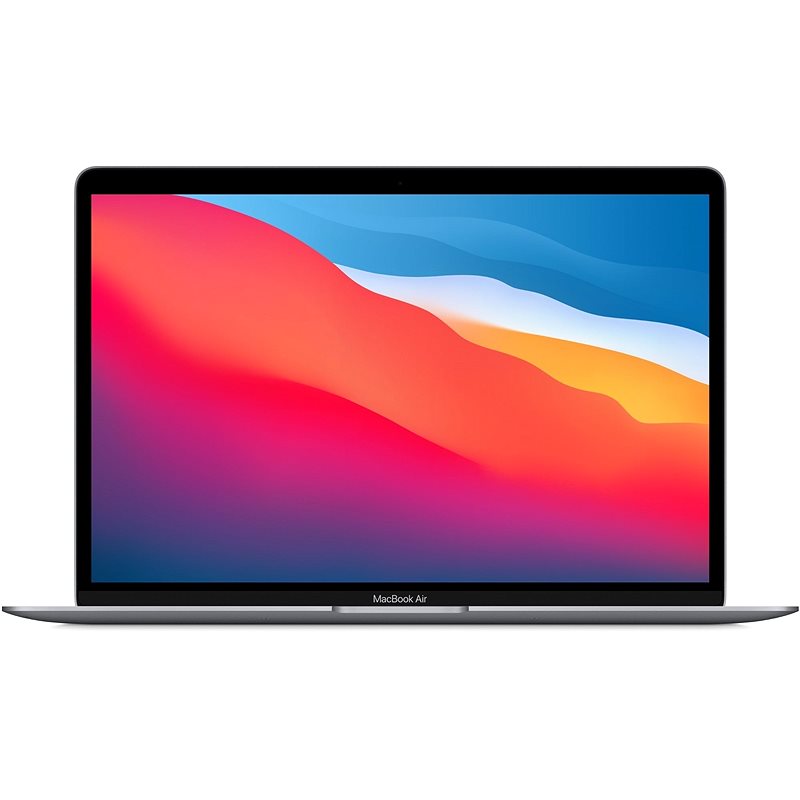
- M1 Air: 13.3″ Retina display (2560×1600, 227 ppi)
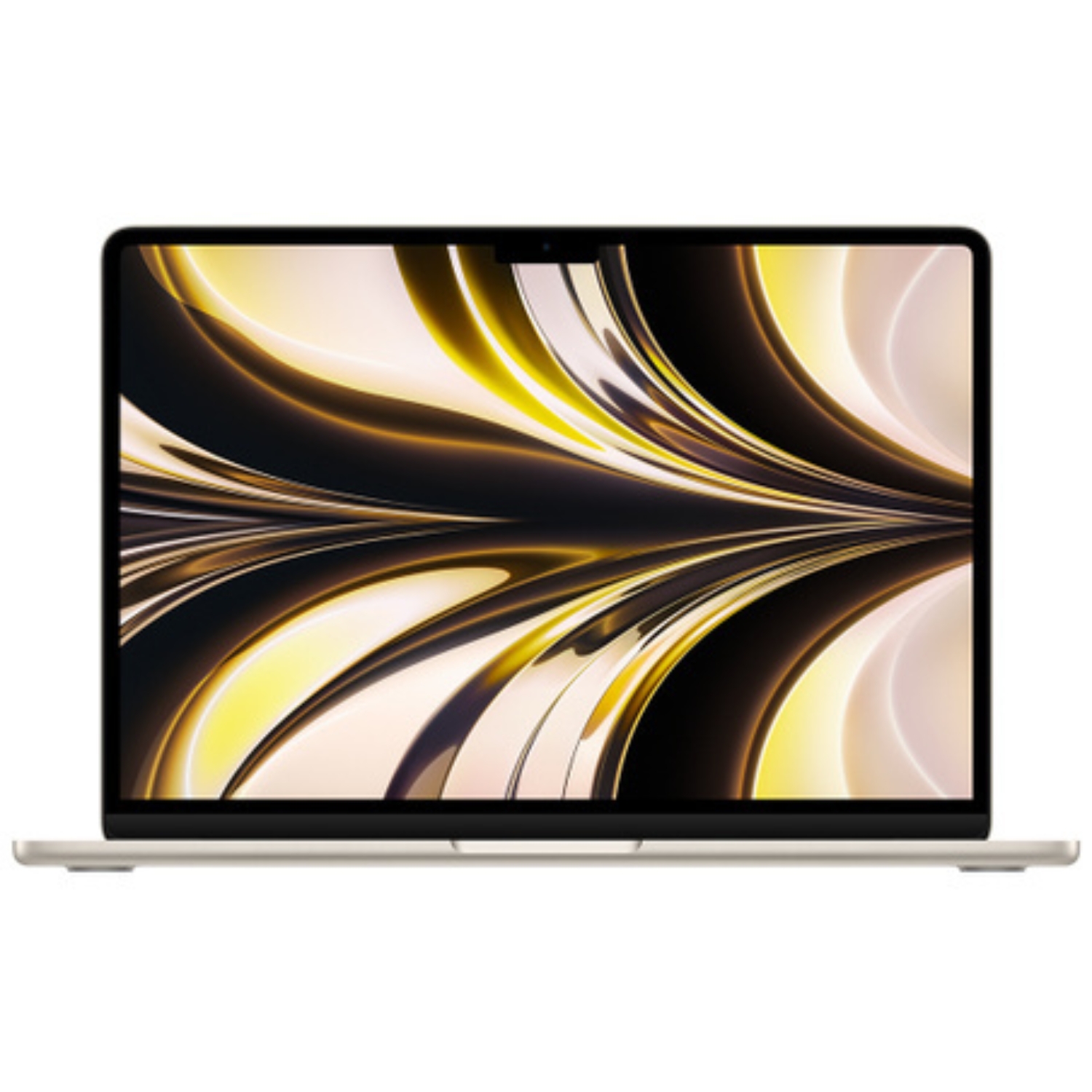
- M2 Air: 13.6″ Liquid Retina (2560×1664)
- M3 Air: Available in 13.6″ or 15.3″ Liquid Retina
All these displays are of excellent quality, but M2 and M3 models have a slightly larger and brighter screen. The 15-inch M3 variant offers significantly more screen space, which is a good advantage for multitasking. More detailed information about Retina displays can be found here.
Ports and Connectivity: Small but Important Changes
- M1 Air: 2× Thunderbolt/USB4 ports
- M2 and M3 Air: 2× Thunderbolt/USB4 ports + MagSafe 3 charging port
The addition of MagSafe 3 on M2 and M3 models is a significant advantage – it frees up both USB-C ports for other uses when the device is charging. Additionally, MagSafe offers a safer solution, as the cable simply detaches when accidentally pulled, rather than dragging the computer to the floor.
Using quality chargers and cables is recommended to extend the life of your device.
Price and Value: What’s Most Reasonable?
UPGREAT offers refurbished MacBook Air models at the following prices:
- M1 MacBook Air (2020): Starting from €449
- M2 MacBook Air (2022): Starting from €989
- M3 MacBook Air (2023): Starting from €1039
The M1 Air still offers the best price-to-quality ratio, especially if you use your computer mostly for everyday tasks. M2 and M3 models offer additional features that have specific value depending on user needs.
Recommendations for Different Use Cases
- For Students and Everyday Use: The M1 Air is still an excellent choice, offering sufficient performance and battery life for basic activities like web browsing, document work, and communication.
- For Multi-Display Users: Choose the M2 or M3 Air, as their support for two external monitors allows for a significantly more productive work environment.
- For Travelers and Mobile Users: The M3 Air offers the best battery life, making it ideal for long-term use without access to charging points.
- For Photo Editors and Lighter Creative Work: The M3 Air offers the best performance without the need for active fans, especially for photos and lighter video editing.
Transferring Data from an Older Mac
If you’ve decided on a newer model, transferring data from your older Mac is simple. Apple Migration Assistant allows you to conveniently transfer user accounts, applications, and settings. A Thunderbolt or USB-C cable offers the fastest transfer.

Summary: Which MacBook Air is Right for You?
- Best Value for Money: MacBook Air M1 – an excellent choice for most users, especially if budget is limited
- Balanced Choice: MacBook Air M2 – a good middle option if you need multi-monitor support and MagSafe convenience
- Best Performance and Battery Life: MacBook Air M3 – ideal if you want future-proofing and maximum battery life
M-series technology is significantly more energy-efficient compared to Intel-based models, which is one of the main reasons why the transition to Apple Silicon has so many advantages.
Ultimately, the best choice depends on your specific budget and needs. The M1 Air is suitable for most, but if you need specific features like multi-screen support or maximum battery life, M2 or M3 models are worth the extra investment.
Also, check out our blog where we share reviews of trends and news.
To stay updated with Upgreat campaigns, add us as a friend on FB or follow us on Instagram.