
Is your iPhone charging slower than expected, or is the device getting unusually warm during the process? While MagSafe technology has made wireless charging more convenient than ever, unlocking its full potential requires the right setup and avoiding a few common pitfalls.
What is MagSafe and Which Devices Support It?
MagSafe is an Apple-designed magnetic system created to solve the biggest frustration of wireless charging: misalignment. While standard Qi chargers can fail to charge if a phone shifts even slightly, MagSafe’s powerful magnets snap the iPhone into the perfect position every time. This doesn’t just ensure a stable connection; it also enables significantly higher charging speeds than traditional wireless methods.
Native MagSafe support is built into every model from the iPhone 12 series onwards, including the iPhone 13, 14, 15, and 16 generations. Older models (from the iPhone 8 onwards) do support standard Qi charging at speeds up to 7.5W, but they lack the magnetic ring required to lock the device in place. If you want to enjoy the full convenience of modern charging, it is worth browsing our selection of refurbished iPhones, where every device is technician-certified and comes with a 2-year warranty.
Choosing the Right Adapter for Maximum Speed
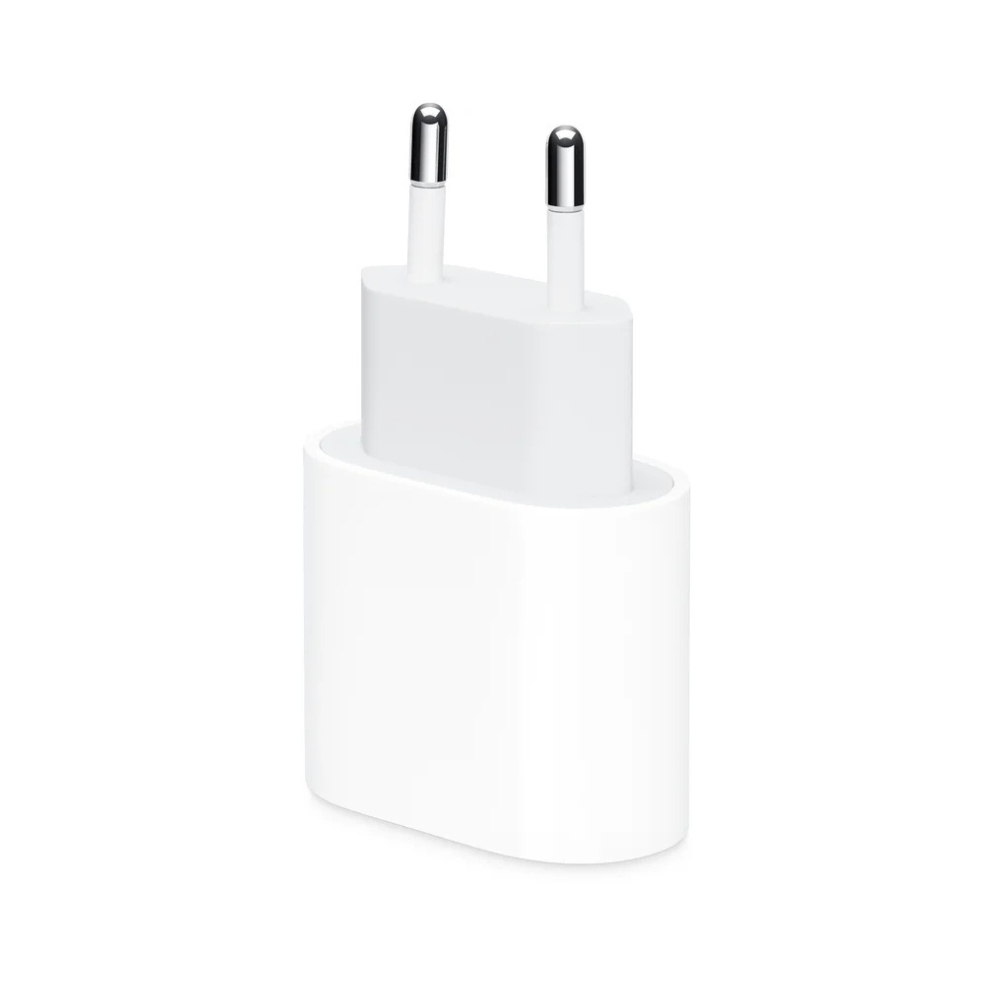
The performance of your MagSafe charger depends entirely on the wall plug you use. A frequent mistake is connecting a MagSafe charger to an old 5W or 12W adapter, which simply cannot provide enough power to the system. To reach the maximum 15W charging speed on iPhone 12 through iPhone 15 models, you need at least a 20W USB-C Power Delivery (PD) adapter.
Owners of the newer iPhone 16 series can experience even faster charging—up to 25W—provided they use a 30W or higher USB-C adapter. It is important to remember that without sufficient input power, the system will either throttle the charging speed significantly or fail to initiate charging at all. For more detailed information on hardware requirements, consult our iPhone charger compatibility guide.
MagSafe Cases and Accessories
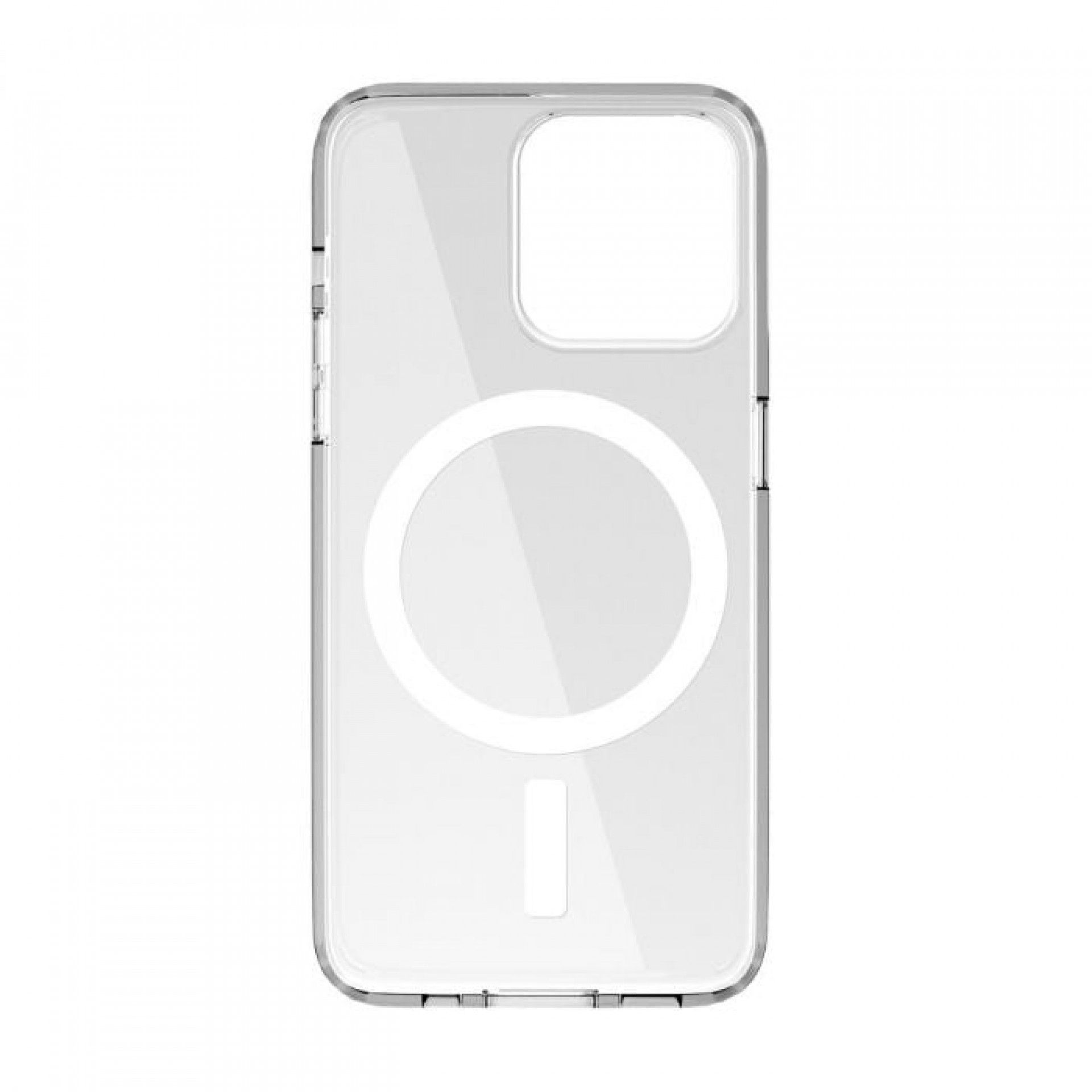
The most common reason for a weak magnetic connection or slow charging is the use of an incompatible protective case. Standard cases create a physical gap between the charger and the phone, which weakens the magnetic field and inhibits energy transfer. Specialized MagSafe cases feature an integrated magnetic ring that passes energy directly to the phone’s charging coil without interference.
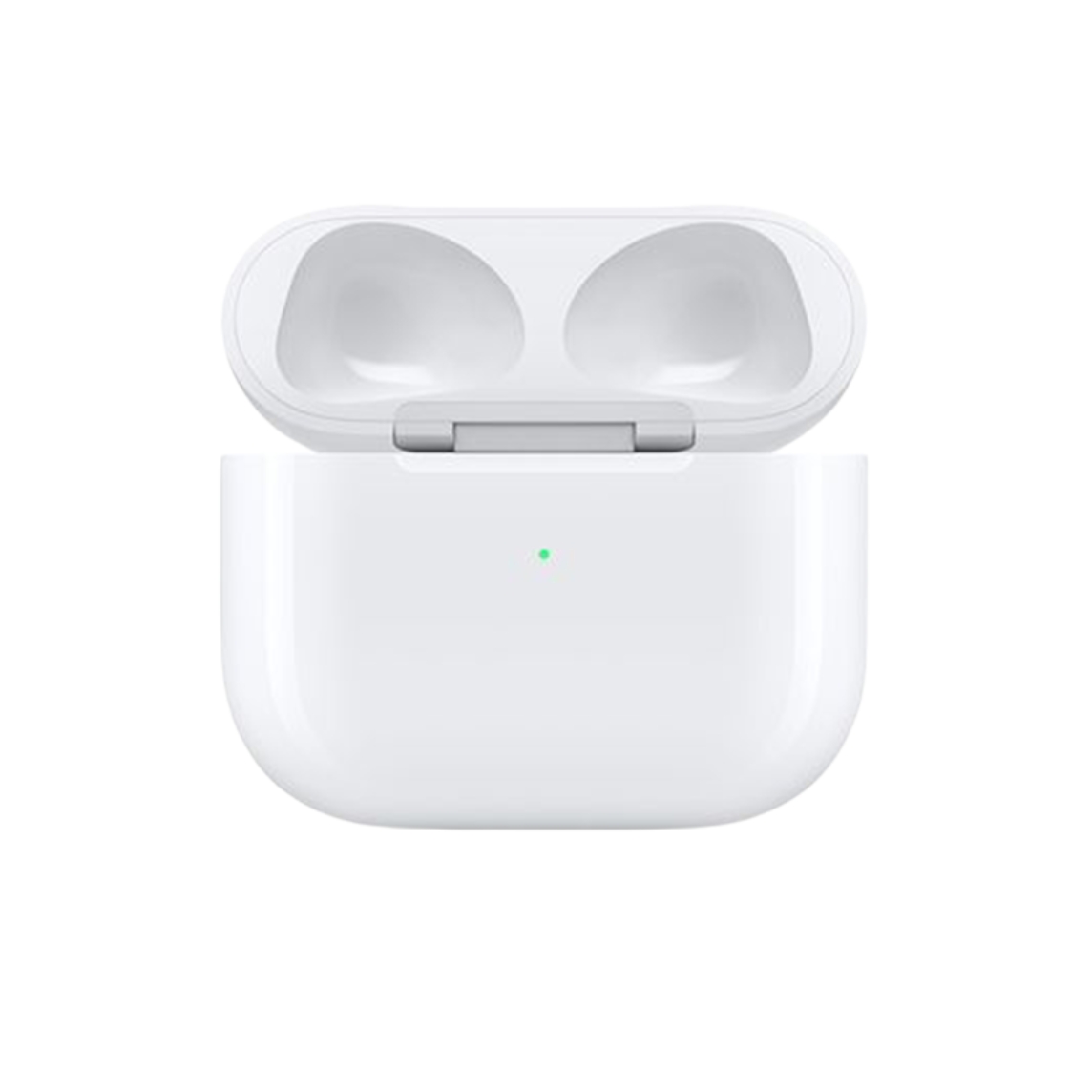
This ecosystem extends far beyond the phone itself, encompassing car mounts, power banks, and even AirPods. For instance, MagSafe-compatible car mounts ensure your phone stays securely in place on bumpy roads while charging. Additionally, many newer AirPods models feature a MagSafe charging case, allowing them to be topped up on the same magnetic pads you use for your iPhone.


Safety Guidelines and Best Practices
While MagSafe is designed for safety and efficiency, certain precautions are necessary. Strong magnetic fields can damage cards with magnetic strips, so avoid placing credit cards, key cards, or passports between the phone and the charger.
It is also important to note that wireless charging naturally generates more heat than a wired connection. If the phone becomes too warm, the software may limit charging to 80%—a vital safety measure for extending battery life and preventing long-term damage. Furthermore, because iPhone 12 and newer models contain more magnets than previous generations, experts recommend keeping the device and MagSafe accessories at least 15 cm away from pacemakers or other implanted medical devices to avoid potential interference.
Common Issues and Troubleshooting
If your iPhone won’t start charging or the connection is intermittent, first check for foreign objects like coins or metallic debris between the charger and the phone. Regularly clean the surface of the charger and ensure the wall outlet is paired with a high-quality USB-C adapter. Software features like “Optimized Battery Charging” may also cause charging to pause at 80%, but this is a deliberate feature designed to protect your battery health.
Keep in mind that MagSafe is built primarily for convenience, not for absolute maximum speed. If you need to charge your battery as quickly as possible, a fast-charging cable remains the most efficient choice. However, if you notice that your battery no longer holds a charge or the device overheats during normal use, it may indicate battery wear. You can find more information on this in our guide: everything you need to know about iPhone battery capacity.
Check out our blog for more trends and news. To stay up to date with Upgreat’s latest offers, follow us on Facebook or Instagram.


