
Should you wait for the next major technological leap or invest in a new machine today? Apple’s upcoming M5 chip models promise significant performance gains, but the right choice depends entirely on your current setup and workflow requirements.

The Next-Generation M5 Chip: What Do We Know So Far?
Apple’s transition to its own custom silicon has fundamentally transformed the laptop market. While the standard M5 chip has been a topic of discussion for a while, most eyes are on the upcoming M5 Pro and M5 Max variants. Unlike some of the massive architectural shifts we’ve seen in the past, the M5 generation appears to focus on refining efficiency and optimizing raw speed.
Early data suggests the M5 series will deliver approximately 10–15% faster CPU performance and up to 36% more GPU capability compared to the M4 generation. These improvements are primarily targeted at power users—those handling intensive video editing, 3D modeling, or complex scientific computations. Furthermore, enhanced energy efficiency means that battery life—already a standout feature of Apple Silicon—could be extended even further, offering users more time away from the charger.
Performance Comparison: M5 vs. Previous Generations
If you are still using an Intel-based Mac, the jump to the M5 will be night and day, offering a completely different level of speed and significantly cooler operation. For owners of older M-series chips, an upgrade is still justifiable, particularly for those with first-generation devices. Compared to the M1, the M5 offers several times the speed and vastly improved AI capabilities thanks to its updated Neural Engine. There is also a major difference in external monitor support, which was notably limited on the early base models.
When compared to the M2 and M3 generations, the primary advantages lie in increased memory bandwidth and hardware-accelerated ray tracing, which makes demanding graphics work much smoother. While the M3 is already a powerhouse, the M5 brings even greater efficiency in SSD performance. We recommend checking out our detailed comparison of M1, M2, and M3 models to help determine whether an upgrade is a sensible investment or an unnecessary expense for your needs.
Release Date and Availability
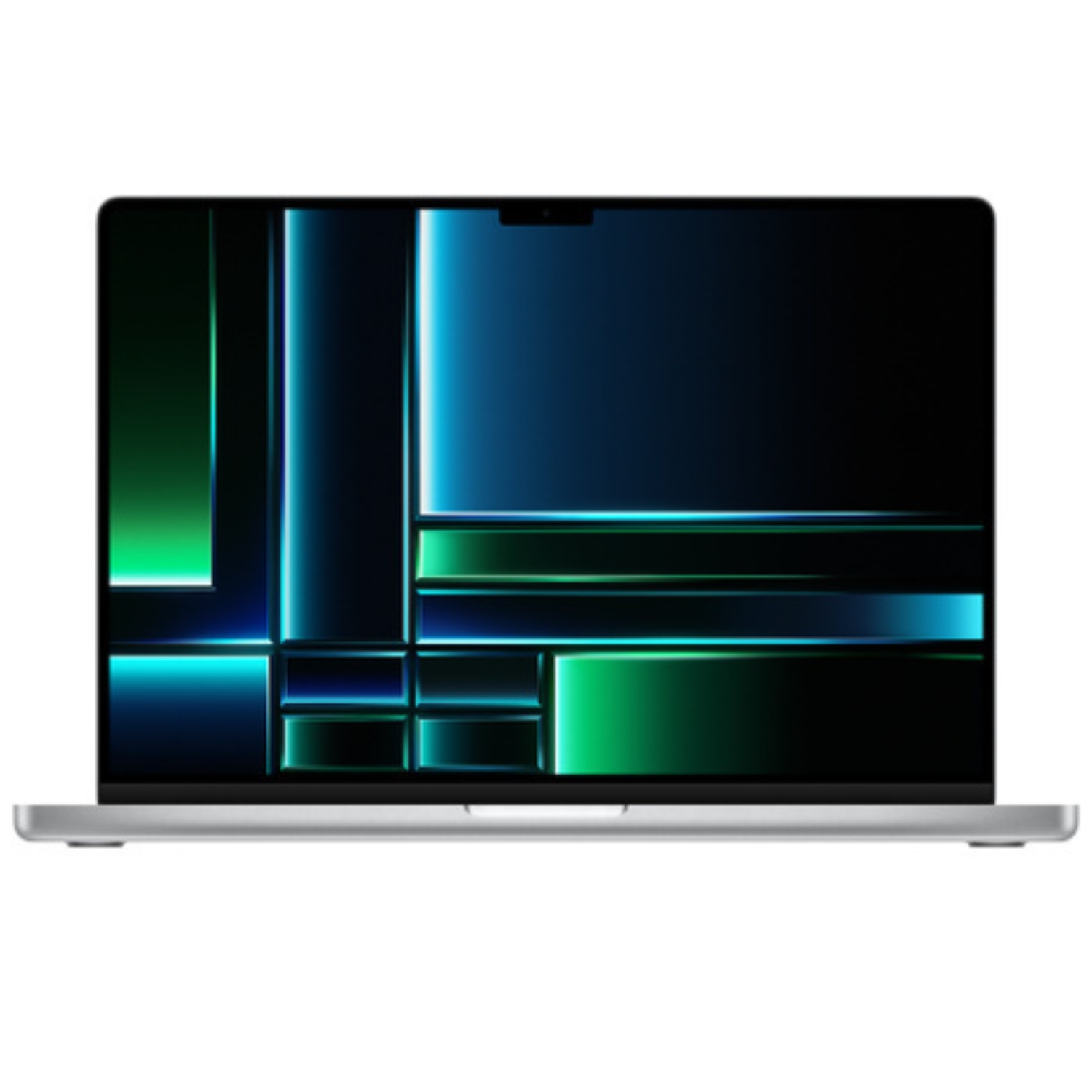
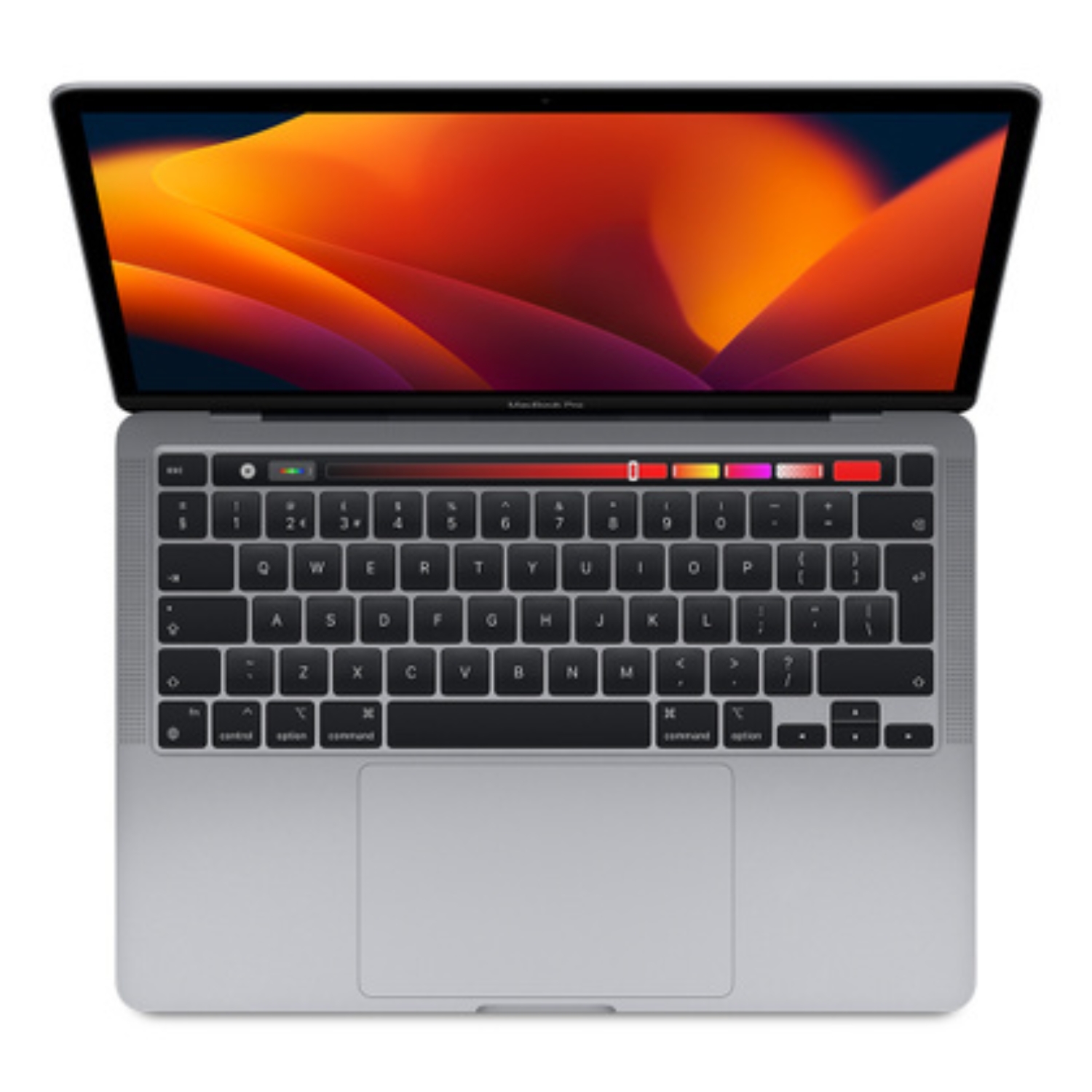
Analyst forecasts, including reports from Bloomberg’s Mark Gurman, suggest that new MacBook Pro models featuring M5 Pro and M5 Max chips will likely hit the market in early 2026—potentially February or March. This release window aligns with the next major macOS update designed to fully leverage the new hardware. In total, four different MacBook models are expected to debut by 2026.
New models typically arrive in Estonia shortly after the global launch. Pricing is expected to remain consistent with current flagship models, though minor adjustments could occur due to inflation and rising production costs. This means a top-tier, brand-new MacBook Pro could still cost several thousand euros, making it vital to consider if you truly need the cutting edge for your workflow. When you do upgrade, our guide for data transfer can help make the transition from your old machine seamless.
Design and Display Technology
For now, it is best to manage expectations regarding a major design overhaul; the M5 generation will likely utilize the same chassis seen in recent years. Apple is currently prioritizing internal architecture, reserving major visual refreshes for the future. A more significant update—including an ultra-thin design and OLED displays—is currently projected for late 2026 or 2027 alongside the M6 chip.
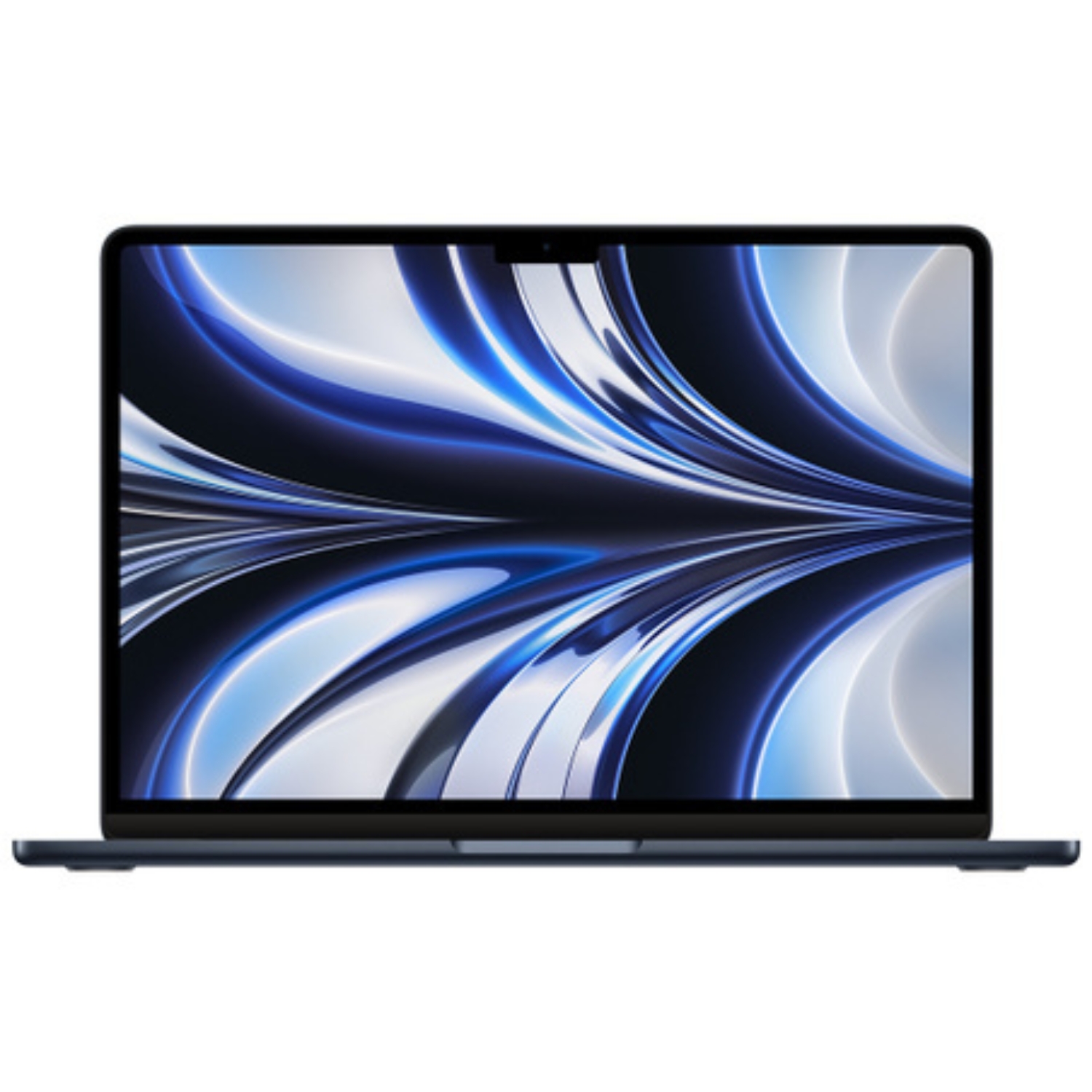
This means the current Liquid Retina XDR display will remain the standard, providing industry-leading contrast and color accuracy for photographers and designers. Display technology has reached a point where individual pixels are indistinguishable to the naked eye, ensuring razor-sharp text and lifelike imagery. If you need help deciding which screen size fits your workflow, see our comprehensive guide to MacBook screen sizes.
Should You Wait for the M5 Chip or Buy Today?
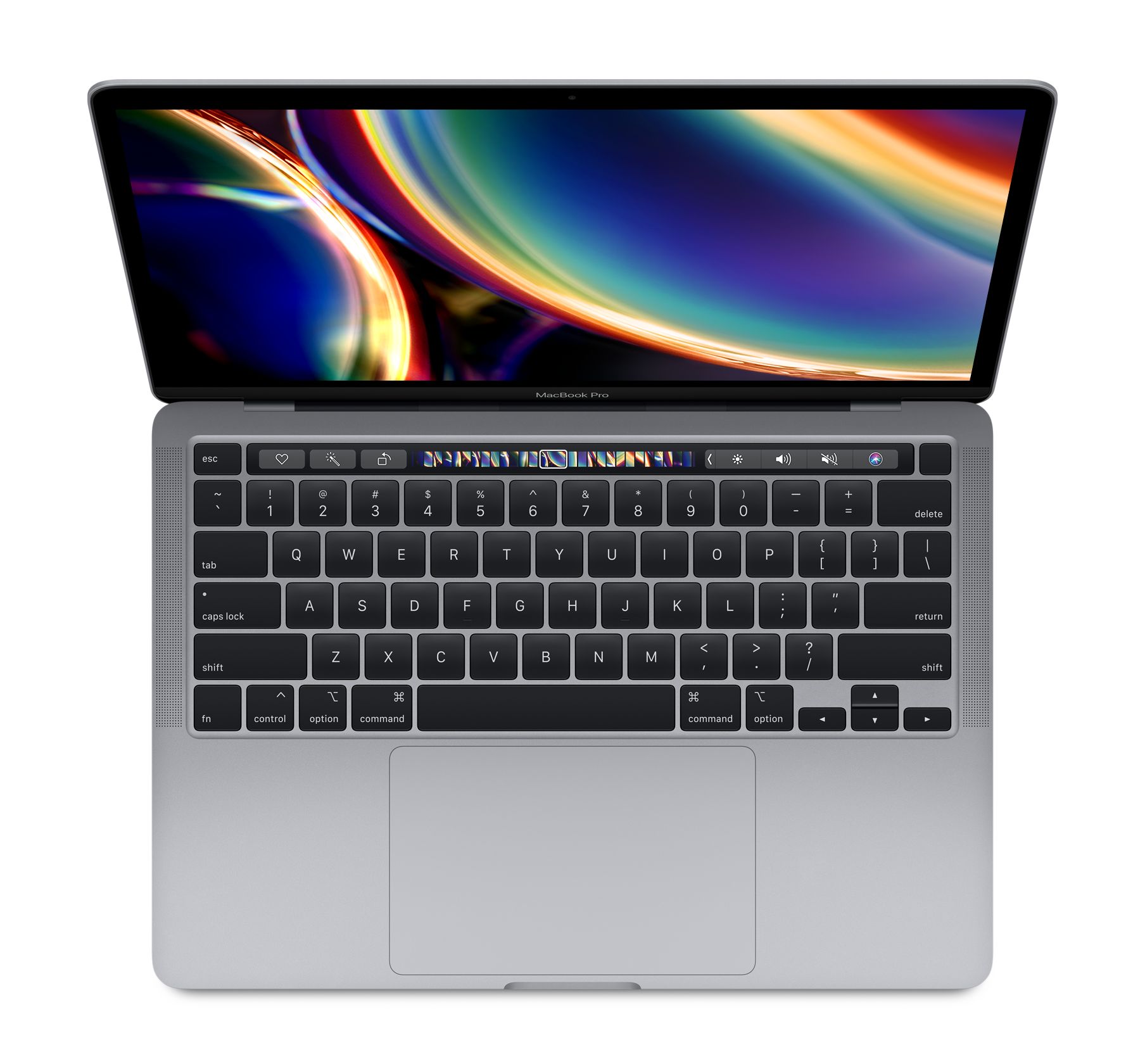
The decision to upgrade depends on your current device and the value new features will add to your daily life. If you are using an M1 Pro or newer, you likely have enough performance to wait for the 2026 releases. However, if your primary tool is an aging Intel-based Mac with a battery and speed that no longer keep up with modern demands, waiting another year could result in lost productivity.
When choosing a new Mac, pay close attention to memory (RAM). Modern applications and future AI features are increasingly resource-heavy, and Apple has begun shifting toward larger base memory configurations. Since Apple Silicon memory cannot be upgraded after purchase, we recommend reading our article on how much RAM your Mac actually needs to ensure your device remains future-proof.
The Sustainable Choice: Refurbished MacBooks
The latest model isn’t always the most rational choice for every user. Often, a device that is just two or three generations old offers 90% of the same experience at a fraction of the cost. A refurbished MacBook is a fully inspected, certified, and warrantied device that is better for both your wallet and the environment by reducing electronic waste.
At UPGREAT, we offer a wide range of M-series Macs that have undergone rigorous testing by certified technicians and come with a 2-year warranty. This is a secure way to join the Apple ecosystem or upgrade to a more powerful machine without paying the full retail price of a new unit. If you have an old device, you can also take advantage of our buyback option to make your upgrade even more affordable. Browse our selection of refurbished MacBooks to find your next reliable workstation.
Check out our blog where we share the latest news and tech trends.
To stay updated on UPGREAT campaigns, follow us on FB or Instagram.


