
Are you looking for the most affordable entry point into the macOS ecosystem, or do you need a reliable workhorse capable of handling demanding professional tasks? Choosing between the MacBook Neo and the MacBook Air ultimately comes down to your daily workflow and budget, as these two devices are designed for very different types of users.
Key Differences Between MacBook Neo and MacBook Air
The MacBook Neo is a newer addition to the Apple lineup, built specifically for those who prioritize affordability and basic functionality. Unlike the MacBook Air, which is powered by Apple’s high-performance M-series chips, the Neo utilizes the A18 Pro processor—the same architecture found in the iPhone. Consequently, the Neo is best suited for web browsing, document editing, and light entertainment, offering a smooth macOS experience at a record-low starting price.
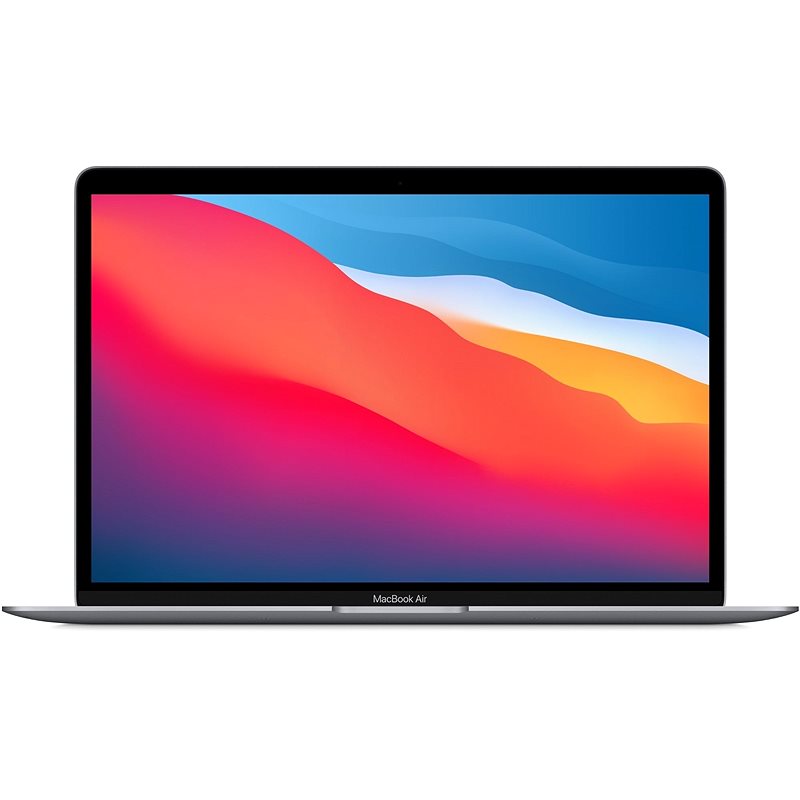
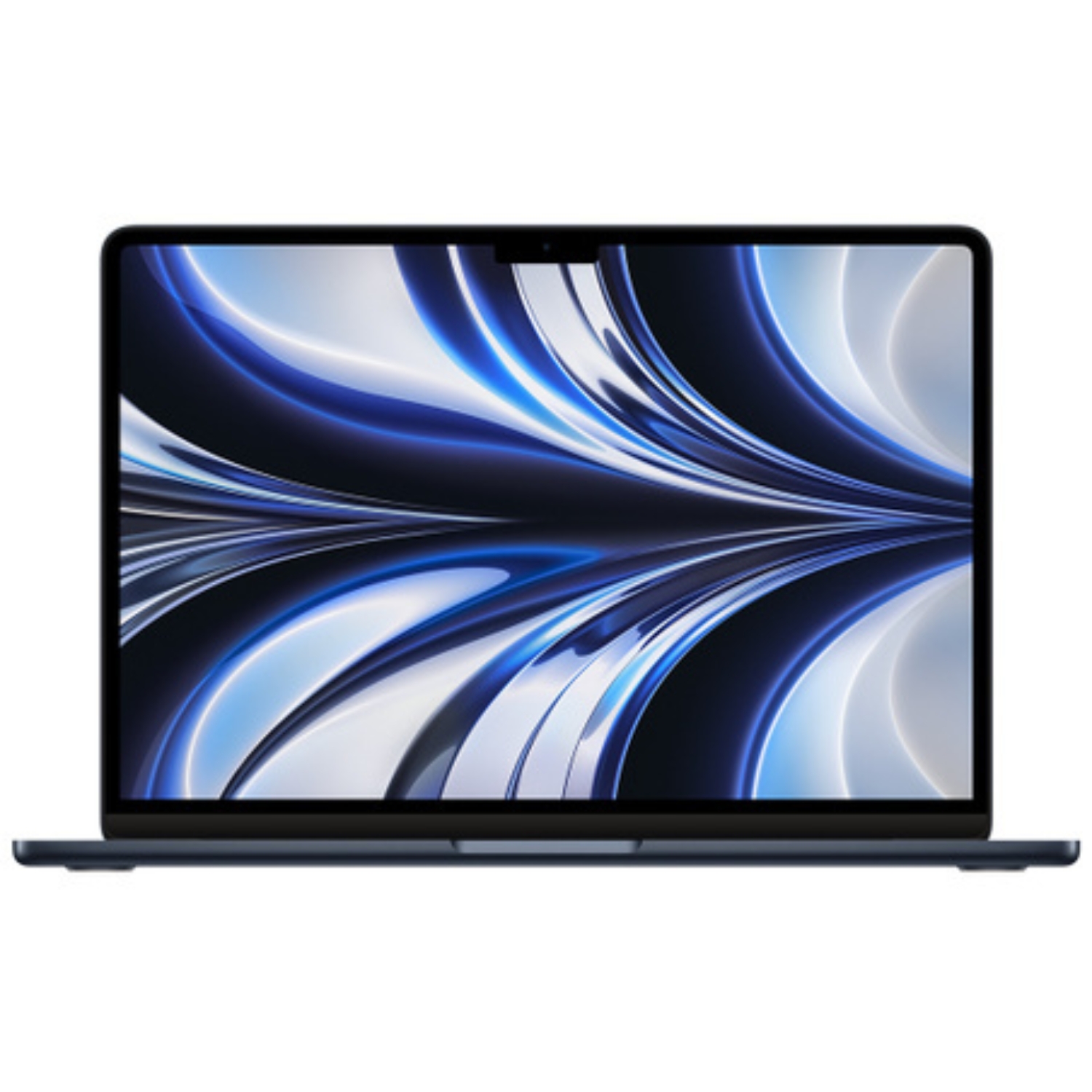
The MacBook Air, by contrast, is engineered for users who require sustained performance and long-term durability. Whether you opt for the M3, M2, or the classic M1 chip, the Air’s architecture is optimized for heavier workloads, providing significantly more graphical and computational power than the A-series chips. If your typical day involves juggling dozens of browser tabs, attending video conferences, and performing light photo editing, a refurbished MacBook Air is the more stable and future-proof investment.
Performance and User Experience
In terms of raw power, the MacBook Air holds a commanding lead, particularly with its latest generations. For instance, a MacBook Air M4 review confirms that M-series chips offer up to 63% faster single-core performance compared to the original M1, significantly outperforming the iPhone-based architecture of the Neo. Furthermore, M-series chips include dedicated media engines for video decoding and hardware-accelerated ray tracing—essential features for creative projects that the budget-friendly Neo lacks.
The Air also offers superior flexibility and professional-grade connectivity. Most modern Air models include a MagSafe 3 charging port, which protects your laptop from accidental trips while leaving both Thunderbolt ports free for peripherals. The Neo relies on a more basic setup that covers the essentials but may fall short if you plan to connect multiple external monitors or high-speed storage drives. You can find more details on external display support in our MacBook screen size guide.
Display and Design
Display quality is a major factor in the overall user experience, and this is where the Air truly sets itself apart. Available in both 13-inch and 15-inch sizes, the MacBook Air features Liquid Retina technology with brightness reaching 500 nits. This ensures the screen remains perfectly legible even in bright sunlight and provides accurate P3 wide color gamut support—a critical requirement for photo and video work. While the Neo is more compact and lighter, its display panel and chassis finish have been streamlined to achieve its lower price point.
For users on the go, the MacBook Air’s weight (ranging from 1.24 to 1.51 kg) offers an ideal balance between screen real estate and portability. The Air’s iconic fanless design also ensures completely silent operation, whether you are crunching numbers in a massive spreadsheet or streaming high-definition content. This silent performance is particularly valuable for students and remote workers who need a quiet, distraction-free environment.

Price and Value: The Case for Refurbished Devices
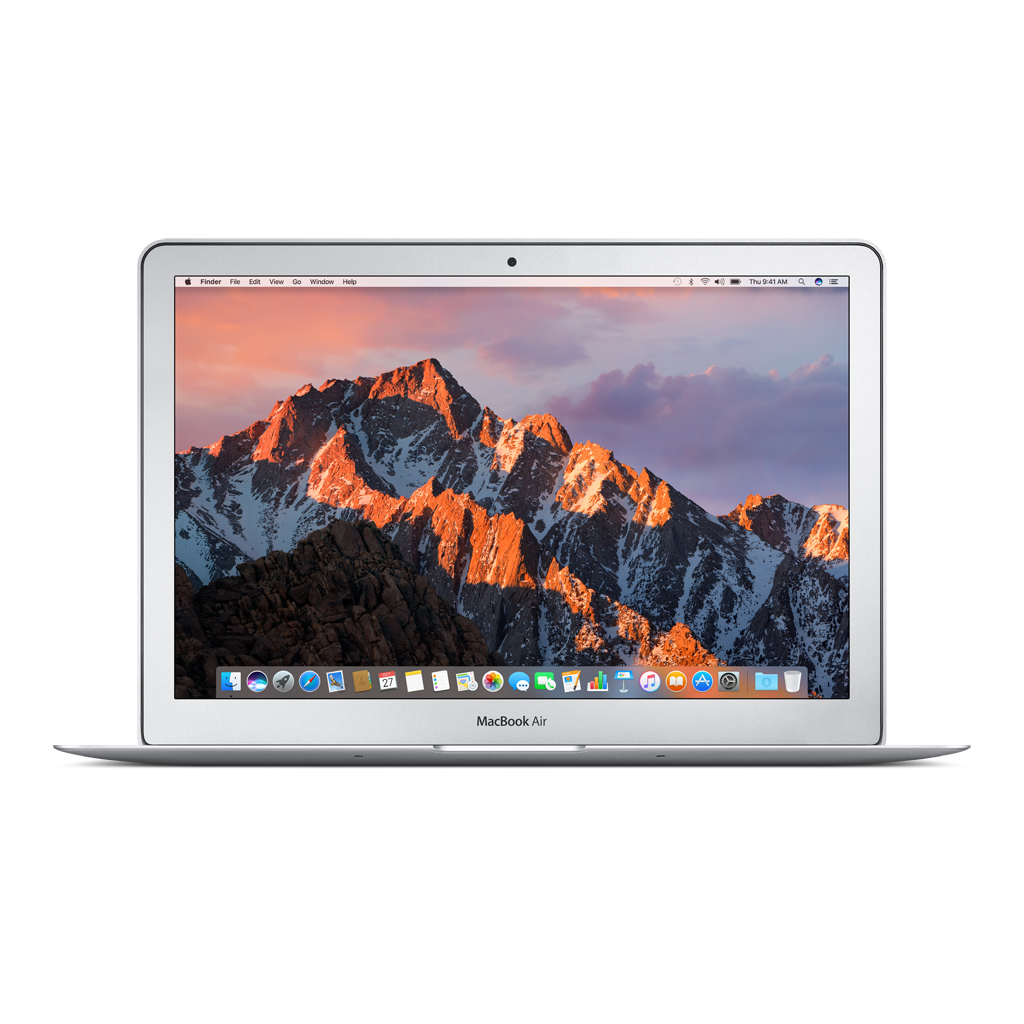
While the MacBook Neo enters the market at an impressively low price of $599 for a new unit, a refurbished MacBook Air often represents even better value. In the UPGREAT selection, a MacBook Air 2020 (M1) is frequently available at a price point similar to the Neo, despite offering a more capable processor, superior build quality, and a professional-grade Retina display.
Choosing a refurbished device is not just cost-effective; it is also an environmentally conscious decision that helps reduce electronic waste. All of our devices are rigorously inspected by certified technicians, and every purchase is backed by a 2-year warranty and a 14-day satisfaction guarantee. This allows you to secure a machine for the price of a Neo (or less) that offers a longer functional lifespan and holds its resale value better thanks to the power of the M-series chip.
Which Model is Right for You?
Your final decision between the MacBook Neo and the Air should depend on your daily requirements and long-term goals:
- Students and Casual Users: The MacBook Neo is a solid entry point into the Apple ecosystem if you are on a strict budget and your tasks are limited to word processing and social media. However, it is worth checking our guide on which Mac is best for students to see why an M1 Air is often the smarter long-term investment.
- Remote Work and Multitasking: The MacBook Air is the clear winner here. Its higher RAM capacity and M-series performance ensure the system remains responsive even with numerous applications running simultaneously.
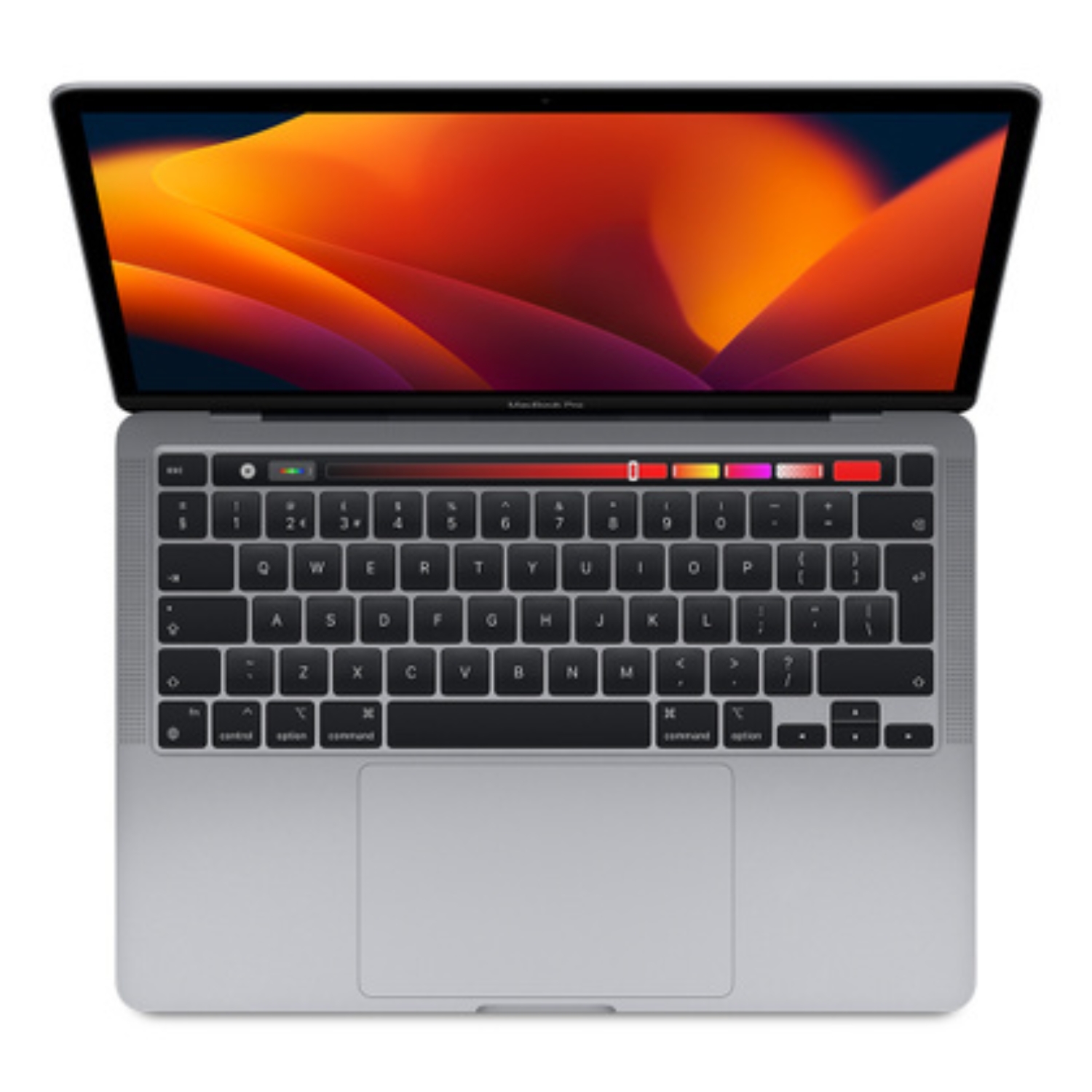
- Creative Work and Development: If your work involves sustained processing loads and resource-heavy software, you may even want to consider a refurbished MacBook Pro alongside the Air for its active cooling system. Read our Air vs. Pro comparison to find the right performance tier for your needs.
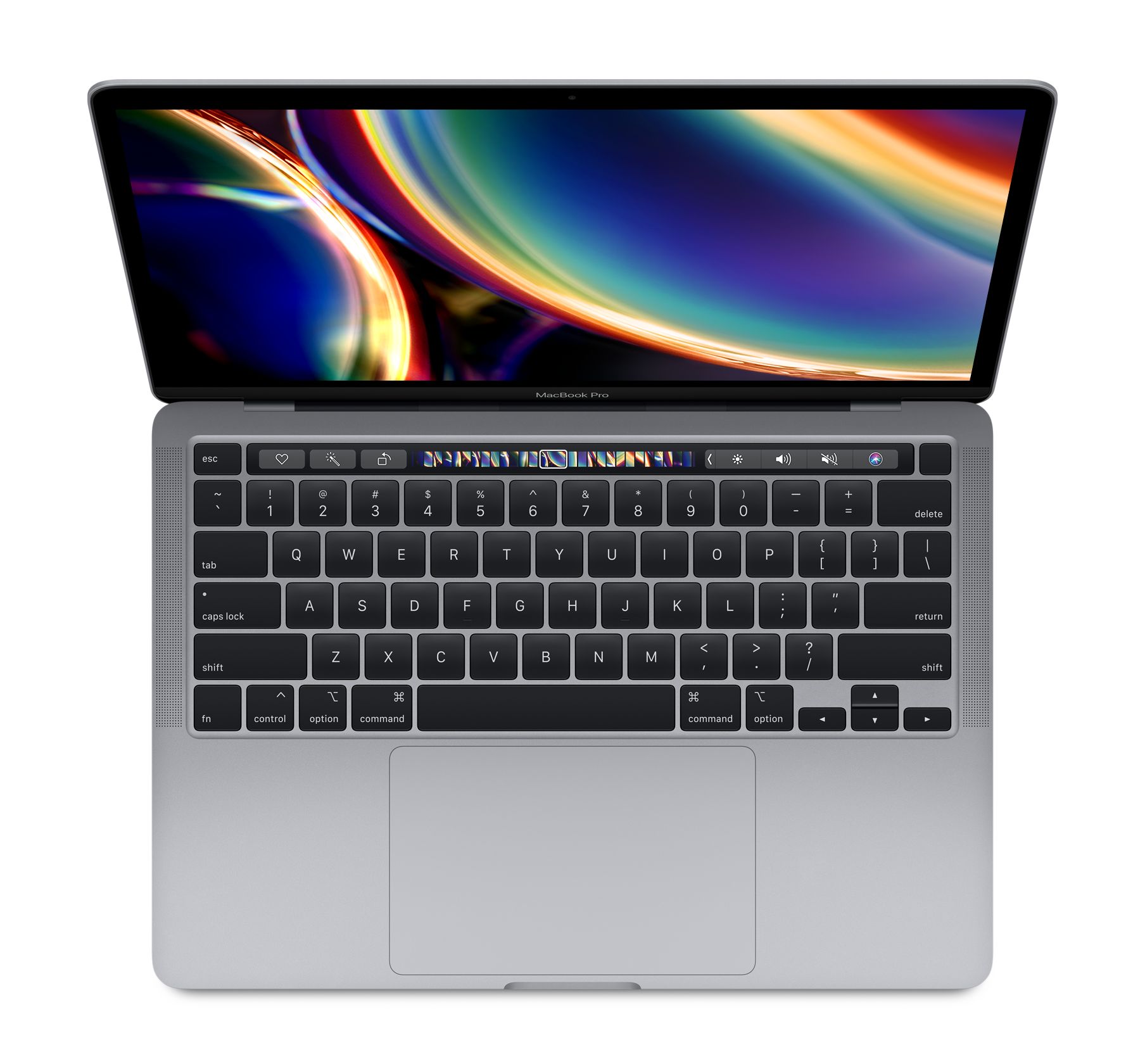
Ultimately, the choice comes down to whether you prefer a brand-new base model or a more powerful, durable refurbished device for the same price—one that will serve you reliably for years to come.
Check out our blog for more reviews, trends, and news. To stay updated on the latest UPGREAT campaigns, follow us on FB or Instagram.

