
Are you thinking about getting a new iPhone but aren’t sure which model would be the best choice? Or perhaps you’re wondering if your current iPhone needs to be replaced? In this article, we’ll review the history of iPhone models, the significant changes across generations, and provide practical recommendations on when it makes sense to replace your phone with a newer one.
Brief History of iPhone Development: How It All Began
The Apple iPhone has transformed the smartphone world since 2007, when Steve Jobs introduced the first iPhone model. At the time, it was a revolutionary device that combined a phone, iPod, and internet browser. Since then, the iPhone has undergone remarkable development in terms of design, performance, and functionality.
The First iPhones (2007-2011)
The first models – iPhone, iPhone 3G, iPhone 3GS, iPhone 4, and iPhone 4S – laid the foundation for Apple’s smartphone concept. The iPhone 4 introduced the Retina display and an updated design with a metal and glass body. The iPhone 4S introduced the world to the Siri voice assistant.
Mid-Period iPhones (2012-2016)
The iPhone 5 brought a larger 4-inch screen and Lightning port. The iPhone 5S was the first smartphone with a fingerprint reader (Touch ID). iPhone 6 and 6 Plus introduced even larger screens (4.7 and 5.5 inches). The iPhone 7 was the first waterproof iPhone and removed the 3.5mm headphone jack.
Modern iPhones (2017-present)
The iPhone X marks a significant turning point in design, introducing the notch, Face ID facial recognition, and removing the home button. The iPhone XS, XR, and later models have further developed this design language, improving performance and camera systems.
Major Changes Across Generations
Design Evolution
From the earliest models to today, iPhone design has moved from thicker devices to thinner ones, from aluminum bodies to combinations of glass and stainless steel. The home button disappeared with the iPhone X model, replaced by gestures.
The iPhone 12 series brought back a more angular design, reminiscent of the iPhone 4 era. The iPhone 15 Pro models introduced a titanium body, which is lighter and more durable.
Screen Technology Evolution
Apple has moved from LCD screens to OLED screens, which offer better contrast and more energy-efficient usage. OLED technology first arrived in the iPhone X model, and has since made its way to standard (non-Pro) models starting with the iPhone 12.
Screen sizes have grown over time – from the first iPhone’s 3.5-inch screen to the iPhone 16 Pro Max’s 6.9-inch screen.
Processor Evolution
With each generation, Apple has introduced a new and more powerful chipset, starting with the first iPhone’s 412 MHz processor up to the A18/A18 Pro chipset in the iPhone 16 series.
Geekbench 6 tests show that the iPhone 17 Pro Max is approximately 625% faster in single-core and 1111% faster in multi-core performance compared to the iPhone 6S (2015). GPU performance has increased by as much as 1667%. This illustrates how much devices have evolved over the last decade.
Camera System Evolution
Camera systems have improved noticeably across generations:
- iPhone 3GS: 3MP main camera
- iPhone 4: 5MP main camera, first front camera (VGA)
- iPhone 5: 8MP main camera, 1080p video
- iPhone 6s: 12MP main camera, 4K video
- iPhone 7 Plus: First dual-camera system
- iPhone X: Dual camera with improved portrait mode
- iPhone 11 Pro: Triple camera system, including ultra-wide
- iPhone 12 Pro: Better low-light performance, LiDAR scanner
- iPhone 13 Pro: Macro photography capabilities, Cinematic mode
- iPhone 14 Pro brought a 48MP main camera and better optical zoom
- iPhone 15 Pro: Real tetraprism telephoto camera with 5x zoom
- iPhone 16 Pro: Up to 25x digital zoom
Battery and Charging Evolution
Battery capacity has consistently increased, ensuring better durability despite increased device performance. For example:
- iPhone 12 offers up to 17 hours of video playback
- iPhone 13 offers up to 19 hours of video playback
- iPhone 14 Plus offers up to 26 hours of video playback
- iPhone 15 Pro Max offers up to 29 hours of video playback
- iPhone 16 Pro Max offers up to 33 hours of video playback
Charging technology has also evolved: from the original 5W charging to today’s 30W+ fast charging, MagSafe magnetic charging, and expanding USB-C connectivity options that arrived in iPhone models starting with the 15th generation.
When Is It Reasonable to Replace Your iPhone?
Software Support Factors
Apple typically provides 5-7 years of software support for its devices. If your iPhone no longer receives the latest iOS updates, this might be a sign to consider upgrading. Without updates and security patches, your device may become vulnerable, slow, or incompatible with new applications.
Battery Health Considerations
iPhone battery capacity decreases over time. According to Apple’s standards, the battery should retain about 80% of its original capacity after about 500 complete charging cycles, which with typical usage means 2-3 years. If the battery health indicator is below 80% and your phone doesn’t last through the day, it might be time to replace your phone or at least the battery.
Performance Issues
If you notice that your iPhone becomes slow when opening or using applications, frequently crashes, or overheats significantly, this may indicate that the device’s performance can no longer meet the demands of modern applications. Geekbench 6 tests show that the iPhone 12 (A14) is about 1.4 times faster than the iPhone X (A11), which can mean a noticeable difference in everyday use.
Physical Condition
Screen damage, water damage, or other physical problems may also be signs that it’s time to upgrade – especially if repair costs constitute a significant portion of a new phone’s price.
Feature Requirements
If you feel you need newer features, such as a better camera, fast charging, USB-C connectivity, or a better screen, this could be a good reason to upgrade. For example, the iPhone 15 Pro offered significantly better camera systems compared to the iPhone 12 Pro, especially in terms of zoom capabilities and low-light performance.
Practical Decision Framework: Which iPhone to Choose?
iPhone Selection Strategy Based on Different Needs
- For Technology Enthusiasts:
- Latest Pro model (currently iPhone 16 Pro/Pro Max)
- Advantages: Best performance, camera, and screen
- Disadvantages: Highest price
- For Balanced Users:
- Previous generation Pro model or the latest regular iPhone
- Recommendation: iPhone 15 Pro or iPhone 16
- Advantages: Good performance-to-price ratio
- For Price-Sensitive Users:
- 2-3 generations old model
- Recommendation: iPhone 14 or iPhone 13
- Advantages: Significantly more affordable, but still capable
- For Those Seeking Compactness:
- iPhone SE or smaller Pro model
- Recommendation: iPhone SE3 or iPhone 16 Pro
- Advantages: More compact form, easier to use with one hand
Cost Optimization Strategy
Refurbished iPhones offer a great opportunity to save while maintaining quality:
- Refurbished Pro models: You can get iPhone 14 Pro functionality at a significantly lower cost than a new iPhone 16 Pro
- Refurbished devices with warranty: UPGREAT offers 2-year warranty on all refurbished iPhones, making the purchase safer
- Battery health: UPGREAT guarantees that all refurbished iPhones have a battery capacity of at least 80%
Refurbished vs New iPhone
Buying a refurbished iPhone doesn’t mean compromising on quality:
- Verified quality: All UPGREAT devices have undergone thorough inspection by certified technicians
- Environmental sustainability: Buying a refurbished device reduces your CO2 footprint by about 80% compared to manufacturing a new phone
- Value for money: For example, iPhone 13 from €339 or iPhone 14 from €409 still offering excellent performance
Transferring Data from Your Old iPhone to a New One
When you’ve decided to replace your iPhone, one of the most important steps is transferring your data. Apple offers several simple ways to do this:
- Quick Start method: Place your new iPhone next to the old one and follow the on-screen instructions for wireless transfer
- iCloud backup restoration: Back up your old iPhone to iCloud and restore the new device from this backup
- Transfer via computer: Use iTunes (Windows) or Finder (Mac) to create a backup and then restore it
Conclusion: When Is the Right Time to Replace?
The right time to replace your iPhone depends on several factors and is highly individual. Generally, you might consider upgrading when:
- Your current device no longer receives the latest iOS updates
- Battery health has dropped below 80% and the phone doesn’t last the day
- You notice clear performance issues or slowdowns
- You need newer features like a better camera, USB-C, or MagSafe
- Your phone is physically heavily damaged
It’s worth remembering that the latest model may not always be the most sensible choice. A quality refurbished iPhone (e.g., iPhone 13 or 14) offers a great balance between price and performance for most users, while also saving the environment.
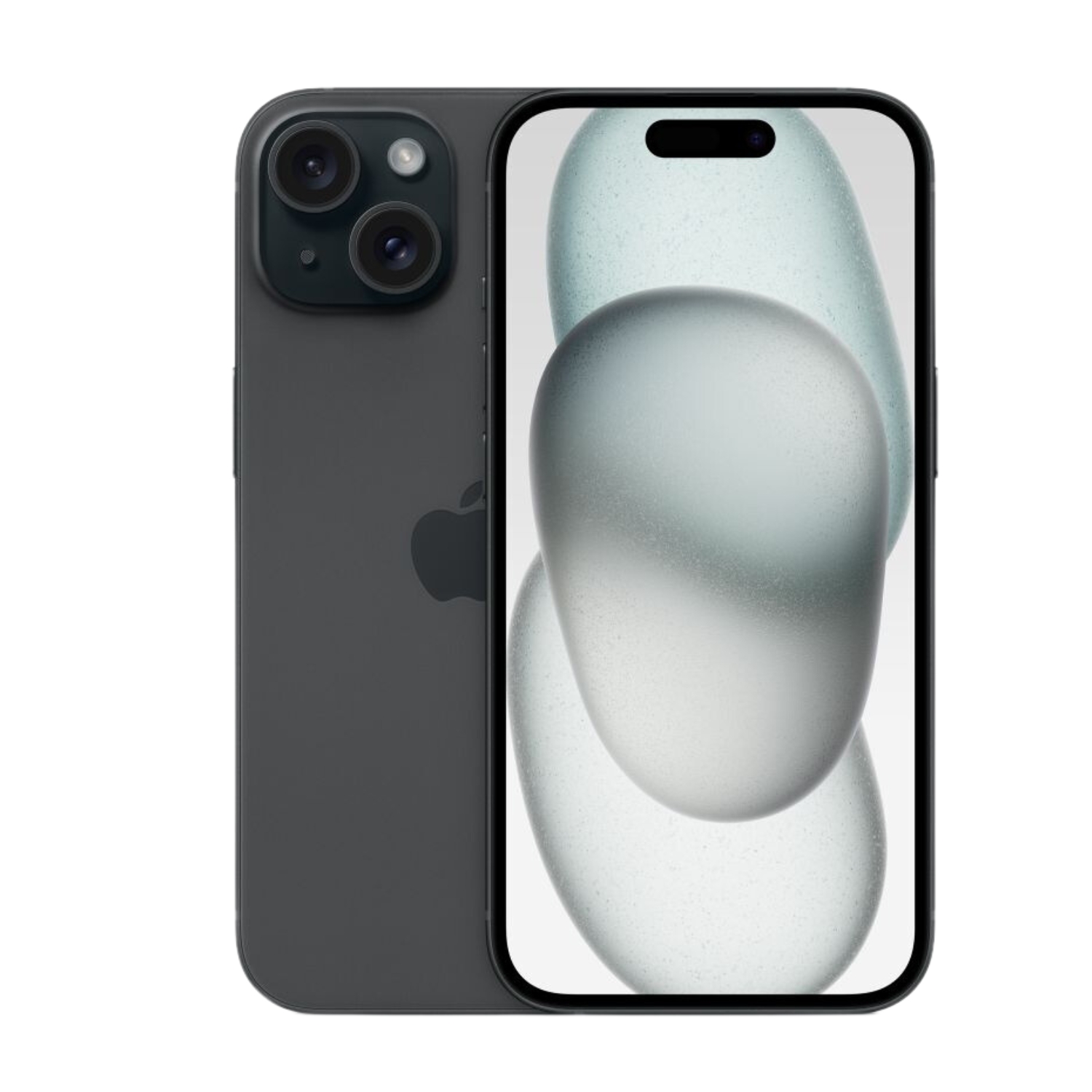
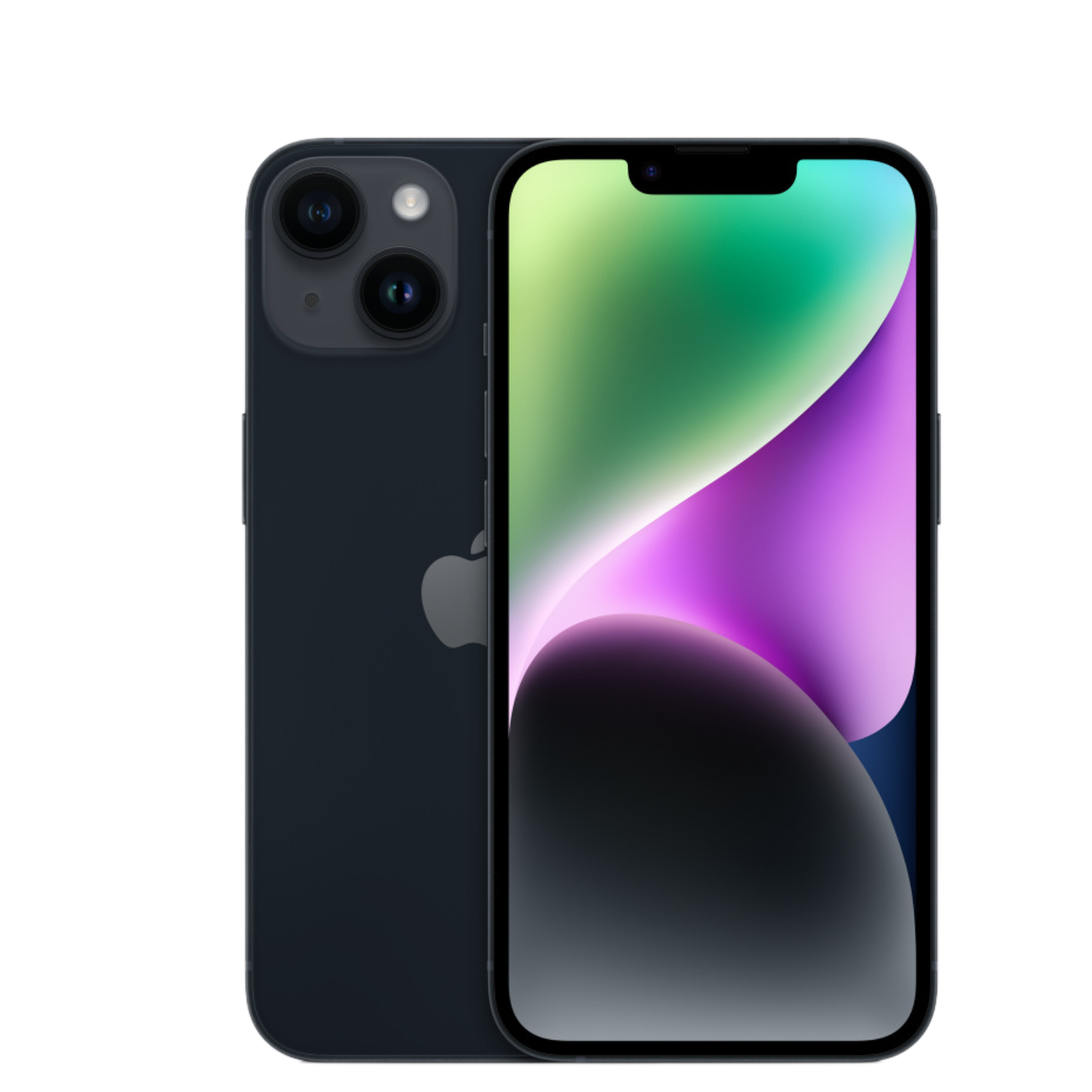
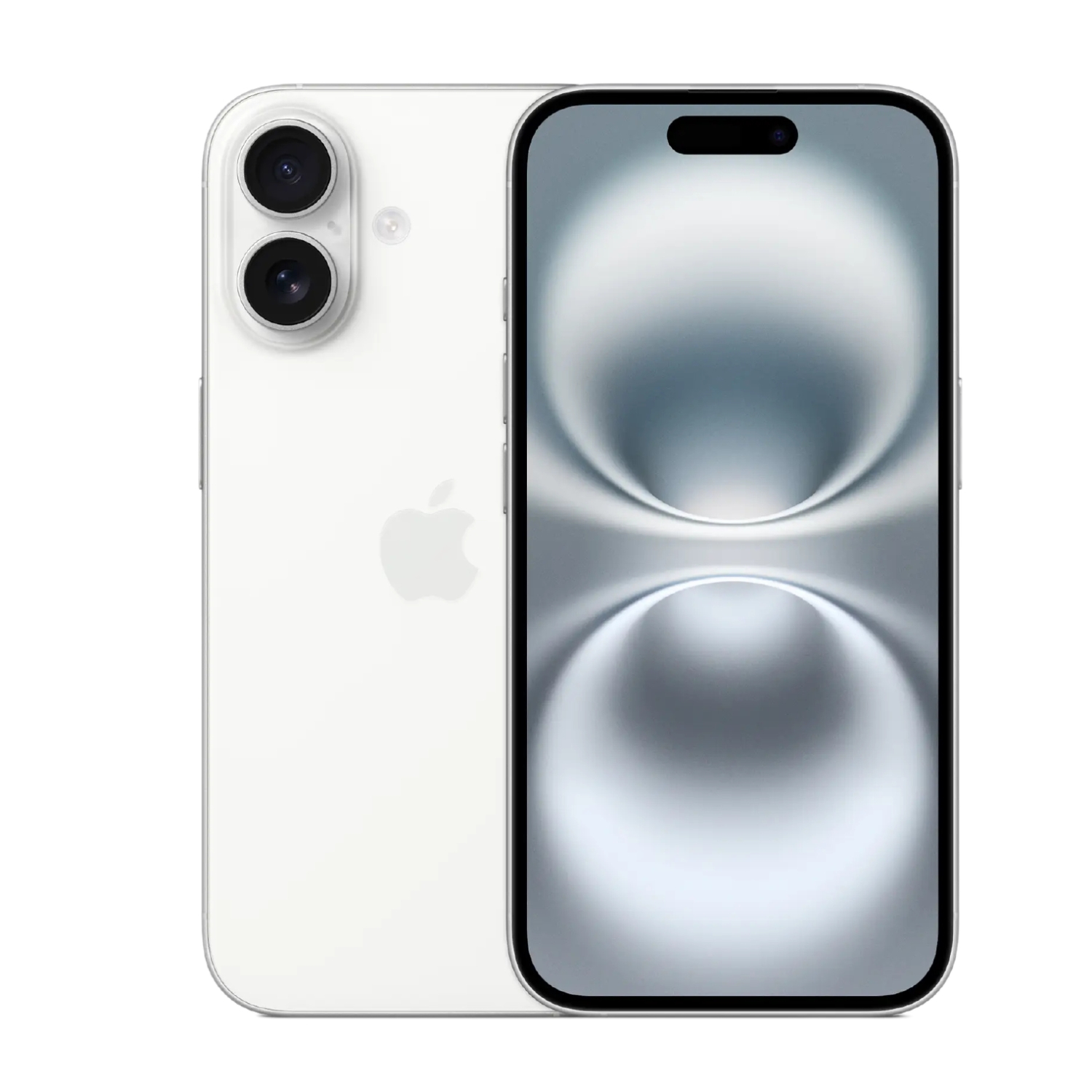
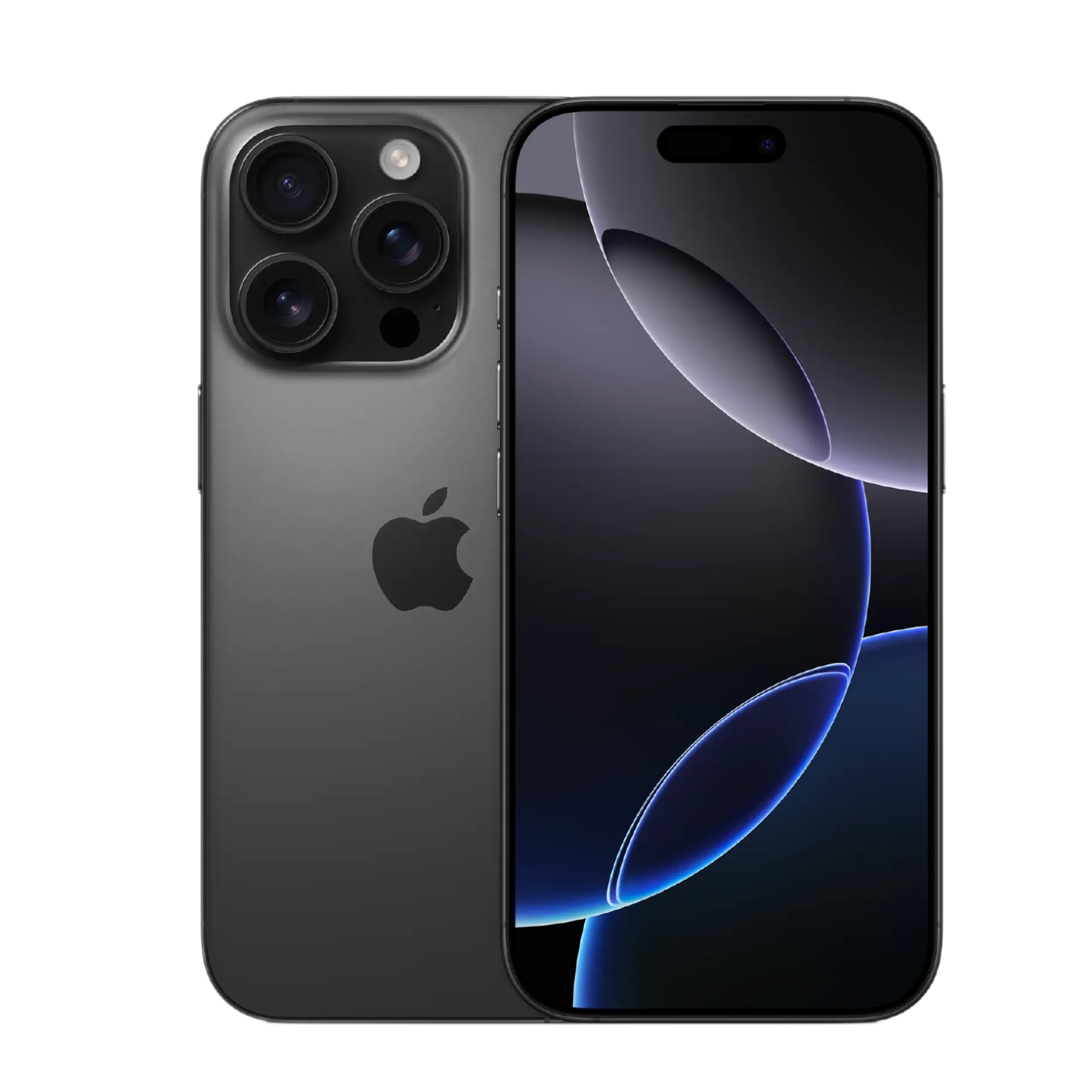
To enjoy the benefits of the latest generation, it’s also worth looking at the iPhone 16 series, which offers the best performance, battery life, and camera capabilities:
Also check out our blog where we share overviews of trends and news.
To stay up to date with Upgreat campaigns, add us as a friend on FB or follow us on Instagram.


